Before and After Videos: Why This Short-Form Template Still Wins
Before and after videos are still one of the strongest short-form formats on TikTok, Instagram Reels, and YouTube Shorts. Learn why this template works and how to create it faster with AI.

By Movi AI Team
Movi AI Editorial Team
If you want one format that keeps performing across TikTok, Instagram Reels, and YouTube Shorts, before and after videos are still hard to beat. They deliver a fast payoff, create curiosity in the first second, and make viewers stay to see the transformation. For creators, brands, and side hustlers, this template is simple, repeatable, and perfect for AI-assisted editing.
Why before and after videos still dominate short-form
The best short-form content usually does one thing well: it gives people a reason to keep watching. Before and after videos do that naturally. The opening frame shows a problem, plain version, or starting point. The ending promises a satisfying reveal. That gap creates tension, and tension drives retention.
- TikTok rewards strong watch time and replays, especially when the reveal happens late enough to hold attention
- Instagram Reels tends to favor visually polished, emotionally clear transformations that are easy to share
- YouTube Shorts often performs well with simple payoff-driven formats that viewers can understand instantly without context
"The fastest way to stop the scroll is to promise a visible result."
What makes this template go viral
1. The hook is built in
A good transformation starts with a strong first frame. Think: messy desk to clean setup, plain selfie to glam look, empty room to styled space, rough product shot to premium brand visual. You do not need a complicated intro because the contrast already acts as the hook.
2. The payoff is easy to understand
Some trending video formats need context, audio trends, or niche jokes to work. This one does not. Anyone can understand change. That is why it translates so well across audiences and platforms.
3. It works for creators and brands
- Product showcases: show a plain product shot, then the styled use case or final result
- Beauty and fashion: no-makeup to full look, casual outfit to styled outfit
- Home and lifestyle: room makeover, desk setup, cleaning reset, renovation progress
- Business and marketing: logo sketch to final brand kit, raw footage to polished ad
- Fitness and self-improvement: progress clips, habit tracking visuals, routine upgrades
How to structure before and after videos for better retention
Use a simple 4-part sequence
- Frame 1 - Before: show the starting point immediately
- Frame 2 - Tease: add text like "wait for the result" or "from this to this"
- Frame 3 - Transition: use motion, zoom, swipe, or beat drop
- Frame 4 - After: reveal the final result clearly and hold it long enough to register
This structure works especially well for tiktok transformation videos, instagram reels before and after, and youtube shorts transformation content because it matches how people consume short videos: fast, visual, and outcome-focused.
Create transformation videos faster with Movi AI
Turn a simple idea, product image, or short clip into polished before-and-after content with AI-powered video creation tools built for creators.
Download Movi AIReal examples of before and after videos that perform now
- UGC product reveal - Start with the product in packaging, cut to the product in use with clean text overlays
- Editing makeover - Show raw phone footage first, then reveal the color-graded final version
- AI image to video transformation - Begin with a static image and animate it into a cinematic scene
- Creator workspace reset - Messy desk, cable chaos, then clean creator setup
- Mini brand story - Old logo or post design, then upgraded visual identity
This is where AI helps. Instead of building every transition manually, creators can use *Movi AI* to generate visuals from text prompts, animate still images, or turn rough footage into a more stylized result. That makes before and after videos easier to produce at scale.
Tips to make your transformation template feel fresh
- Use specific text overlays instead of generic captions, like "from zero sales page to product launch page"
- Keep the before section short, but not so short that viewers miss the contrast
- Match the reveal to a beat change or sound cue for a stronger payoff
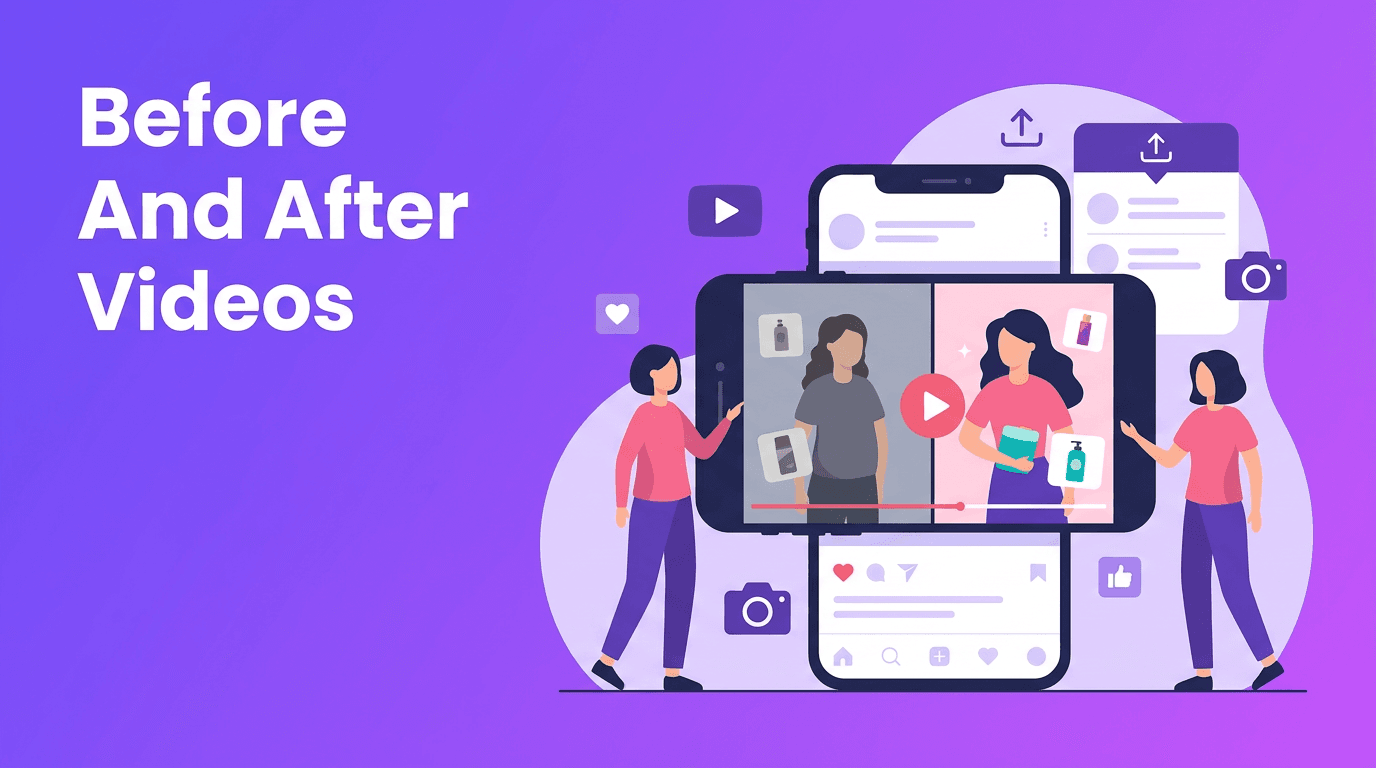
- Test split-screen layouts for side-by-side comparison
- Add a final caption that explains the value, result, or tool used
- Repurpose the same concept across TikTok, Reels, and Shorts with platform-native captions
Why AI-generated transformation templates are growing
One reason creators are leaning into AI is speed. Instead of spending hours editing every version, AI can help generate multiple takes of the same concept. For example, a creator can start with a product photo, use text-to-video or image-to-video tools, and build several transformation cuts for different hooks. That gives you more room to test what actually performs.
For social media teams and solo creators, AI also lowers the barrier to polished content. You do not need advanced editing skills to make a transformation feel dynamic. With the right workflow, a simple idea can become a professional short video in minutes.
Final takeaway
If you are choosing a repeatable short-form format, before and after videos are still one of the smartest bets. They are visual, easy to understand, and naturally built for retention. Whether you create beauty content, product marketing, tutorials, or brand storytelling, this template gives you a reliable way to stop the scroll and deliver a satisfying result.
Frequently Asked Questions
Why do before and after videos perform well on TikTok?
They create instant curiosity and a clear payoff, which helps improve watch time and replay rate.
What types of before and after videos work best on Instagram Reels?
Visually strong transformations like beauty, fashion, room makeovers, product styling, and editing upgrades tend to work well.
Can I make before and after videos with AI?
Yes. AI tools can help you generate scenes, animate images, improve footage, and speed up editing for short-form content.
Are before and after videos good for YouTube Shorts?
Yes. They are easy to understand quickly, which makes them a strong fit for the fast, mobile-first Shorts format.
Movi AICreate stunning AI videos in seconds!
Turn your ideas into professional videos with the #1 AI video maker.
Download Movi AI