Video Content Atomization: Turn One Webinar Into Weeks of Social Clips
Video content atomization helps brands turn one long-form asset into dozens of social-ready clips, making social media video marketing faster, cheaper, and easier to scale.

By Movi AI Team
Movi AI Editorial Team
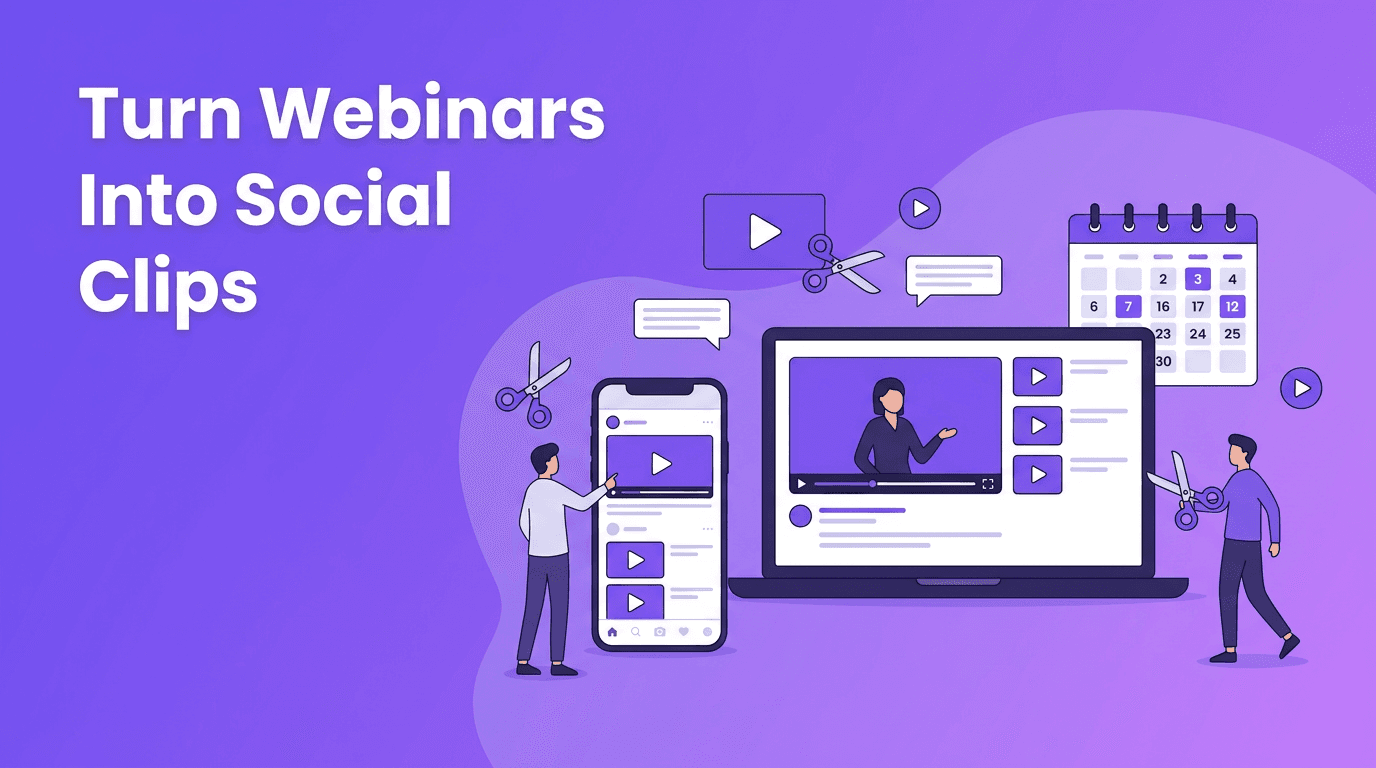
Video content atomization is one of the most practical ways to scale social content without filming every day. Instead of creating every post from scratch, marketers can turn one webinar, product walkthrough, interview, or podcast into a stream of short videos built for reach, engagement, and conversions.
Why video content atomization matters now
Social teams are under pressure to publish more often across TikTok, Instagram Reels, YouTube Shorts, LinkedIn, and even paid channels. At the same time, production budgets are tight. Video content atomization solves that gap by helping brands squeeze more value from every recording session.
- Lower production costs by reusing existing footage instead of scheduling new shoots
- Increase output volume without increasing team workload
- Match platform behavior by cutting one long asset into multiple short formats
- Improve ROI from webinars, live events, demos, founder updates, and interviews
What qualifies as a good source video
The best source assets are long-form videos with clear talking points, strong opinions, step-by-step education, or product explanations. Good examples include webinars, customer interviews, podcasts, keynote talks, Q&A sessions, tutorials, and internal training clips that can be reframed for external marketing.
Choose assets with built-in clip potential
- Moments with a strong opening statement
- Clear answers to a common customer question
- Data points, trends, or predictions
- A product explanation in under 60 seconds
- A memorable quote from a founder or expert
"The easiest way to publish more video is not to film more. It is to extract more value from what you already have."
A 5-step video content atomization workflow
1. Start with the audience question
Before clipping anything, define what your audience actually wants to know. A webinar may cover ten topics, but your social audience may only care about two. Build clips around search intent, pain points, and objections, not around the original event agenda.
2. Pull out stand-alone moments
Look for sections that make sense without extra context. The strongest social clips usually work as self-contained answers, insights, or mini lessons. This is where video content atomization becomes strategic, not just editorial.
3. Reformat for each platform
A webinar clip should not be posted everywhere in the same way. Convert it into vertical 9:16, tighten the pacing, add captions, and rewrite on-screen text for each platform. For example, LinkedIn may reward insight-led clips, while Reels and Shorts often perform better with sharper front-loaded hooks.
4. Add context layers
- Captions for silent viewing
- A bold title card or on-screen promise
- Short text overlays to highlight the key point
- Brand-safe framing and visual cleanup
- A CTA matched to funnel stage, such as comment, click, or sign-up
5. Publish as a sequence, not a one-off
Instead of dropping random clips, build a sequence around one topic. Example: one webinar on conversion optimization can become a myth-busting clip, a checklist clip, a common mistakes clip, and a CTA clip. That turns one recording into a consistent campaign.
How AI speeds up video content atomization
AI tools now help marketers identify highlight moments, generate captions, resize formats, rewrite hooks, create B-roll alternatives, and turn simple prompts into fresh visual scenes. With *Movi AI*, teams can create AI videos from text prompts, images, or existing videos, making it easier to extend the life of a source asset and fill content gaps fast.
Scale social clips without extra filming
Use *Movi AI* to transform ideas, images, and existing footage into fresh video assets for every social channel.
Download Movi AIPlatform formatting tips for repurposed clips
- TikTok: Lead with a curiosity gap and trim aggressively
- Instagram Reels: Use cleaner on-screen text and visually strong first frames
- YouTube Shorts: Focus on quick educational value and clear titles
- LinkedIn: Pull insight-heavy moments with business relevance
- Paid social: Test multiple opening lines from the same original clip
Measuring ROI from atomized video
The value of video content atomization is not just more posts. It is better return on the time, expertise, and footage you already invested in. Track output per recording, cost per usable asset, watch time by clip angle, click-through rate, and conversion rate from clip-to-landing-page journeys.
Final takeaway
If your team is sitting on webinars, demos, interviews, or podcast episodes, you already have raw material for a stronger video engine. Video content atomization gives you a repeatable way to turn one big asset into many focused social videos, while AI tools like *Movi AI* make the process faster and easier to scale.
Frequently Asked Questions
What is video content atomization?
Video content atomization is the process of breaking one long-form video into multiple shorter clips for different channels and use cases.
How do I turn a webinar into social media clips?
Identify the best stand-alone moments, trim them into short vertical videos, add captions and hooks, then tailor each version to the platform.
Why is repurposing video important for marketers?
It helps teams publish more consistently, lower production costs, and improve ROI from existing content.
Can AI turn long videos into short clips?
Yes. AI tools can help detect key moments, generate captions, rewrite hooks, and create new video variations faster.
Movi AICreate stunning AI videos in seconds!
Turn your ideas into professional videos with the #1 AI video maker.
Download Movi AI