AI Auto Caption Video Tutorial: Faster Editing Workflows for Creators
Learn an AI auto caption video workflow that speeds up editing, improves accessibility, and helps creators publish polished content faster with less manual work.

By Movi AI Team
Movi AI Editorial Team
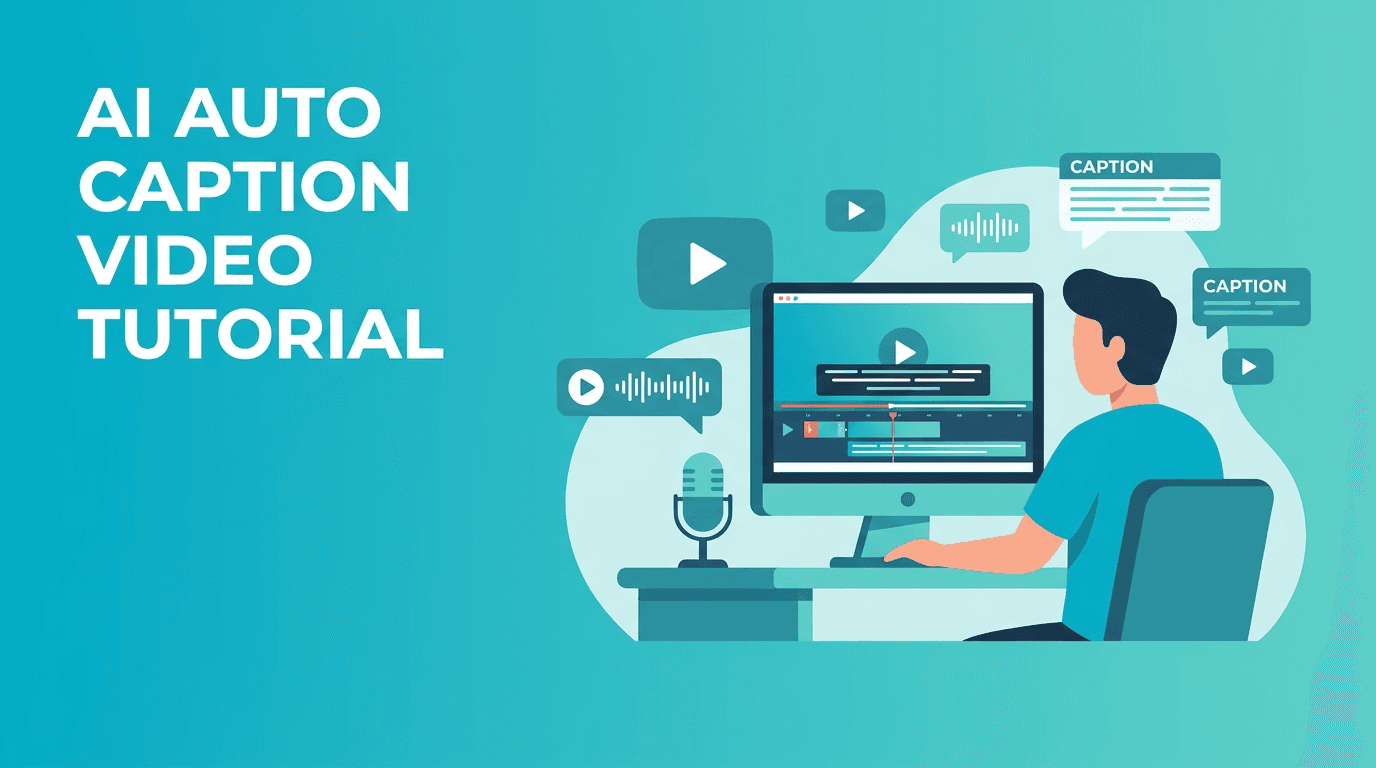
If you want to auto caption video content without spending hours typing subtitles line by line, this tutorial gives you a practical workflow you can start using today. For YouTubers, editors, and short-form creators, auto caption video tools can cut repetitive tasks, improve accessibility, and help videos feel more polished with less effort.
Why creators use auto caption video tools
Manual captioning is one of the most time-consuming parts of post-production. You have to transcribe speech, break lines correctly, sync text to the timeline, and fix punctuation. With an auto caption video workflow, AI handles the first draft so you can focus on final polish instead of doing everything from scratch.
- Save time on transcription and subtitle timing
- Improve accessibility for viewers watching without sound
- Increase retention on short-form content where captions keep attention
- Speed up publishing across YouTube, TikTok, Reels, and Shorts
Before and after: what changes with AI captions
Before using AI
A creator records a talking-head video, imports footage, listens sentence by sentence, types each line manually, adjusts timing, and restarts whenever speech overlaps or pacing changes. Even a short video can take a surprisingly long time to caption well.
After using AI
The creator imports the clip, generates captions automatically, reviews the transcript, fixes a few names or brand terms, and exports. The result is a cleaner workflow with faster turnaround and more consistency across multiple videos.
"The best AI editing tools do not replace creativity, they remove the repetitive work that slows creators down."
Step-by-step auto caption video workflow
1. Start with clean audio
AI caption accuracy depends heavily on audio quality. Before generating subtitles, reduce background noise, balance volume, and make spoken words easier to detect. If your source audio is muddy, captions will need more corrections later.
2. Import your video and generate captions
Upload your clip into your editing app and use the caption generation feature. In *Movi AI*, creators can streamline video creation and editing tasks inside one app, making it easier to move from raw footage to polished content quickly.
3. Review names, jargon, and punctuation
AI usually gets common phrases right, but you should still check product names, industry terms, and speaker changes. This is where your human edit adds quality. Fixing ten words is much faster than typing the entire transcript manually.
4. Style captions for your platform
- Use larger text for mobile-first videos
- Keep lines short and readable
- Highlight important keywords for emphasis
- Position captions so they do not cover faces or product shots
- Match font and spacing to your brand style
5. Export platform-specific versions
Create one version for YouTube, another for Shorts, and another for Instagram or TikTok if needed. Caption placement and safe zones vary by platform, so a quick final check helps avoid cropped text.
How Movi AI fits into a faster editing workflow
*Movi AI* helps creators produce AI-powered videos from text, images, and existing footage, which makes it useful when you want to move quickly from idea to publishable content. If you are already creating AI-generated visual content, adding efficient editing steps like captions can make the full workflow much smoother.
Speed up your next caption workflow
Use Movi AI to create and edit video content faster, then turn rough ideas into polished videos with less manual effort.
Download Movi AICommon auto caption video mistakes to avoid
- Relying on AI output without reviewing accuracy
- Using caption lines that are too long for mobile screens
- Placing text over key visuals or lower-third graphics
- Ignoring punctuation, which affects readability
- Exporting one caption layout for every platform without checking placement
Manual captions vs AI captions
Manual captioning gives you maximum control, but it is slow and repetitive. AI-generated captions provide a fast draft that you can refine in minutes. For most creators, the smartest workflow is not AI only or manual only, it is AI first, human polish second.
Final takeaway
An effective auto caption video process helps creators publish faster, reach more viewers, and reduce editing fatigue. Start with clean audio, generate captions with AI, review the draft carefully, and tailor the final layout to each platform. That simple system can save time on every video you make.
Frequently Asked Questions
How can I auto caption video content accurately?
Start with clear audio, use an AI caption tool, then review names, punctuation, and timing manually for the best final result.
What is the best app for auto caption video workflows?
The best app depends on your workflow, but creators often look for tools that combine fast editing, easy exports, and AI features in one place, such as Movi AI.
Do auto captions help video engagement?
Yes, captions can improve accessibility and help retain viewers, especially on mobile and social platforms where many people watch without sound.
Are AI-generated captions better than manual captions?
AI-generated captions are usually faster, while manual editing is better for final polish. Combining both gives the best balance of speed and quality.
Movi AICreate stunning AI videos in seconds!
Turn your ideas into professional videos with the #1 AI video maker.
Download Movi AI

