AI Video Inbetweening for Smoother Frame Transitions in Short Animations
Learn how AI video inbetweening helps creators turn rough motion into smoother short animations, speed up frame creation, and build cleaner visual sequences with less manual work.

By Movi AI Team
Movi AI Editorial Team
AI video inbetweening is a practical technique for creators who want smoother motion without drawing or editing every single frame by hand. If you create short animations, explainer clips, or stylized social videos, this workflow can help you fill motion gaps faster while keeping movement more fluid.
What is AI video inbetweening?
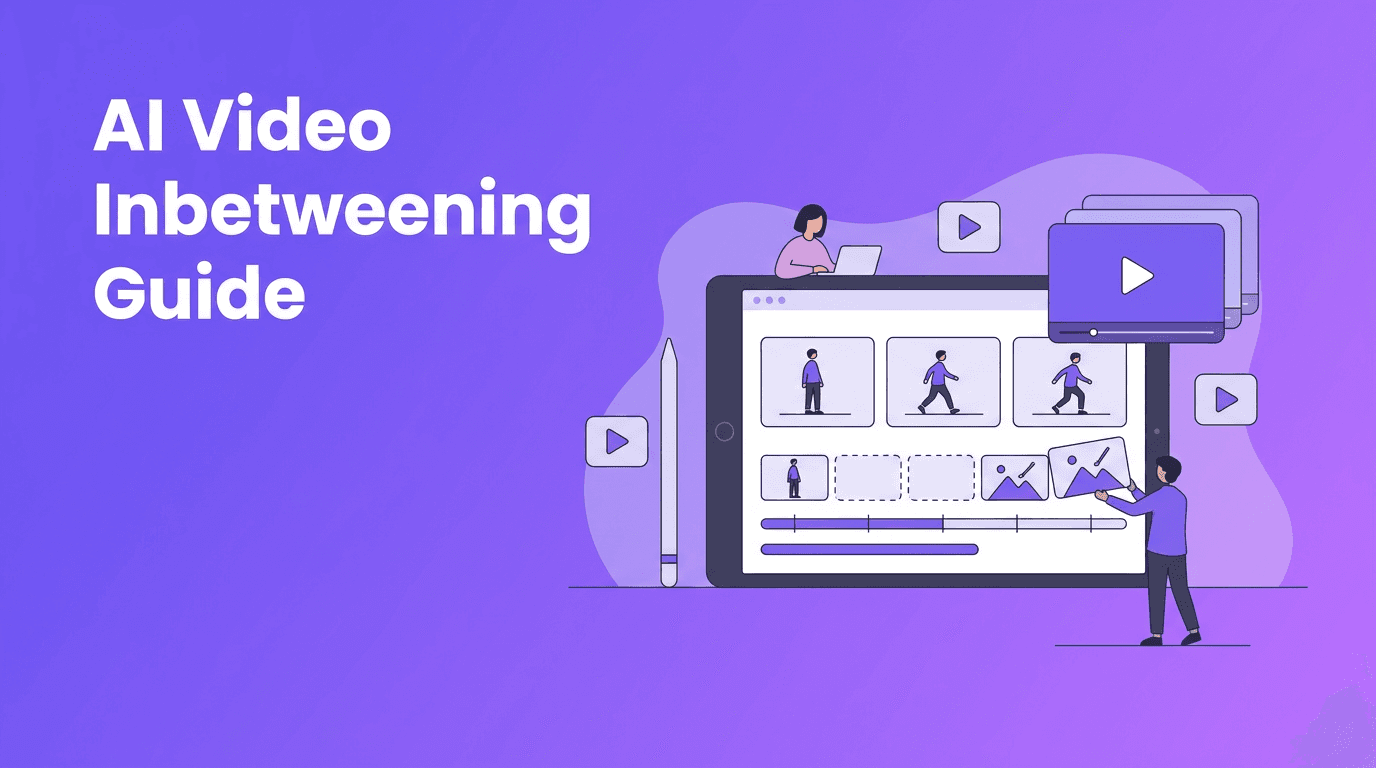
In traditional animation, inbetweening means creating the frames between two key poses. With AI video inbetweening, software predicts and generates those transitional frames for you. The result is a sequence that feels less choppy and more polished, especially when your source motion is limited or your frame count is low.
- Use it to smooth simple character movement between two poses
- Apply it to product spins, logo motion, or motion graphics loops
- Test it on short social clips where smoother motion improves retention
- Combine it with text-to-video or image-to-video tools for faster concept videos
When creators should use AI video inbetweening
This technique works best when you already have a clear start frame and end frame, but the movement between them looks too abrupt. It is especially helpful for content creators, YouTubers, and video editors building short animations for intros, explainers, visual loops, or stylized posts.
Best use cases
- Short animated reels with limited original frames
- Faceless channel visuals that need smoother repeated motion
- Before-and-after transformation scenes with cleaner transitions
- Illustrated motion sequences from still image sets
"The fastest creative workflows happen when AI handles the repetitive middle steps and creators focus on timing, story, and style."
A step-by-step AI video inbetweening workflow
1. Start with strong key frames
Choose two or more frames with clearly readable subject positions. The cleaner your start and end poses, the better the AI can predict the motion path between them. Avoid confusing overlaps, extreme motion blur, or cluttered backgrounds when possible.
2. Define the motion you want
Think about whether the action should feel slow, snappy, floaty, or dramatic. This matters because smooth motion is not always the goal. Sometimes you want stylized timing, so generate only the number of transition frames that support the pace of your edit.
3. Generate transition frames with AI
Use an AI workflow to create the missing inbetween frames. In *Movi AI*, creators can experiment with generated motion from prompts, images, or existing videos, which is useful when building visual sequences that need more fluid movement between scenes.
4. Review frame consistency
Check edges, hands, faces, and object outlines. Even a strong AI video inbetweening result can create occasional shape drift. Scrub frame by frame and remove or regenerate any awkward moments before exporting.
5. Add motion support in the edit
If the animation still feels stiff, layer in light camera movement, speed ramps, or subtle zooms. These editing touches can make AI-generated transitions feel more intentional and hide minor imperfections.
Before and after: what changes?
Before: your clip may jump from pose A to pose B with visible choppiness, making the motion feel unfinished. After: the added transition frames create smoother direction, better flow, and a more watchable final result. This is one of the easiest ways to raise perceived production quality without massively increasing edit time.
Common mistakes to avoid
- Using frames that are too different, causing strange motion guesses
- Adding too many generated frames, which can make motion feel slow or rubbery
- Ignoring small distortions around faces or detailed objects
- Expecting AI to fix weak key frame composition automatically
Try Movi AI for faster video creation
Use *Movi AI* to generate videos from text, images, or existing clips, then refine motion and visual storytelling faster with AI-powered workflows.
Download Movi AIHow AI video inbetweening fits a modern creator workflow
Instead of manually creating every visual step, creators can use AI video inbetweening as one layer in a bigger production system. Draft the idea, generate frames or scenes, smooth the transitions, then finish with music, captions, and platform-specific cuts. That approach is especially useful for fast publishing schedules.
Frequently Asked Questions
What is AI video inbetweening?
AI video inbetweening is the process of generating transitional frames between key frames to create smoother motion in animation or video sequences.
Is AI video inbetweening good for social media videos?
Yes. It works well for short animations, stylized loops, and visual posts where smoother movement can improve watch time and overall polish.
Can beginners use AI video inbetweening?
Yes. Beginners can start with simple two-frame transitions and review the generated results before building more complex motion sequences.
Does AI video inbetweening replace animation skills?
No. It speeds up repetitive frame creation, but timing, composition, and creative direction still matter a lot.
Movi AICreate stunning AI videos in seconds!
Turn your ideas into professional videos with the #1 AI video maker.
Download Movi AI