AI Beauty Filter Trends: Viral Video Effects Creators Should Try
AI beauty filter trends are reshaping TikTok and Instagram Reels. Learn how viral effects work, which styles are taking off, and how to use them creatively with better results.

By Movi AI Team
Movi AI Editorial Team
Scroll TikTok for five minutes and you will see one thing fast: ai beauty filter content is everywhere. From subtle skin smoothing to full glam transformations, creators are using smarter effects to boost watch time, hook viewers in the first second, and create before-and-after moments people actually replay.
This guide focuses on the newest beauty-led effects shaping short-form video right now, while also showing how they connect with wider ai video effects trends like ai face swap, lip sync AI, style transfer, and expressive motion filters. If you want content that feels current without looking overdone, this is the angle worth learning.
Why beauty-focused AI effects spread so fast
- They create an instant visual payoff in the first second, which helps stop the scroll.
- They are easy to compare in a before-and-after format, which boosts retention.
- They fit multiple niches, including beauty, fashion, cosplay, lifestyle, and comedy.
- They combine well with other trending ai effects, especially face swap, anime looks, and stylized transformations.
The best viral effect is not the most extreme one. It is the one viewers understand instantly and want to try themselves.
The AI beauty filter trends creators are using now
1. Soft glam enhancement
This version of an ai beauty filter smooths skin texture, brightens under-eyes, refines lighting on the face, and adds a polished look without turning the subject into a different person. It performs well on TikTok because it feels aspirational but still believable.
2. Virtual makeup transformations
Creators are using AI to add lipstick, contour, eyeliner, lashes, and blush that move naturally with facial expressions. The technical base is usually facial landmark tracking, segmentation, and generative overlays that stay aligned as the head turns.
3. Age, fantasy, and character glow-ups
These effects push beyond basic enhancement and move into transformation. Think princess looks, futuristic makeup, cyber aesthetics, doll skin, or dramatic high-fashion edits. This is where ai video editing effects start blending beauty with storytelling.
How these effects work, in simple terms
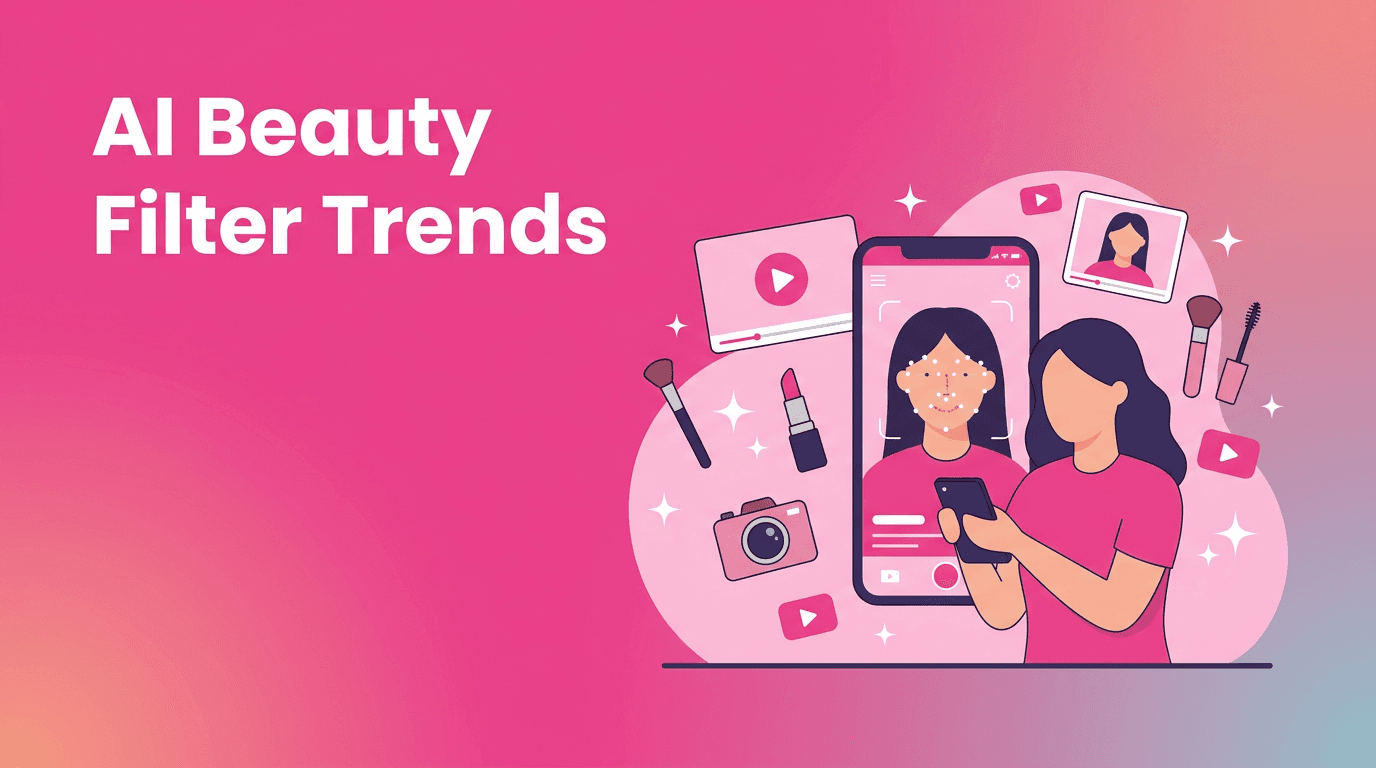
Most beauty and face-based effects rely on a few core systems. First, AI detects key facial points such as eyes, lips, jawline, and brows. Then it maps those points across each frame. After that, image enhancement or generation models apply changes like smoothing, relighting, makeup, or reshaping while trying to keep motion natural.
- Face detection finds the subject quickly.
- Landmark tracking keeps effects attached to facial features during movement.
- Segmentation separates skin, hair, lips, or background for more precise edits.
- Generative models create new detail, makeup styles, or stylized texture.
- Temporal consistency helps reduce flicker between frames, which is critical for short videos.
That same technical foundation powers related tools like anime filter ai, ai face swap, and ai video filter styles that turn live footage into something more cinematic, illustrated, or surreal.
Other trending AI effects that pair well with beauty content
Anime and style transfer looks
If you want a stronger creative hook, combine beauty enhancement with anime filter ai or style transfer. These effects analyze the shapes and textures in your footage, then rebuild the visual style to match animation, comic, painting, or fantasy references. They are strong for glow-up reveals, cosplay intros, and niche fandom content.
Face swap and identity play
Ai face swap remains popular because it delivers instant surprise. It can be funny, cinematic, or character-driven, but creators should use it carefully. Always get consent before swapping someone else's face, and avoid misleading viewers with realistic deepfake-style content.
Lip sync and dance-driven edits
Beauty content also overlaps with performance trends. Lip sync AI can animate expressions around dialogue or music, while ai dance effect tools can stylize body movement, exaggerate motion, or transform a casual clip into a high-energy performance. On TikTok, this combo works especially well when a polished look appears exactly on the beat drop.
How to use AI effects without making your video look fake
- Start with good lighting. AI performs better when facial features are clear.
- Use one hero effect per clip. Too many layers can make the video look messy.
- Keep camera movement simple if the filter is detailed.
- Preview on mobile before posting. Some effects look stronger on a small screen.
- Match the effect to the story. A beauty transformation should support the hook, not replace it.
- Dial intensity down slightly. Subtle usually looks more premium than maximum strength.
Try all-in-one AI effects in Movi AI
Create beauty transformations, stylized looks, face-based effects, and more from text, images, or video inside *Movi AI*. It is a fast way to test viral short-form ideas without a complex editing workflow.
Download Movi AIA practical workflow for TikTok and Instagram creators
- Hook the viewer in the first second with a plain-to-polished before shot.
- Add your ai beauty filter or style effect at the beat drop or transition point.
- Keep the total video short, usually 7 to 15 seconds for trend-driven posts.
- Use on-screen text to explain the transformation or prompt curiosity.
- Test two versions, one subtle and one dramatic, then compare retention.
- Pair the effect with trending audio, but keep your niche clear.
For creators who want a broader toolkit, *Movi AI* makes it easier to explore tiktok ai effects, beauty edits, style transfers, and other ai video effects from one workflow. That matters when trends move fast and you need to test ideas before they peak.
Use AI effects responsibly
As tools get more realistic, ethical choices matter more. Be careful with ai face swap, identity-based edits, and heavy enhancement that could mislead viewers. Disclose major transformations when relevant, get clear consent, and avoid using another person's likeness in deceptive or harmful ways.
Responsible use builds trust, and trust is what turns one viral clip into a lasting creator brand.
Frequently Asked Questions
What is an ai beauty filter?
An ai beauty filter uses facial detection, tracking, and enhancement models to smooth skin, adjust lighting, and apply makeup or facial refinements in video.
Are ai beauty filters popular on TikTok right now?
Yes. Subtle glam looks, virtual makeup, anime-inspired transformations, and before-and-after beauty edits are all performing well on TikTok and Instagram Reels.
How do creators make ai beauty filter videos look natural?
Use clear lighting, keep movements simple, lower effect intensity slightly, and avoid stacking too many filters in one clip.
Can I combine ai beauty filters with anime or face swap effects?
Yes. Many creators combine beauty enhancement with anime styling, face swap, or lip sync effects to create more dramatic transformation videos.
Movi AICreate stunning AI videos in seconds!
Turn your ideas into professional videos with the #1 AI video maker.
Download Movi AI

