AI Character Consistency for Outfit Transition Reels: A Creator Playbook
AI character consistency helps creators make cleaner outfit transition reels with the same identity across shots. Learn the workflow, prompts, and posting tips.

By Movi AI Team
Movi AI Editorial Team
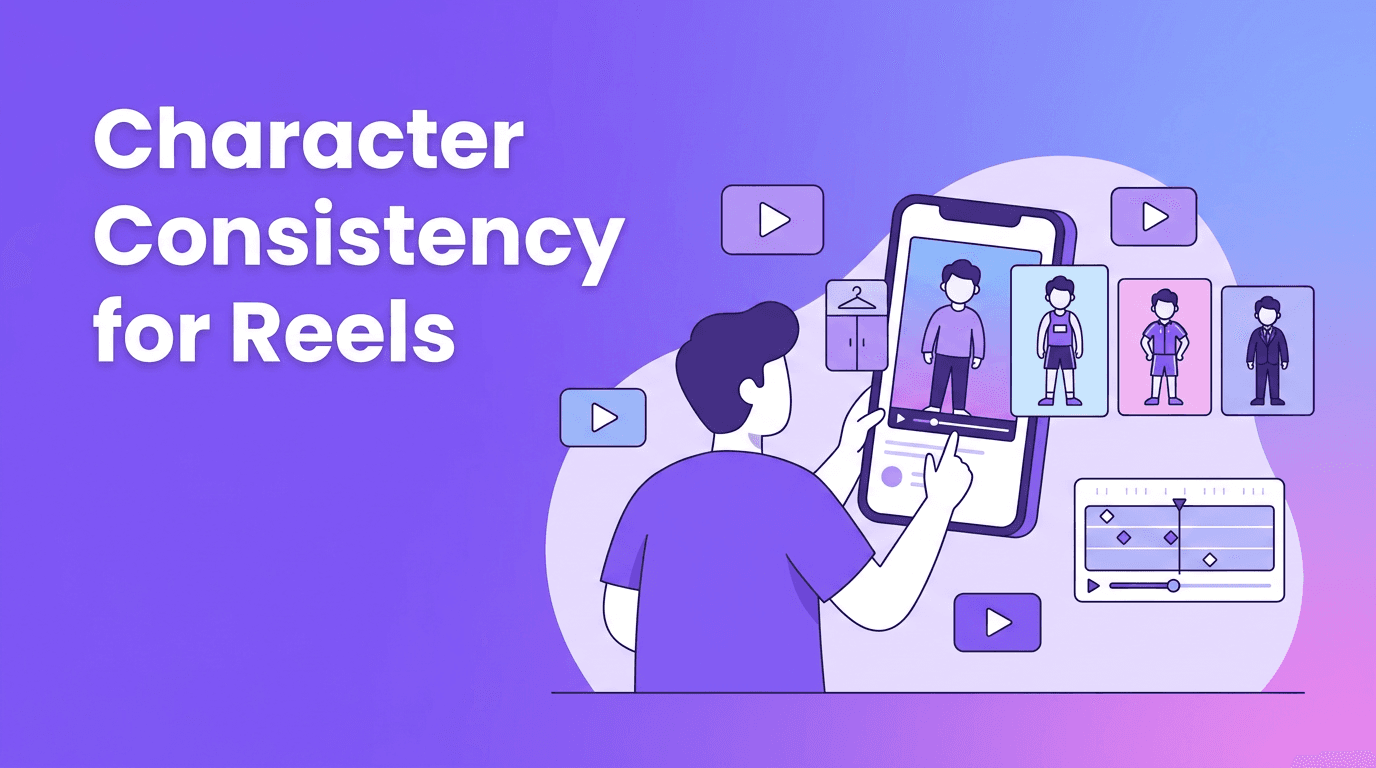
AI character consistency is one of the biggest problems in stylish transition content. If your subject changes face, hair, or proportions between cuts, the reel feels off instantly. This guide shows creators how to keep one identity stable while still making eye-catching outfit changes for TikTok and Instagram.
Why creators care about consistent identity
In outfit reels, glow-up edits, and fashion transformations, viewers expect the person on screen to stay recognizable. The visual surprise should come from the clothes, pose, or setting, not from a random face shift. That is why AI character consistency matters so much for short-form creators.
- Keeps your reel more believable
- Makes transitions feel smoother
- Builds a recognizable creator style
- Helps branded fashion content look more professional
How AI character consistency works
At a basic level, AI models try to preserve repeatable features like face shape, hair silhouette, skin tone, body proportions, and camera framing. The better your input reference and prompt structure, the easier it is for the model to retain those details across scenes.
What usually breaks consistency
- Changing prompts too aggressively between scenes
- Using mismatched reference images
- Switching camera angles too often
- Adding too many style instructions at once
- Generating each clip with no visual anchor
"The best short videos feel surprising, but never confusing."
A simple workflow creators can follow
Start with one strong source image or short clip where the subject is clearly visible. Then keep your prompt foundation stable and only swap the outfit, color palette, or background details from version to version. This gives AI character consistency a better chance of holding up across cuts.
Prompt structure that works
- Lock the subject description first
- Keep age range and facial details consistent
- Describe outfit changes separately
- Mention camera framing like close-up or full body
- Avoid adding new identity traits in later prompts
Try this workflow in Movi AI
Create fashion transitions, identity-stable clips, and polished social videos faster with *Movi AI* on iOS and Android.
Download Movi AIBest use cases for creators
This workflow is especially useful for AI character consistency in fashion edits, beauty transformations, creator branding, and digital lookbooks. It also works well for small businesses that want a repeatable model identity across multiple promo clips.
- Outfit transition reels
- Before-and-after style videos
- Seasonal fashion promos
- Character-based creator series
- Product modeling clips for boutiques
Ethics and creator safety
If you are generating videos based on a real person, always get clear consent. Avoid misleading edits, impersonation, or content that could confuse viewers into thinking someone approved a campaign when they did not. Responsible AI use protects both creators and audiences.
Frequently Asked Questions
How do I keep the same person in multiple AI video clips?
Use one strong reference image, keep core identity details fixed, and only change the outfit or scene instructions between prompts.
What is AI character consistency in video?
It is the ability of an AI model to preserve the same subject identity across multiple generated shots or clips.
Why does my AI reel change the face between scenes?
This usually happens when prompts vary too much, references are weak, or the model has no strong visual anchor to follow.
Can I make outfit transition reels with AI?
Yes. AI tools like Movi AI can help you generate transition-style content from prompts, images, or video while keeping the concept more consistent.
Movi AICreate stunning AI videos in seconds!
Turn your ideas into professional videos with the #1 AI video maker.
Download Movi AI

