AI Content Calendar for Video Teams: Scale Video Content Without Burning Out
An AI content calendar helps you scale video content with a repeatable system for planning, scripting, production, repurposing, and performance tracking across every platform.


By Movi AI Team
Movi AI Editorial Team
If you want to publish consistently without sacrificing quality, an AI content calendar can become the engine behind your entire video system. For creators, marketers, and solopreneurs trying to scale video content, the real advantage is not just faster editing, it is building a repeatable workflow for planning, scripting, producing, repurposing, and measuring what works.
Why scaling content breaks without a system
Most teams do not struggle because they lack ideas. They struggle because ideas are scattered across notes, production starts too late, approvals slow everything down, and each platform gets treated like a separate project. A strong content creation workflow solves that by turning one idea into multiple assets with clear deadlines, owners, and performance goals.
- Planning chaos leads to missed posting windows and inconsistent publishing.
- Manual scripting slows production and creates bottlenecks for small teams.
- One-platform thinking wastes strong ideas that could be repurposed everywhere.
- Weak reporting makes it hard to know which videos deserve more investment.
"Scaling content is not about making more from scratch. It is about building a system that helps one strong idea travel further."
What an AI content calendar actually does
An AI content calendar is more than a posting schedule. It is a strategic layer that connects audience goals, content themes, formats, production status, publishing dates, and performance metrics. When paired with AI content tools, it helps teams move from reactive posting to proactive campaign building.
Core elements of a scalable calendar
- Content pillars that support your brand message, such as education, proof, behind-the-scenes, and offers.
- Platform mapping for TikTok, Instagram Reels, YouTube Shorts, YouTube, LinkedIn, and ads.
- Workflow stages like idea, brief, script, production, edit, review, publish, and repurpose.
- Performance tags that track topic, hook style, CTA, audience segment, and conversion goal.
Teams that document their workflows can improve productivity by 20 to 30 percent, while batch creation can reduce context switching and save several hours each week. That is where content creation with AI becomes practical, not just trendy.
A 5-step AI content creation framework
1. Plan with themes, not random ideas
Start monthly, not daily. Choose 3 to 5 core themes that align with your offers and audience pain points. Then use ai content creation prompts to generate episode angles, hooks, FAQs, objections, and seasonal spins. This keeps your calendar strategic while still giving you enough variety to stay fresh.
- Create one monthly campaign objective, such as leads, awareness, or product education.
- Assign weekly themes to support that objective.
- Generate 10 to 20 video ideas per theme using AI prompts.
- Score each idea by relevance, ease of production, and repurposing potential.
2. Script faster with AI-assisted structure
Use AI to build first-draft scripts for short-form and long-form videos. The goal is not to outsource your voice. The goal is to remove blank-page friction. Ask AI for multiple hooks, tighter openings, CTA variations, and platform-specific versions. Then add your insights, stories, and examples to keep the content human and credible.
With *Movi AI*, you can turn text prompts, images, or existing footage into polished videos, which makes it easier to go from script concept to visual asset without rebuilding everything manually.
3. Batch produce to protect momentum
Batching is one of the fastest ways to automate content creation without losing quality. Instead of creating one video from start to finish, group similar tasks together. Plan all hooks in one session, record all talking-head clips in another, then generate visuals and variations in batches.
- Batch planning on Monday: topics, hooks, outlines, and CTAs.
- Batch scripting on Tuesday: short-form scripts, captions, and thumbnails ideas.
- Batch production on Wednesday: record voice, capture footage, and create AI-generated scenes.
- Batch publishing on Thursday or Friday: schedule, distribute, and queue repurposed assets.
This is how teams create video content at scale while keeping creative energy focused. Less context switching means more output and fewer delays.
How to repurpose one video across platforms
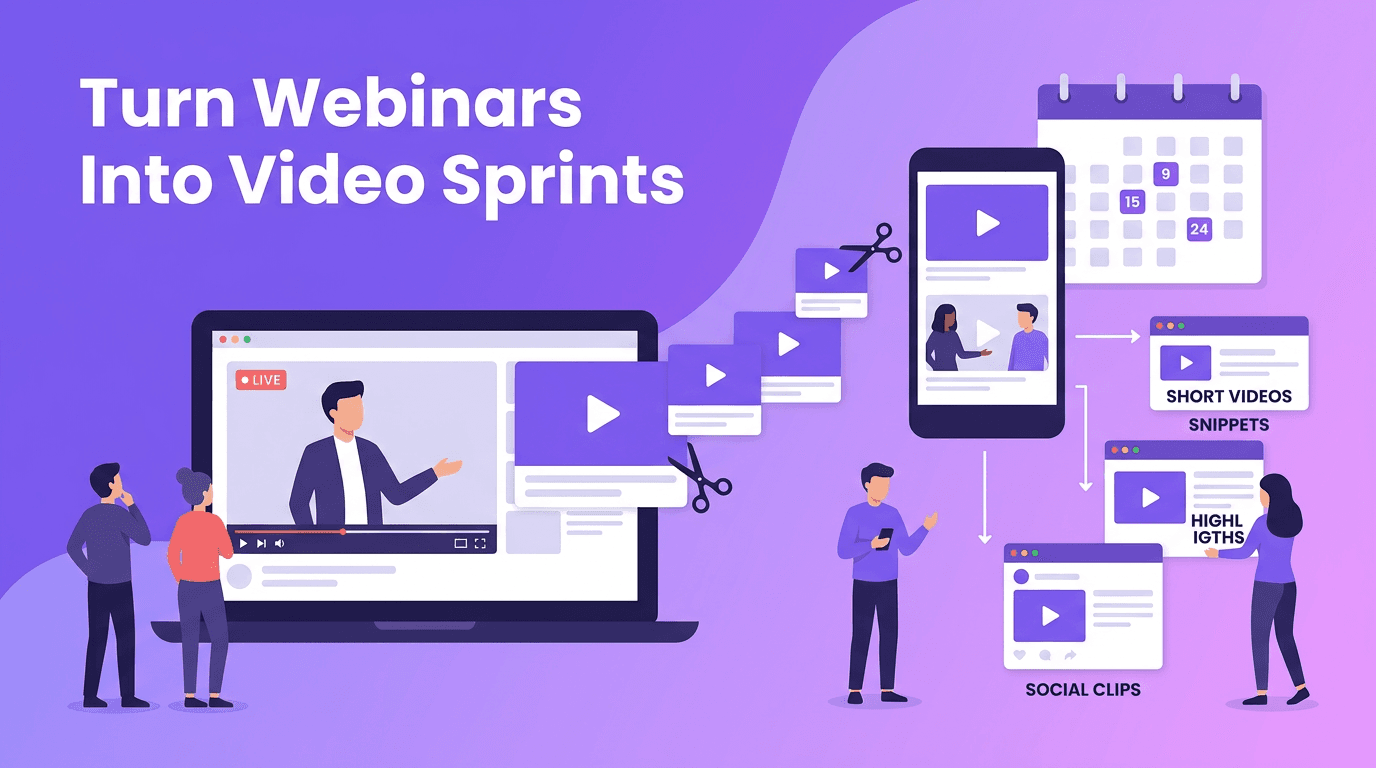
The smartest way to scale video content is not making ten unrelated videos. It is turning one strong source asset into many platform-ready pieces. A webinar, product demo, customer story, or founder insight can become a full distribution package.
Repurposing map
- Turn a long video into 3 to 7 short clips built around one insight each.
- Convert the script into a LinkedIn post, email, and blog outline.
- Use standout quotes as story slides, carousels, or caption hooks.
- Create alternate openings for TikTok, Reels, and Shorts to test retention.
- Transform audio into a voice-led explainer using AI visuals in *Movi AI*.
This approach improves reach because each platform gets a native-feeling asset, while your team still works from one central message. It is one of the most effective forms of ai content strategy for lean teams.
Build your faster video stack
Use *Movi AI* to turn prompts, images, and existing clips into professional videos faster, then plug them into your AI content calendar for a repeatable publishing system.
Download Movi AIMaintain quality while increasing output
Scaling is only valuable if quality stays high. The balance is simple: let AI handle speed, structure, and variations, while humans own strategy, brand voice, and final judgment. Use AI for drafts and production support, but keep editorial standards clear.
- Create a brand voice guide with approved phrases, tone rules, and banned claims.
- Use script checklists for clarity, hook strength, CTA placement, and factual accuracy.
- Review AI-generated visuals for relevance, realism, and brand fit.
- Track which formats drive retention, clicks, saves, and conversions, not just views.
A useful benchmark is to review your workflow every 30 days. Measure how many videos were planned, produced, published, repurposed, and how much time each stage required. That is how a scalable content creation workflow keeps improving instead of getting messier.
Measure performance like a content operator
If you want better output, measure the right signals. Views matter, but they are only one layer. A smart AI content calendar should connect each asset to a business goal so you can decide what to repeat, refine, or stop.
Metrics that matter
- Retention rate tells you whether the hook and pacing are working.
- Click-through rate shows if your CTA and packaging are effective.
- Saves and shares reveal whether the content feels useful enough to revisit.
- Conversion rate connects content performance to leads, sales, or signups.
- Production time per asset shows whether your system is becoming more efficient.
The best teams treat analytics as creative fuel. When a topic performs well, build a cluster around it. When a hook pattern wins, test five more versions. This is how ai content creation becomes an iterative growth engine.
Your next 7-day action plan
- Day 1: Define 3 content pillars and one monthly business goal.
- Day 2: Generate 20 video ideas with AI and score them.
- Day 3: Build an AI content calendar with statuses, dates, and platform tags.
- Day 4: Write 5 short-form scripts and 1 long-form outline with AI assistance.
- Day 5: Batch produce assets using *Movi AI* and your existing footage.
- Day 6: Repurpose each asset into at least 3 platform-specific versions.
- Day 7: Review early metrics and update next week based on performance.
Frequently Asked Questions
What is an AI content calendar?
An AI content calendar is a planning system that uses AI to organize topics, scripts, production stages, publishing dates, and performance data for content at scale.
How do I scale video content with AI?
Start with content pillars, use AI for ideation and scripting, batch your production, repurpose each core asset, and track performance to improve output over time.
Can AI help automate content creation without losing quality?
Yes, if AI handles drafts, variations, and production support while humans control strategy, brand voice, accuracy, and final review.
What are the best AI content tools for video creators?
The best AI content tools support planning, scripting, video generation, repurposing, and analytics. *Movi AI* is useful for turning prompts, images, and footage into polished videos quickly.
Movi AICreate stunning AI videos in seconds!
Turn your ideas into professional videos with the #1 AI video maker.
Download Movi AI