AI Content Creation Strategy: How to Scale Video Content Without Losing Quality
AI content creation strategy helps creators plan, produce, and distribute video content faster. Learn a practical system to scale output, streamline workflows, and improve performance with AI.


By Movi AI Team
Movi AI Editorial Team
AI content creation is no longer just a shortcut for writing captions or generating ideas. It is becoming the backbone of a smarter system for planning, producing, and distributing video content at scale. If you are trying to grow across multiple platforms without burning out, the real opportunity is not just making more content. It is building a repeatable process that helps you scale output while protecting quality.
Why AI content creation is changing the content game
Most creators and marketing teams do not struggle because they lack ideas. They struggle because execution breaks down. Scripts take too long, edits pile up, posting becomes inconsistent, and performance data gets ignored. A strong AI content strategy solves this by reducing friction at every stage of the process.
- Planning gets faster because AI can turn goals, audience insights, and trends into organized content themes.
- Production becomes more efficient when you use batch workflows, templates, and AI-generated video assets.
- Distribution improves because content can be adapted for multiple platforms without starting from scratch.
- Optimization becomes easier when AI helps summarize analytics, identify patterns, and suggest what to make next.
"Scaling content is not about working harder. It is about building a system that makes consistency easier."
Start with a content calendar built for scale
A content calendar should do more than assign publish dates. It should connect your business goals, audience questions, content formats, and distribution channels. This is where content creation with AI becomes especially useful. Instead of brainstorming one post at a time, you can use AI to map themes for the month, cluster ideas by funnel stage, and turn one campaign into several video angles.
A simple AI-powered calendar framework
- Choose 3 to 5 core content pillars tied to your audience needs, such as education, proof, behind-the-scenes, trends, and offers.
- Set a weekly format mix, for example 2 short-form videos, 1 carousel, 1 story sequence, and 1 promotional clip.
- Use AI to generate topic variations for each pillar so you never rely on last-minute ideas.
- Tag each content idea by platform, goal, format, and call to action.
- Review your calendar weekly and let AI help identify gaps, overlaps, or underused themes.
Teams that work from a structured calendar often reduce reactive content decisions significantly. In practice, that means fewer delays, less creative fatigue, and more consistent publishing. A clear calendar is the first step if you want to scale video content with confidence.
Use batch production to create more in less time
One of the biggest advantages of AI content tools is that they support batch production. Instead of creating one video from start to finish before starting another, you group similar tasks together. This approach can dramatically improve output because context switching is reduced.
The 5-step batch production workflow
- Step 1: Research in batches. Collect trends, customer questions, competitor hooks, and keyword opportunities for the next 2 to 4 weeks.
- Step 2: Script in batches. Use AI to draft hooks, talking points, B-roll suggestions, captions, and alternate versions for different audiences.
- Step 3: Produce in batches. Record multiple videos in one session or use *Movi AI* to generate videos from text prompts, images, voice, or existing footage.
- Step 4: Edit and format in batches. Create reusable structures for intros, lower thirds, subtitles, and calls to action.
- Step 5: Schedule in batches. Prepare captions, thumbnails, descriptions, and publishing times for each platform in one workflow.
This kind of content creation workflow can save hours each week. Many teams find that batching helps them produce 2 to 3 times more content with the same resources because they stop rebuilding the process every day.
Build your AI video stack with Movi AI
Turn ideas into polished videos faster with *Movi AI*. Use text-to-video, image-to-video, video-to-video, and speech-to-video to simplify production and keep your workflow moving.
Download Movi AIRepurpose every video into a cross-platform content system
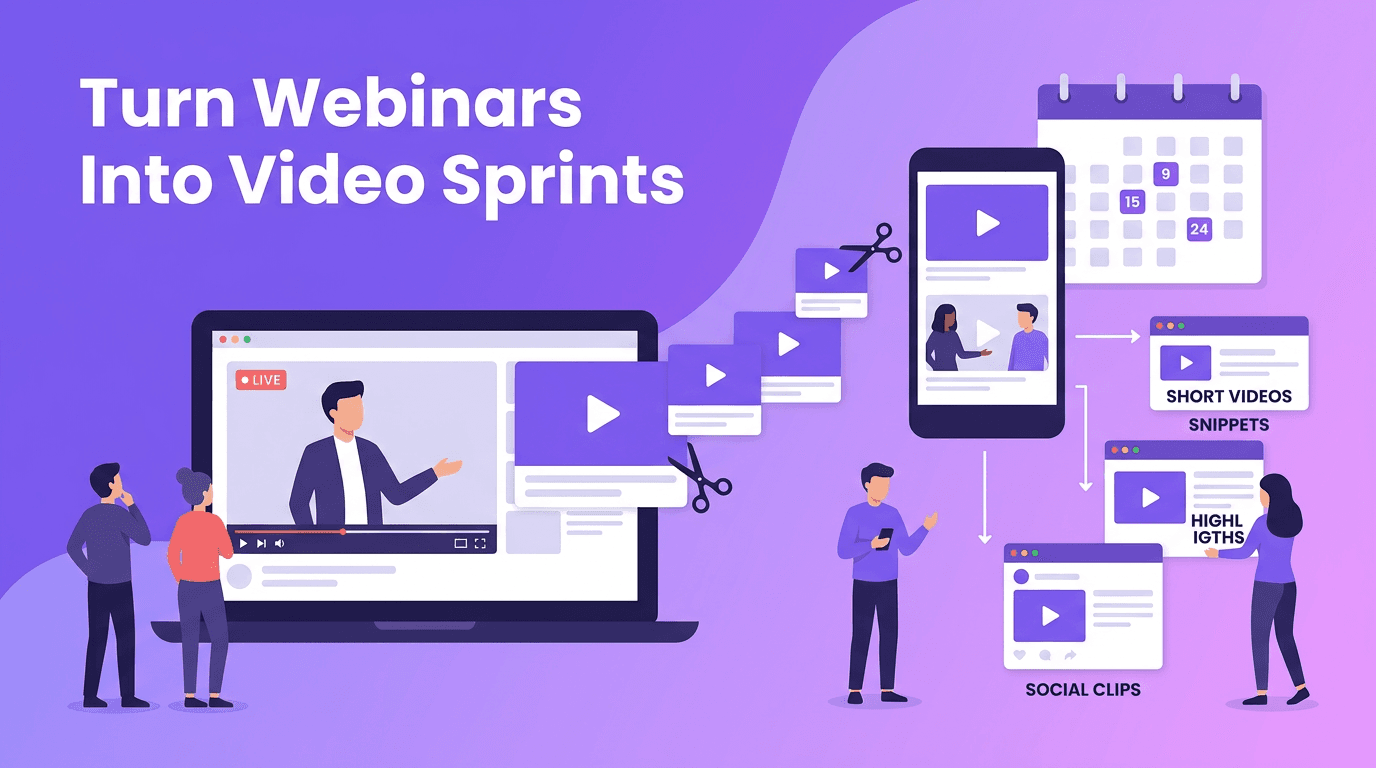
If you want video content at scale, stop treating each platform as a separate content machine. Start with one strong source asset, then adapt it into multiple formats. AI makes repurposing faster by extracting highlights, rewriting hooks, shortening scripts, and reframing the same message for different audiences.
A practical repurposing model
- Turn a long-form video into 5 to 10 short clips for TikTok, Reels, and Shorts.
- Convert key talking points into a LinkedIn post, X thread, or email newsletter.
- Transform one customer story into a case study video, testimonial clip, and product demo snippet.
- Use AI to create alternate intros and captions so the same idea feels native on each platform.
- Update high-performing posts with new hooks or visuals instead of creating something entirely new.
This is where automate content creation becomes a real strategic advantage. You are not automating creativity itself. You are automating the repetitive packaging work that slows creators down.
Use AI-assisted scripting without sounding robotic
One of the most common concerns about AI content creation is quality. People worry that scripts will sound generic or flat. The solution is to treat AI as a collaborator, not a replacement. Use it to speed up structure, research, and variation, then apply your own voice, perspective, and examples.
How to make AI-assisted scripts feel human
- Ask AI for multiple hook styles, such as curiosity, pain point, contrarian, or authority-based openings.
- Feed it your past content, brand voice notes, and audience language so outputs feel more specific.
- Replace generic examples with real stories, real objections, and real outcomes from your niche.
- Use AI to shorten rambling sections and tighten structure, but keep your original opinions intact.
- Read scripts aloud before publishing to remove stiff phrasing and improve rhythm.
A smart balance of AI automation and human creativity helps you move faster without losing trust. That balance is what separates forgettable output from content that actually builds a brand.
Measure performance so your system gets smarter
Scaling content is only useful if you can see what is working. The best AI content strategy includes a feedback loop. Review performance weekly and monthly, then use AI to summarize trends and recommend next steps.
Metrics that matter when you scale video content
- Retention rate tells you whether your hooks and structure are keeping attention.
- Click-through rate shows whether your title, thumbnail, or opening frame is doing its job.
- Shares and saves often reveal which content has long-term value.
- Conversion rate connects content output to leads, sales, or another business goal.
- Production time per asset helps you track whether your workflow is truly becoming more efficient.
A useful benchmark is to compare not only views, but also efficiency per result. If one format takes half the time and generates similar outcomes, that is an important signal. AI can help surface these patterns faster, making your next content sprint more focused.
A weekly operating system for content creators and teams
If you want to implement this fast, use a simple weekly rhythm. On Monday, review analytics and choose topics. On Tuesday, generate outlines and scripts with AI. On Wednesday, record or generate videos in batches with *Movi AI*. On Thursday, edit, repurpose, and schedule. On Friday, review results and document what to repeat. This gives you a repeatable system for content creation with AI that keeps momentum high.
Final thoughts on building an AI-powered content engine
The future of growth belongs to creators and teams who can combine speed with clarity. AI content creation is most powerful when it supports a complete system, not isolated tasks. Build your calendar, batch your production, repurpose intentionally, script with your voice, and measure what matters. When you do, you can publish more, learn faster, and scale without losing the creative edge that makes your content worth watching.
Frequently Asked Questions
What is AI content creation?
AI content creation is the use of AI tools to help plan, script, produce, edit, and distribute content faster. It works best when paired with a clear strategy and human creative direction.
How can I scale video content with AI?
You can scale video content with AI by using it for idea generation, scripting, batch production, repurposing, scheduling, and performance analysis. The key is building a repeatable workflow instead of using AI randomly.
What are the best AI content tools for video creators?
The best AI content tools depend on your workflow, but many creators use AI for scripting, editing, analytics, and video generation. *Movi AI* is useful for creating videos from text, images, voice, and existing clips.
Can AI help automate content creation across platforms?
Yes, AI can help automate parts of content creation such as rewriting captions, adapting scripts, generating multiple versions, and organizing distribution. You still need human oversight for quality and brand consistency.
How do I measure content performance when using AI?
Track retention, clicks, shares, saves, conversions, and production time per asset. Then use those insights to improve your topics, formats, and workflow efficiency over time.
Movi AICreate stunning AI videos in seconds!
Turn your ideas into professional videos with the #1 AI video maker.
Download Movi AI