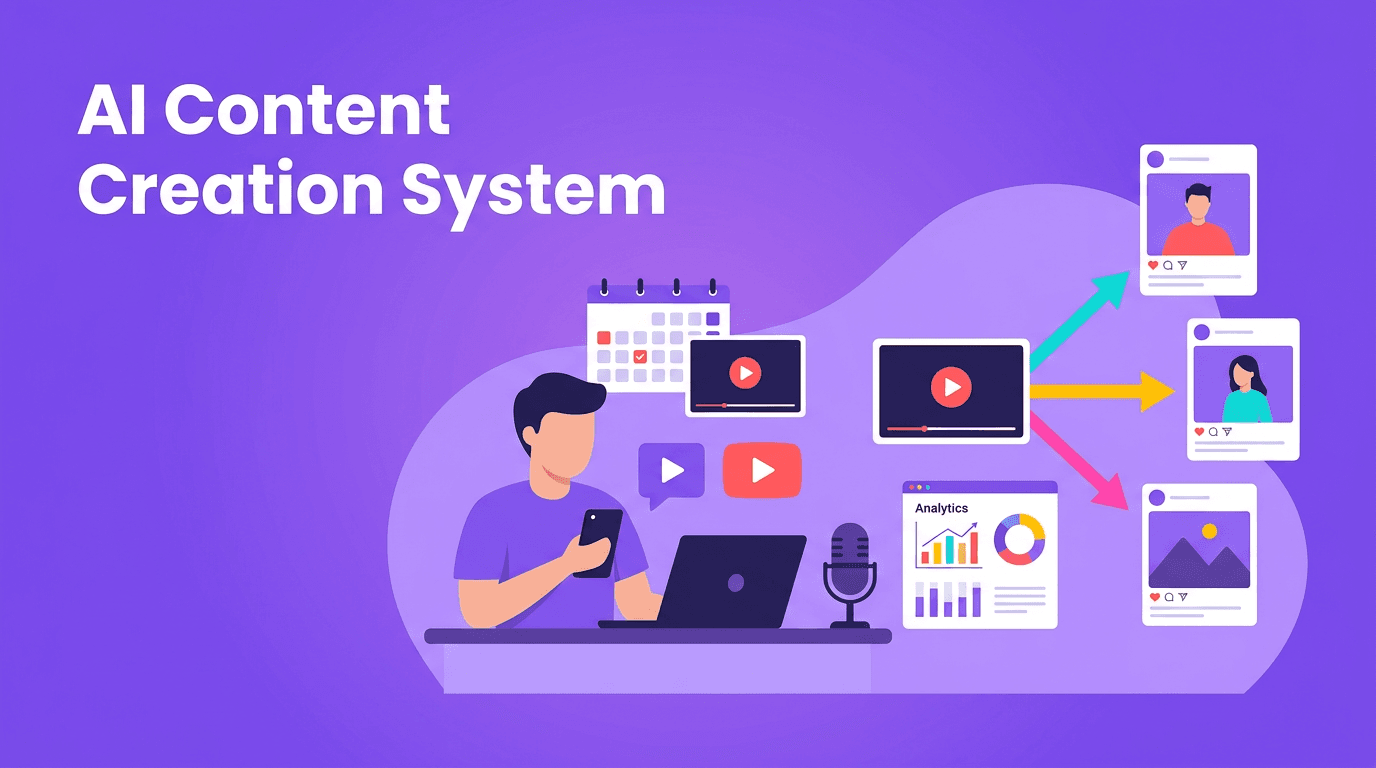
AI Content Creation System: How to Plan, Produce, and Distribute Video at Scale
Build an efficient AI content creation system to plan, produce, repurpose, and distribute video at scale. Learn practical workflows, AI-assisted scripting, and performance tracking that help teams and solo creators publish more without losing quality.

By Movi AI Team
Movi AI Editorial Team
AI content creation is no longer just a shortcut for writing captions or generating ideas. It is becoming a full operating system for creators, marketers, and solopreneurs who need to publish consistently across multiple platforms. If your goal is to scale video content without sacrificing quality, the smartest move is to build a repeatable workflow that combines AI speed with human judgment.
Why scaling content feels hard
Most teams do not struggle because they lack ideas. They struggle because their content creation workflow is fragmented. Planning happens in one place, scripting in another, production gets delayed, and distribution becomes a last-minute scramble. According to marketing industry reports, teams that document their process and batch tasks often improve output efficiency by 20 to 40 percent. The biggest win comes from reducing context switching, not from simply working longer hours.
- Planning bottlenecks slow down approval and scheduling
- Production bottlenecks appear when every video starts from scratch
- Distribution bottlenecks happen when one asset is not adapted for each platform
- Measurement bottlenecks make it hard to know what to repeat and what to cut
Build an AI content strategy around repeatable pillars
A strong AI content strategy starts with a simple question: what themes can you return to every week? Instead of brainstorming random one-off posts, create 3 to 5 content pillars tied to your audience goals. For example, a personal brand might use education, behind-the-scenes, proof, opinions, and offers. A marketing team might use product tips, customer stories, trend reactions, FAQs, and campaign clips.
Create a practical AI-powered content calendar
Use AI content tools to turn each pillar into a monthly calendar. Start with one business goal, such as leads, reach, or retention. Then ask AI to generate weekly topics, hooks, and format ideas for each platform. The key is not to accept every suggestion blindly. Use AI for volume, then apply your brand voice, audience knowledge, and positioning to choose what deserves production.
- Choose one monthly goal and align your videos to it
- Define 3 to 5 content pillars you can sustain
- Generate 20 to 30 topic ideas with AI in one session
- Sort ideas by funnel stage: awareness, consideration, conversion
- Assign formats such as short-form clips, explainers, testimonials, and trend responses
- Schedule publishing dates and repurposing tasks before production begins
"Scale does not come from making more random content. It comes from building a system that makes good content easier to repeat."
Use batch production to scale video content
If you want video content at scale, stop producing one video from start to finish before starting the next. Batch production is one of the most effective ways to increase output while protecting creative energy. Group similar tasks together: ideation, scripting, recording, editing, publishing. This reduces decision fatigue and helps your team move faster.
A weekly batch production workflow
- Monday - Plan: review performance, choose topics, finalize hooks and CTAs
- Tuesday - Script: use AI-assisted scripting to draft outlines, intros, and variations
- Wednesday - Produce: record all footage or generate visuals in one focused block
- Thursday - Edit and repurpose: cut platform-specific versions, captions, and thumbnails
- Friday - Schedule and review: queue posts, log learnings, and update the next calendar
This is where *Movi AI* fits naturally into your stack. You can turn text prompts, images, or existing footage into polished videos faster, which makes content creation with AI more practical for real publishing schedules. Instead of waiting on a full traditional production cycle, you can create concept videos, supporting visuals, and multiple versions for testing in a fraction of the time.
Speed up your content engine with Movi AI
Turn ideas, images, and existing clips into videos faster with *Movi AI*. Build more assets for every campaign and keep your publishing schedule consistent.
Download Movi AIAI-assisted scripting without losing your voice
One of the best uses of AI content creation is scripting support. AI can generate hooks, outlines, transitions, and CTA options in seconds. But the winning approach is collaboration, not replacement. Let AI create the first draft and variation set, then refine it with your stories, customer language, and point of view. That balance helps you automate content creation while keeping the final result human.
- Ask AI for 3 hook variations for the same topic
- Generate short, medium, and long scripts for different platforms
- Turn one webinar, article, or podcast into multiple script angles
- Rewrite scripts to match a brand voice such as expert, friendly, or direct
- Create A/B test intros to improve watch time
Repurpose one idea into platform-ready assets
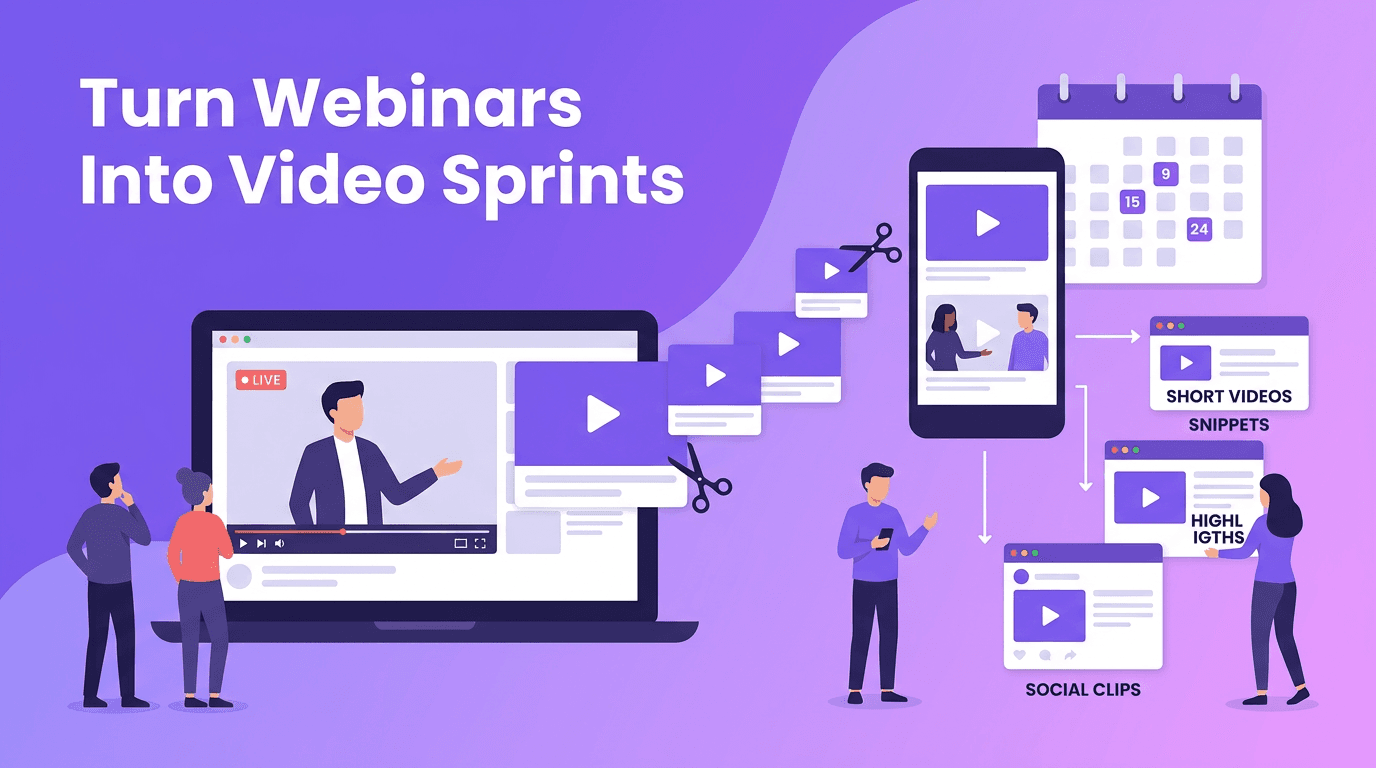
The fastest creators do not create from zero every day. They expand one strong idea into many assets. A single long-form video can become short clips, quote graphics, story posts, teaser trailers, email content, and ad variations. This is how you truly scale video content without multiplying production effort at the same rate.
A simple repurposing map
- One core video becomes 3 to 5 short-form clips for TikTok, Reels, and Shorts
- Pull one key lesson into a LinkedIn post or X thread
- Turn the script into an email newsletter
- Extract one proof point into a testimonial-style ad
- Use AI to generate new visuals or B-roll for alternate cuts
- Create a speech-to-video recap for fast commentary content
With the right AI content tools, repurposing becomes a built-in step instead of an afterthought. That means your calendar fills faster, your messaging stays consistent, and every strong idea produces more return.
Measure what actually drives scale
More content only helps if it improves outcomes. To make AI content strategy work, track performance at three levels: production efficiency, audience response, and business impact. This keeps your team from chasing vanity metrics while ignoring what converts.
- Production efficiency: videos produced per week, time per asset, cost per video
- Audience response: watch time, retention, shares, saves, comments, click-through rate
- Business impact: leads, sign-ups, product views, sales, and assisted conversions
A useful rule is to review winners and losers every week. Ask: which hooks got attention, which formats held retention, which topics drove clicks, and which CTAs converted? Then feed those insights back into your next calendar. The real power of AI content creation is not just faster output, it is faster learning.
How to balance automation and creativity
Creators often worry that AI will make content generic. That only happens when automation replaces thinking. Use AI to handle repetition, drafts, formatting, and versioning. Keep human control over positioning, storytelling, emotional insight, and final quality. The best systems combine machine efficiency with human taste.
- Use AI for idea expansion, scripting drafts, and version creation
- Use humans for strategy, storytelling, approval, and brand nuance
- Create standard templates, but leave room for timely reactions and original opinions
- Review every AI-generated asset for accuracy, tone, and platform fit
Your next step: build a weekly AI content engine
If you want to automate content creation without losing quality, start small. Build one monthly calendar, batch one week of production, repurpose each core video into multiple assets, and review the numbers every Friday. Once the workflow works for one week, repeat it for four. Consistency creates momentum, and momentum creates scale.
Frequently Asked Questions
What is AI content creation?
AI content creation is the use of AI tools to help plan, script, produce, edit, and distribute content faster. It works best when combined with human strategy and brand oversight.
How can I scale video content with AI?
Start with a repeatable workflow: content pillars, a calendar, batch production, repurposing, and weekly performance reviews. AI speeds up each step so you can publish more consistently.
What are the best AI content tools for video teams?
The best AI content tools support planning, scripting, video generation, editing, and analytics. *Movi AI* is useful for turning prompts, images, and existing footage into videos quickly.
How do I automate content creation without making it generic?
Use AI for drafting, formatting, and creating variations, but keep humans responsible for positioning, storytelling, and final review. That balance protects quality and originality.
Movi AICreate stunning AI videos in seconds!
Turn your ideas into professional videos with the #1 AI video maker.
Download Movi AI