AI Content Flywheel for Video Teams: A Smarter Way to Scale Weekly Output
An AI content flywheel helps creators plan, produce, distribute, and improve video content faster. Learn a practical system to scale output without sacrificing quality.

By Movi AI Team
Movi AI Editorial Team
If your team wants more reach without more chaos, an AI content flywheel can change the way you work. Instead of treating every post like a brand new project, you build a repeatable system to plan, create, publish, and improve video content with speed and consistency.
What an AI content flywheel really means
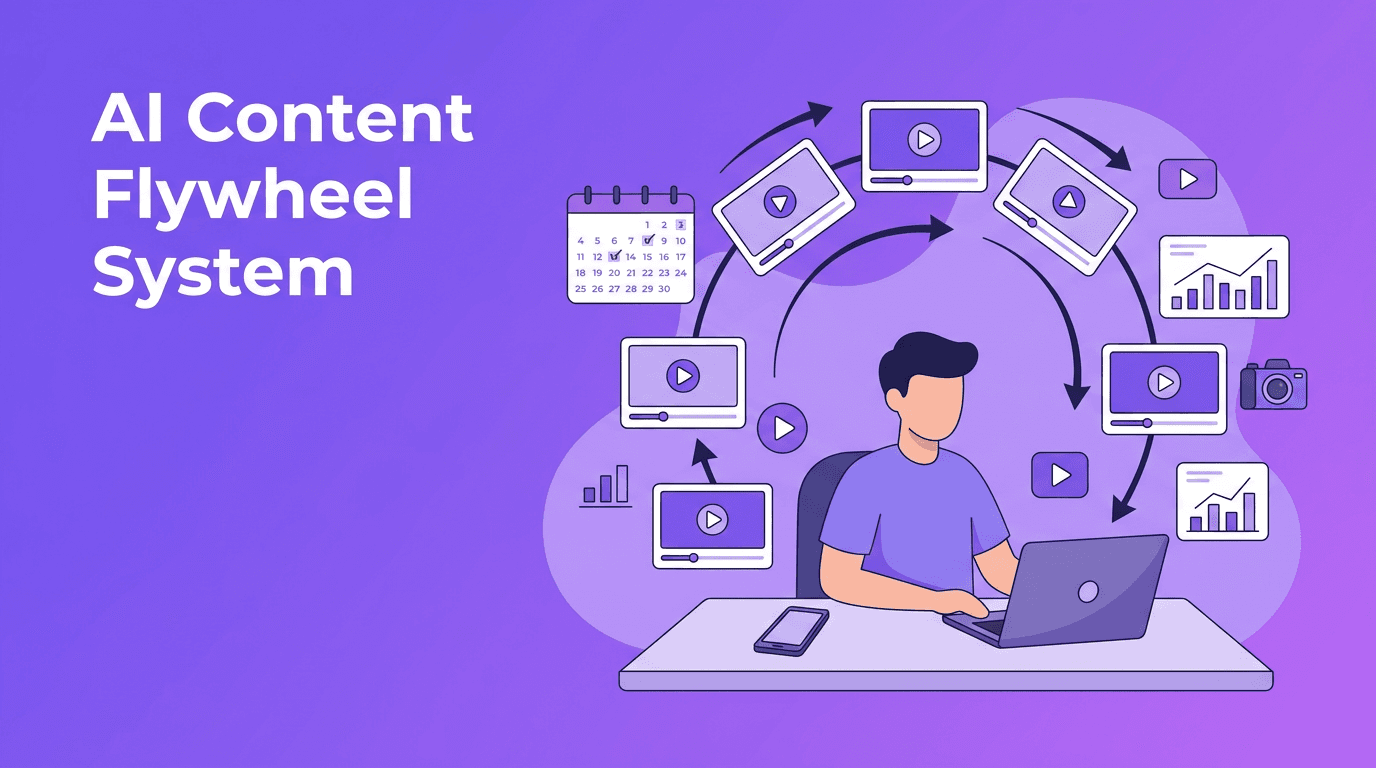
An AI content flywheel is a loop, not a one-time campaign. One strong idea becomes multiple video assets, those assets get distributed across platforms, performance data reveals what resonates, and those insights feed your next round of content. This approach helps creators, marketers, and solopreneurs scale output while protecting quality.
- Plan once, publish many times with a clear weekly theme
- Use AI-assisted scripting to turn rough ideas into structured talking points
- Set up batch production so filming and editing happen in focused blocks
- Distribute content in platform-specific formats instead of reinventing each post
- Review analytics weekly to decide what to repeat, improve, or drop
Step 1: Build a planning layer that removes guesswork
Start with a simple content map. Choose 3 to 5 recurring pillars, such as education, proof, behind-the-scenes, objections, and offers. Then assign each pillar to audience stages like awareness, consideration, and conversion. This creates a practical filter for deciding what deserves production time.
Use a calendar that supports volume
A useful content calendar is not just a publishing schedule. It is a decision-making tool. For each planned video, include the goal, target platform, hook, source asset, call to action, and success metric. Teams that standardize this planning step often reduce production bottlenecks because fewer decisions are made at the last minute.
"Scale does not come from making more random content. It comes from making better decisions before production begins."
Step 2: Turn one idea into a batch production sprint
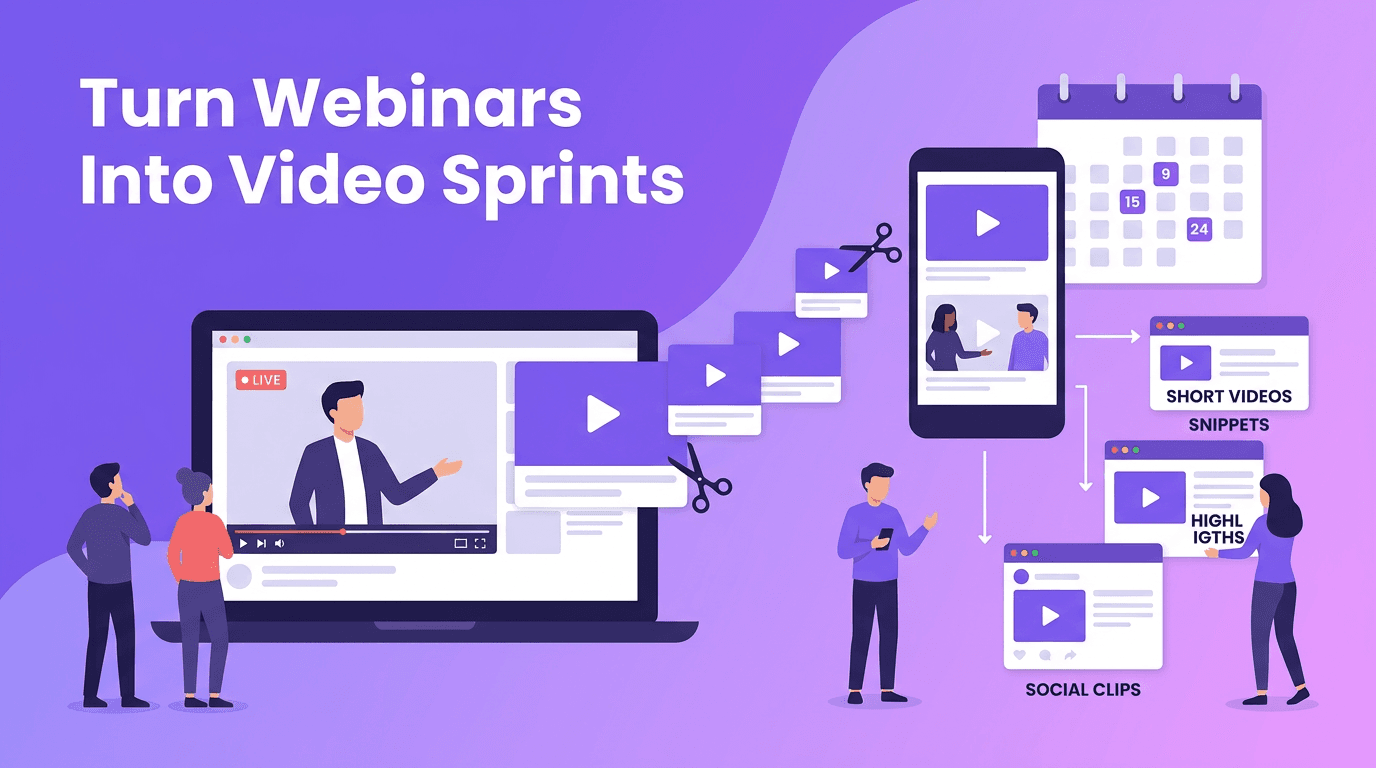
Batching is where momentum compounds. Instead of writing, filming, editing, and publishing one video at a time, group similar tasks together. This lowers context switching and speeds up delivery. Many creators find that batched workflows can save several hours per week because setup time is shared across multiple assets.
- Idea batch: collect questions, customer pain points, trends, and proof points
- Script batch: use AI to draft hooks, outlines, captions, and alternate calls to action
- Asset batch: gather screenshots, product visuals, testimonials, or B-roll
- Production batch: create several videos in one focused session
- Publishing batch: prepare titles, descriptions, thumbnails, and platform variations in one pass
With *Movi AI*, you can accelerate this stage by generating videos from text prompts, images, existing videos, or speech. That makes it easier to move from rough concept to polished asset without waiting on a traditional production cycle.
Want a faster production stack?
Use *Movi AI* to turn ideas, visuals, and voice into ready-to-publish videos for your weekly content sprint.
Download Movi AIStep 3: Design content once, adapt it everywhere
The smartest teams do not post the same file everywhere unchanged. They create a master concept, then adapt the packaging for each platform. A single educational video can become a Reel with a stronger hook, a TikTok with faster pacing, a YouTube Short with a clearer keyword title, and a LinkedIn clip with more context in the caption.
A simple adaptation framework
- For TikTok, prioritize curiosity, speed, and a strong opening line
- For Instagram Reels, lead with visual movement and concise on-screen text
- For YouTube Shorts, align the topic with searchable phrasing and retention-friendly structure
- For LinkedIn, anchor the video to a business insight, result, or lesson learned
This is where the AI content flywheel becomes especially powerful. One source video can create multiple platform-native versions, which increases output without multiplying effort.
Step 4: Let performance data choose your next videos
Scaling content is not just about publishing more. It is about learning faster. Track a few metrics that actually guide decisions: hook retention, average watch time, saves, shares, click-through rate, and conversion rate. These numbers reveal whether your message, format, and call to action are working.
Run a weekly feedback review
- Identify the top 3 videos by watch time or conversions
- Pull out repeated patterns in hooks, formats, and topics
- Rewrite underperforming ideas instead of discarding them immediately
- Promote proven winners into a new batch of variations
- Use insights to update next week's planning board
A healthy AI content flywheel turns analytics into creative fuel. Over time, your team stops guessing and starts compounding what already works.
Keep AI efficient, but keep humans in control
AI should speed up the heavy lifting, not replace your point of view. Use AI for ideation, outlines, draft scripts, visual generation, and versioning. Keep human judgment for brand voice, strategic priorities, storytelling nuance, and final approval. That balance is what allows you to increase output without becoming generic.
Frequently Asked Questions
What is an AI content flywheel?
An AI content flywheel is a repeatable system for planning, creating, distributing, and improving content using AI tools and performance data.
How do I scale video content without losing quality?
Use recurring content pillars, batch production, platform-specific adaptation, and weekly analytics reviews. Let AI handle drafts and variations, while humans refine strategy and voice.
Can AI help with video scripting and production?
Yes. AI can help generate hooks, outlines, scripts, visual concepts, and even finished videos from text, images, voice, or existing clips.
Which metrics matter most for video content growth?
Focus on hook retention, watch time, shares, saves, click-through rate, and conversions. These metrics help you understand both attention and business impact.
Movi AICreate stunning AI videos in seconds!
Turn your ideas into professional videos with the #1 AI video maker.
Download Movi AI