AI Content Strategy for Video Teams: A Practical System to Scale Smarter
An effective AI content strategy helps creators plan, produce, and distribute video content at scale. Learn a practical workflow to save time, stay consistent, and grow faster with AI.


By Movi AI Team
Movi AI Editorial Team
If your team wants more output without more chaos, an AI content strategy is the missing system. Instead of chasing ideas, rewriting the same message, and publishing inconsistently, you can use AI to plan, produce, repurpose, and measure video content at scale with far less friction.
Why AI content strategy matters now
Creators and marketing teams are under pressure to publish more often across more channels. Short-form video, platform-specific edits, trend response, and performance reporting can quickly overwhelm even strong teams. A clear AI content strategy turns AI from a random tool into a repeatable operating system.
- Efficiency gains add up fast when scripting, editing preparation, caption drafting, and versioning are supported by AI.
- Teams that use structured workflows often reduce production bottlenecks and create more weekly assets from the same core idea.
- The real advantage is not just speed. It is consistency, clarity, and scale without losing your brand voice.
"AI works best when it removes repetition and gives humans more room for taste, storytelling, and strategy."
Step 1: Build a content calendar that AI can support
A strong content calendar is the foundation of content creation with AI. AI is most useful when your inputs are clear. Start by organizing your content into themes, audience problems, offer-related topics, and platform goals. Instead of planning one post at a time, plan in content clusters.
Use a 4-part planning framework
- Pillars - Choose 3 to 5 recurring themes such as education, proof, behind-the-scenes, and conversion.
- Formats - Assign each topic a format, like talking-head video, tutorial, testimonial remix, or trend adaptation.
- Channels - Map every idea to primary and secondary platforms such as TikTok, Instagram Reels, YouTube Shorts, and LinkedIn.
- Cadence - Set a realistic publishing rhythm based on team capacity, not wishful thinking.
This approach makes your content creation workflow easier to automate. Once pillars and formats are defined, AI can help generate topic variations, hooks, outlines, and posting sequences for the month ahead.
Step 2: Batch production to scale video content
If you want to scale video content, stop producing from scratch every day. Batch production is one of the highest-leverage systems for creators and lean teams. Pick one day for planning, one for scripting, one for recording or generating, and one for editing and scheduling.
A simple weekly batch workflow
- Monday - Review goals, pull performance insights, and choose 5 to 10 content ideas.
- Tuesday - Use AI content tools to draft hooks, scripts, shot lists, and variations for each platform.
- Wednesday - Record source footage or generate visuals with *Movi AI* using text, images, or existing video.
- Thursday - Create multiple cuts, captions, and aspect ratios for each channel.
- Friday - Schedule posts, prepare community replies, and document learnings for the next cycle.
This is where *Movi AI* fits naturally into your stack. You can turn text prompts into videos, transform images into motion content, remix existing footage with video-to-video workflows, and use speech-to-video to speed up production. That makes it easier to create more assets from fewer raw materials.
Turn one idea into many videos
Use *Movi AI* to generate, remix, and adapt videos faster so your team can publish consistently without burning out.
Download Movi AIStep 3: Use AI-assisted scripting without sounding robotic
One of the biggest wins in AI content creation is scripting support. But the goal is not to let AI replace your voice. The goal is to use AI to accelerate structure, then apply human judgment for tone, examples, and emotional clarity.
A better scripting method
- Start with a clear outcome. What should the viewer learn, feel, or do?
- Ask AI for 3 hook options, a short outline, and one strong CTA.
- Feed in your brand voice rules, audience pain points, and offer context.
- Edit for specificity. Replace generic phrases with stories, opinions, and proof.
- Create platform versions, such as a 15-second hook-first cut and a 45-second educational cut.
This process helps automate content creation where repetition exists, while keeping originality in the final message. The best teams use AI for first drafts and humans for final polish.
Step 4: Repurpose one source into platform-ready content
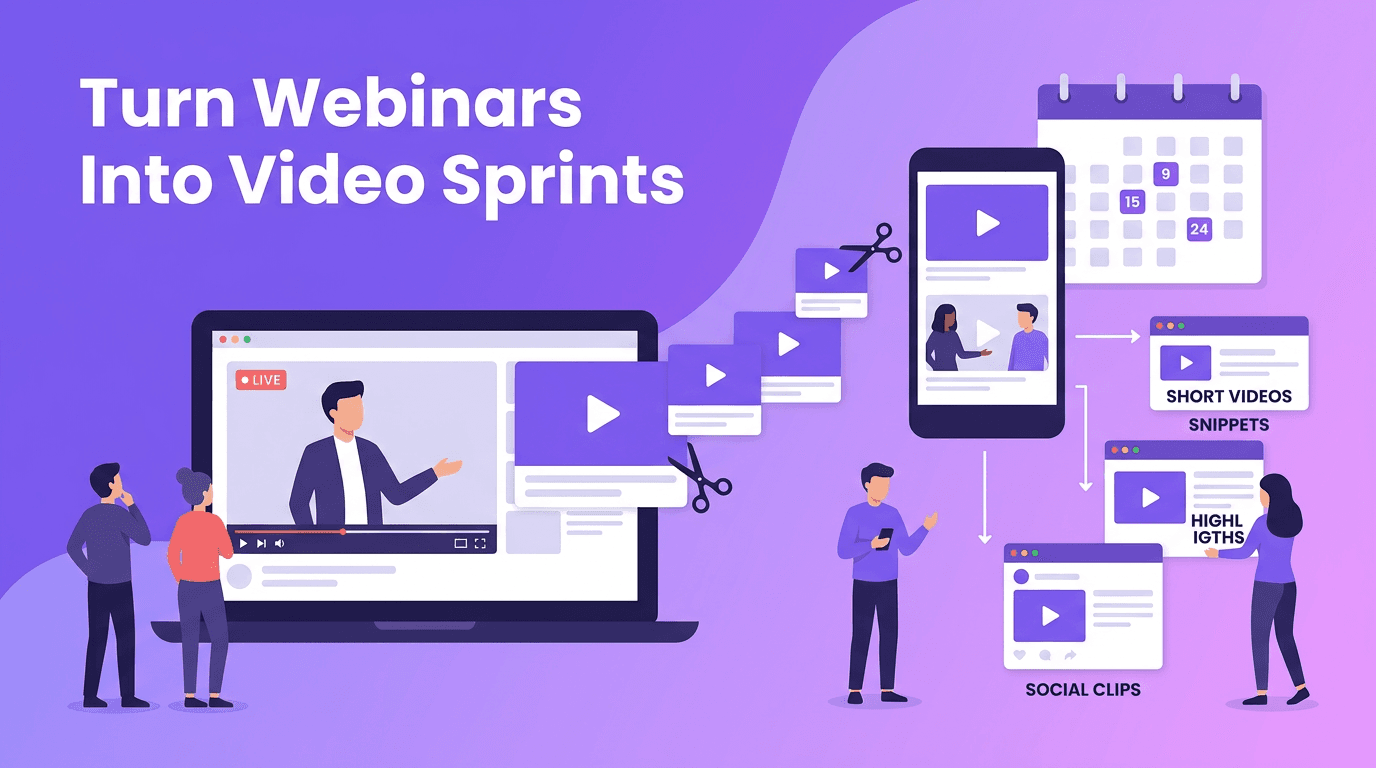
To create video content at scale, think in source assets, not isolated posts. One webinar clip, product demo, founder insight, or customer story can become a week of content if you repurpose with intention.
Repurposing map for one core video
- TikTok and Reels - Lead with the boldest takeaway and fast captions.
- YouTube Shorts - Keep the structure tight and educational with a clear payoff.
- LinkedIn - Reframe the same idea around a business lesson or industry insight.
- Stories - Break the point into 3 to 5 short slides or clips with polls and prompts.
- Email and blog - Turn the transcript into written content that supports search and nurture.
AI makes repurposing faster by extracting highlights, rewriting hooks, summarizing transcripts, and adapting formats. But quality control still matters. Review each version for pacing, context, and platform fit before publishing.
Step 5: Measure performance and improve the workflow
A scalable system is only useful if it gets smarter over time. Your AI content strategy should include a lightweight review loop every week. Focus on patterns, not vanity metrics alone.
Metrics that actually help you improve
- Hook rate - Are people stopping to watch in the first seconds?
- Retention - Where do viewers drop off, and what does that say about structure?
- Completion rate - Which formats keep attention to the end?
- Click-throughs and conversions - Which videos drive action, not just views?
- Production velocity - How many quality assets did your system produce this week?
Research across marketing teams consistently shows that standardized workflows improve output and reduce wasted effort. Even a 20 to 30 percent gain in production efficiency can create major compounding results over a quarter. When you combine analytics with AI-assisted iteration, you stop guessing and start improving with purpose.
How to balance automation and creativity
The fastest system is not always the best system. If every video sounds the same, your reach may grow while your brand weakens. Use AI to handle structure, drafting, versioning, and repetitive editing tasks. Keep humans focused on taste, positioning, storytelling, and final approval.
- Let AI suggest options, but let people choose the strongest angle.
- Use AI for variations, but define a brand voice guide first.
- Automate repetitive steps, but protect time for experimentation and original ideas.
- Measure output, but also track quality signals like saves, replies, and sales conversations.
Your 30-day AI content strategy sprint
If you want a practical starting point, use this 30-day sprint. Week 1, define pillars, goals, and your content calendar. Week 2, build scripts and source assets. Week 3, repurpose into platform-specific videos with *Movi AI*. Week 4, review performance and double down on winners. Repeat with better inputs each cycle.
The teams that win are not always the ones with the biggest budgets. They are the ones with the clearest systems. With the right AI content tools, a repeatable content creation workflow, and a smart review process, you can publish more, learn faster, and grow without constant overload.
Frequently Asked Questions
What is an AI content strategy?
An AI content strategy is a system for using AI to plan, create, repurpose, and analyze content more efficiently while keeping human oversight on brand and quality.
How can I scale video content without hiring a big team?
Use batch production, repurposing, AI-assisted scripting, and scheduling workflows. Tools like *Movi AI* help you create multiple video assets from prompts, images, or existing footage.
What are the best AI content tools for video creators?
The best tools support scripting, video generation, editing, repurposing, and analytics. *Movi AI* is useful for text-to-video, image-to-video, video-to-video, and speech-to-video workflows.
How do I automate content creation without losing quality?
Automate repetitive tasks like drafting, formatting, and versioning, then use human review for tone, accuracy, storytelling, and final platform adjustments.
How often should I review content performance?
A weekly review is ideal for spotting patterns early. Track retention, completion rate, clicks, conversions, and production efficiency to improve your system over time.
Movi AICreate stunning AI videos in seconds!
Turn your ideas into professional videos with the #1 AI video maker.
Download Movi AI