AI Nostalgia Effects for Short Videos: VHS Glitch, Dream Blur, and Memory-Core Reels
AI nostalgia effects are turning ordinary clips into dreamy, memory-core short videos. Learn what is trending, how these effects work, and how creators can use them for TikTok and Instagram.

By Movi AI Team
Movi AI Editorial Team
AI nostalgia effects are having a big moment because they make brand-new clips feel emotional, cinematic, and instantly familiar. On TikTok and Instagram, creators are using them to turn everyday footage into retro memories, soft dream sequences, and lo-fi mini stories that feel made for repeat views.
Why AI nostalgia effects are trending right now
Short-form video moves fast, so creators look for effects that create an instant mood in the first second. AI nostalgia effects do exactly that. Instead of just making a clip look old, they trigger a feeling - childhood, late-night city walks, summer memories, friendship dumps, or fake home-video moments.
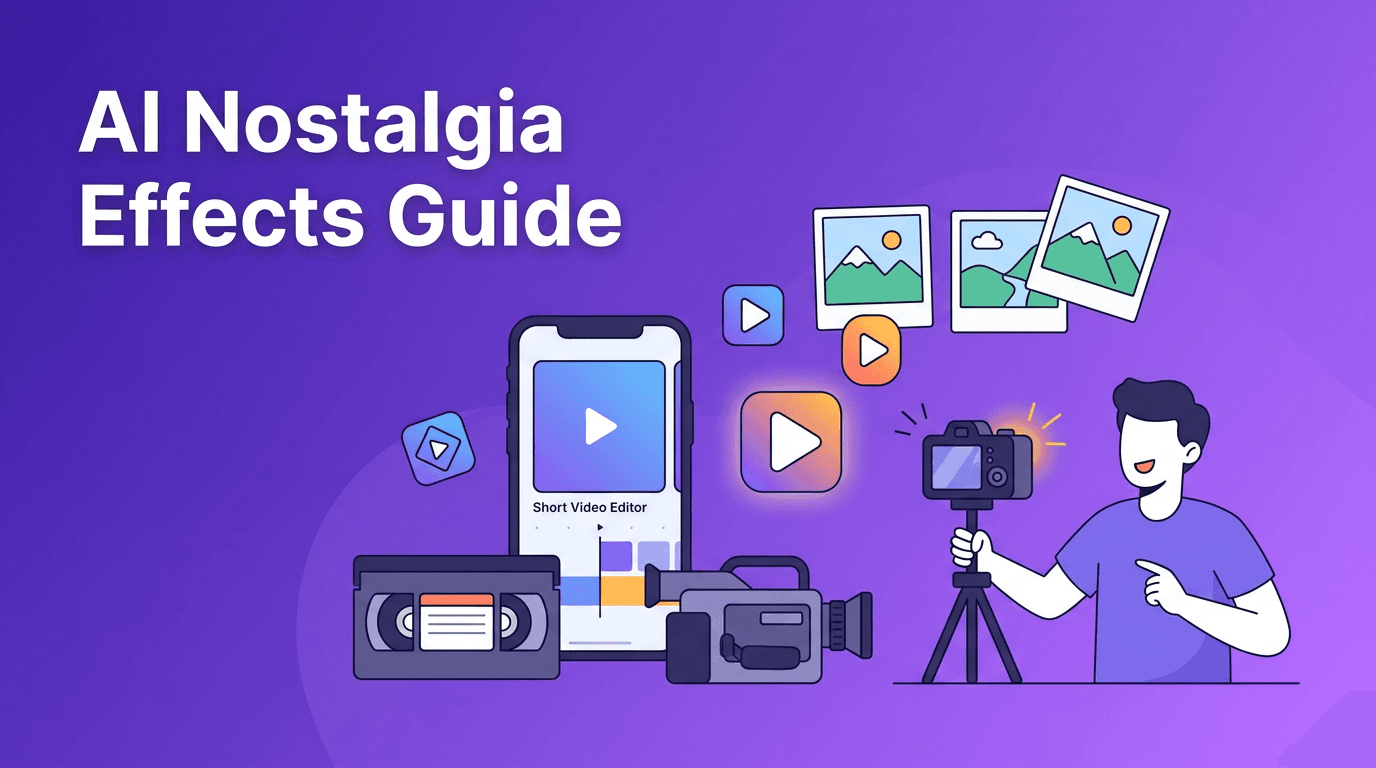
- VHS glitch adds tape noise, tracking wobble, scan lines, and analog distortion
- Dream blur softens highlights and creates a hazy, sentimental glow
- Memory-core textures add dust, light leaks, timestamp overlays, and handheld shake
- Retro frame generation mimics camcorder movement and imperfect focus
- Lo-fi color shifts push footage toward faded skin tones, muted contrast, or washed-out highlights
"The fastest way to make a short video feel personal is to give it a visual memory."
How these nostalgic AI video effects actually work
Under the hood, most nostalgia tools combine several layers of automation. AI can analyze your footage, detect faces and objects, separate foreground from background, track motion, and then apply effects that stay consistent from frame to frame. That consistency is what makes modern retro edits look intentional instead of randomly filtered.
1. Scene analysis and subject detection
The system first identifies what matters in the clip - faces, sky, movement, and lighting zones. This helps the effect preserve key details while stylizing less important areas.
2. Temporal consistency
A basic filter can flicker badly across frames. Better AI models keep grain, blur, glow, and distortion stable over time, which is essential for smooth Reels and TikToks.
3. Layered effect simulation
Many trending retro looks are not just one effect. They stack film grain, optical blur, color fade, timestamp graphics, edge softness, compression artifacts, and motion wobble. AI automates that stack so creators can get the mood quickly.
The most viral nostalgia looks creators should test
VHS diary aesthetic
This look works well for day-in-the-life clips, friend recaps, and travel posts. The secret is not overdoing the distortion. Use enough wobble and static to suggest old tape, but keep the subject readable.
Soft dream blur
Great for beauty, fashion, music snippets, and romantic edits. This style makes highlights bloom and edges soften, which creates a floaty, emotional feel that often performs well with slower, mood-based storytelling.
Fake camcorder memories
Creators use this effect for birthday montages, festival footage, and throwback-style content even when the video was shot today. Add handheld movement, date stamps, and slight exposure inconsistency for realism.
- Use close-up shots for emotional impact
- Pair the effect with simple on-screen text instead of busy captions
- Choose music that supports the mood, especially indie, lo-fi, or dreamy audio
- Keep clips short, because nostalgia hits harder in compact sequences
- Test cover frames that clearly show the retro mood before someone taps
Turn fresh footage into scroll-stopping retro edits
Use *Movi AI* to create dreamy nostalgic short videos from text, images, or existing clips with fast AI-powered effects and creator-friendly workflows.
Download Movi AIHow to use AI nostalgia effects without making your video feel fake
The best creators use AI nostalgia effects to support a story, not replace one. Start with a clear emotional angle: a memory dump, a quiet morning, a friendship recap, a city-night montage, or a personal milestone. Then choose one main nostalgic treatment and build around it.
- Match the effect to the story, not just the trend
- Avoid stacking too many overlays that hide faces or products
- Use real footage with natural movement for better authenticity
- Keep text placement clean so timestamps and captions do not clash
- Preview on mobile before posting, because subtle effects can look different on desktop
Ethics and authenticity matter
Retro stylization is usually low risk, but creators should still be honest when a clip is heavily altered. If you are presenting a moment as documentary-style content, avoid misleading viewers with fake timestamps or manipulated context. For brand work, keep nostalgic edits aligned with the actual message and audience trust.
Why Movi AI fits this trend
*Movi AI* gives creators flexible ways to build short-form videos from prompts, images, and existing clips. That matters for nostalgia edits because you can generate stylized scenes, transform current footage, or create atmospheric cutaways without a full manual editing workflow. If you want faster experimentation with retro moods, it is a practical toolset to have.
Frequently Asked Questions
What are AI nostalgia effects in video editing?
AI nostalgia effects are automated video styles that recreate retro, dreamy, or memory-like looks using tools such as grain, blur, color fade, tape wobble, and scene-aware processing.
Why are nostalgic video effects popular on TikTok and Instagram?
They create instant emotion, help everyday clips feel cinematic, and make short videos more rewatchable by giving them a clear mood in the first seconds.
How do I make a video look like an old camcorder recording?
Use a combination of timestamp overlays, handheld shake, reduced sharpness, tape-style distortion, and faded color. AI tools can automate these layers much faster.
Can I use AI nostalgia effects for brand content?
Yes, if the style matches your brand message. Nostalgic visuals work especially well for lifestyle, fashion, music, food, and story-driven campaigns.
Movi AICreate stunning AI videos in seconds!
Turn your ideas into professional videos with the #1 AI video maker.
Download Movi AI