AI Physics Effects for Reels: Gravity Glitches, Freeze Rooms, and Viral World-Bending Tricks
AI physics effects are turning ordinary clips into gravity-defying TikToks and Reels. Learn what is trending, how these world-bending effects work, and how creators can use them with Movi AI.

By Movi AI Team
Movi AI Editorial Team
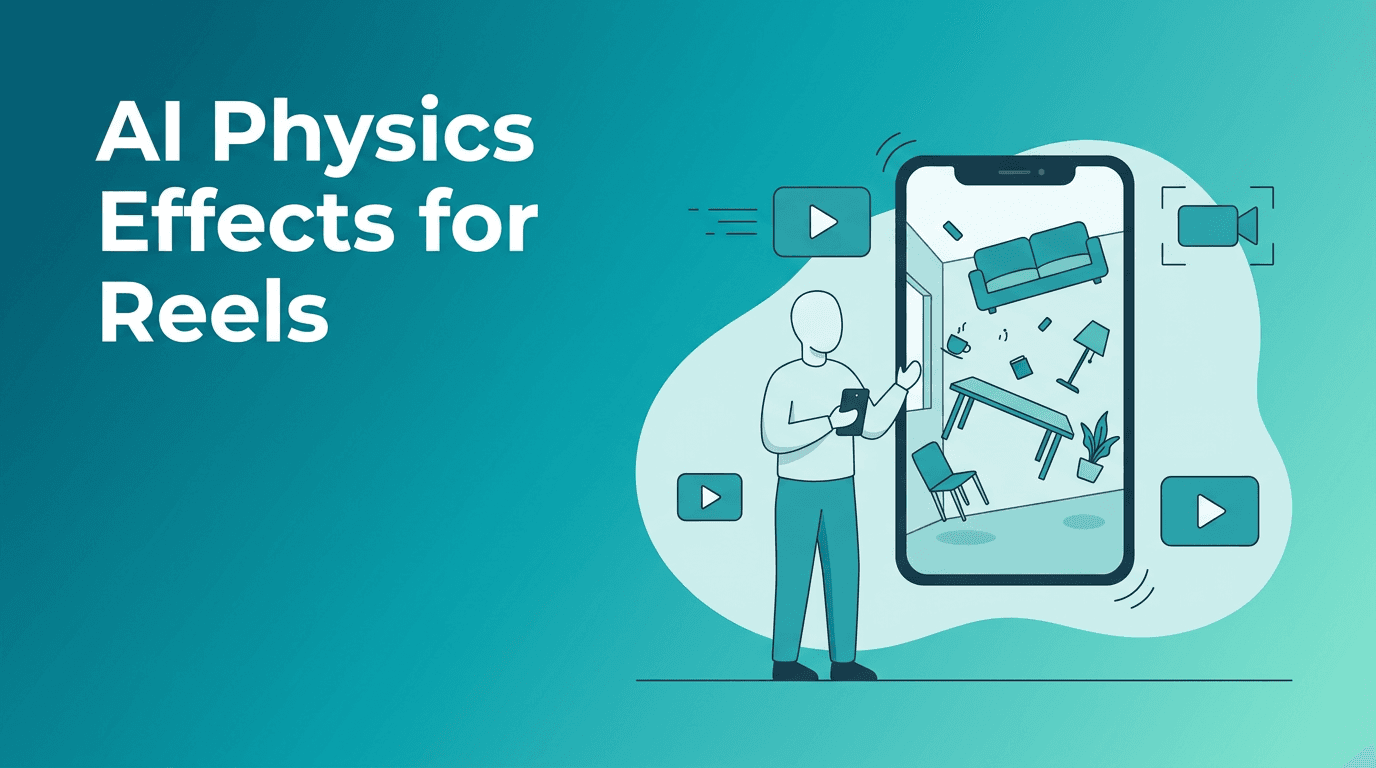
AI physics effects are a fresh way to make short videos feel impossible without needing a full VFX team. Instead of generic filters, these effects twist gravity, freeze motion, bend rooms, and make everyday objects behave in surreal ways that stop the scroll on TikTok and Instagram.
Why physics-bending clips are blowing up
Creators are always chasing the next visual surprise. Right now, clips that make viewers ask "Wait, how did they do that?" have a huge advantage. Physics-based AI edits work because they combine a familiar setting, like a bedroom, hallway, or street, with an unexpected rule break, like floating shoes, frozen water, or a room that tilts without the person falling.
- They hook viewers fast because the illusion is obvious in the first second
- They feel bigger than a normal filter and more cinematic than basic overlays
- They encourage rewatches as people look for the trick
- They fit multiple niches including fashion, fitness, dance, comedy, and product content
The main AI physics effects creators are using
1. Gravity glitch scenes
This effect makes subjects or objects appear to ignore gravity. Shoes hover, a coffee cup drifts upward, or a creator appears stuck sideways against a wall. Technically, AI estimates subject masks, separates foreground from background, and synthesizes motion paths that do not match normal physical behavior.
2. Freeze room videos
A freeze room effect pauses selected elements while the camera keeps moving. Think floating paper, hanging droplets, or frozen props around a person. AI helps by tracking the scene, isolating objects, and keeping perspective consistent while the environment remains visually locked in place.
3. Elastic world bends
These edits stretch hallways, warp door frames, or pulse walls in sync with music. They are especially popular for dramatic transitions and beat drops. AI-driven scene understanding helps preserve the subject while reshaping the environment around them.
"The most viral effect is often the one that makes reality feel one step off, not totally fake."
How AI physics effects work in simple terms
At a technical level, AI physics effects usually rely on a few core systems working together. First, AI detects the subject and background. Next, it tracks camera motion and estimates depth, which helps the app understand what is closer or farther away. Then it generates new motion, distortion, or object behavior that looks believable enough to feel magical.
- Segmentation cuts out people or objects from the scene
- Depth estimation maps spatial relationships in the video
- Motion tracking follows camera and subject movement frame by frame
- Generative synthesis creates new frames to fill gaps or animate impossible motion
- Temporal consistency keeps the illusion stable across the full clip
How to make these effects look better on TikTok and Reels
Start with a clean shot. Stable lighting, a simple background, and a clear subject make AI-generated motion look more convincing. If you want a floating object effect, leave enough empty space around the prop so the model can isolate it. If you want a room-bending illusion, use visible lines like doorways, shelves, or windows because AI can exaggerate those structures more dramatically.
- Keep clips short, usually 5 to 12 seconds
- Use a single visual idea per video, not five tricks at once
- Match the effect to a beat drop or sound cue
- Film with clear separation between subject and background
- Test versions with different intensity levels so the effect stays watchable
Best niches for AI physics effects
These effects are especially strong for creators who want a more surreal identity without copying common beauty or cartoon filters.
- Fashion creators can make outfits float, flip, or hang in midair before reveal shots
- Fitness creators can fake suspended equipment or frozen sweat moments for dramatic intros
- Product marketers can show items orbiting a subject or hovering above a table
- Musicians and dancers can sync room warps and gravity glitches to bass hits
- Comedy creators can build absurd everyday situations that feel impossible but relatable
Try surreal video ideas in Movi AI
Use *Movi AI* to turn text prompts, photos, or video clips into bold short-form visuals with advanced AI generation tools for creators.
Download Movi AIEthics, trust, and viewer expectations
Even playful effects need boundaries. If your clip changes reality in a big way, avoid presenting it as real footage. Do not use AI to create misleading news-style scenes or fake harmful events. If another person appears in your video, make sure you have consent to transform or stylize their likeness. Transparent creator behavior builds trust and helps AI creativity stay fun.
How Movi AI helps you build the look
*Movi AI* is useful when you want to go beyond simple template filters. You can generate clips from text, transform existing footage with video-to-video workflows, animate still images, or combine speech with visual scenes. That flexibility makes it easier to test AI physics effects concepts without needing complicated desktop software.
Final takeaway
If your goal is to stand out on Reels or TikTok, physics-bending edits are a smart niche to explore. They feel fresh, highly visual, and easy to understand in one second. Start with one illusion, keep the framing simple, and let the impossible moment do the work.
Frequently Asked Questions
What are AI physics effects in video?
AI physics effects are video edits that make objects, people, or rooms behave in impossible ways, like floating, freezing, or bending. They use AI tools such as masking, depth mapping, and generated motion.
Why do gravity glitch videos go viral on TikTok?
They grab attention instantly because they break a familiar rule of reality. That surprise often increases watch time and rewatches.
Can beginners create AI physics effects?
Yes. With creator apps like Movi AI, beginners can start with simple source clips and prompts instead of complex manual VFX workflows.
Are AI physics effects ethical to use?
Yes, when used clearly as creative edits and with consent from anyone shown in the video. Avoid deceptive or harmful fake scenes.
Movi AICreate stunning AI videos in seconds!
Turn your ideas into professional videos with the #1 AI video maker.
Download Movi AI

