AI Storyboard Videos: Turn Trend Ideas Into Repeatable Reels
AI storyboard videos help creators plan trend-driven TikToks and Reels faster, so every cut, hook, and visual beat feels intentional and easier to produce.

By Movi AI Team
Movi AI Editorial Team
If your short-form content feels random, AI storyboard videos can fix that fast. Instead of guessing what to film next, you can map the hook, pacing, and visual payoff before you generate or edit anything.
Why creators are using AI storyboard videos
For TikTok and Instagram Reels, speed matters, but so does structure. AI storyboard videos give creators a simple way to plan scroll-stopping openings, transition points, and ending beats without overcomplicating the process.
- Use a 3-part vertical structure: hook, build, payoff
- Plan each beat around one visual action only
- Match on-screen text to scene intent, not just decoration
- Keep each storyboard card short so editing stays fast
How the workflow actually works
1. Start with the hook
Open with the most surprising visual first. In short-form video, the first second does the heavy lifting, so your storyboard should begin with a moment that instantly creates curiosity.
2. Build scene-by-scene
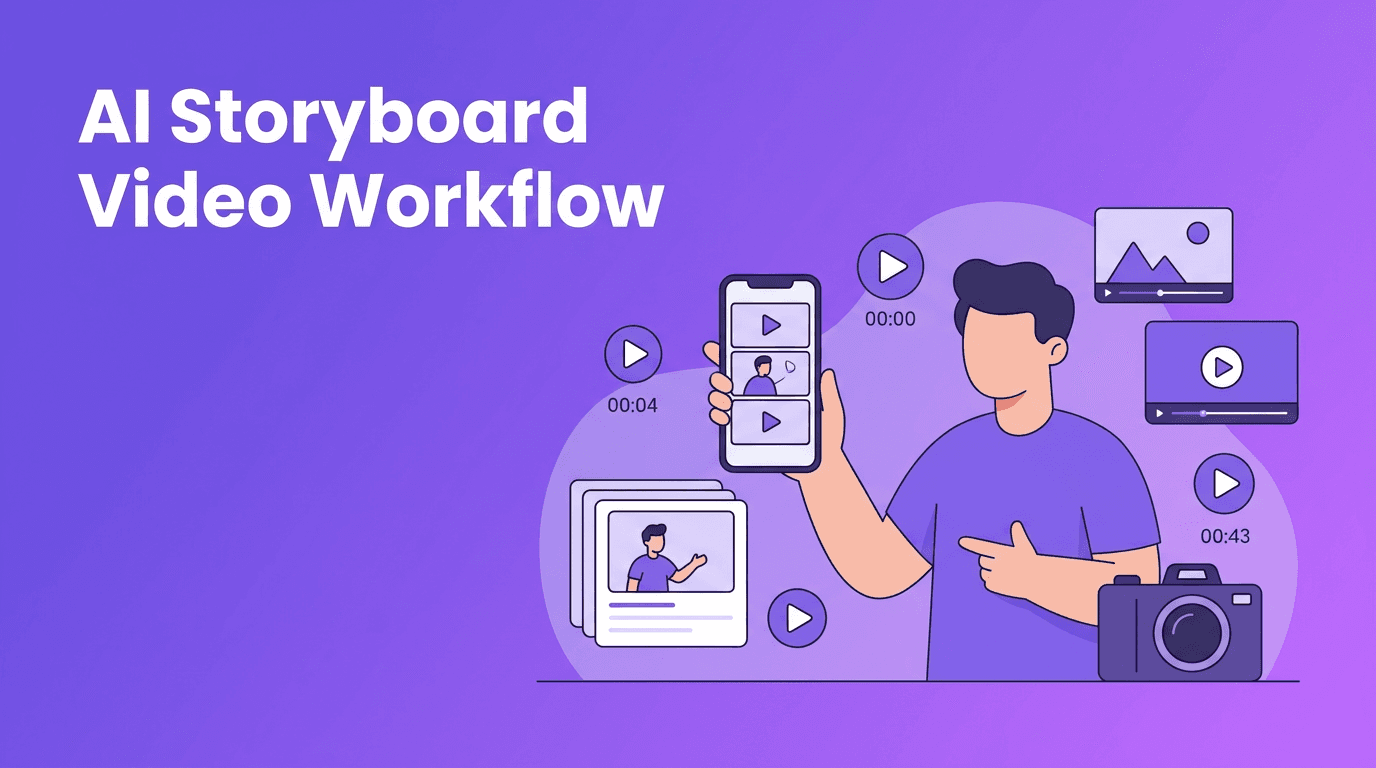
Break the idea into 5 to 8 visual cards. Each card should show one action, one framing idea, and one purpose, like introducing a product, revealing a transformation, or landing a joke.
3. Generate and refine
Once your plan is clear, tools like *Movi AI* can help you turn prompts, images, or clips into polished scenes. That means less trial and error and a much faster path from concept to publish.
"The fastest creators are not always the best editors. They are often the best planners."
Tips for better vertical storyboards
- Write your first scene for silent autoplay
- Design one clear visual change every 1 to 2 seconds
- Avoid packing too many ideas into one Reel
- Storyboard captions and overlays at the same time as visuals
- Leave room for trend sounds or voiceover timing
Ready to turn ideas into videos?
Use *Movi AI* to transform prompts, images, and rough concepts into short-form videos faster.
Download Movi AIWhere Movi AI fits in
*Movi AI* works well when you already know the scenes you want. You can use text-to-video for concept shots, image-to-video for visual continuity, video-to-video for remixes, and speech-to-video for narration-led content.
Frequently Asked Questions
What are AI storyboard videos?
AI storyboard videos are planned short-form video sequences built with scene prompts, visual beats, and timing before production or editing starts.
How do I storyboard a TikTok video fast?
Use a simple hook-build-payoff structure, write 5 to 8 scene cards, and keep each card focused on one visual action.
Can AI help plan Instagram Reels?
Yes. AI can help generate hooks, scene ideas, shot order, and prompt-based visuals for faster Reel planning.
Movi AICreate stunning AI videos in seconds!
Turn your ideas into professional videos with the #1 AI video maker.
Download Movi AI

