AI Style Transfer Videos: Trending Effects Creators Should Try
AI style transfer videos are blowing up on TikTok and Instagram. Learn which effects are trending, how they work, and how creators can use them to make standout short-form content.

By Movi AI Team
Movi AI Editorial Team
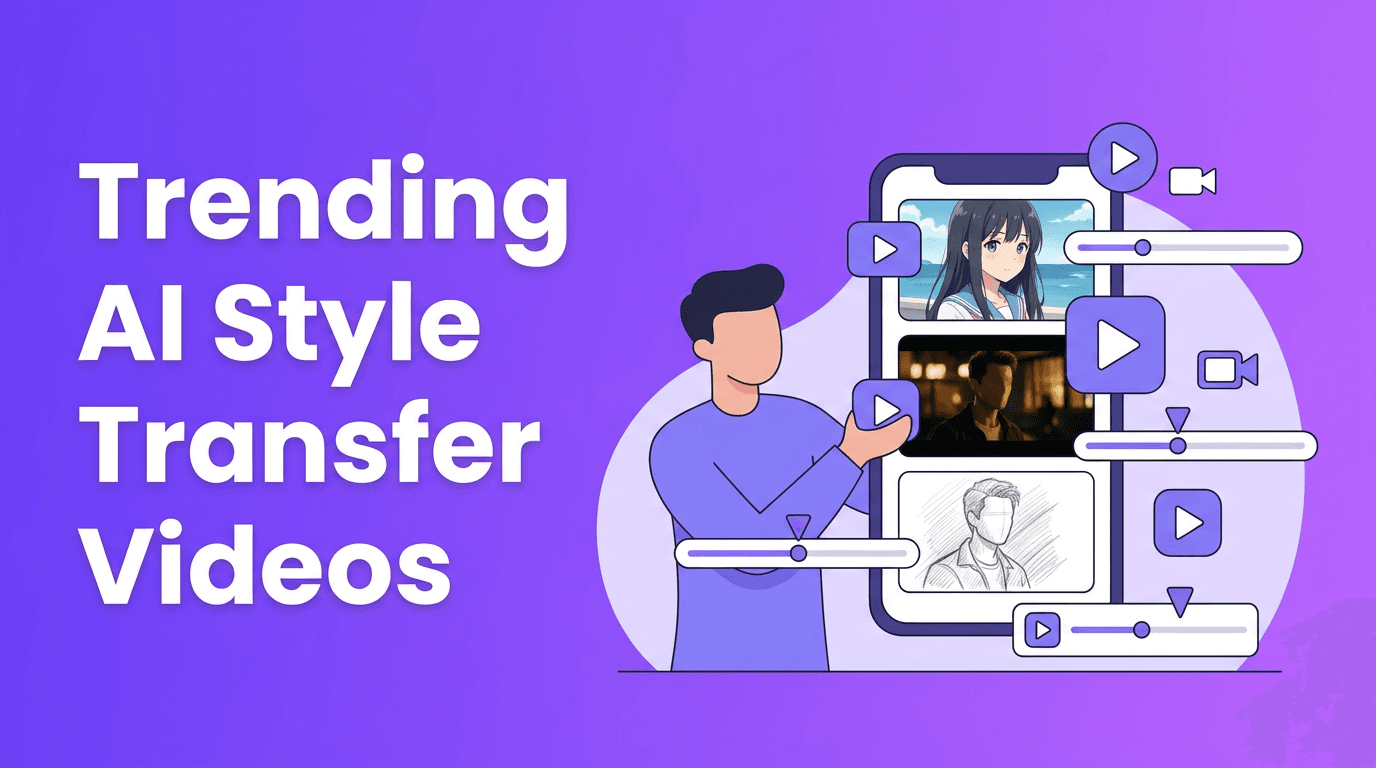
AI style transfer is one of the biggest reasons short videos now feel instantly more cinematic, animated, and scroll-stopping. On TikTok and Instagram, creators are using AI video effects to turn ordinary clips into anime scenes, glossy beauty edits, dance remixes, lip synced characters, and surreal visual loops that hold attention fast.
Why AI style transfer is dominating short-form video
The appeal is simple. AI style transfer lets creators transform the look, motion, or identity of a clip without needing advanced editing skills. Instead of spending hours masking, keyframing, or compositing, you can apply an ai video filter that analyzes faces, bodies, motion, and backgrounds, then rebuilds the footage in a new style.
- It creates instant novelty, which helps stop the scroll in the first second.
- It compresses production time, so creators can test more ideas faster.
- It makes trends remixable, because one clip can be turned into multiple looks.
- It lowers the skill barrier, which is why so many viral edits spread quickly.
The hottest AI video effects trending now
Anime filter AI for dramatic transformations
Anime filter ai effects stay popular because they turn familiar selfies and clips into stylized characters with strong outlines, smooth skin, larger eyes, and illustrated shading. Technically, these models detect facial landmarks and scene structure, then map the footage into a learned visual style. The best results usually come from clips with clear lighting, a centered subject, and minimal motion blur.
- Use close-up shots for stronger facial detail.
- Keep the background simple so the style reads clearly.
- Pair the effect with dramatic audio or transformation cuts.
- Export short loops for better replay value on Reels and TikTok.
AI face swap and identity remix effects
Ai face swap remains one of the most talked-about trending ai effects because it is instantly understandable and highly shareable. The tech works by tracking facial geometry, expressions, and head movement frame by frame, then blending a target face onto the original performance. Creators use it for comedy skits, character roleplay, and fandom content, but it also comes with serious ethical responsibilities.
"The best AI effect is not the most extreme one. It is the one that makes people watch twice."
If you use ai face swap, always get consent from anyone whose likeness appears in the video. Avoid deceptive political, romantic, or harmful edits. Smart creators use the effect for obvious entertainment, not confusion.
Beauty enhancement and polished selfie edits
A modern ai beauty filter does more than smooth skin. It can subtly balance lighting, refine facial symmetry, enhance eyes, sharpen lips, and improve overall clarity while preserving motion. Under the hood, these tools combine face detection, segmentation, and image enhancement models. For creators, the key is restraint. Overprocessed clips often feel less authentic and can hurt trust.
- Aim for natural enhancement instead of a plastic look.
- Use before-and-after transitions to increase engagement.
- Combine beauty effects with soft speech-to-video or lip sync content.
- Test your filter on different skin tones and lighting setups.
Lip sync AI and talking character videos
Lip sync effects are still everywhere, especially in meme content, reaction videos, and character storytelling. These tools analyze speech timing and phonemes, then generate matching mouth movement on a person, avatar, or stylized subject. This is why lip synced clips can make static images or altered characters feel alive.
For stronger results, use clean audio, short voice lines, and expressive source material. If you want the clip to feel less robotic, choose audio with natural pauses and emotional variation.
AI dance effect trends and motion-driven edits
Although specific dance trends change weekly, creators still love motion-based transformations. An ai dance effect usually tracks body pose, limb position, and timing, then applies a choreographed motion pattern or stylized movement layer. These effects work well for challenge videos, transitions, and comedic remixes where the body movement is the main hook.
- Record full-body footage with enough space around the subject.
- Use stable framing so pose tracking stays accurate.
- Keep outfits visually distinct from the background.
- Choose beats with obvious rhythm markers for cleaner sync.
How these AI video filters work in simple terms
Most ai video editing effects rely on a few core systems working together. First, the model detects important parts of the frame, such as faces, bodies, objects, and background layers. Next, it tracks movement across frames so the effect stays stable over time. Finally, a generation or enhancement model redraws, blends, or stylizes the footage based on the selected effect.
- Detection finds faces, pose points, edges, and scene elements.
- Tracking keeps the effect consistent as the subject moves.
- Segmentation separates people from backgrounds or specific features.
- Generation creates the final stylized or transformed frames.
- Post-processing smooths flicker, sharpens detail, and improves consistency.
How creators can use trending AI effects effectively
The biggest mistake with tiktok ai effects is using them as the whole idea. The most successful videos use the effect as a payoff, not the entire concept. Start with a hook, a reaction, a reveal, or a joke, then let the effect amplify that moment.
- Open with the unedited clip, then switch to the transformed version.
- Use text overlays to explain the challenge, prompt, or joke.
- Keep most effect-driven videos between 6 and 15 seconds.
- Make the first frame readable even before the transformation starts.
- Batch-create multiple versions of one concept using different filters.
Want all these effects in one workflow?
Use *Movi AI* to explore **AI video effects**, transform clips from text, images, or video, and test viral looks faster without a complicated editing setup.
Download Movi AIA practical workflow for testing viral AI video effects
1. Start with a strong source clip
Choose a video with clear lighting, simple framing, and a single focal point. Clean source footage gives every ai video filter a better chance of producing stable results.
2. Match the effect to the content angle
Use anime styles for transformations, beauty tools for polished talking clips, face swap for comedy, and motion effects for dance or challenge content. The effect should support the story, not distract from it.
3. Test multiple hooks
Try versions with a countdown, a surprise reveal, a text prompt, or a side-by-side comparison. Often the hook matters more than the effect itself.
4. Watch for ethical red flags
Always think about consent, disclosure, and context. If an effect changes identity, voice, or realism in a way that could mislead viewers, be transparent.
Why Movi AI fits this trend
*Movi AI* gives creators a flexible way to experiment with ai video effects across text-to-video, image-to-video, video-to-video, and speech-to-video workflows. That means you can build anime-inspired edits, stylized transformations, talking character clips, polished selfie content, and other trending ai effects from one app instead of juggling multiple tools.
For creators who publish often, that speed matters. Faster testing means more trend participation, more creative variation, and more chances to find a format that actually performs.
Frequently Asked Questions
What is AI style transfer in video?
AI style transfer in video uses machine learning to transform footage into a different visual look, such as anime, sketch, cinematic, or painterly styles, while keeping the original motion.
Which AI video effects are trending on TikTok right now?
Popular trends include anime transformations, face swap comedy edits, beauty enhancement filters, lip sync character videos, and motion-based dance effects.
How do AI video filters work?
AI video filters detect faces, bodies, and scene elements, track them across frames, and then apply enhancement or generation models to create a new visual result.
Is it safe to use AI face swap in content?
It can be safe when used responsibly with clear consent and obvious entertainment context. Avoid deceptive or harmful uses that could mislead viewers.
What app can I use for AI video effects?
You can use Movi AI to create AI videos from text, images, or existing clips and experiment with a wide range of viral AI effects in one workflow.
Movi AICreate stunning AI videos in seconds!
Turn your ideas into professional videos with the #1 AI video maker.
Download Movi AI

