AI Video Content Calendar: How to Scale Video Content Without Burnout
An AI video content calendar helps you plan, produce, and distribute video content at scale. Learn a practical system to streamline creation, stay consistent, and grow faster with AI.


By Movi AI Team
Movi AI Editorial Team
A video content calendar is one of the fastest ways to turn scattered ideas into a repeatable publishing system. If you want to scale video content without burning out, AI can help you plan topics, script faster, batch production, repurpose assets, and track what actually performs.
Why a video content calendar matters more than creativity alone
Most creators and marketing teams do not struggle because they lack ideas. They struggle because their process is inconsistent. A strong content creation workflow reduces decision fatigue, keeps your publishing cadence steady, and makes it easier to create video content at scale across short-form, long-form, and campaign assets.
- Teams with clear editorial workflows often publish more consistently because planning happens before production bottlenecks appear.
- Batching similar tasks can reduce context switching and improve output efficiency by 20-40% in many content operations.
- AI content tools help speed up research, scripting, variation testing, and asset generation, while humans keep the voice, strategy, and creative direction strong.
"Scale does not come from doing more manually. It comes from building a system that helps your best ideas move faster."
Build your AI content strategy around pillars, series, and formats
The smartest AI content strategy starts with structure. Instead of creating random videos every week, define 3-5 content pillars tied to your goals. For example, a personal brand might use education, behind-the-scenes, opinion, proof, and promotion. Then turn each pillar into recurring series so your content creation with AI becomes easier to repeat and optimize.
A simple planning framework
- Pillars: broad themes your audience expects from you.
- Series: repeatable concepts such as weekly tips, myth-busting clips, customer stories, or trend reactions.
- Formats: platform-specific outputs like Reels, TikToks, Shorts, explainers, tutorials, or product demos.
- Goals: awareness, engagement, leads, conversions, or retention.
This framework makes your video content calendar easier to fill because you are not starting from zero each time. AI can then help generate topic clusters, hook variations, outlines, and script drafts for each series.
How to plan 30 days of video content with AI
Use AI at the planning stage to turn one business goal into a month of content. Start with a target, such as generating demo requests or growing newsletter signups. Then ask your AI system to map that goal into audience questions, objections, trends, and search intent. This is where AI content creation becomes strategic instead of purely tactical.
- Create a monthly theme connected to one campaign or audience pain point.
- Generate 20-30 topic ideas from FAQs, customer objections, testimonials, and search queries.
- Sort ideas by funnel stage so you balance discovery, trust-building, and conversion content.
- Assign each idea to a platform, format, owner, due date, and call to action.
- Mark which videos can be adapted into multiple platform versions before production begins.
What your calendar should include
- Publishing date and platform
- Content pillar and goal
- Primary hook
- Script status
- Source assets such as images, clips, or voice notes
- Repurposing plan for each core video
- Performance KPI such as watch time, saves, clicks, or conversions
Use batch production to scale video content efficiently
If you create each video from scratch on the day it is due, scaling will always feel hard. Batch production is the engine behind video content at scale. The idea is simple: group similar tasks together so your brain stays in one mode longer. Plan in one session, script in another, generate visuals in another, and review in one final pass.
A weekly batch production rhythm
- Monday: review analytics, choose winning themes, finalize the week’s topics.
- Tuesday: draft hooks and scripts with AI assistance.
- Wednesday: generate visuals, voice, or video drafts using *Movi AI*.
- Thursday: edit, version, and export platform-specific cuts.
- Friday: schedule distribution, write captions, and log performance benchmarks.
This is where *Movi AI* fits naturally into your stack. You can turn text prompts, images, or existing clips into polished videos faster, which helps automate content creation without sacrificing consistency.
Ready to speed up production?
Use *Movi AI* to turn ideas, images, and prompts into videos faster so your team can publish more without chaos.
Download Movi AIAI-assisted scripting without losing your brand voice
One of the biggest advantages of content creation with AI is scripting speed. But speed only helps if your message still sounds like you. The best approach is to use AI for structure first, then apply human judgment for nuance, emotion, and differentiation.
- Use AI to generate hook options for different audience segments.
- Ask for multiple script angles such as educational, contrarian, story-driven, or sales-focused.
- Create a brand voice guide with vocabulary, tone rules, and phrases to avoid.
- Review every draft for accuracy, originality, and emotional clarity.
- Save top-performing scripts as templates for future campaigns.
A good script system also improves quality control. When your team uses templates for hooks, story arcs, transitions, and calls to action, output increases without your brand feeling random.
Repurpose every core asset across platforms
Repurposing is not copying and pasting the same file everywhere. It is adapting one core idea into platform-native versions. This is one of the highest-leverage ways to scale video content because one strong source video can become many assets.
One-to-many repurposing model
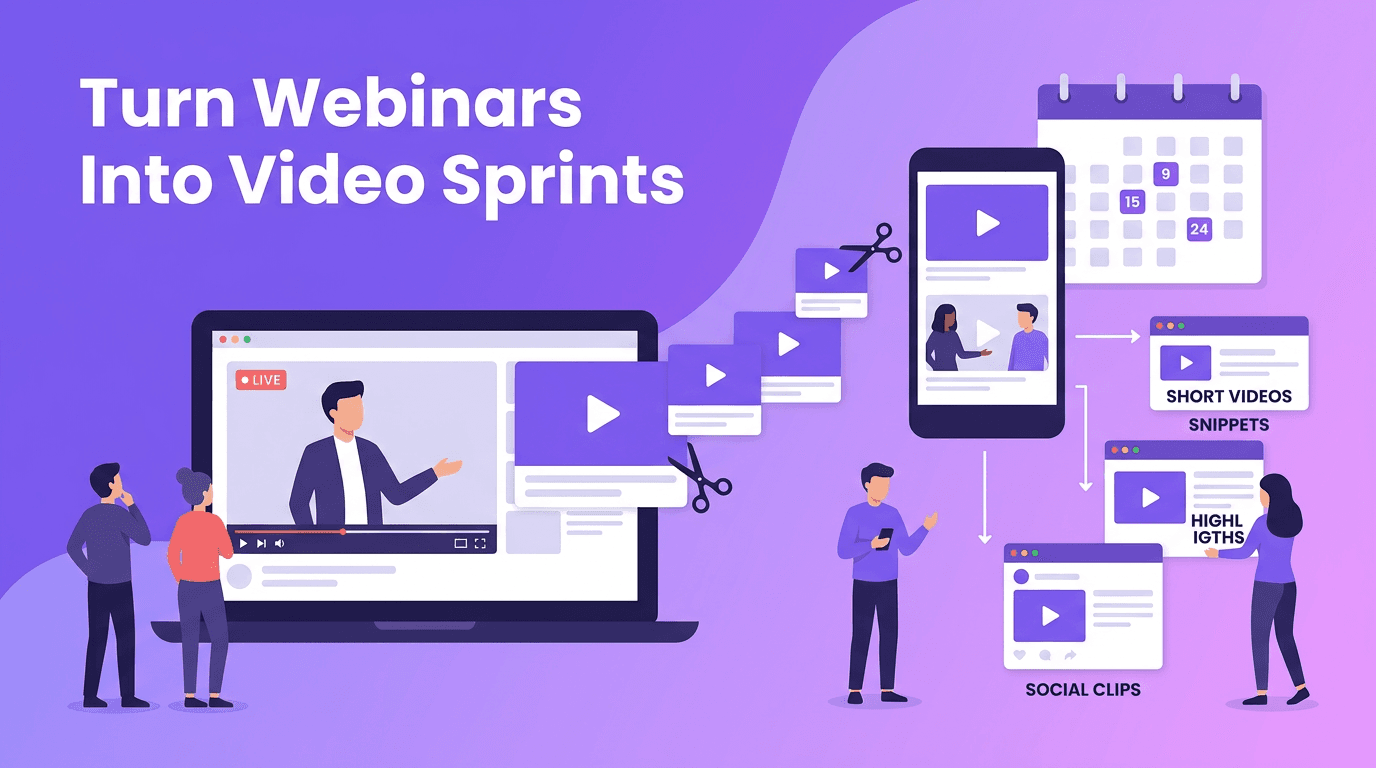
- Turn one webinar or long-form video into 5-10 short clips.
- Convert a customer interview into quote videos, story posts, and testimonial edits.
- Use one educational script to create a Reel, a Short, a TikTok, and a LinkedIn native video.
- Transform video scripts into captions, email snippets, blog outlines, and carousel copy.
- Refresh top performers with new hooks, openings, or visuals instead of reinventing the topic.
With the right AI content tools, repurposing becomes faster because you can quickly generate alternate cuts, visuals, speech-driven videos, and script variants for different channels.
Measure content performance like a system, not a guess
Scaling output only works if you measure what earns attention and action. Too many teams post more content without learning from it. A better content creation workflow includes a weekly feedback loop so your next batch improves.
- Track retention to understand whether your opening seconds are strong enough.
- Monitor watch time and completion rate to identify which formats hold attention.
- Review saves, shares, and comments to spot content with repeat value.
- Measure click-throughs and conversions so content aligns with business results.
- Tag videos by pillar, format, and hook type to find repeatable winners.
As a rule, keep 70% of your calendar focused on proven themes, 20% on iterations, and 10% on experiments. That balance helps you grow steadily while still discovering new opportunities.
How to balance AI automation and human creativity
The goal is not to let AI replace your creative judgment. The goal is to remove slow, repetitive tasks so your team can spend more time on strategy, storytelling, and audience insight. Use AI for ideation, first drafts, format adaptation, and asset generation. Keep humans focused on positioning, taste, quality, and final decisions.
"AI can accelerate the work, but human taste is still what makes content memorable."
Your next step: build a repeatable video content calendar
If you want a practical way to automate content creation, start with one simple system: one monthly theme, three content pillars, one batch production day, and one weekly analytics review. That small framework can quickly evolve into a reliable publishing machine. Add *Movi AI* to speed up production, test more creative angles, and keep your video content calendar moving.
Frequently Asked Questions
How do I create a video content calendar with AI?
Start with your business goal, define content pillars, generate topic ideas with AI, assign formats and dates, then track performance weekly to improve the next batch.
What is the best way to scale video content without hiring a large team?
Use batch production, repurpose core assets across platforms, and rely on AI tools for scripting, visual generation, and versioning to increase output efficiently.
Can AI help automate content creation for social media videos?
Yes. AI can help with topic research, scripting, text-to-video generation, image-to-video creation, editing variations, and scheduling support in your workflow.
How often should I review video performance data?
Review key metrics weekly and run a deeper monthly analysis. Weekly reviews help you adjust quickly, while monthly reviews reveal broader trends.
Movi AICreate stunning AI videos in seconds!
Turn your ideas into professional videos with the #1 AI video maker.
Download Movi AI