AI Video Content Engine: How to Scale Video Content Without Chaos
An AI video content engine helps teams plan, produce, and distribute video content at scale with less stress. Learn the workflow, tools, and metrics that turn scattered ideas into consistent output.

By Movi AI Team
Movi AI Editorial Team
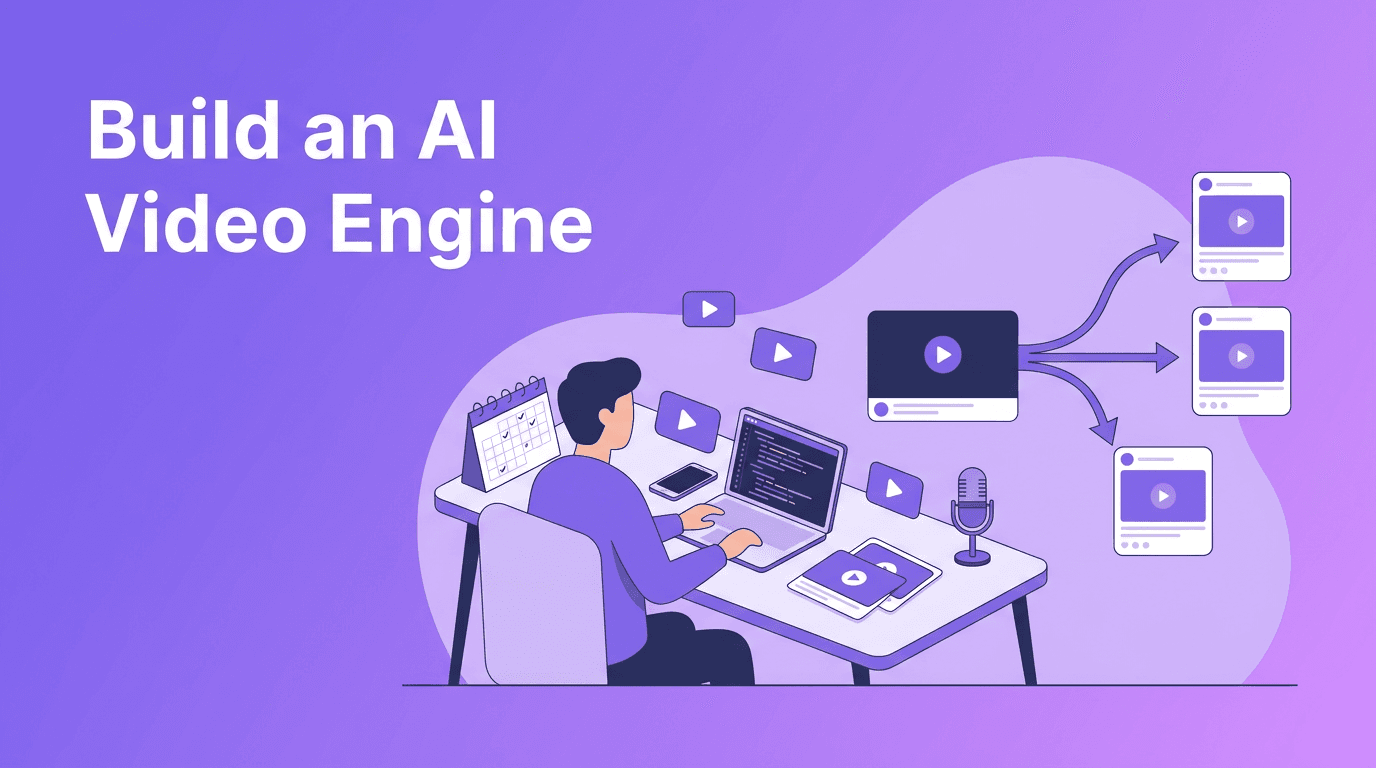
If your team is posting reactively, missing deadlines, and constantly reinventing ideas, an AI video content engine can change the game. Instead of treating every video like a one-off project, you build a repeatable system to plan, produce, distribute, and improve content at scale, while keeping your brand voice sharp and your workload sustainable.
Why an AI video content engine matters now
The pressure to publish across TikTok, Instagram Reels, YouTube Shorts, LinkedIn, and product channels is only growing. For creators, marketers, and solopreneurs, the real challenge is not just making one good video, it is building a process that can reliably scale video content every week. That is where an AI video content engine becomes practical, not optional.
- AI reduces repetitive work like drafting scripts, generating variations, and organizing ideas.
- Batch workflows increase output because context switching drops and production becomes more focused.
- Repurposing multiplies reach by turning one core idea into multiple assets for different platforms.
- Performance tracking improves strategy because teams stop guessing and start producing based on evidence.
"Scale does not come from working longer. It comes from building systems that make quality repeatable."
Step 1: Build a planning system that feeds your pipeline
A scalable workflow starts with planning. The goal is to create a simple content calendar that connects audience needs, campaign goals, and production capacity. Instead of brainstorming from scratch every week, use themes, recurring formats, and AI-assisted research to keep your pipeline full.
Create a practical content calendar
- Choose 3-5 content pillars such as education, proof, behind-the-scenes, trends, and offers.
- Map each pillar to a funnel stage, from awareness to conversion.
- Assign one hero topic per week and break it into short-form, mid-form, and support content.
- Use AI tools to generate headline angles, hook ideas, and audience questions around each topic.
- Keep a rolling 30-day calendar so you can plan ahead without becoming rigid.
A useful benchmark is to plan in themes and produce in batches. Many teams find they can save significant time when they stop switching between ideation, scripting, filming, and editing every day. A cleaner content creation workflow reduces friction and makes output more predictable.
Step 2: Use batch production to create video content at scale
Batch production is the engine room of video content at scale. Instead of creating one video from start to finish before starting the next, you group similar tasks together. That means one session for ideation, one for scripting, one for recording, and one for editing or AI generation.
A 4-stage batch workflow
- Stage 1 - Ideation: Pull ideas from FAQs, comments, sales calls, trend reports, and AI prompts.
- Stage 2 - Scripting: Use AI content tools to draft hooks, talking points, CTAs, and alternate versions.
- Stage 3 - Production: Record source footage or generate clips from prompts, images, or existing videos.
- Stage 4 - Distribution: Export platform-specific cuts, captions, titles, and publish on a schedule.
This is where *Movi AI* fits naturally into an efficient stack. You can turn text prompts, images, or existing footage into fresh video assets using text-to-video, image-to-video, video-to-video, and speech-to-video workflows. That helps creators and teams move faster without waiting on a full traditional production cycle.
Ready to speed up your video workflow?
Use *Movi AI* to turn ideas, images, and footage into polished AI-generated videos faster, so your team can publish more without burning out.
Download Movi AIStep 3: Combine AI automation with human creative judgment
The smartest teams do not fully automate creativity. They automate the repetitive layers and protect the strategic ones. AI can draft hooks, summarize source material, suggest visual directions, and generate first-pass scripts. Humans still need to shape narrative, brand tone, emotional resonance, and final approval.
What AI should do, and what humans should own
- Let AI handle research summaries, title variations, script outlines, caption drafts, and versioning.
- Let humans own point of view, storytelling choices, brand standards, and audience nuance.
- Use AI for speed, then apply human editing for clarity and originality.
- Create review checkpoints so quality stays high as output increases.
This balance is what makes an AI video content engine sustainable. You get efficiency without publishing generic content that blends into the feed.
Step 4: Repurpose once, distribute everywhere
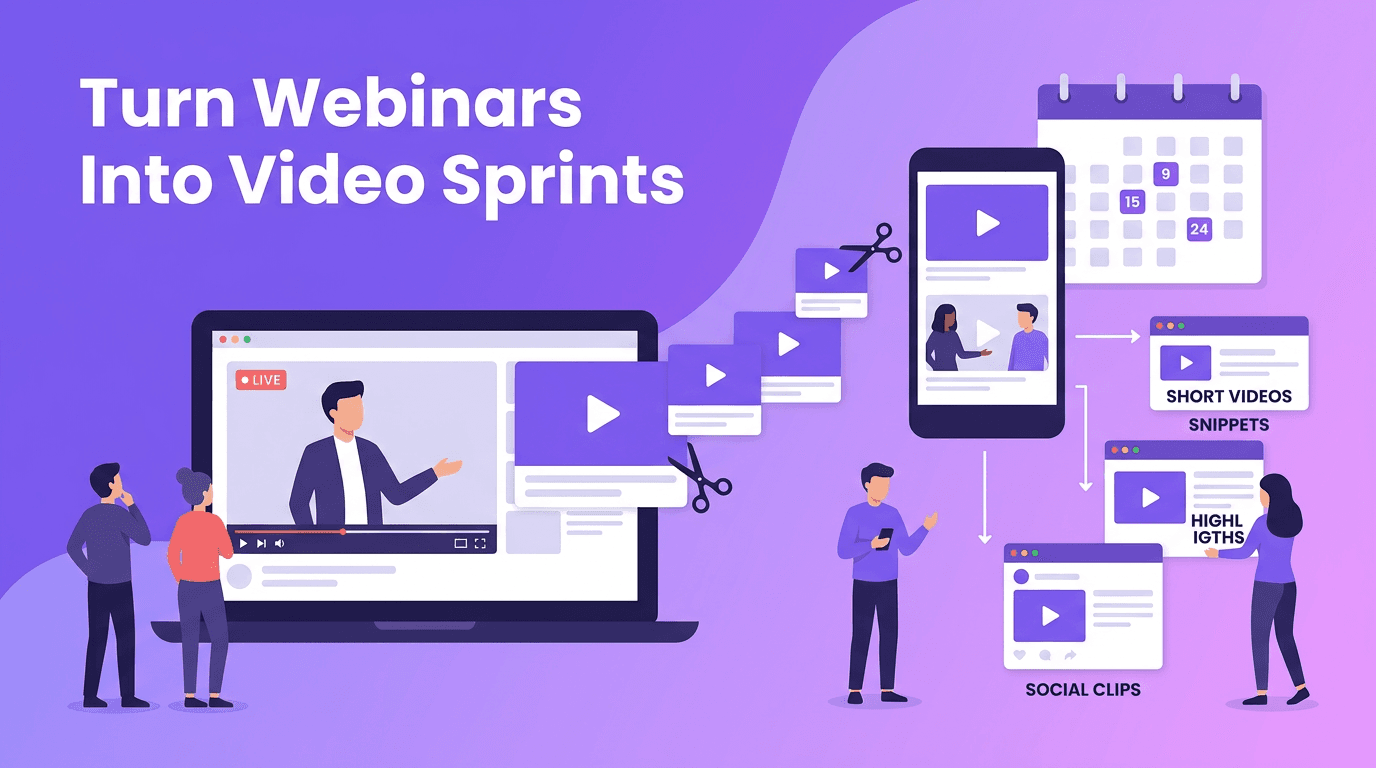
Repurposing is not copying and pasting the same post everywhere. It is adapting one core message into platform-native formats. A webinar clip can become a Reel, a Short, a LinkedIn thought post, a carousel script, and a product teaser. The key is to start with a strong source asset and design for transformation.
A simple repurposing framework
- Start with one pillar asset such as a long video, founder story, product demo, or educational breakdown.
- Extract 5-10 short clips with different hooks or audience angles.
- Turn the script into captions, quote posts, email snippets, and blog sections.
- Reframe the same message by platform, for example educational on YouTube, punchy on TikTok, authority-driven on LinkedIn.
- Track which content format performs best so your next batch gets smarter.
When teams automate content creation tasks around clipping, rewriting, and reformatting, they can dramatically increase output without multiplying effort. The result is more reach from the same core idea.
Step 5: Measure what actually helps you scale
More content does not automatically mean better results. To scale effectively, measure performance by stage. Look at metrics that tell you whether your planning, production, and distribution systems are working, not just vanity numbers.
Metrics that matter
- Output metrics: videos published per week, assets created per source video, turnaround time.
- Engagement metrics: watch time, average view duration, saves, shares, comments, click-through rate.
- Business metrics: leads, sign-ups, demo requests, conversions, revenue influenced.
- Efficiency metrics: production hours saved, cost per asset, approval speed, revision rate.
A useful operating rhythm is weekly optimization and monthly review. Each week, identify your strongest hooks, formats, and topics. Each month, update your AI content strategy based on what actually moved audience attention or business outcomes.
A weekly operating system you can implement
- Monday: Review performance, collect insights, choose the week's core topics.
- Tuesday: Use AI to draft scripts, hooks, and creative variations.
- Wednesday: Record footage or generate visuals in *Movi AI*.
- Thursday: Edit, format, caption, and prepare platform-specific versions.
- Friday: Schedule distribution, document learnings, and queue repurposed assets.
This kind of structured rhythm helps creators stay consistent and helps marketing teams manage multiple channels without chaos. It is one of the simplest ways to transform scattered content creation with AI into a dependable growth system.
Final takeaway
An AI video content engine is not about replacing creative work. It is about building a smarter system for doing more of the right work. When you combine a clear calendar, batch production, AI-assisted scripting, smart repurposing, and disciplined measurement, you can scale video content while protecting quality. Start simple, document what works, and use tools like *Movi AI* to turn your content process into a repeatable advantage.
Frequently Asked Questions
How do I scale video content without losing quality?
Use batch production, clear brand guidelines, and review checkpoints. Let AI speed up drafts and asset creation, but keep human oversight for storytelling and final edits.
What is the best AI tool for creating video content at scale?
The best tool depends on your workflow, but platforms like *Movi AI* help speed up text-to-video, image-to-video, video-to-video, and speech-to-video production.
How can AI help with content calendars?
AI can suggest content themes, headline ideas, posting schedules, and audience questions, making it easier to maintain a consistent publishing plan.
What metrics should I track for an AI content strategy?
Track output, engagement, business results, and efficiency. Focus on metrics like watch time, conversions, turnaround time, and cost per asset.
Movi AICreate stunning AI videos in seconds!
Turn your ideas into professional videos with the #1 AI video maker.
Download Movi AI