AI Video Effects Guide: Trending Filters Creators Should Try
Discover the latest ai video effects trending on TikTok and Instagram, how they work, and how creators can use them to make scroll-stopping content faster.

By Movi AI Team
Movi AI Editorial Team
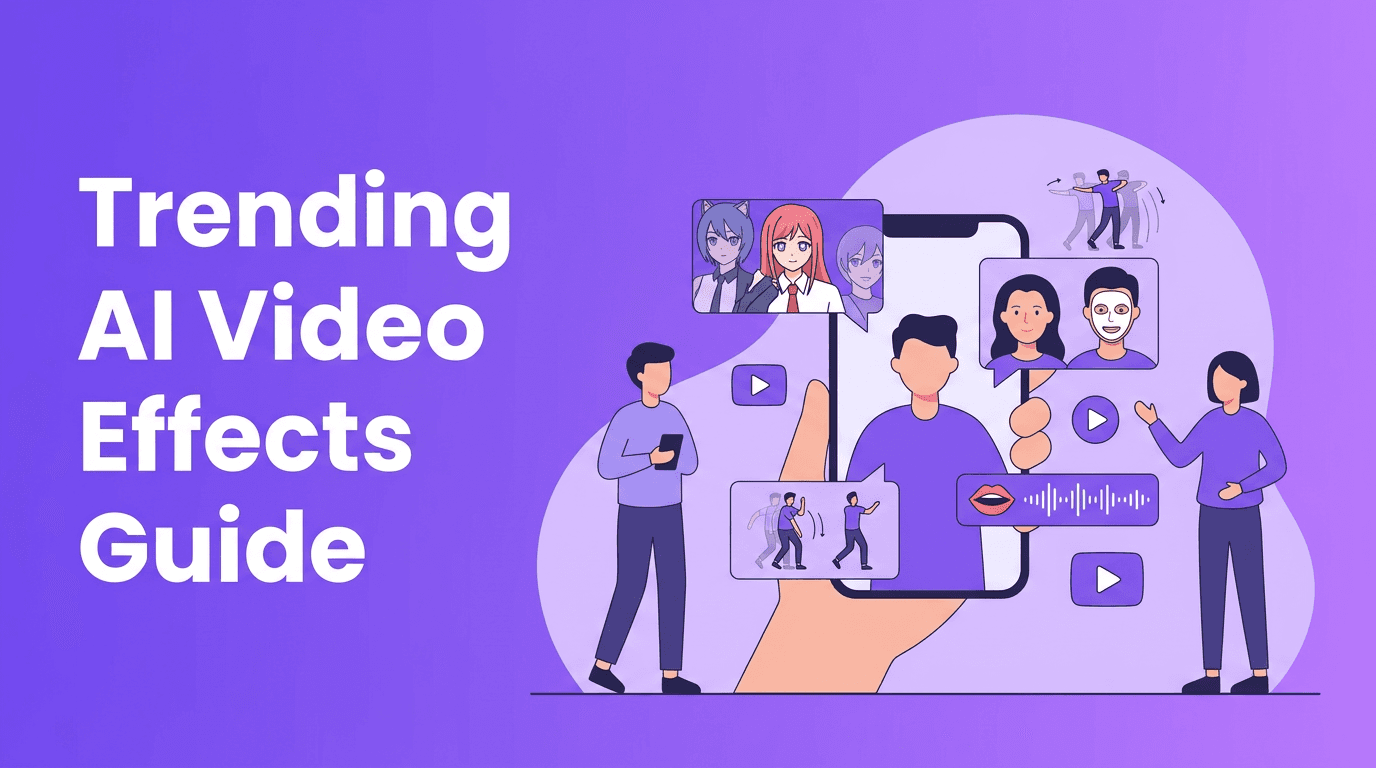
If you have been scrolling lately, you have already seen ai video effects everywhere. From anime filter ai looks to ai face swap, ai beauty filter, and polished lip sync AI clips, creators are using smart effects to make short videos feel bigger, faster, and more viral.
This guide breaks down what is trending on TikTok and Instagram, how popular effects work in simple terms, and how to use them without making your content look generic. If you want practical ideas for Reels, Shorts, and TikToks, this is the creator-first playbook.
Why AI video effects are dominating short-form content
The biggest reason is speed. AI video editing effects can transform a plain selfie, dance clip, or product shot into something eye-catching in seconds. They also tap into what platforms reward most: visual surprise, strong first-second hooks, and repeatable formats that viewers instantly understand.
- They create instant pattern interruption in the feed
- They make low-budget footage feel high-concept
- They help creators test multiple looks quickly
- They turn familiar trends into new formats with less manual editing
"The best effects do not replace creativity, they amplify it."
The trending AI video effects creators are using now
1. Anime filter AI for stylized transformations
Anime filter ai remains one of the most shareable formats because the transformation is immediate and easy to understand. Technically, these filters use image segmentation, facial landmark detection, and generative models to redraw your face or full frame in an illustrated style while preserving motion and expression.
- Use clean front lighting so facial features stay readable
- Start with a neutral expression, then add movement after the transformation
- Keep the background simple so the style effect stays the focal point
- Pair it with trending audio for stronger TikTok performance
2. AI dance effect for motion-based content
The modern ai dance effect usually works by tracking body keypoints like shoulders, elbows, hips, and knees, then mapping those movements onto a generated character, enhanced motion style, or synced visual effect. This makes dance clips more dynamic, even if your original footage is simple.
- Film full-body shots when possible for better pose tracking
- Leave space around your body so the AI can detect movement clearly
- Use short routines with strong beats for cleaner results
- Test dance loops under 10 seconds for higher replay value
3. AI face swap for character and concept videos
AI face swap trends keep evolving because they are easy to remix. Behind the scenes, the software identifies facial landmarks, aligns angle and expression, and blends a source face onto a target while trying to preserve lighting and movement. The best results happen when both faces are clear and similarly framed.
- Use face swap for parody, storytelling, and character roleplay
- Match camera angle and lighting between clips
- Avoid fast occlusion from hands, hair, or objects over the face
- Always get consent before using someone else's likeness
4. AI beauty filter and skin enhancement effects
A good ai beauty filter does more than smooth skin. Newer tools can rebalance light, refine texture, brighten eyes, and subtly reshape facial emphasis while keeping the result believable. This is why beauty enhancement AI performs so well in GRWM videos, selfie monologues, and creator intros.
- Keep beauty enhancement subtle so your video still feels authentic
- Use high-resolution input for smoother texture results
- Combine beauty filters with soft speech-to-video edits for talking content
- Avoid overprocessing, which can reduce trust and audience connection
5. Lip sync AI for voice-led storytelling
Lip sync effects are huge for reaction videos, skits, memes, and character content. These tools analyze phonemes in the audio, estimate mouth shapes for each sound, and generate matching facial motion. That is why trending ai effects in this category can make dubbed or animated clips feel surprisingly natural.
- Use clean voice audio with minimal background noise
- Keep clips short if you want the most accurate sync
- Pair lip sync with face styling or anime looks for stronger novelty
- Check close-up frames before posting, especially around the mouth and teeth
6. Style transfer and aesthetic remix effects
Style transfer takes the structure of your original clip and re-renders it in a new visual language, such as comic art, cinematic texture, surreal neon, clay-like looks, or dreamlike illustration. This category overlaps with ai video filter tools and is popular because it can give your content a signature identity.
- Use style transfer on transitions, reveals, and outfit changes
- Choose one standout look instead of stacking too many filters
- Save your best-performing styles as a repeatable series format
- Use before-and-after edits to increase watch time
How to use AI video effects without looking like everyone else
The trick is not just picking a popular filter. It is combining the effect with a format that fits your niche. Beauty creators can turn tiktok ai effects into makeover reveals. Meme creators can use ai face swap for character reactions. Dancers can combine an ai dance effect with beat drops, motion echoes, or avatar transformations.
- Start with a hook in the first second, then reveal the effect
- Use effects to support the joke, story, or transformation, not replace it
- Build recurring content pillars, like weekly anime remixes or face-swap skits
- Track saves, shares, and rewatches to see which effect actually lands
Want to test these effects fast?
Try *Movi AI* to create videos from text, images, or existing clips with powerful AI tools for viral-ready content.
Download Movi AISimple workflow for better AI video editing effects
A reliable workflow makes ai video effects look better instantly. Start with clean source footage, choose one main effect, then build around it with audio, pacing, and a clear visual payoff. The effect should feel intentional, not random.
- Record in stable light with the subject clearly visible
- Trim dead space before applying the effect
- Generate 2-3 effect versions and compare retention potential
- Add captions and a strong cover frame for platform performance
- Export in vertical format optimized for TikTok and Reels
Ethics, deepfakes, and creator responsibility
AI effects are exciting, but they also need boundaries. If you use ai face swap, beauty enhancement, or identity-based transformations, prioritize consent and transparency. Do not use someone else's face, voice, or likeness in misleading or harmful ways. Trust matters more than a temporary spike in views.
- Get permission before using another person's identity
- Avoid deceptive edits in news, politics, or sensitive topics
- Disclose synthetic or heavily altered content when context matters
- Use AI to entertain, educate, or stylize, not to manipulate
Why Movi AI is a strong all-in-one choice
Instead of jumping between multiple apps, *Movi AI* gives creators a more complete toolkit. You can generate content from prompts, images, speech, or existing video, then experiment with stylized transformations, motion-driven looks, and creator-friendly edits in one workflow. For anyone exploring ai video filter trends and advanced ai video editing effects, that speed matters.
Frequently Asked Questions
What are the most popular AI video effects on TikTok right now?
Some of the most popular formats include anime transformations, face swap clips, beauty enhancement filters, lip sync AI, and motion-based dance effects.
How does an AI video filter work?
An AI video filter analyzes faces, bodies, objects, and motion in your footage, then applies generated visual changes based on trained models and tracking data.
Is AI face swap legal to use in videos?
It depends on how you use it. Always get consent, avoid misleading content, and do not use another person's likeness in harmful or deceptive ways.
Which AI video effects get the most engagement?
Effects that create a strong visual transformation in the first second often perform best, especially when paired with trending audio and a clear content idea.
Can I create AI video effects on my phone?
Yes. Apps like Movi AI let you create AI-powered videos from text, images, speech, or existing clips directly on mobile.
Movi AICreate stunning AI videos in seconds!
Turn your ideas into professional videos with the #1 AI video maker.
Download Movi AI

