AI Video Filters Trending Now: How Creators Use Viral Effects Smarter
AI video filters are driving viral TikTok and Instagram posts right now. Learn which effects are trending, how they work, and how to use them creatively and responsibly with Movi AI.

By Movi AI Team
Movi AI Editorial Team
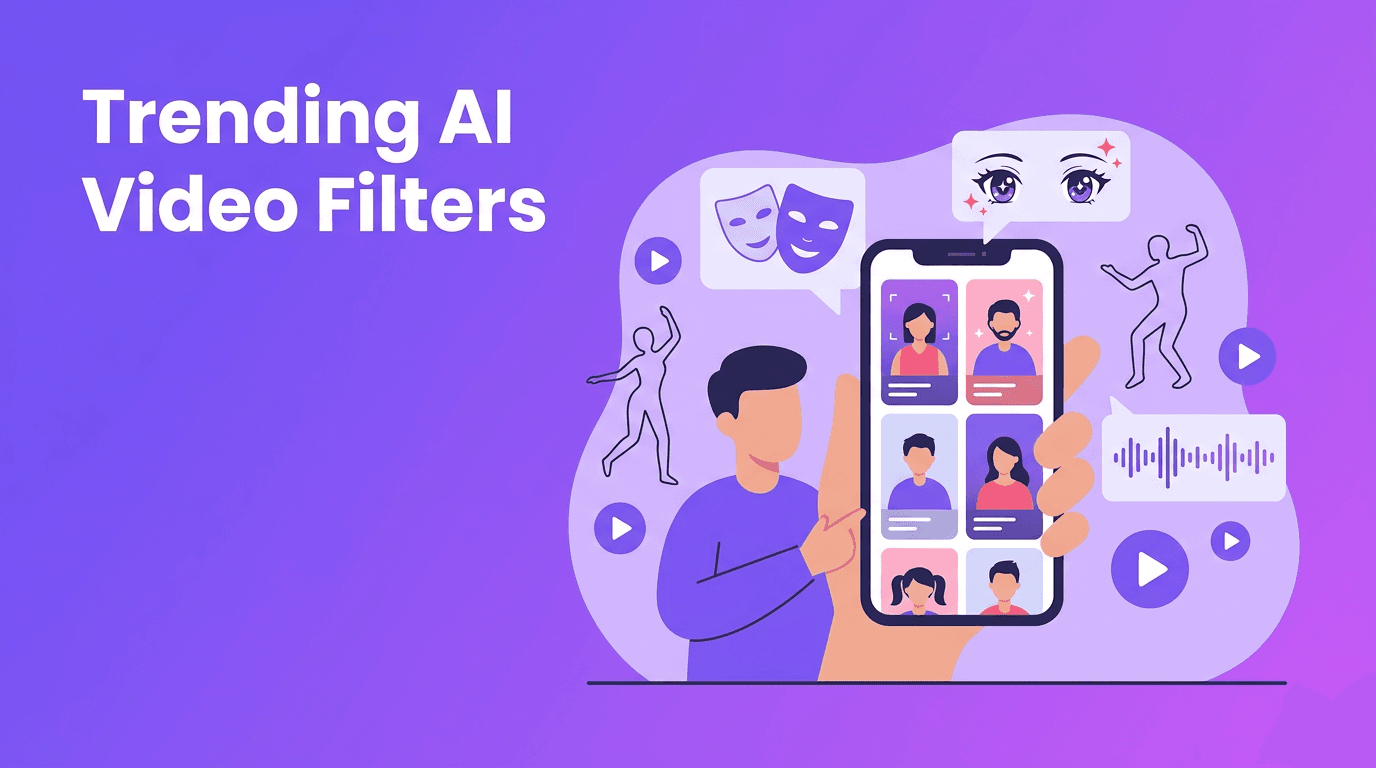
If your For You Page suddenly feels packed with surreal transformations, animated faces, and impossible edits, you are seeing the rise of ai video filters. These effects are not just fun gimmicks anymore. They are becoming a fast way for TikTok and Instagram creators to stop the scroll, build a recognizable style, and turn simple clips into highly shareable content.
In this guide, we will break down the latest ai video filters creators are using right now, including anime looks, dance motion effects, face swaps, beauty enhancement, lip sync, and style transfer. You will also learn the simple tech behind them, why they go viral, and how to get better results without crossing ethical lines.
Why AI video effects are exploding on short-form video
- They create instant contrast. A normal selfie becomes an animated character, a basic dance clip becomes a full performance, or a casual talking video gets a cinematic makeover.
- They reward curiosity. Viewers pause when they cannot immediately tell how an effect was made.
- They fit trend culture. TikTok and Instagram reward remixable formats, and AI effects are perfect for recreating and personalizing trends.
- They lower production effort. Creators can get polished, stylized visuals without a full editing team.
"The best viral effects do not just look impressive. They make people watch twice."
Trending AI video effects creators should know
1. Anime-style transformations
Anime filter AI remains one of the most recognizable viral looks because it transforms familiar footage into something instantly stylized. These filters usually detect facial landmarks, segment the subject from the background, and apply generative stylization that exaggerates eyes, skin texture, hair lines, and shading.
- Use clear front lighting so the model can detect your face and features accurately.
- Keep movements smooth in the first few seconds to avoid flicker.
- Choose simple backgrounds if you want the character transformation to look cleaner.
- Pair the effect with trending audio to increase replay value.
2. AI dance motion effects
The ai dance effect trend keeps growing because it blends motion, surprise, and performance. Technically, these tools use pose estimation to track body joints, then map movement to a stylized avatar, animation layer, or motion-enhanced visual treatment. Some effects amplify moves, while others turn a basic step into something that feels choreographed for the camera.
- Record full-body footage with enough space around your arms and legs.
- Use a stable camera angle so pose tracking stays consistent.
- Start with simple, repeatable moves before trying fast choreography.
- Test looping moments, because short repeated dance beats often perform better.
3. Face swap and identity remix effects
AI face swap content keeps trending because it is instantly understandable and highly remixable. Behind the scenes, the effect maps facial landmarks, aligns expressions, and blends a generated face layer onto the original performance. When done well, it preserves eye direction, head angle, and emotional timing.
This trend can be funny, cinematic, or educational, but it also needs the most caution. Always get consent before using someone else's likeness, especially for sponsored content, client work, or realistic edits that could confuse viewers.
4. Beauty enhancement and skin-smoothing looks
AI beauty filter trends are evolving beyond basic smoothing. New tools can subtly adjust lighting, texture, symmetry, and facial definition while keeping motion natural. These effects go viral because they offer a polished on-camera look without heavy manual retouching.
- Use beauty enhancement lightly so your video still looks like you.
- Avoid stacking too many face effects at once, because the result can feel artificial.
- Combine beauty filters with good lighting instead of relying on AI alone.
- Be transparent if the look materially changes appearance in brand or product content.
5. Lip sync and speech-driven animation
Lip sync AI effects attract attention because they add precision and personality. These systems analyze audio timing, phonemes, and mouth shapes, then generate matching lip movement or facial animation. That is why they are popular for memes, animated explainers, dubbed skits, and talking avatars.
6. Style transfer and full-scene remix effects
Style transfer is one of the most creative ai video effects categories because it changes the feel of the whole clip, not just the face. These models identify visual structure in the original footage, then re-render it with a chosen aesthetic such as sketch, comic, fantasy, retro, or cinematic. This is a strong option for creators who want a signature look instead of a one-off gimmick.
How these AI video filters work in simple terms
Most ai video filters combine a few core systems: detection, tracking, segmentation, and generation. Detection finds faces, bodies, or objects. Tracking follows movement from frame to frame. Segmentation separates the subject from the background. Generation adds the new visual layer, whether that is stylized skin, animated features, swapped faces, or a fully transformed scene.
In practical terms, better input usually means better output. Sharp footage, stable framing, clear audio, and simple lighting all help AI models make cleaner decisions. If a result looks off, the issue is often the source clip, not the trend itself.
How to use trending AI effects without making your videos feel generic
- Hook first, effect second. Open with movement, a question, or a surprising visual before the effect fully reveals itself.
- Use one main effect per clip. Too many layers can make short-form videos confusing.
- Match the effect to the story. Anime works for fantasy and humor, face swap works for character bits, style transfer works for mood and branding.
- Keep videos short. Viral effect videos often perform best when they deliver the transformation quickly.
- Add a human angle. Reactions, commentary, or behind-the-scenes context make effects feel more original.
Ready to test viral AI effects?
Use *Movi AI* to explore **ai video editing effects** like text-to-video, image-to-video, video-to-video, and speech-driven creation in one creator-friendly app.
Download Movi AIEthics: where creators need to be careful
Some of the most exciting trending ai effects also come with real responsibility. If you use face swaps, voice-driven animation, or highly realistic beauty edits, think about consent, disclosure, and viewer trust. Audiences are getting better at spotting manipulation, and brand partners care about authenticity more than ever.
- Get permission before using another person's face or likeness.
- Do not create misleading political, harmful, or defamatory content.
- Label heavily altered or synthetic content when context matters.
- Be especially cautious when editing children or private individuals.
- Use AI to enhance creativity, not to impersonate or deceive.
Why Movi AI is useful for creators testing new visual trends
Instead of juggling multiple apps, creators can use *Movi AI* as a flexible toolkit for modern short-form production. You can generate videos from text prompts, turn images into motion clips, transform existing footage with video-to-video workflows, and build speech-driven content faster. That makes it easier to experiment with tiktok ai effects, stylized edits, and original concepts without slowing down your posting schedule.
Final takeaway
The biggest winners in ai video filters are not always the creators using the most extreme visuals. They are the ones using the right effect for the right format, with a clear idea and a strong hook. If you understand why anime transformations, dance motion edits, face swaps, beauty enhancement, lip sync, and style transfer work, you can turn trends into content that feels both viral and personal.
Frequently Asked Questions
What are the most popular AI video filters on TikTok right now?
Popular options include anime transformations, face swap edits, beauty enhancement looks, lip sync animation, and full-scene style transfer effects.
How do AI video filters work?
They usually combine detection, tracking, segmentation, and generative rendering to analyze footage and apply a new visual effect frame by frame.
Are AI face swap videos legal to post?
They can be legal in some contexts, but you should always get consent, avoid deception, and follow platform and local rules.
What app can I use to create AI video effects?
You can use *Movi AI* to create AI videos from text, images, audio, or existing footage and experiment with a wide range of creative visual styles.
Movi AICreate stunning AI videos in seconds!
Turn your ideas into professional videos with the #1 AI video maker.
Download Movi AI

