AI Video Generator Guide: 7 Smart Ways to Create Better Videos Faster
Discover how an AI video generator works, compare it with traditional editing, and learn practical tips to create better videos faster with Movi AI.
By Movi AI Team
Movi AI Editorial Team
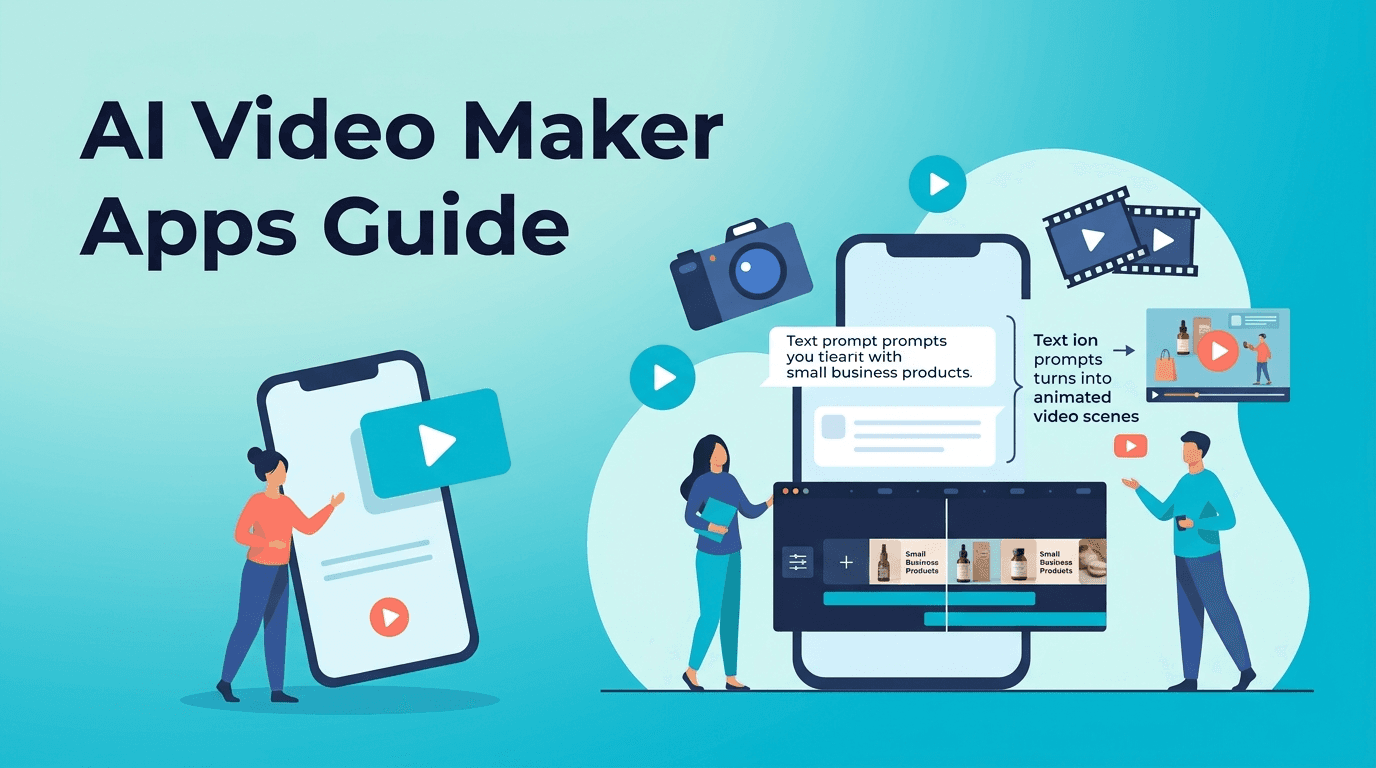
An AI video generator helps you create videos from prompts, images, voice, or existing clips without doing every editing step manually. If you want faster production, easier experimentation, and a simpler workflow than traditional software, this guide explains how it works, which features matter, and how *Movi AI* can help you create polished results.
1. What an AI video generator actually does
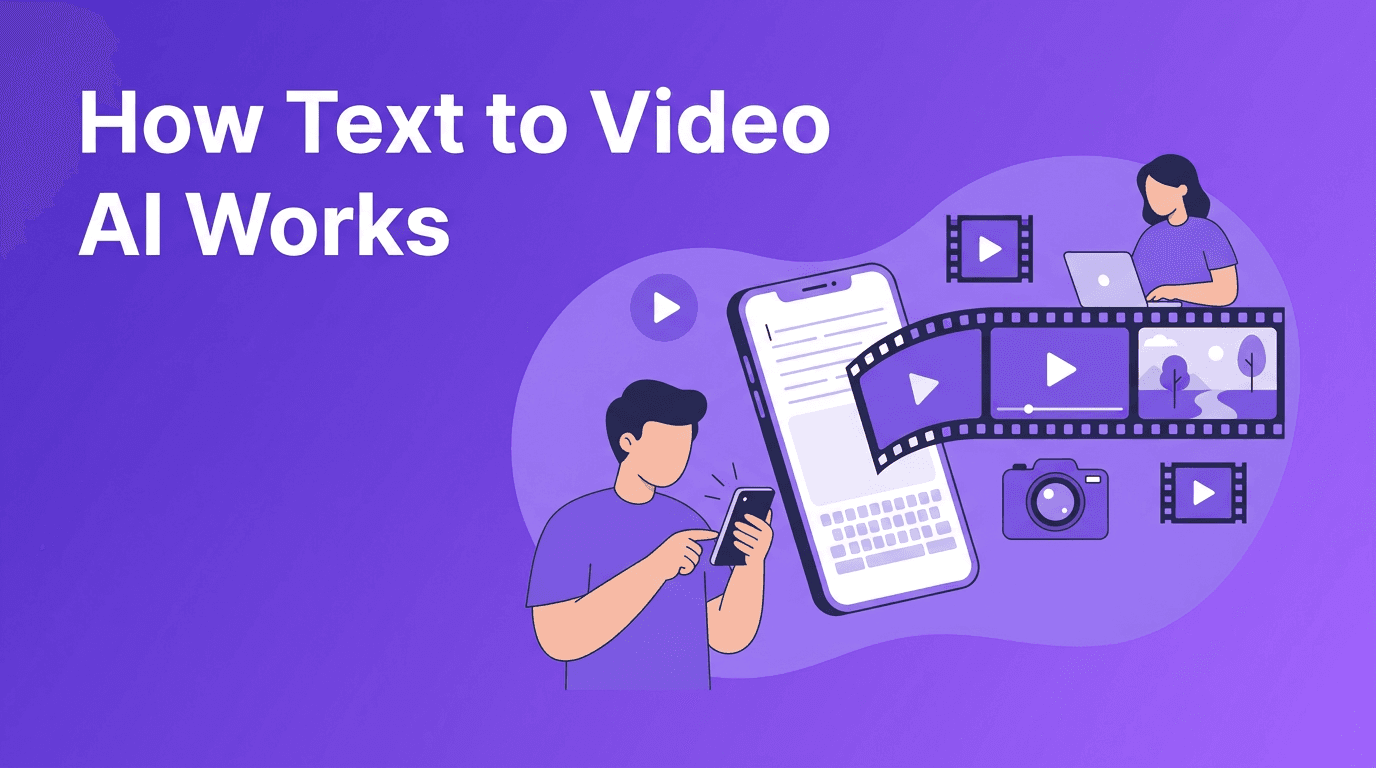
At a basic level, an AI video generator uses machine learning models to turn inputs into moving visual content. Your input can be a text prompt, a still image, spoken audio, or a source video. The system then predicts motion, scenes, style, and timing to generate a new video output.
- Text-to-video turns written prompts into scenes or short visual sequences.
- Image-to-video adds motion, camera movement, and animation to still images.
- Video-to-video restyles or transforms existing footage.
- Speech-to-video syncs spoken content with visuals or animated scenes.
Why creators use AI video tools
For content creators, marketers, and small businesses, the biggest advantage is speed. Instead of spending hours on timelines, keyframes, masking, and stock asset hunting, an AI video maker can help you draft, test, and publish much faster.
2. How AI video generation compares with traditional editing
Traditional video editing gives you precise manual control, but it usually requires more time, technical skill, and software experience. AI tools reduce that workload by automating scene creation, animation, and style generation.
- Traditional editing is best for frame-perfect control, complex productions, and advanced post-production.
- AI video creation is best for fast content production, concept testing, social media videos, and lightweight brand storytelling.
- Hybrid workflows often work best, using AI for ideation and first drafts, then refining manually if needed.
"The best video workflow is not AI or manual editing alone. It is using AI to remove repetitive work so creativity can move faster."
3. Best tools and features to look for
If you are comparing the best AI video generator options, focus on practical features instead of hype. The right tool depends on your input type, output quality needs, and how quickly you need to publish.
- Prompt control for better scene direction and style consistency.
- Image-to-video support for turning product photos or brand visuals into motion.
- Video-to-video tools for remixing existing content.
- Mobile access if you want an AI video generator app you can use anywhere.
- Fast rendering speed for short-form content and campaign testing.
- Output quality options for social media, ads, and business content.
Try an easier way to create AI videos
Use *Movi AI* to turn text, images, and videos into engaging content directly from your phone. It is a practical option for creators, marketers, and business owners who want faster results.
Download Movi AI4. 5 tips to make professional AI videos
Start with a specific prompt
When learning how to make AI videos, avoid vague prompts. Describe the subject, action, framing, mood, and intended platform. Specific prompts usually produce more usable results.
Use strong source images
For image-to-video projects, clear and well-lit images improve motion quality. Product photos, portraits, and branded visuals work best when the subject is easy to identify.
Keep clips short and purposeful
Shorter clips often look more convincing because the model has less motion to predict over time. Create multiple short scenes and combine the best ones into a final edit.
Match format to platform
A vertical video for Reels or TikTok should be planned differently from a landscape video for YouTube or a website homepage. Professional results depend on using the right aspect ratio from the start.
Review before publishing
Even the best AI video generator can produce small visual mistakes. Always review motion, text, framing, and brand accuracy before posting.
5. Real use cases for creators, marketers, and small businesses
- Content creators can make short story-driven clips, intros, animated visuals, and social posts faster.
- Marketers can test multiple ad concepts without filming every variation.
- Small businesses can turn product images into promotional videos for social media and online stores.
- Agencies and freelancers can speed up ideation and offer faster turnaround for clients.
6. Is a free AI video generator enough?
A free AI video generator can be useful for testing ideas, but free plans often limit quality, video length, exports, or rendering speed. If you need consistent output for business use, a more capable mobile tool like *Movi AI* can save time and reduce friction.
7. A simple workflow to get started today
- Choose your goal, such as a product promo, social clip, or brand teaser.
- Pick your input type, text prompt, image, voice, or existing video.
- Generate 2 to 4 variations instead of relying on one output.
- Select the strongest result and check quality carefully.
- Export in the right size for your platform and publish.
If you want an accessible AI video creator for everyday use, *Movi AI* is a strong option because it supports multiple creation methods in a mobile-friendly workflow.
Frequently Asked Questions
What is the best AI video generator for beginners?+
The best option for beginners is one that supports simple prompts, fast rendering, and easy mobile editing. Movi AI is a practical choice for creating videos from text, images, and existing clips.
How do I make AI videos from text?+
Start with a detailed prompt that describes the subject, action, camera angle, and mood. Then generate a few versions, review the results, and export the best one.
Can an AI video maker replace traditional editing?+
Not completely. AI tools are excellent for speed and ideation, while traditional editing remains better for detailed control and complex post-production.
Is there a free AI video generator app?+
Some tools offer free access or limited trials, but they may restrict export quality, length, or speed. Paid tools usually provide more reliable results for professional use.
Create stunning AI videos in seconds!
Turn your ideas into professional videos with the #1 AI video maker.
Download Movi AI