Animate Photo AI: How to Turn Still Images Into Cinematic Video
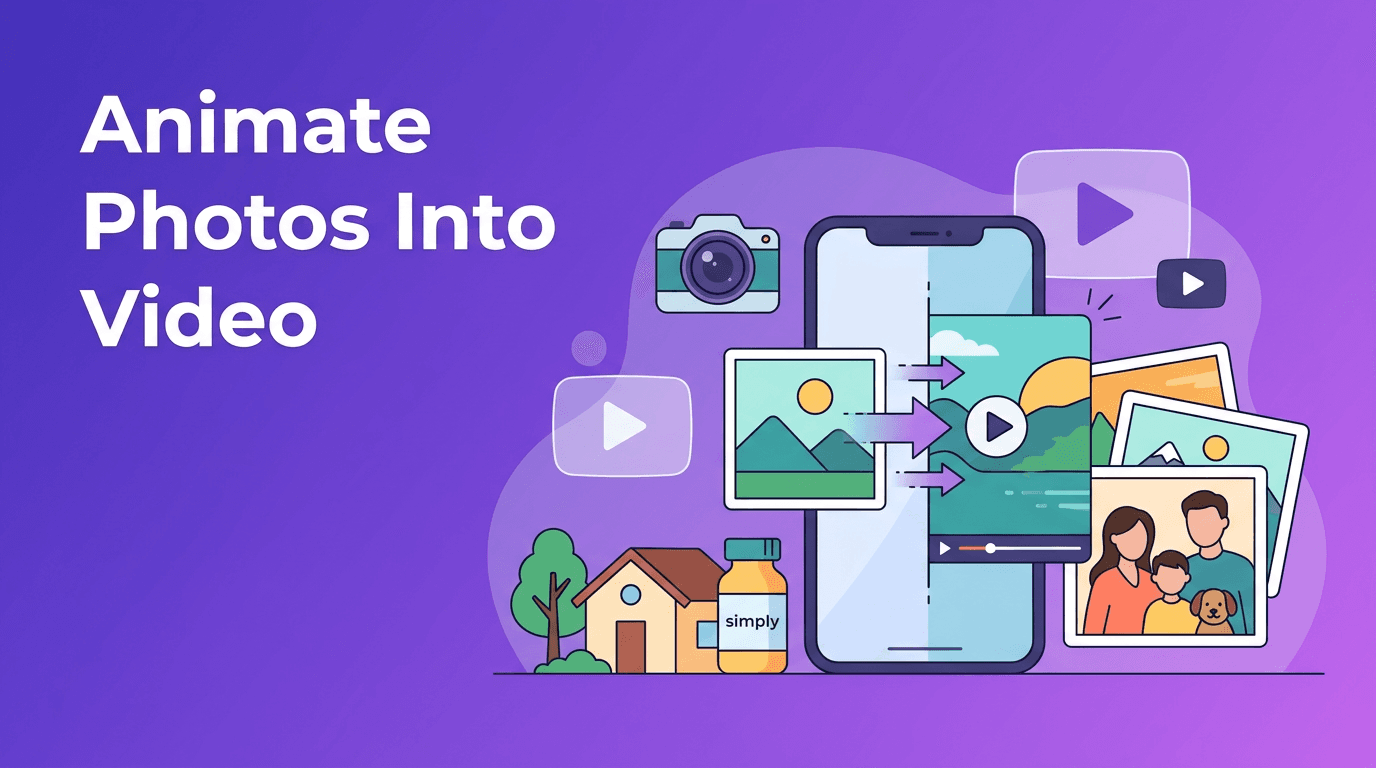
Want to use animate photo ai tools to turn photo into video content? Learn how image-to-video technology works, how to bring old pictures to life, and how to create motion for products, homes, memories, and social posts.

By Movi AI Team
Movi AI Editorial Team
A single photo can do more than sit still on a screen. With animate photo ai, you can add motion, depth, and story to one image, then turn photo into video content that feels more immersive for viewers. From old family portraits to product shots and listing photos, modern image to video ai tools make it easier to create clips that look polished without a traditional editing workflow.
Why still photos work so well in video
Photos already contain composition, lighting, and emotion. AI builds on that foundation by estimating movement between layers, simulating camera motion, and generating subtle transitions. Instead of starting from scratch, you convert image to video using the visual information that is already there. That is why a single strong image can become a short promo, memory reel, or social post in minutes.
- Photos are fast to produce - many people already have product images, portrait shots, or property photos ready to use.
- Video gets more attention - movement helps stop the scroll on social platforms and makes listings or product pages feel more dynamic.
- AI reduces manual editing - you do not need advanced keyframing skills to create pans, zooms, or parallax effects.
- Short clips are versatile - one animated image can be reused for Stories, Reels, ads, landing pages, and presentations.
How animate photo AI works in simple terms
Most animate photo ai systems analyze the objects inside a photo, separate foreground and background elements, then generate motion based on your prompt, style choice, or camera path. In simple terms, the app predicts how the scene could move, like a slow cinematic push-in, drifting background, or layered depth effect. Some tools also add character motion, facial expression changes, or environmental movement such as clouds, hair, water, or light.
Common motion styles you can create
- Cinematic pan - the camera appears to glide across the image for a film-like reveal.
- Slow zoom - ideal for portraits, hero products, and emotional memory videos.
- Parallax depth - foreground and background move at different speeds to create a 3D feel.
- Character animation - useful when you want a person in the photo to blink, turn, smile, or move subtly.
- Ambient motion - adds life through shadows, particles, weather, reflections, or gentle background movement.
"The best photo animation does not distract from the image. It reveals the story that was already there."
Best source photos for AI photo animation
The quality of your result depends heavily on the photo you start with. If you want strong ai photo animation, choose images with a clear subject, enough resolution, and visible separation between foreground and background. Busy or blurry photos can still work, but the motion may feel less natural.
- Use high-resolution photos whenever possible, especially for product and real estate content.
- Choose images with a clear focal point, such as a face, item, or room feature.
- Look for depth cues, like objects in front of walls, windows behind furniture, or a subject separated from the background.
- Avoid extreme blur or heavy compression, which can confuse the AI.
- If you want to bring photos to life ai style, use images with emotion, gesture, or storytelling potential.
How to animate old photos without losing their charm
When working with scanned prints or historical portraits, start by cleaning the image first. Improve sharpness, crop distractions, and restore contrast before animation. Then use subtle motion, not exaggerated effects. A gentle zoom, soft parallax, or slight facial movement usually feels more respectful and believable than dramatic camera swings. This is one of the most meaningful ways to bring photos to life ai can offer.
Use case 1: Product photography animation for e-commerce
Static product photos are useful, but motion can make materials, shape, and premium details easier to notice. With a photo to video app, a seller can animate a hero shot of a watch, candle, sneaker, or skincare bottle and turn it into ad-ready content. A slight rotation effect, zoom, or drifting light can make the product feel more tangible.
- Animate a single product image into a short ad for Instagram or TikTok.
- Add a slow push-in to highlight packaging, texture, or branding.
- Use parallax motion on lifestyle product images to create depth.
- Create multiple variations from one photo for A/B testing in paid campaigns.
Practical tip for sellers
Keep the background clean and the lighting consistent. If the product edges are clear, the AI can separate the subject more accurately and create smoother motion. In *Movi AI*, you can upload product photos and experiment with image-based video generation to quickly create short promotional clips for stores, ads, and social feeds.
Use case 2: Real estate virtual tours from listing photos
Agents often have professional listing photography before they have time to produce full walkthrough videos. This is where photo to video workflows are especially practical. You can animate kitchen, living room, exterior, and bedroom shots into a sequence that feels like a mini virtual tour. That helps buyers understand space and flow before they ever book a visit.
- Use a cinematic pan across wide room shots.
- Apply zoom-in motion toward premium features like fireplaces, islands, or views.
- Sequence several animated photos into a short property teaser video.
- Add captions for square footage, location highlights, and open house dates.
For real estate, consistency matters. Use similar motion speed across all rooms so the video feels intentional. If you want to convert image to video for property marketing, choose photos shot at matching brightness and perspective to make transitions cleaner.
Use case 3: Personal memories and family archives
One of the most emotional uses of image to video ai is memory storytelling. A wedding portrait, baby photo, travel snapshot, or old family image can become a living moment with a little motion and music. If your goal is to turn photo into video for birthdays, anniversaries, or memorial tributes, subtlety usually creates the strongest result.
- Animate a childhood photo with a soft zoom and drifting background.
- Create a tribute montage from scanned family portraits.
- Add voiceover or music to transform photos into a short memory film.
- Mix still images and AI-generated motion for a more dynamic slideshow.
Use case 4: Social media content creation from photos
Creators and small brands often need more content than they have time to shoot. That is why photo to video techniques are so useful. One strong image can become a Reel, Story, pin, ad creative, or teaser post. Instead of reposting the same still image, you can use animate photo ai to give it movement and increase watch time.
- Turn a fashion portrait into a short cinematic Reel.
- Animate food photography for menu promotions and local business posts.
- Create before-and-after style videos from one edited image and one original.
- Use text overlays and audio to make image animations feel native to social platforms.
Ready to turn photos into videos?
Use *Movi AI* to animate still images, create cinematic motion, and build engaging video content from photos in minutes.
Download Movi AIBest practices for cinematic results
1. Match motion to the subject
Luxury products, portraits, and emotional memory photos often work best with slow, elegant movement. Travel, sports, or energetic lifestyle shots can handle stronger camera motion. Good ai photo animation feels intentional, not random.
2. Keep clips short and focused
For social media, 5 to 10 seconds is often enough. For a real estate sequence or memory montage, you can combine several short animated clips into one longer piece. Shorter clips also make it easier to test different styles in a photo to video app.
3. Start subtle, then increase effect
If you are unsure how much movement to add, begin with a gentle pan or zoom. You can always create a second version with stronger parallax or environmental motion. Over-animation can make a beautiful image feel artificial.
4. Add context with audio and captions
Even the best visuals benefit from supporting text or sound. Product clips can use benefit callouts, property videos can show listing details, and family memory videos can include dates, names, or voice notes.
Why Movi AI is a smart choice for photo-based video creation
*Movi AI* is designed for creators who want fast, flexible video generation from images, prompts, and existing media. If you want a practical photo to video app experience, it helps you move from still image to shareable video without a complicated desktop workflow. You can explore image-driven generation styles, test different motion directions, and create content for products, listings, memories, and social campaigns from your phone.
That makes it useful for photographers, e-commerce sellers, real estate agents, and creators who need more output from the visual assets they already have. Instead of letting great images sit unused, you can turn photo into video content that better fits how people watch online today.
Frequently Asked Questions
How can I animate a still photo with AI?
Upload your photo into an AI video app, choose a motion style like zoom, pan, or parallax, and generate a short clip. The AI analyzes the image and creates movement automatically.
What is the best way to turn photo into video for social media?
Use a high-quality image, keep the animation short, and add captions or music. Subtle motion usually performs better than overly dramatic effects.
Can AI bring old photos to life?
Yes, AI can add gentle facial motion, depth, and camera movement to old photos. Clean scans and restored contrast usually improve the final result.
Is image to video AI useful for product photos?
Absolutely. It can make product images feel more dynamic, highlight details, and help create ad-ready videos without filming new footage.
Movi AICreate stunning AI videos in seconds!
Turn your ideas into professional videos with the #1 AI video maker.
Download Movi AI


