AI Video Illusion Effects for TikTok: Portal Drops, Mini Worlds, and Viral Scale Tricks
AI video illusion effects are blowing up on TikTok and Reels because they turn ordinary clips into impossible visual stories. Here is how portal drops, tiny-world scenes, and scale tricks work, plus how creators can make them fast with *Movi AI*.

By Movi AI Team
Movi AI Editorial Team
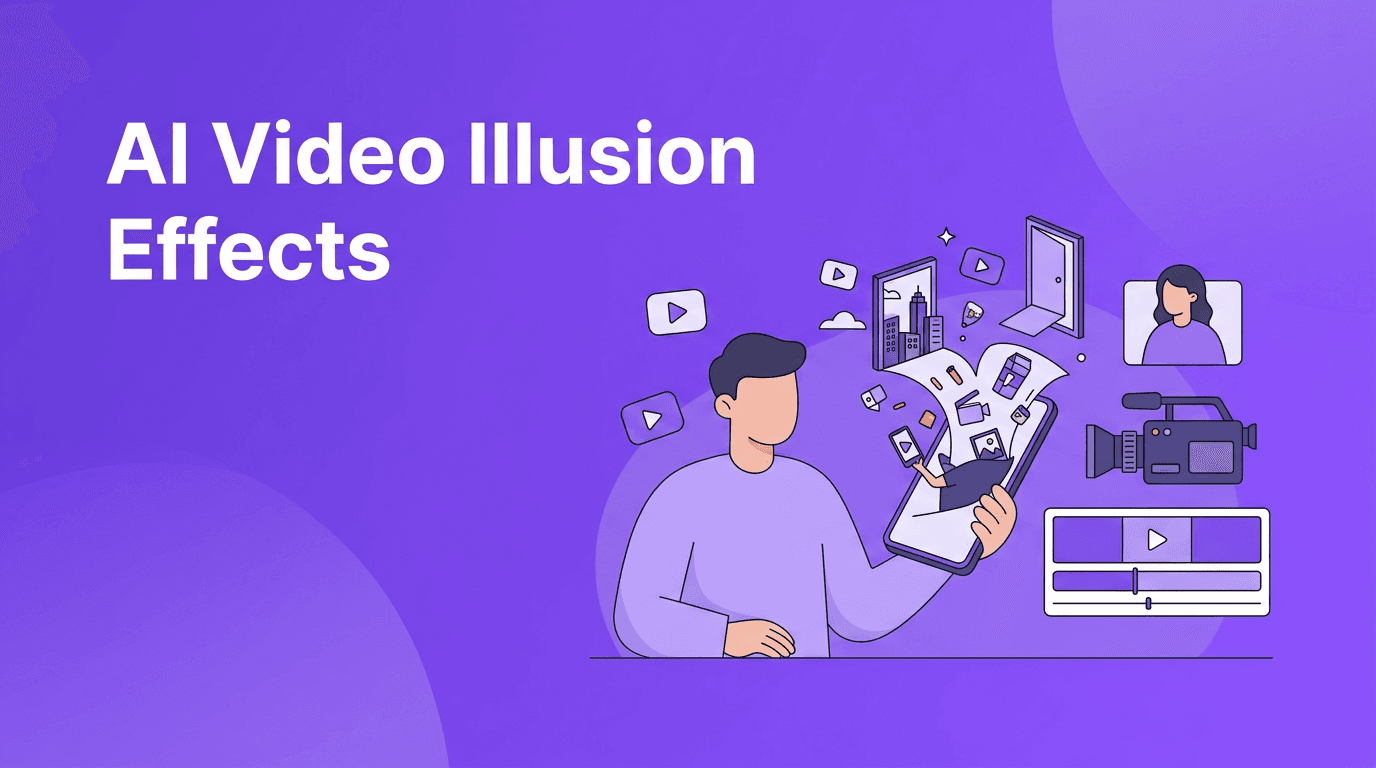
AI video illusion effects are one of the freshest ways to make short videos feel impossible without building a studio set. Instead of relying on common beauty filters or overused trend templates, creators are using scale distortion, fake portals, looping rooms, and miniature-world scenes to stop the scroll on TikTok and Instagram Reels.
Why illusion edits are trending right now
The best short-form videos create a tiny moment of confusion first, then deliver the payoff. That is exactly why AI video illusion effects work so well. Viewers pause because the visual logic feels broken - a hand looks giant, a doorway opens into another scene, or a desk becomes a city. That instant surprise boosts watch time, rewatches, and shares.
- They trigger curiosity fast in the first second or two.
- They loop well, which helps retention on TikTok and Reels.
- They feel expensive even when made from a simple phone clip.
- They are flexible for fashion, comedy, travel, product content, and music teasers.
The 4 illusion effects creators should test first
1. Portal drop scenes
This effect makes it look like a frame, mirror, phone screen, or doorway opens into another world. Technically, AI helps blend scene boundaries, extend missing pixels, and smooth the transition between two clips so the change feels physical instead of edited.
- Start with a clear object like a door frame, mirror, tablet, or window.
- Use one clip for the real environment and one for the world behind it.
- Keep camera movement simple so the transition reads clearly.
- Add a short sound hit right as the portal appears.
2. Mini-world scale tricks
Mini-world videos make normal places look tiny enough to fit in your hands. AI can help reshape perspective, enhance object separation, and stylize depth so the scene feels like a toy set. This works especially well for travel clips, desk setups, and city footage.
3. Looping room illusions
In this format, the same room appears to repeat forever, or the creator walks into a space that should not fit inside the original scene. AI-generated scene extension helps fill edges and continue patterns like walls, floors, and lighting.
4. Giant object perspective swaps
These edits make coffee cups, shoes, makeup tools, or snacks look huge compared to the creator. The effect works because AI can enhance masks, sharpen subject edges, and help merge different scale layers into one believable frame.
How these effects work in simple technical terms
You do not need to be an engineer to use advanced effects, but understanding the basics helps you get better results. Most AI video illusion effects rely on a few core processes working together.
- Subject separation - The model identifies people and objects so foreground and background can be treated differently.
- Scene generation - AI fills in or extends parts of the frame that were not in the original video.
- Motion prediction - The tool estimates how pixels should move between frames so transitions stay smooth.
- Depth estimation - AI guesses what is near and far, which helps sell scale and perspective tricks.
- Style harmonization - It adjusts texture, lighting, and detail so all elements feel like one scene.
"The most viral effect is not the most complex one. It is the one viewers understand in half a second and replay twice."
How creators can use illusion effects without making them confusing
A cool effect is not enough on its own. The strongest videos pair the illusion with a simple content idea. Think reveal, joke, transformation, reaction, or product moment. If the viewer cannot explain what happened after one watch, the concept may be too messy.
- Use one main illusion per clip instead of stacking too many ideas.
- Write a hook that explains the payoff, like "I turned my desk into a city".
- Keep clips short, usually 6 to 15 seconds for stronger replay value.
- Use captions to direct attention to the part of the frame that changes.
- Test the first frame carefully because the illusion has to read immediately.
Try these illusion ideas in Movi AI
Turn text prompts, images, or existing clips into eye-catching illusion videos with *Movi AI*. Build portal scenes, surreal scale edits, and impossible visual concepts faster on your phone.
Download Movi AIBest niche use cases for TikTok and Reels
- Fashion creators can make closets open into fantasy spaces.
- Beauty creators can place products inside oversized mini rooms.
- Travel creators can turn landmarks into tiny desk-top worlds.
- Food creators can exaggerate scale for cakes, coffee, or snack reveals.
- Music creators can use portal edits to jump between moods or lyrics.
Ethics and creator safety
Even creative illusions should be used responsibly. Do not use AI to mislead viewers about real events, fake people in harmful ways, or simulate someone else's identity without permission. When you are using highly manipulated scenes, context matters. Clear captions or behind-the-scenes content can help keep trust high with your audience.
Final takeaway
If you want to stand out in crowded feeds, AI video illusion effects offer a less saturated angle than the usual trending templates. They are fast to understand, strong for replay, and flexible across niches. Start with one simple impossible moment, keep the edit clean, and use *Movi AI* to turn ordinary footage into something viewers have to watch twice.
Frequently Asked Questions
What are AI video illusion effects?
They are AI-assisted edits that create impossible-looking scenes, like portals, miniature worlds, or distorted scale, using scene blending, depth estimation, and motion-aware generation.
Do AI video illusion effects work on TikTok and Instagram Reels?
Yes. They are especially effective on short-form platforms because they create immediate visual surprise that can improve watch time and replays.
How can beginners make AI video illusion effects?
Start with a simple clip, choose one clear illusion idea, and use an app like Movi AI to generate or transform scenes from text, images, or video.
Are AI illusion videos ethical to use?
Yes, when used creatively and transparently. Avoid deceptive uses, harmful misinformation, or content that imitates real people without consent.
Movi AICreate stunning AI videos in seconds!
Turn your ideas into professional videos with the #1 AI video maker.
Download Movi AI

