AI Video Prompt Chains: Build Viral Transformation Stories for Reels
AI video prompt chains help creators turn one idea into a multi-scene transformation story for TikTok and Reels, with smarter pacing, stronger hooks, and cleaner visual payoff.

By Movi AI Team
Movi AI Editorial Team
AI video prompt chains are becoming a smart way to build short videos that feel less random and more addictive. Instead of generating one isolated clip, creators can plan a sequence of connected scenes that build curiosity, deliver a transformation, and keep viewers watching to the end.
What are AI video prompt chains?
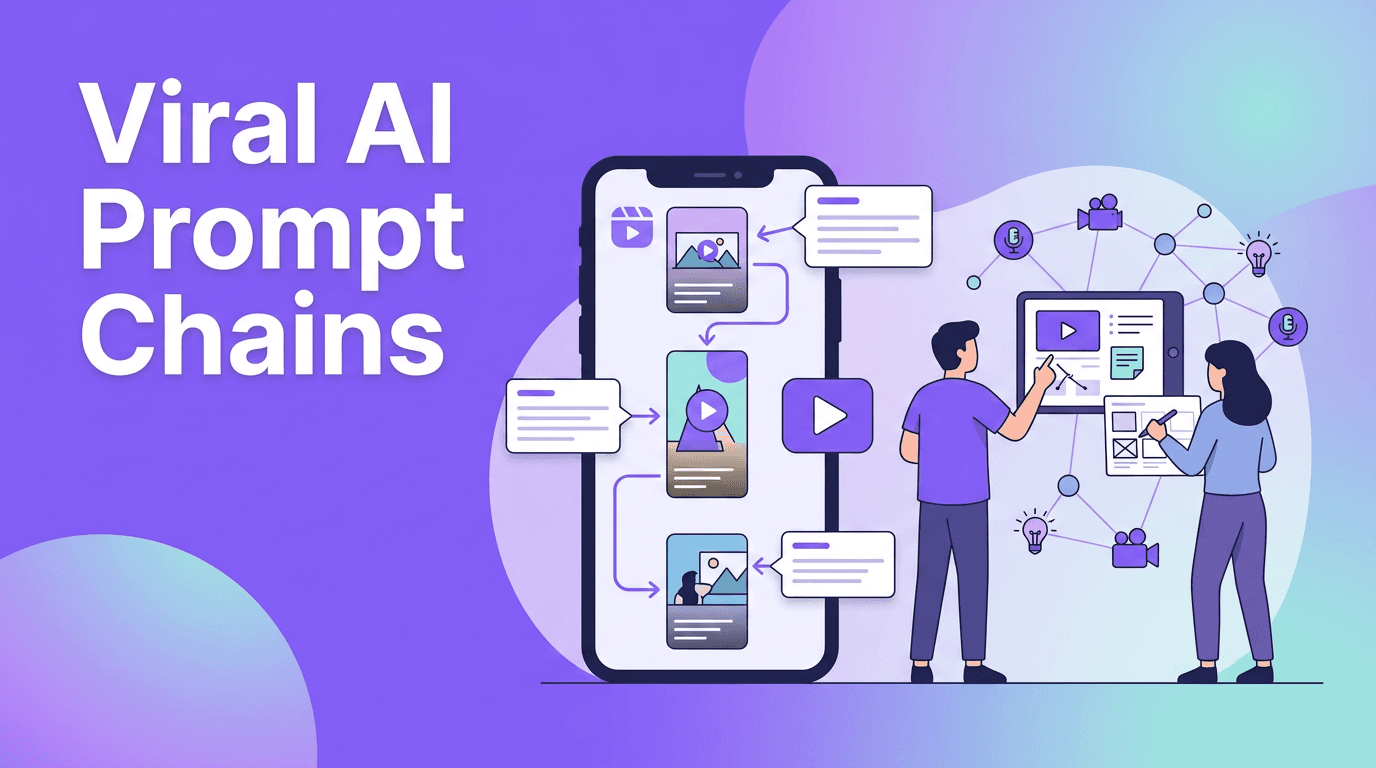
A prompt chain is a series of related prompts designed to create a progressive visual story. Think before-and-after glow-ups, room makeovers, outfit evolution, fantasy world reveals, or product transformations. Each clip does one job, and together they create momentum.
- Start with a strong first-frame hook
- Use scene 2 to introduce contrast or tension
- Let scene 3 escalate the visual change
- End with the biggest payoff or reveal
Why this format works on Reels and TikTok
Short-form platforms reward retention and replayability. Prompt chains help because every scene gives the viewer a reason to stay for the next one. This makes the edit feel intentional, not like a pile of random AI generations.
"The best short videos do not just show something cool. They make people wait one second longer for the payoff."
Best use cases for prompt chains
- Fashion transformation clips
- Beauty concept reels
- Home decor before-and-after videos
- Surreal brand storytelling
- Character evolution edits
- Product reveal sequences
How to build an AI video prompt chain
Start with a simple storyboard of 3 to 5 beats. Write one prompt per beat, but keep the subject, camera feel, and visual goal consistent. This helps the final sequence feel connected instead of chaotic.
Prompt formula to follow
- Subject: who or what stays consistent
- Action: what changes in this clip
- Setting: where the scene happens
- Style cues: keep these stable across clips
- Escalation: make each clip more dramatic than the last
With *Movi AI*, you can experiment with text-to-video, image-to-video, and video-to-video workflows to test these sequences fast. That is especially useful when you want to refine a hook before publishing.
Try the workflow inside Movi AI
Create transformation clips from prompts, images, or existing footage and turn one concept into a scroll-stopping short video sequence.
Download Movi AITips that make prompt chains feel more viral
- Keep each scene under 2 seconds for faster pacing
- Use one visual motif across the whole sequence
- Make the final scene dramatically better than the first
- Pair the reveal with a trending sound cue
- Test multiple first scenes, because the hook matters most
Common mistakes creators make
- Changing the subject too much between clips
- Using prompts with conflicting styles
- Making every scene equally intense
- Ending without a clear reveal
- Publishing without trimming dead time
Frequently Asked Questions
What are AI video prompt chains?
They are sequences of related prompts used to generate multiple clips that form one short visual story.
Do AI video prompt chains help TikTok retention?
Yes. A connected sequence creates anticipation, which can improve watch time and replays.
How many scenes should an AI video prompt chain have?
For short-form content, 3 to 5 scenes usually works best because it keeps pacing tight.
Can I make AI video prompt chains in Movi AI?
Yes. Movi AI supports multiple generation workflows that help creators build and test multi-scene concepts quickly.
Movi AICreate stunning AI videos in seconds!
Turn your ideas into professional videos with the #1 AI video maker.
Download Movi AI

