AI Video Transcripts for YouTube Chapters: A Faster Workflow for Searchable Long-Form Content
AI video transcripts can do more than captions. Learn a practical workflow to turn transcripts into clean YouTube chapters, stronger retention, and faster long-form publishing.

By Movi AI Team
Movi AI Editorial Team
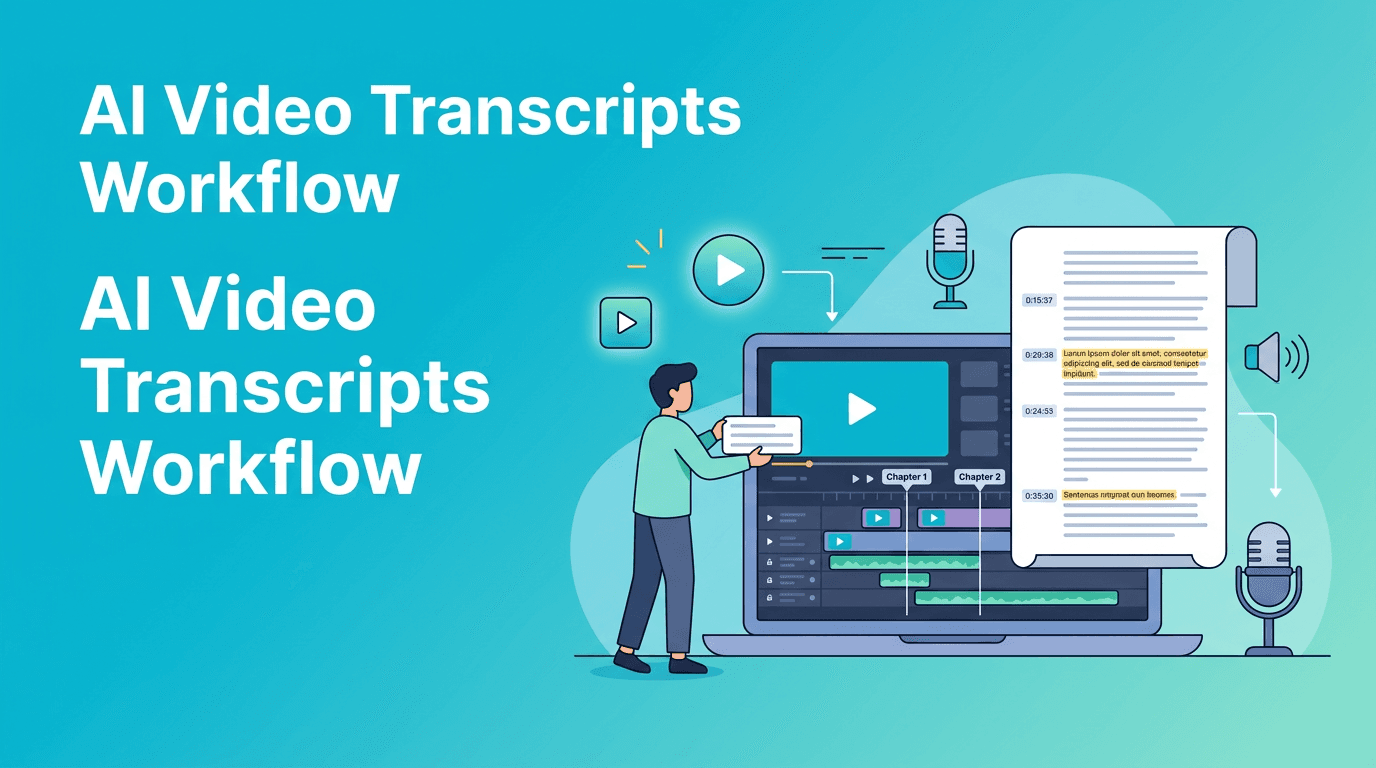
AI video transcripts are not just for captions. For YouTubers publishing long videos, they can become a fast planning tool for cleaner structure, better chapters, and easier viewer navigation.
Why transcripts matter before the final export
Most creators add chapters at the end, after a long edit is already locked. That usually means scrubbing through the whole timeline, guessing chapter starts, and writing titles manually. A transcript-first workflow is faster because it lets you spot topic shifts, repeated points, and weak segments before you publish.
- Before: You rewatch a 20-minute video several times to find chapter points.
- After: You scan text, mark topic changes, and turn them into chapters in minutes.
- Bonus: Chapters improve navigation and can help viewers find the exact answer they need faster.
A practical AI video transcripts workflow
1. Generate a transcript from your draft video
Upload your talking-head video, interview, tutorial, or podcast-style cut into a tool that can process speech clearly. In *Movi AI*, creators can build video content from prompts, speech, images, or source clips, which makes it useful when you are shaping raw ideas into a publish-ready format. Start by creating a transcript with timestamps.
2. Highlight topic changes and repeated explanations
Read through the transcript and mark every place where the topic clearly shifts. Look for phrases like 'next', 'now let's move to', or 'the second method'. These are natural chapter boundaries. Also delete or tighten repeated explanations before they become part of the published structure.
3. Turn transcript chunks into chapter titles
- Write specific chapter names, not vague labels like 'Part 1'.
- Use searchable wording viewers might actually type.
- Keep chapter titles short, clear, and benefit-driven.
- Match each title to a visible shift in the video, not just a minor sentence change.
4. Check pacing with the transcript, not only the timeline
If one chapter covers 8 minutes while the next takes 45 seconds, the issue may be pacing, not just labeling. AI video transcripts help you see imbalance quickly. If a section drags, shorten the explanation, replace filler, or split one chapter into two.
"Good editing is not just what you cut. It is what you make easier to follow."
Manual chaptering vs transcript-first editing
Manual chaptering usually depends on memory and repeated timeline scrubbing. That costs time and makes it easier to miss useful breaks. A transcript-first method gives you a text map of the whole video, which is easier to scan than a dense timeline full of cuts.
- Manual workflow: Rewatch, guess timestamps, rename sections, recheck timing.
- Transcript-first workflow: Scan text, mark topic changes, create chapter names, verify timestamps once.
- Result: Faster packaging for long-form YouTube content and fewer structural mistakes.
How Movi AI fits into the workflow
*Movi AI* helps creators move from idea to video faster with AI-powered generation from text, images, speech, and source video. If you are planning educational, commentary, or explainer content, you can use AI-assisted creation to draft sections faster, then use transcript logic to improve the final structure and publishing polish.
Speed up your long-form video workflow
Use *Movi AI* to create, refine, and organize video content faster, then turn clear spoken structure into better chapters and navigation.
Download Movi AICommon mistakes when using AI video transcripts
- Using raw transcript text as chapter titles without rewriting for clarity.
- Creating too many chapters for tiny topic shifts.
- Ignoring filler sections that should be cut before chaptering.
- Adding chapters that do not match what appears on screen.
- Skipping a final timing check after edits change the structure.
A simple repeatable template
- Generate the transcript with timestamps.
- Highlight 5 to 10 major topic changes.
- Rename each section into a clear viewer-friendly chapter.
- Trim repeated points before export.
- Paste final timestamps and titles into your YouTube description.
Frequently Asked Questions
How do AI video transcripts help with YouTube chapters?
They make topic changes easier to spot in text, so you can build chapters faster than scrubbing through the timeline repeatedly.
Can I use AI video transcripts for podcasts and interviews?
Yes. They are especially useful for long conversations where manual chaptering takes too much time.
Do YouTube chapters improve watch time?
They can improve viewer experience by helping people find relevant segments faster, which may support retention and satisfaction.
What makes a good chapter title on YouTube?
A good title is short, specific, searchable, and clearly matches the content in that section.
Movi AICreate stunning AI videos in seconds!
Turn your ideas into professional videos with the #1 AI video maker.
Download Movi AI

