AI Video Twin Effect for TikTok: How Mirror Clone Characters Turn Simple Reels Into Scroll Stoppers
The AI video twin effect is one of the most eye-catching short-form trends right now. Learn how it works, why it grabs attention, and how creators can use it for smarter TikTok and Reels content.

By Movi AI Team
Movi AI Editorial Team
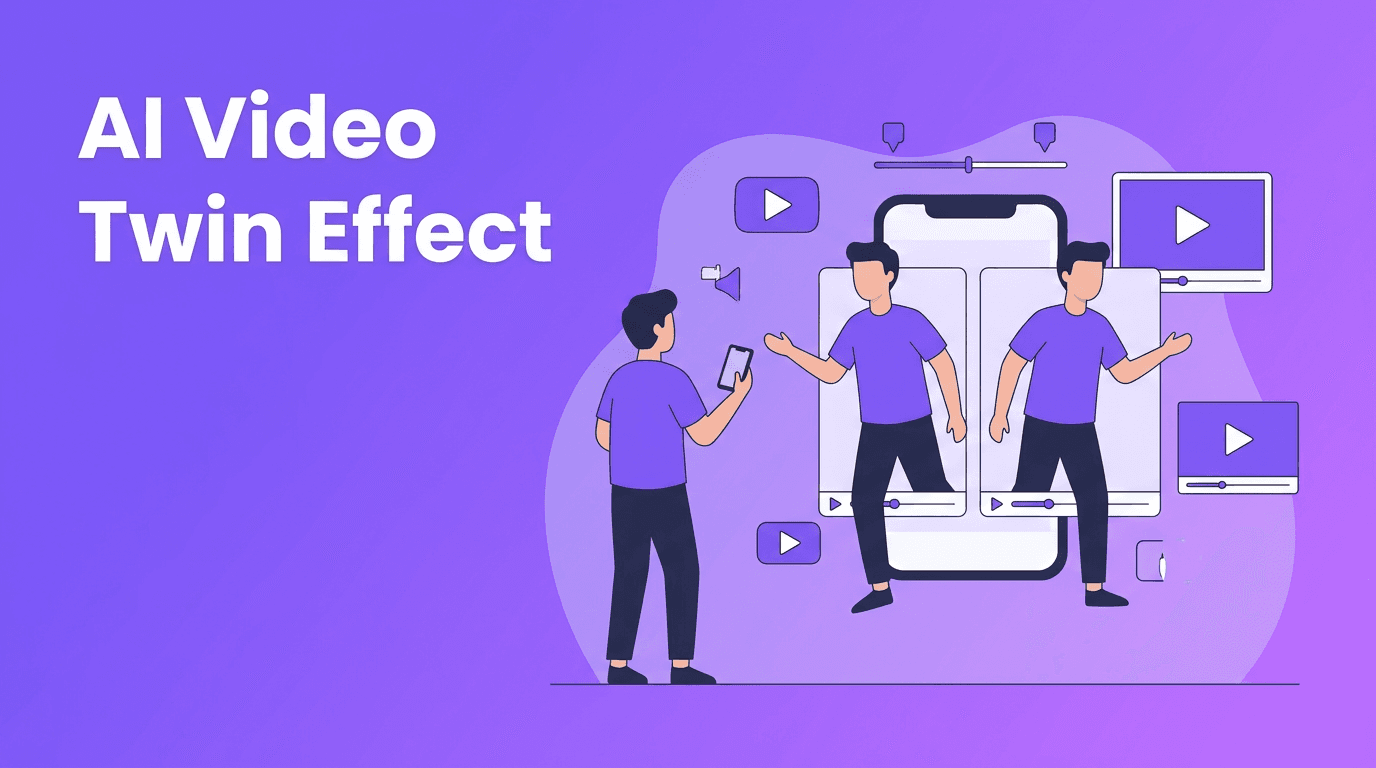
The AI video twin effect is becoming a go-to trick for creators who want a weird, polished, high-retention look without filming a huge production. If you have seen short videos where one creator appears as two synchronized versions of themselves, you have already seen why this format works so well on TikTok and Instagram Reels.
Why the AI video twin effect is trending
This trend performs because it creates an instant pattern interrupt. Viewers expect one person in frame, then suddenly see two matching characters interacting, reacting, dancing, or arguing. That visual surprise buys attention in the first seconds, which is exactly what short-form creators need.
- It looks high effort, even when the concept is simple
- It creates built-in storytelling, like 'me vs me' or 'past me vs current me'
- It is flexible for comedy, fashion, tutorials, and reaction formats
- It loops well, which can help with rewatches and retention
How the effect works in simple terms
At a technical level, the AI video twin effect uses subject separation, motion estimation, and scene generation or alignment to make duplicate versions of one person appear believable in the same clip. Some workflows isolate a subject and place a second generated or transformed version into the scene. Others build the illusion with timing, masking, and AI-assisted compositing.
The core technologies behind it
- Subject detection identifies the person in the frame
- Segmentation separates the creator from the background
- Motion tracking keeps the duplicate aligned across movement
- Generative fill or scene synthesis helps cover areas hidden by the original subject
- Style controls can make the twin look realistic, futuristic, spooky, or comedic
The best viral effects do not just look cool, they make the viewer instantly ask, 'How did they do that?'
Best ways creators are using the trend
1. Comedy skits
Use your twin as the interrupting character, the overconfident version of you, or the brutally honest inner voice. This works because the visual setup is clear before the joke even lands.
2. Outfit and persona contrasts
Create one version of yourself as the 'before' and another as the 'after', or split identities like creator vs client, gym self vs weekend self, or messy desk self vs productive self.
3. Dance and timing videos
Twin choreography is especially strong for Reels and TikTok because symmetry is satisfying to watch. Even a basic routine feels more premium when two identical characters hit beats together.
Tips for better results
- Keep your camera angle locked when possible for cleaner duplication
- Use clear body separation so overlapping limbs do not break the illusion
- Plan simple actions first, then test more complex movement
- Leave enough empty space in frame for the twin character
- Write a concept where the duplicate adds a payoff, not just decoration
Try the effect faster with Movi AI
Want to turn a simple clip, image, or prompt into standout short-form content? *Movi AI* gives creators powerful AI video tools to experiment with visual concepts faster.
Download Movi AIWhy Movi AI fits this kind of content
With *Movi AI*, creators can explore text-to-video, image-to-video, video-to-video, and speech-to-video workflows inside one app. That matters because trends move quickly. You do not want to jump between multiple complicated tools just to test one content idea. A fast AI workflow helps you iterate, post sooner, and learn what your audience actually watches.
Ethical use matters
Any duplication or identity-based effect should be used responsibly. If you create character-based edits involving other people, get clear consent. Do not use AI character effects to mislead viewers, impersonate someone, or create deceptive deepfake-style content. The smartest creators use AI to entertain and amplify ideas, not to trick audiences.
Frequently Asked Questions
What is the AI video twin effect?
It is a short-form video effect that makes one creator appear as two versions of themselves in the same scene using AI-assisted compositing and subject separation.
How do creators use the AI video twin effect on TikTok?
Creators use it for comedy skits, dance routines, character contrast videos, and story-driven Reels that need a stronger visual hook.
Is the AI video twin effect good for Instagram Reels?
Yes. It is highly visual, easy to understand quickly, and works well for looping content, which can improve watch time.
Can I make AI video twin effect content with Movi AI?
Yes. Movi AI helps creators build AI-powered videos from prompts, images, and existing footage, making it easier to test creative short-form concepts fast.
Movi AICreate stunning AI videos in seconds!
Turn your ideas into professional videos with the #1 AI video maker.
Download Movi AI