AI Video Workflow: Plan, Produce, and Scale Video Content Faster
An AI video workflow helps creators plan smarter, batch production, repurpose assets, and measure results so they can scale video content without burning out.


By Movi AI Team
Movi AI Editorial Team
If you want to publish more without sacrificing quality, an AI video workflow is the system that makes it possible. Instead of creating every post from scratch, you can use AI to plan topics, script faster, batch production, repurpose one idea into many assets, and track what actually performs. For creators, marketing teams, and solopreneurs, this is how you scale video content without scaling chaos.
Why scaling content breaks without a system
Most teams do not struggle because they lack ideas. They struggle because their content creation workflow is inconsistent. Topics live in scattered notes, scripting starts too late, editing takes too long, and distribution becomes a last-minute scramble. A clear workflow reduces decision fatigue and creates repeatable output.
- Teams with documented workflows often move faster because fewer steps depend on memory or guesswork.
- Batching similar tasks reduces context switching, which can save hours every week.
- Repurposing one strong video into multiple formats increases reach without multiplying effort.
- AI helps automate repetitive steps, but human judgment still protects quality, brand voice, and strategic focus.
"Scale does not come from doing more manually. It comes from building a system that makes quality repeatable."
The 5-part AI video workflow
1. Plan with a content calendar
Start with themes, not random posts. Build a monthly calendar around 3 to 5 recurring content pillars such as education, proof, behind-the-scenes, offers, and trends. Then use ai content creation tools to generate topic clusters, hooks, and platform-specific angles for each pillar. This gives you structure while keeping ideas fresh.
- Choose 3-5 core pillars that support your brand and audience goals.
- Turn each pillar into weekly topics, then into short-form and long-form video ideas.
- Map each idea to a funnel stage such as awareness, consideration, or conversion.
- Assign a primary platform and at least two repurposing destinations for every video.
- Review your calendar weekly so trends and business priorities can be added quickly.
2. Use AI-assisted scripting to speed up production
Scripting is one of the highest-leverage uses of content creation with AI. Use AI to generate outlines, opening hooks, talking points, scene suggestions, and alternate versions for different platforms. The key is to treat AI as a first-draft engine, not a final voice. Refine the script so it sounds like you, supports your positioning, and respects platform context.
- Prompt AI with your audience, offer, platform, and desired call to action.
- Ask for 3 hook variations, a concise body, and one clear ending.
- Create a reusable script template for tutorials, opinions, case studies, and product demos.
- Shorten long scripts into 15-second, 30-second, and 60-second versions for easier repurposing.
3. Batch production to create video content at scale
Batching is where momentum compounds. Instead of planning, recording, and posting one video at a time, group similar tasks into focused sessions. Many creators can record a week or a month of core footage in one sitting when scripts and shot lists are ready. This is one of the fastest ways to automate content creation around your schedule, not your stress.
- Day 1: research and calendar planning
- Day 2: script drafting and approvals
- Day 3: batch recording all talking-head clips
- Day 4: use AI tools for edits, captions, resizing, and variations
- Day 5: schedule distribution and set performance checkpoints
How to repurpose one video into many assets
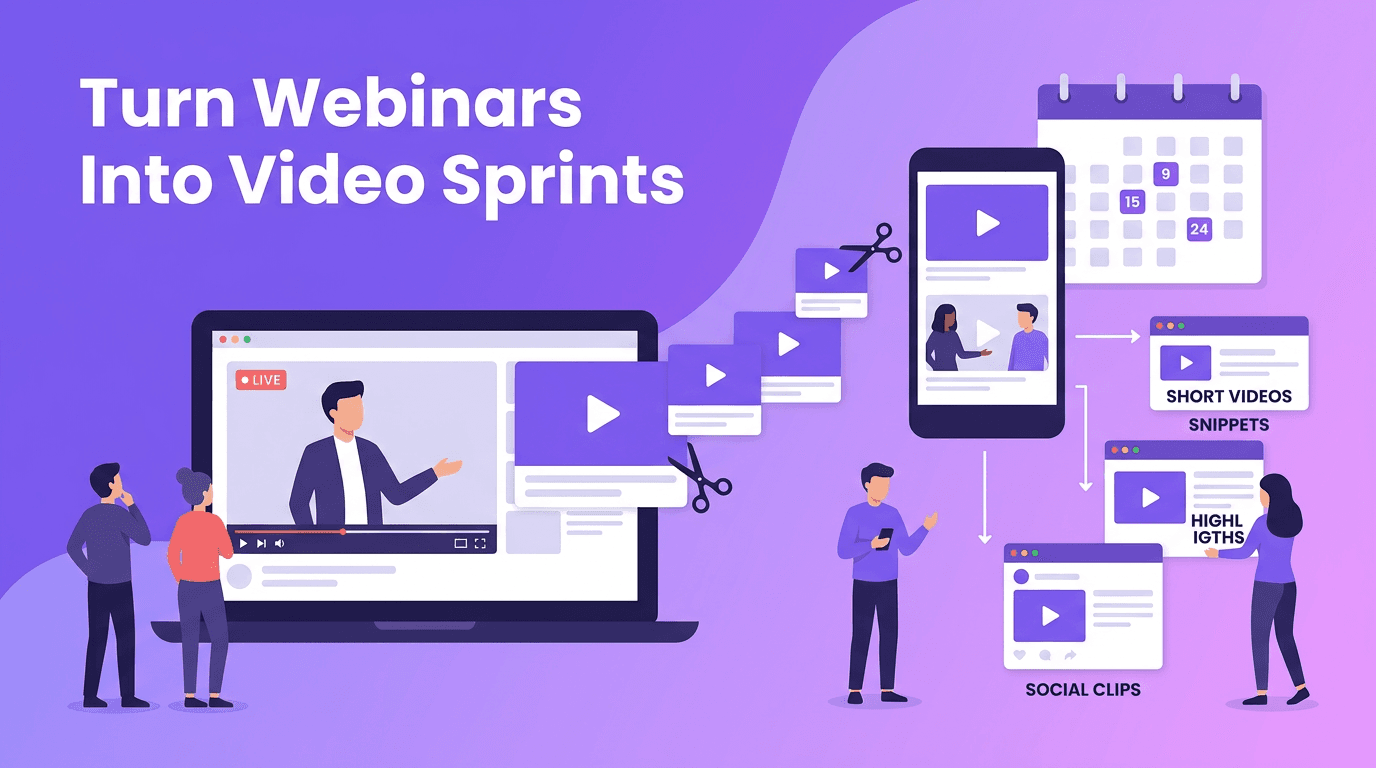
A strong AI video workflow does not stop at publishing one clip. It multiplies every idea. One flagship video can become short clips, quote graphics, B-roll variations, platform-native edits, email content, and landing page assets. Repurposing is not recycling lazily. It is adapting the same insight to match audience behavior on each channel.
- Turn a 5-minute video into 5 to 10 short clips with different hooks.
- Extract the best lines into caption-first posts or quote cards.
- Convert key points into carousel outlines, email tips, or blog sections.
- Create platform-specific intros for TikTok, Reels, Shorts, and LinkedIn video.
- Use speech-to-video and text-to-video features in *Movi AI* to quickly generate supporting versions from existing assets.
Build your content engine with Movi AI
Use *Movi AI* to create videos from text prompts, images, voice, or existing footage so your team can move from idea to publish-ready content much faster.
Download Movi AIBalancing AI automation with human creativity
The best ai content tools remove friction, not originality. Let AI handle ideation support, first drafts, versioning, clipping, subtitles, and formatting. Keep humans responsible for strategic choices such as positioning, emotional tone, storytelling, audience nuance, and final approval. This balance protects your brand while still helping you scale video content efficiently.
A practical quality-control checklist
- Does the hook match what the audience actually cares about?
- Does the script sound natural when spoken out loud?
- Is the first 3 seconds strong enough for short-form platforms?
- Does the edit include one clear message and one clear action?
- Is the content adapted for the platform instead of copied blindly?
- Are you tracking performance against a specific goal?
Measure what makes video content at scale sustainable
More output only matters if it drives results. Track metrics by content goal. For awareness, watch views, reach, watch time, and retention. For engagement, track saves, shares, comments, and profile visits. For conversion, measure clicks, leads, and sales. Reviewing performance weekly helps you see which topics, hooks, and formats deserve more volume.
- Create a simple dashboard with columns for topic, format, platform, hook, CTA, and result.
- Compare performance by content pillar so your calendar gets smarter over time.
- Identify your top 10 percent of videos and produce follow-up variations quickly.
- Stop spending energy on formats that generate activity but no business outcome.
A useful benchmark: many teams find that a small percentage of content drives the majority of meaningful results. That is why performance review matters. AI can accelerate production, but strategy decides what is worth producing again.
A simple weekly framework you can implement now
If you need a starting point, use this repeatable workflow: Monday for planning, Tuesday for scripting, Wednesday for recording, Thursday for AI-assisted editing and repurposing, Friday for scheduling and analytics review. In one week, you create a system that supports video content at scale instead of constant last-minute production.
With the right AI video workflow, scaling stops feeling overwhelming. You create once, adapt intelligently, publish consistently, and learn faster from real data. That is the path to more output, better quality, and a content engine that actually grows with your goals.
Frequently Asked Questions
How can AI help with content creation for video?
AI can help brainstorm topics, draft scripts, generate video variations, add captions, repurpose clips, and speed up editing. It works best when paired with human review and brand direction.
What is the best workflow to scale video content?
Use a repeatable system: content calendar planning, AI-assisted scripting, batch recording, AI-supported editing, cross-platform repurposing, and weekly performance review.
How do I repurpose one video for multiple platforms?
Start with one core message, then create shorter cuts, new hooks, platform-specific captions, and resized edits for each channel. Adapt the format to the audience behavior on each platform.
Can AI automate content creation completely?
AI can automate many repetitive tasks, but fully hands-off content usually loses quality and brand nuance. The strongest approach combines AI efficiency with human creativity and editorial control.
Movi AICreate stunning AI videos in seconds!
Turn your ideas into professional videos with the #1 AI video maker.
Download Movi AI