Anime Filter AI and Viral Effects Creators Are Using Right Now
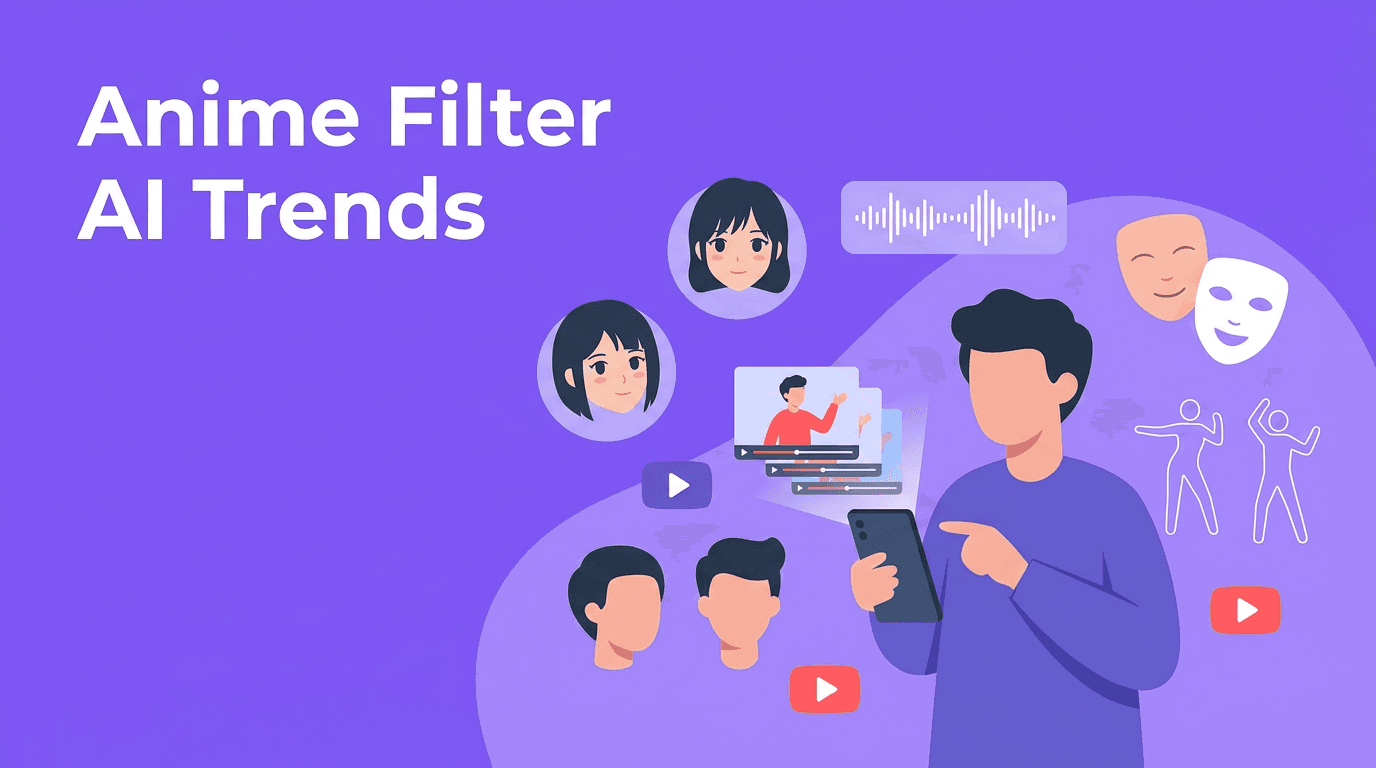
Want to master anime filter AI and other viral tools? Here is how trending effects like face swap, lip sync, beauty enhancement, and style transfer work, and how creators can use them for TikTok and Reels.

By Movi AI Team
Movi AI Editorial Team
If anime filter ai keeps showing up on your For You Page, that is not random. Creators are leaning into AI-powered transformations that instantly change a clip's mood, identity, and watch time potential. From ai face swap videos to lip sync AI, these tools are turning simple footage into scroll-stopping TikToks and Reels.
Why AI effects are dominating short-form video
The latest tiktok ai effects work because they deliver surprise fast. In the first second, viewers see a face transform, a dancer duplicated, or a selfie turn into animated art. That instant visual payoff boosts retention, which is exactly what short-form platforms reward.
- Transformation hooks grab attention before viewers swipe away.
- Identity play lets creators test characters, aesthetics, and storytelling styles.
- Remix potential makes trends easy to recreate with your own twist.
- Low production effort means one phone clip can become multiple pieces of content.
1. Anime filter AI is still one of the biggest viral formats
Anime filter ai takes a real video and restyles faces, hair, skin, and backgrounds into an illustrated or animated look. It keeps motion from the original clip while changing the visual language of the scene, which is why it feels more dynamic than a static photo filter.
How anime filter AI works
Most tools use a mix of face detection, segmentation, and style transfer. First, the model identifies facial landmarks, body regions, and the background. Then it applies a learned visual style, such as cel-shaded lines, enlarged eyes, or painterly textures, frame by frame so the final output stays consistent in motion.
How to get better results
- Use clear front-facing lighting so the model can track facial details accurately.
- Keep movements smooth and readable. Fast motion blur can reduce consistency.
- Choose clips with a simple background if you want cleaner stylized edges.
- Test close-ups for character reveals, then use wider shots for dramatic transitions.
"The best viral effect is not the flashiest one, it is the one that makes people stop and watch twice."
2. AI dance effect videos turn one performer into a full spectacle
The ai dance effect trend is built for energy. These effects can enhance motion, clone performers, add rhythm-based visual trails, or even animate a still image into dance-like movement. They work especially well for beat drops, outfit reveals, and challenge formats.
How AI dance effect tools work
Technically, many dance effects rely on pose estimation and motion mapping. The model tracks key body points such as shoulders, elbows, hips, and knees, then uses those motion signals to create duplicates, overlays, or stylized movement outputs. Some tools also use generative models to synthesize new motion between frames.
Best use cases for creators
- Match the effect to a strong beat marker for a satisfying visual payoff.
- Use dance effects in before-and-after transitions to exaggerate movement.
- Try them for music promo clips, challenge videos, or character intros.
- Keep the camera stable when possible so the AI can read body motion more clearly.
3. AI face swap is powerful, but it needs boundaries
AI face swap is one of the most shared and most sensitive categories in trending ai effects. It can be hilarious for parody, character cosplay, and brand storytelling, but it also raises real consent and trust issues. Used responsibly, it is a creative effect. Used carelessly, it can damage credibility fast.
How AI face swap works
Face swap systems usually combine facial landmark mapping, identity encoding, and frame compositing. The AI learns the source face structure, aligns it to the target performance, and blends it into each frame while trying to preserve expression, angle, and lighting. Better models also reduce flicker and mismatched skin edges.
Ethical rules every creator should follow
- Only use ai face swap with clear permission from the person involved.
- Do not create misleading political, news, or impersonation content.
- Label altered content when context could confuse viewers.
- Avoid using minors or private individuals without explicit consent.
Try viral AI effects in one workflow
*Movi AI* makes it easy to test anime looks, lip sync scenes, style transfer, and other creator-friendly video transformations from your phone.
Download Movi AI4. AI beauty filter trends are moving beyond simple skin smoothing
A modern ai beauty filter does more than blur skin. It can subtly adjust lighting, refine facial symmetry, enhance eyes, reshape contours, and preserve natural texture better than older filters. That is why these effects feel more polished and less obviously edited when used carefully.
What happens behind the scenes
Beauty enhancement models often use facial segmentation and region-specific retouching. Instead of applying one blanket effect to the entire frame, the AI treats skin, eyes, lips, and hair as separate zones. This makes enhancements look cleaner and more believable.
How to avoid the fake look
- Keep adjustments subtle so your face still looks like you.
- Use the filter to support good lighting, not replace it.
- Check the output on pause, because over-editing is easier to spot frame by frame.
- If you are promoting products, avoid deceptive edits that misrepresent results.
5. Lip sync AI is changing character videos and talking avatars
Lip sync AI is exploding in skits, dubbed memes, talking portraits, and faceless creator formats. It lets you match mouth movement to speech, music, or a voiceover, which opens up fast ways to create reaction content, animated explainers, and fictional personas.
How lip sync AI works
These systems analyze the audio waveform and break speech into phonemes, which are the basic sound units of language. The AI then predicts corresponding mouth shapes and aligns them over time. Advanced systems also coordinate jaw motion, blinking, and subtle facial expressions so the result feels more natural.
Tips for stronger lip sync videos
- Start with clean audio because noisy voice tracks reduce sync quality.
- Use clips with a visible face angle rather than heavy obstructions.
- Match the character's emotion to the voice so the video feels believable.
- Keep short-form cuts tight. Even a good sync gets boring if the scene runs too long.
6. Style transfer and hybrid effects are the next creative layer
Beyond single-purpose filters, creators are now stacking style transfer video looks with motion effects, beauty retouching, and lip sync. This is where ai video editing effects become more than a gimmick. You are not just applying a filter, you are building a visual identity.
For example, you can start with a normal selfie clip, apply anime filter ai, add a subtle beauty pass, sync a voice line with lip sync AI, and finish with background stylization. That layered approach often performs better because it feels intentional instead of random.
How to choose the right effect for TikTok or Reels
- Use anime and style transfer for fantasy, fandom, and character-driven content.
- Use ai dance effect for music, choreography, and beat-drop edits.
- Use ai beauty filter for lifestyle, fashion, and talking-head content.
- Use ai face swap for parody, storytelling, and trend remixes, with consent.
- Use lip sync AI for skits, avatars, explainer content, and dubbed memes.
A simple workflow for testing trending AI effects
- Pick one short clip with a strong hook in the first second.
- Choose one primary effect, then add only one supporting enhancement.
- Export multiple versions for TikTok and Instagram Reels.
- Watch each version without sound and with sound to judge retention potential.
- Post, compare watch time, saves, and shares, then double down on what sticks.
The smartest creators do not chase every trend. They build repeatable formats using the trending ai effects that fit their niche, voice, and audience expectations. With *Movi AI*, you can experiment with transformations, motion-driven effects, and stylized edits in one place without needing a desktop workflow.
Frequently Asked Questions
What is anime filter AI?
Anime filter AI is a video effect that transforms real footage into an animated or illustrated look using AI models that detect faces, body parts, and scene elements.
How does an AI dance effect work?
An AI dance effect usually uses pose estimation to track body movement, then adds motion-based visuals, clones, or stylized animation tied to the performance.
Is AI face swap safe to use for content creation?
AI face swap can be safe when used with clear consent, transparent labeling, and non-deceptive intent. Avoid impersonation and misleading use cases.
What are the best TikTok AI effects right now?
Popular TikTok AI effects include anime transformations, lip sync avatars, face swap videos, beauty enhancement filters, and motion-based dance effects.
Can I create these effects on my phone?
Yes. Apps like Movi AI let creators generate AI videos from text, images, and existing footage directly on mobile, making it easier to test viral formats quickly.
Movi AICreate stunning AI videos in seconds!
Turn your ideas into professional videos with the #1 AI video maker.
Download Movi AI

