Creator Economy Video Packs: How AI Video Bundles Help Small Brands Look Bigger
Creator economy video packs give small brands a practical way to produce ads, product clips, explainers, and training assets without hiring a full production crew.

By Movi AI Team
Movi AI Editorial Team
Creator economy video is becoming a smart way for smaller brands to package more content from fewer inputs. Instead of booking a studio, hiring a crew, and coordinating multiple edits, businesses can use AI tools to turn product photos, text prompts, and existing clips into practical video assets for sales and marketing.
Why this angle matters for lean teams
Most small businesses do not need one expensive hero film. They need a repeatable set of useful videos: a short ad, a product walkthrough, a simple explainer, onboarding clips, and social edits. That is where AI changes the economics. It lets teams create a bundle of assets fast, test more ideas, and update content when offers change.
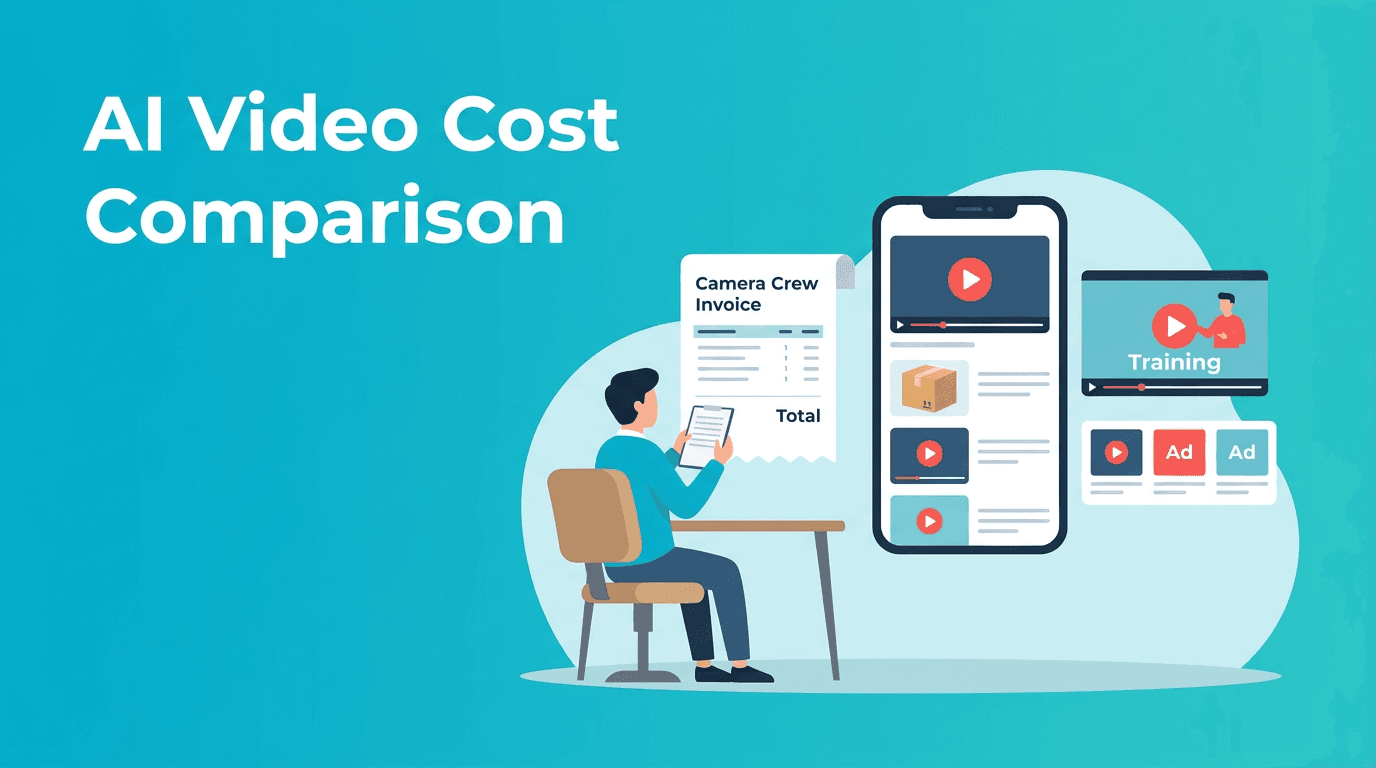
Traditional production vs AI-generated content costs
- A traditional shoot can cost $2,000 to $15,000+ once you add planning, filming, editing, talent, and revisions.
- A simple product demo may still require days of coordination even before the first cut is delivered.
- AI-generated content can reduce production costs dramatically by using existing images, scripts, voice, and prompts instead of a full crew.
- For many small teams, the bigger saving is not just money, it is speed, because campaigns can launch in hours instead of weeks.
Where ROI improves fastest
The strongest ROI usually comes from content that needs frequent updates. Seasonal offers, product changes, pricing adjustments, feature launches, onboarding steps, and ad variations are expensive to reshoot traditionally. With AI, teams can refresh these videos quickly and keep campaigns current without restarting from zero.
Five high-value business use cases
1. Product clips for e-commerce
Turn product images and feature bullets into short selling videos for landing pages, marketplaces, and paid social. These assets help customers understand size, value, use cases, and benefits faster than static images alone.
2. Service explainers
Service businesses can convert a text outline into a short visual explainer that answers what they do, who they help, and what happens next. This is especially useful for consultants, agencies, home services, and clinics.
3. Simple training materials
Internal teams can create short instructional clips for onboarding, policies, software walkthroughs, and process reminders. AI makes it easier to keep training current as procedures change.
4. Ad testing at low cost
Instead of producing one expensive ad, businesses can create multiple variations with different hooks, messages, and visuals. That means more testing, faster learning, and a better chance of finding winning creative.
5. Founder-led social content
If a founder does not have time to be on camera every day, AI can help transform talking points, product visuals, and previous footage into polished short videos for ongoing brand visibility.
"Small brands rarely lose because they lack ideas. They lose because production bottlenecks slow execution."
How Movi AI helps businesses create more with less
*Movi AI* gives businesses an affordable way to create videos from text prompts, images, speech, or existing footage. That flexibility matters when teams have uneven resources. A founder might start with product photos, a marketer might upload campaign copy, and a social media manager might rework an older video into a fresh asset.
- Use text-to-video for ad concepts and explainer drafts
- Use image-to-video for product showcases and catalog content
- Use video-to-video to refresh old creative into new formats
- Use speech-to-video to turn talking points into visual content faster
Need affordable business video content?
Create ads, demos, explainers, and training clips faster with *Movi AI*. Start with a prompt, image, voice note, or old video and turn it into fresh content.
Download Movi AIA simple rollout plan for small businesses
- Pick one offer or product that already converts well
- Create three video types: a short ad, a product explainer, and a customer education clip
- Test these assets across landing pages, email, and social platforms
- Track click-through rate, watch time, conversion rate, and cost per result
- Refresh top performers monthly using new hooks, scenes, or offers
This approach helps smaller teams act like larger marketing departments without taking on the same overhead. The goal is not to imitate enterprise production. The goal is to build a fast, flexible video system that supports sales every week.
Frequently Asked Questions
Can small businesses really use AI to make professional videos?
Yes. AI tools can turn scripts, images, voice, and existing footage into polished videos for ads, demos, explainers, and training content.
Is AI video cheaper than hiring a production team?
In many cases, yes. AI reduces costs tied to filming, editing, reshoots, and coordination, especially for content that needs regular updates.
What types of business videos work best with AI?
Short ads, product showcases, explainers, onboarding videos, and social clips are often strong starting points because they are repeatable and easy to iterate.
How can I start creating business videos with Movi AI?
Start with a text prompt, product image, voice note, or old video, then use Movi AI to generate a new video and test it across your marketing channels.
Movi AICreate stunning AI videos in seconds!
Turn your ideas into professional videos with the #1 AI video maker.
Download Movi AI