Lip Sync AI Trends That Make Short Videos Pop
Lip sync AI is becoming one of the fastest ways to create attention-grabbing short videos. Here is how trending effects work, why they go viral, and how creators can use them better on TikTok and Instagram.

By Movi AI Team
Movi AI Editorial Team
If your short-form content feels flat, lip sync AI can instantly make it more watchable. On TikTok and Instagram, creators are using smarter AI effects to turn simple clips into expressive, scroll-stopping videos with talking avatars, synced dialogue, stylized faces, and remixable visuals.
Why lip sync AI is trending right now
Creators want content that looks hard to make, but is actually fast to produce. That is exactly why lip sync AI is taking off. It combines voice, facial motion, and video generation in a way that feels dynamic, even when the original source is just a photo, selfie, or short clip.
- It grabs attention fast because viewers instantly notice mouth movement synced to speech or music.
- It works well with trends like reaction videos, meme audio, character edits, and storytelling clips.
- It lowers production time for creators who want polished content without manual frame-by-frame editing.
- It pairs with other trending AI effects like anime looks, face swaps, beauty enhancement, and style transfer.
The AI video effects creators are stacking
The biggest trend is not just one effect. It is stacking multiple AI video effects into a single short video. This creates a transformation sequence that feels surprising and highly shareable.
1. Anime-style character transformations
Creators use anime-inspired looks to turn selfies or clips into dramatic characters with stylized eyes, smoother skin, and illustrated textures. These edits work best when paired with voiceover or synced audio, because the contrast between realistic movement and animated styling is highly engaging.
2. AI face swap for skits and POV content
AI face swap is popular for roleplay content, comedy skits, fan edits, and brand storytelling. The model maps facial landmarks, tracks head movement, and blends a target face over the original performance. The result can feel seamless when the lighting and angle match well.
3. Beauty enhancement AI for polished close-ups
A subtle AI beauty filter can improve skin tone, smooth texture, brighten eyes, and refine facial balance without making the creator look fake. On Reels, this effect is often used for talking-head videos, product promos, and glow-up transitions.
4. Dance and motion-driven effects
Even though dance trends change quickly, motion-aware AI still performs well. Creators use body tracking, pose estimation, and movement transfer to exaggerate gestures, stylize choreography, or map motion onto avatars and animated characters.
How these effects work technically
You do not need to be an engineer to use these tools well, but understanding the basics helps you get better results.
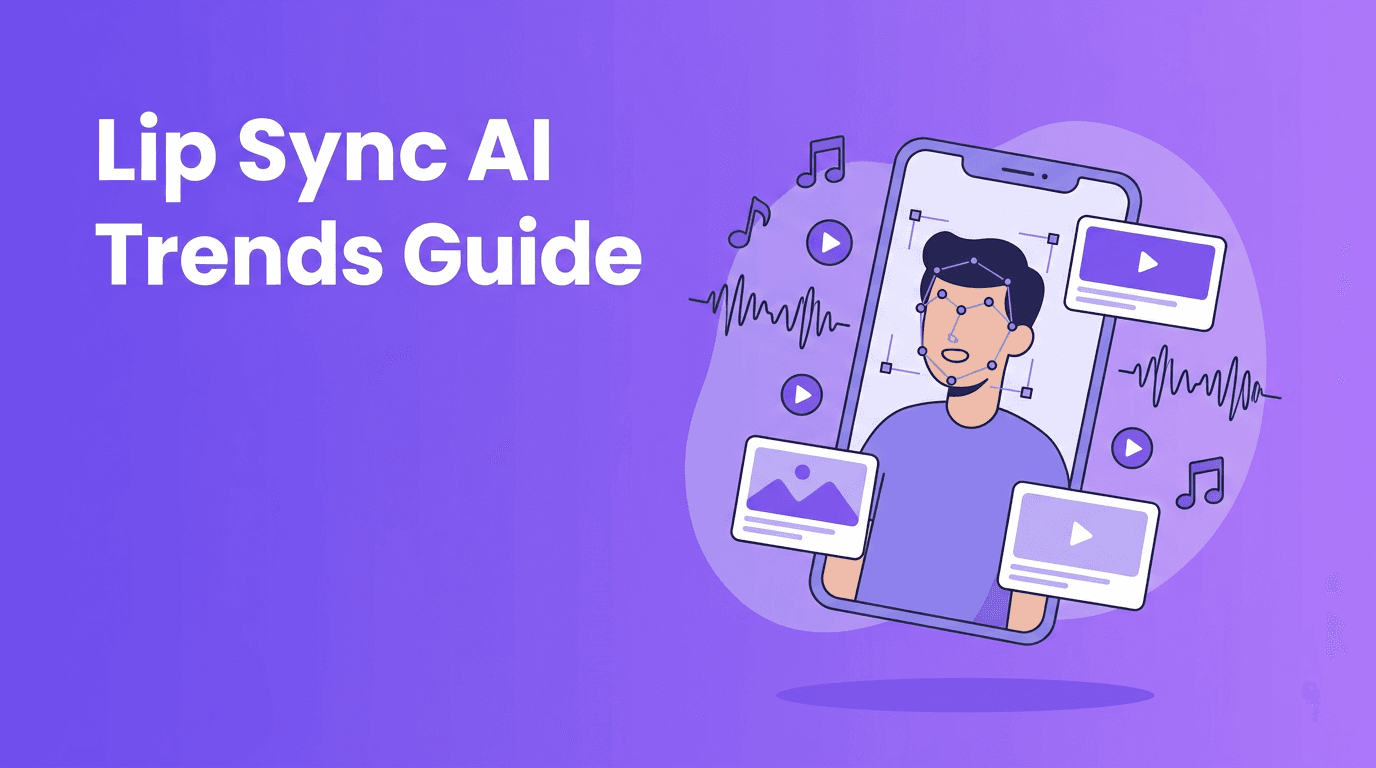
- Face tracking detects eyes, nose, mouth, jawline, and head angle so effects stay locked to the subject.
- Pose estimation reads body joints and movement, which powers dance effects, gesture-based transitions, and avatar animation.
- Segmentation separates the person from the background, making it easier to replace scenes or apply targeted filters.
- Generative models create new frames, textures, or stylized details instead of just placing a static overlay on top.
- Audio alignment matches phonemes, timing, and mouth shapes for more believable talking or singing clips.
The most viral AI videos do not just look different - they feel native to the trend, the sound, and the creator's personality.
How to use lip sync AI and related effects effectively
Start with a strong source clip
Use clean lighting, a visible face, and stable framing. For lip sync AI, clear audio and a forward-facing angle usually produce the best mouth tracking and facial animation.
Match the effect to the content format
- Use anime looks for fandom edits, character reveals, and dramatic transitions.
- Use face swap for comedy, multi-character skits, and trend remixes.
- Use beauty enhancement for tutorials, vlogs, and product-focused close-ups.
- Use lip sync AI for reaction memes, storytime hooks, and music-led short videos.
- Use style transfer when you want a bold visual identity that stands out in crowded feeds.
Keep the first two seconds visually obvious
On TikTok and Reels, the hook matters more than almost anything else. Show the transformation early. If the AI effect is the point of the video, reveal it immediately instead of making viewers wait.
Ethics creators should not ignore
Powerful AI effects also come with responsibility. If you use ai face swap-style tools, always get consent before using someone else's likeness. Avoid misleading viewers with fake endorsements, deceptive edits, or harmful impersonation. A quick label like 'AI edit' can help maintain trust with your audience.
The same applies to beauty tools. Overusing an ai beauty filter can create unrealistic expectations, especially for younger viewers. The best approach is enhancement, not deception.
Try AI effects in one workflow
Create stylized clips, synced talking videos, visual transformations, and more with *Movi AI*. Turn prompts, photos, or footage into scroll-stopping videos faster.
Download Movi AIWhy creators use Movi AI for trending effects
*Movi AI* gives creators a practical way to experiment with tiktok ai effects, stylized video generation, image-to-video, speech-driven scenes, and remixable visual ideas without juggling multiple apps. You can start from a text prompt, image, or existing clip, then build short videos that feel current and platform-ready.
Frequently Asked Questions
What is lip sync AI?
Lip sync AI uses audio analysis and facial animation to match mouth movement to speech or singing in a video. It is commonly used for talking avatars, meme videos, and music edits.
What AI effects are trending on TikTok right now?
Popular trends include lip sync videos, anime-style transformations, face swaps, beauty enhancement, motion-based dance effects, and style transfer edits.
How does AI face swap work in videos?
AI face swap tracks facial landmarks, head movement, and lighting, then blends a new face onto the original performer frame by frame.
Are AI beauty filters safe to use?
They are generally safe for content creation, but creators should use them responsibly and avoid misleading viewers with unrealistic or deceptive edits.
Can I make AI effect videos on my phone?
Yes. Apps like Movi AI let you create AI videos from prompts, images, audio, or existing footage directly on mobile.
Movi AICreate stunning AI videos in seconds!
Turn your ideas into professional videos with the #1 AI video maker.
Download Movi AI

