Object Clone Effect: The AI Loop Trick Taking Over Reels
The object clone effect is one of the freshest short-form trends. Learn how this looping illusion works, why it pops on Reels and TikTok, and how to create cleaner versions fast.

By Movi AI Team
Movi AI Editorial Team
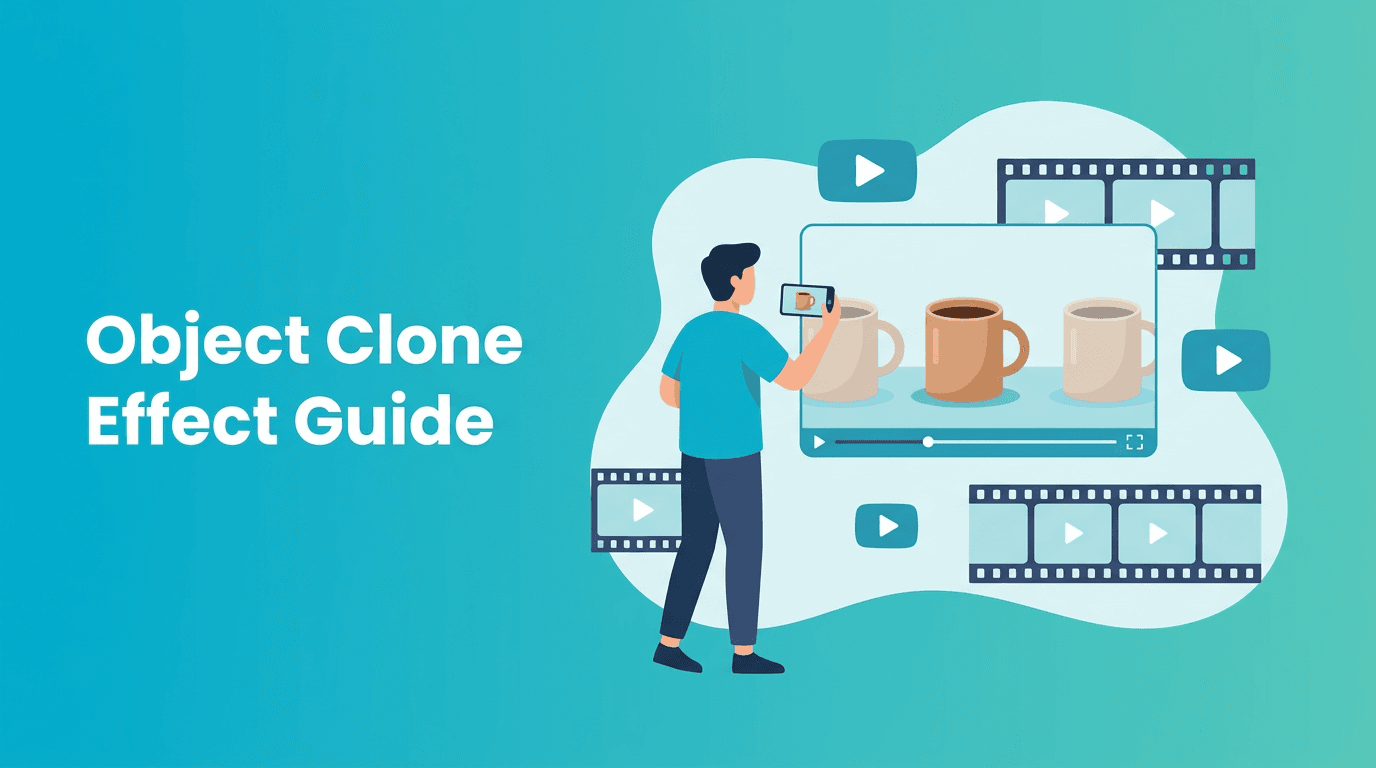
The object clone effect is quietly becoming a standout short-form trick because it feels surprising without being hard to watch. Instead of relying on overused face effects, creators duplicate one item across the frame to build a satisfying loop that makes people replay the video.
Why the object clone effect is trending
This trend works because it creates a fast visual question in the first second: *How is the same object appearing in multiple places at once?* That tiny mystery boosts retention. On TikTok and Instagram Reels, anything that sparks a second watch has a better chance of traveling.
- Simple hook - one repeated object instantly looks impossible
- Replay value - viewers rewatch to catch the trick
- Low setup - you only need one object and a short scene
- Flexible format - works for beauty, fashion, food, desk setups, and comedy
How the effect works technically
At a basic level, the object clone effect combines frame planning, masking, and loop timing. You capture multiple versions of the same object in different positions, then blend or generate transitions so the final clip looks continuous. AI helps smooth the seams, stabilize motion, and keep the repeated objects consistent across the scene.
The three parts that matter most
- Locked framing - the camera angle should stay consistent so duplicated items feel natural
- Clean separation - each object position needs enough space to avoid messy overlaps
- Loop logic - the end frame should visually connect back to the start frame
"The most viral effects are not always the loudest. They are the ones that make people watch twice."
Best content niches for object clone videos
This effect is especially strong when the duplicated item already means something in your niche. A skincare creator can multiply serums across a sink. A fashion creator can clone sunglasses across a table. A coffee creator can repeat cups, beans, or lids for a pattern that feels oddly satisfying.
- Product creators - clone packaging for scroll-stopping ad creatives
- Lifestyle creators - duplicate desk accessories, candles, books, or outfits
- Food creators - repeat ingredients or finished dishes in a rhythmic loop
- Comedy creators - clone unexpected items for absurd reveal moments
How to get better results with Movi AI
With *Movi AI*, creators can build this kind of illusion faster by starting from a text prompt, an image sequence, or an existing clip. Use text-to-video to mock up surreal clone scenes, image-to-video to animate repeated product layouts, or video-to-video to transform rough footage into a cleaner looping concept.
Try the easiest way to build loopable effect videos
Use *Movi AI* to turn prompts, images, or clips into polished short-form videos with creative AI-generated motion and effect variations.
Download Movi AIPractical tips before you export
- Keep clips short - 4 to 8 seconds usually loops best
- Choose one hero object - too many competing items weaken the illusion
- Design for the first second - make the duplicate obvious immediately
- Avoid busy backgrounds - simple scenes make cloned objects easier to read
- Test muted viewing - the visual should still work without sound
Ethics and transparency
Even fun illusion content should be used responsibly. If you are promoting products, make sure the edited visual does not mislead viewers about size, quantity, or real-world performance. Keep consent in mind if a person appears in the clip, and avoid deceptive edits that cross into fake endorsement territory.
Final take
The object clone effect is a smart example of where short-form trends are going: less random noise, more visual curiosity. If you want an effect that feels fresh, rewatchable, and adaptable across niches, this is a strong one to test next.
Frequently Asked Questions
What is the object clone effect in videos?
It is a video illusion where the same item appears multiple times in one scene, often arranged to create a satisfying or surprising loop.
Why does the object clone effect perform well on Reels?
It creates instant curiosity and replay value, which helps retention and encourages viewers to watch again.
Can I make an object clone effect with AI?
Yes. AI tools can help generate repeated scenes, smooth transitions, and refine loop consistency from prompts, images, or video.
What objects work best for clone effect videos?
Simple, recognizable items like skincare bottles, cups, shoes, books, and small products usually work best because they are easy to duplicate visually.
Movi AICreate stunning AI videos in seconds!
Turn your ideas into professional videos with the #1 AI video maker.
Download Movi AI