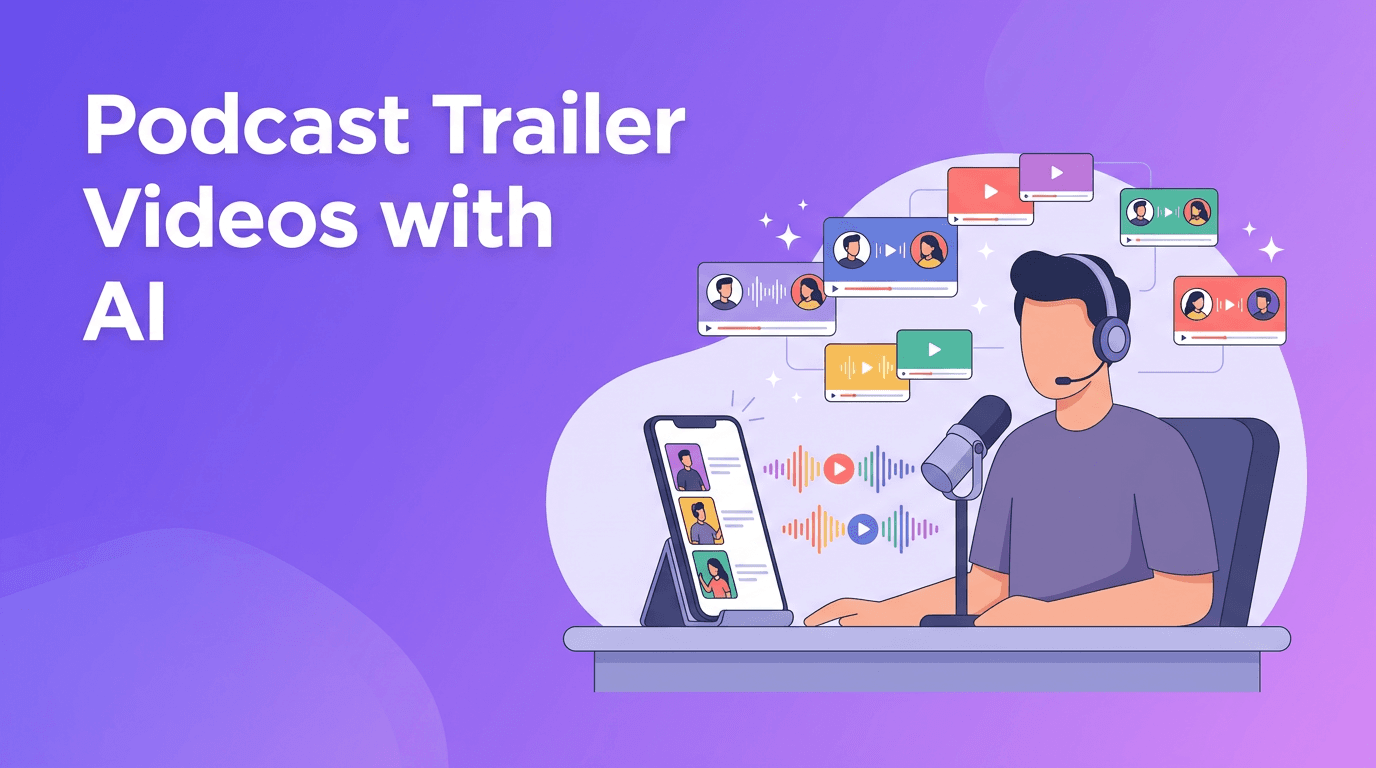
Podcast Trailer Videos: A Lean AI Launch System for Weekly Growth
Podcast trailer videos help creators turn every episode into short, platform-ready promos. Learn a lean AI system to script, produce, distribute, and improve them faster.

By Movi AI Team
Movi AI Editorial Team
Podcast trailer videos are one of the fastest ways to turn one long-form recording into consistent short-form promotion. If you publish interviews, solo episodes, or educational shows, a simple AI-assisted system can help you script hooks, produce clips, distribute them across platforms, and improve performance without adding hours to your week.
Why podcast trailer videos work so well
Most podcasts struggle with discovery, not quality. People rarely commit to a full episode from a cold introduction, but they will watch a 15 to 45 second clip with a strong opening line. That makes podcast trailer videos a practical growth asset for creators, marketers, and personal brands.
- Short video is now a default discovery format on TikTok, Instagram Reels, YouTube Shorts, and even LinkedIn feeds.
- A weekly episode can generate multiple promotional assets instead of a single upload.
- AI tools reduce editing and scripting time, which helps small teams publish more consistently.
- Teams that batch content often report 30 to 50 percent faster production cycles compared with creating every asset from scratch.
A lean weekly system for podcast trailer videos
1. Start with one episode goal
Before editing anything, define the purpose of the episode trailer. Do you want clicks, subscribers, comments, or newsletter signups? A clear outcome makes it easier to choose the right quote, lesson, or emotional moment.
2. Pull 3 to 5 hook-worthy moments
Review the episode and mark sections with one of these traits: a surprising opinion, a practical tip, a bold statistic, a relatable pain point, or a memorable story. This gives you a repeatable filter for selecting podcast trailer videos that actually earn attention.
3. Use AI-assisted scripting
AI can help rewrite spoken moments into stronger short-form openings. For example, a 40 second ramble can become a tighter hook, payoff, and CTA. Keep the final tone human by editing for your voice, pacing, and audience expectations.
- Ask AI to generate 3 hook variations for the same clip.
- Turn one insight into platform-specific captions for Reels, Shorts, and LinkedIn.
- Create CTA options such as 'Watch the full episode', 'Comment your take', or 'Save this for later'.
How Movi AI fits into the production stack
*Movi AI* helps creators turn text prompts, images, and existing videos into polished visual content quickly. For podcasters, that means you can transform episode ideas into animated promos, enhance simple talking-head footage, or build visual versions of audio-led clips for social channels.
Build your next promo faster
Use *Movi AI* to create short video assets from prompts, episode visuals, or existing clips, then publish more consistently across every platform.
Download Movi AI4. Batch produce in one session
Batching is where scale becomes realistic. Instead of making one clip at a time, dedicate one focused session to editing all your podcast trailer videos for the week. This reduces context switching and keeps your creative standards more consistent.
- Create a folder for each episode with transcript, brand assets, captions, and approved clips.
- Use one editing template for intro text, subtitles, and end screen.
- Export multiple aspect ratios in one workflow for Shorts, Reels, TikTok, and feed posts.
- Track each clip in a simple spreadsheet with status, platform, publish date, and performance notes.
Distribute once, adapt everywhere
Cross-platform distribution works best when you adapt, not just repost. The core message can stay the same, but the packaging should match the platform. A bold opinion clip may work on TikTok, while a practical takeaway may perform better on LinkedIn or YouTube Shorts.
"Scale does not come from making more random content. It comes from building a repeatable system for your best ideas."
- For Instagram Reels, lead with emotion, fast captions, and a simple CTA.
- For YouTube Shorts, prioritize curiosity and search-friendly titles.
- For TikTok, test looser hooks and more conversational framing.
- For LinkedIn, pull out business lessons, leadership insights, or industry trends.
Measure what improves your next clip
Do not stop at views. The best podcast trailer videos are the ones that create a next action. Track hold rate, watch time, click-throughs, saves, shares, profile visits, and comments. These metrics show whether the hook, message, and CTA are doing their job.
- If viewers drop in the first 2 seconds, rewrite the opening line.
- If watch time is strong but clicks are weak, improve the CTA.
- If shares are high, turn that angle into a follow-up clip or carousel.
- If one guest or topic outperforms others, build a mini-series around it.
Keep AI efficient, keep creativity human
AI is excellent for speed, variations, formatting, and first drafts. Human judgment is still what makes content feel trustworthy and distinctive. Use AI to remove repetitive tasks, then spend your energy on story selection, positioning, and audience empathy.
If you want a manageable way to grow your show, start with one weekly system, one episode, and three strong clips. Over time, those podcast trailer videos compound into a discoverability engine that supports your brand without overwhelming your schedule.
Frequently Asked Questions
How long should podcast trailer videos be?
Most perform well between 15 and 45 seconds. Start short, focus on one idea, and test longer clips only when retention is strong.
Can AI help make podcast trailer videos faster?
Yes. AI can help with hook writing, caption generation, clip ideation, and visual creation, which reduces manual work and speeds up weekly publishing.
What platforms are best for podcast trailer videos?
Instagram Reels, TikTok, YouTube Shorts, and LinkedIn are strong starting points. The best choice depends on where your audience already spends time.
How many podcast trailer videos should I post per episode?
A practical target is 3 to 5 clips per episode. This gives you enough variation to test different hooks without overcomplicating the workflow.
Movi AICreate stunning AI videos in seconds!
Turn your ideas into professional videos with the #1 AI video maker.
Download Movi AI