Style Transfer Video: Trending AI Effects Creators Should Try
Style transfer video is becoming one of the most exciting AI video effects for TikTok and Reels. Learn what is trending, how these effects work, and how to use them better with Movi AI.

By Movi AI Team
Movi AI Editorial Team
If your feed suddenly looks more cinematic, animated, and hyper-stylized, style transfer video is a big reason why. This wave of AI video effects is powering everything from anime-inspired clips to surreal dance edits on TikTok and Instagram Reels, and creators are using it to turn simple footage into something people actually stop and watch.
Why style transfer video is taking over short-form content
The biggest reason these effects spread fast is simple: they make familiar content feel new. A basic selfie video, dance clip, or product shot becomes more scroll-stopping when AI transforms the look, motion, or facial performance. Right now, creators are mixing tiktok ai effects, character-inspired visuals, lip synced dialogue, and dramatic aesthetic changes to create short videos that feel high effort without a full editing team.
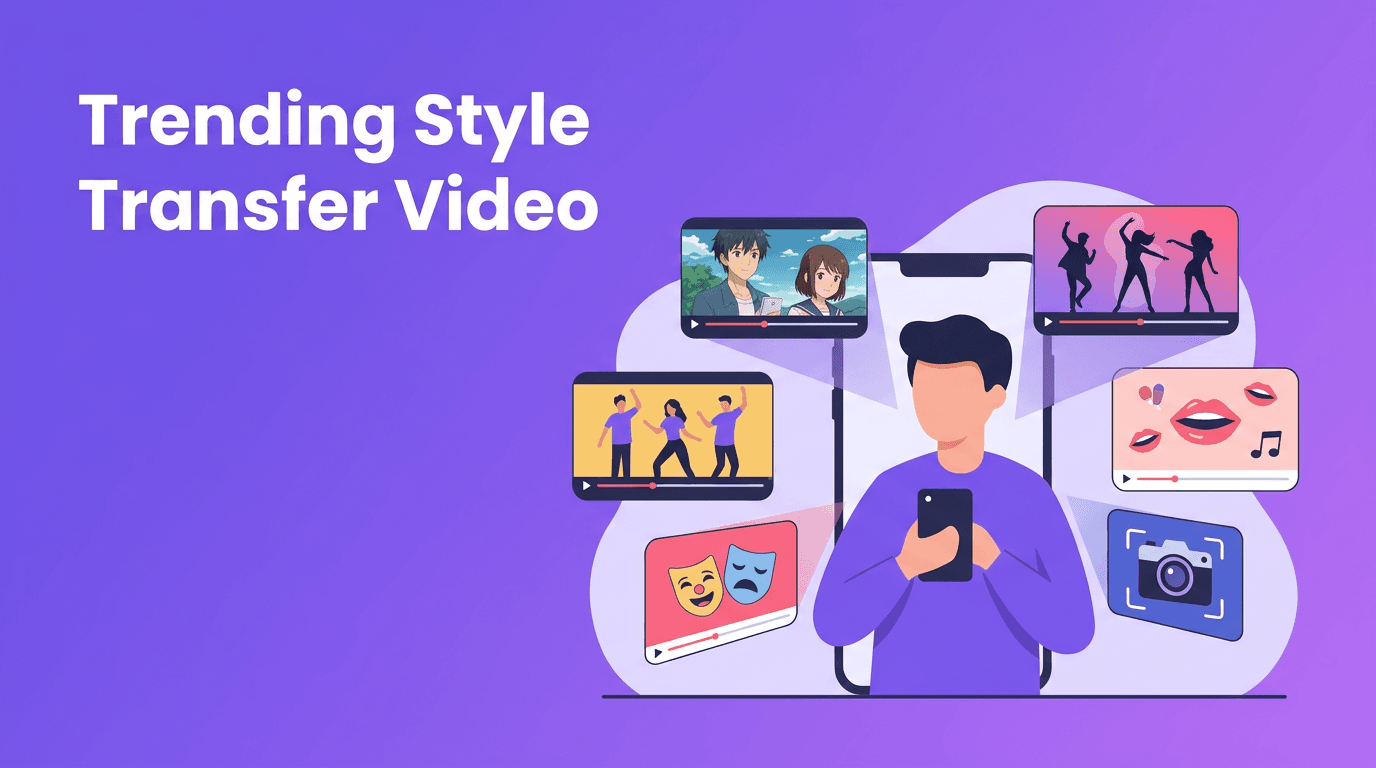
- Anime-inspired transformations that turn real footage into illustrated scenes
- AI dance effect clips that exaggerate movement or generate stylized choreography
- AI face swap videos for character roleplay, comedy, and storytelling
- AI beauty filter looks that smooth, refine, and relight faces
- Lip sync AI edits that match expressions and speech to audio
- Style transfer effects that apply a new visual identity to an entire video
"The best AI effects do not replace creativity, they amplify the idea that was already worth watching."
How trending AI effects work behind the scenes
Most modern ai video editing effects rely on a few core systems working together. First, the model detects subjects, faces, body pose, and scene depth across frames. Then it predicts how visual changes should stay consistent over time, so the effect does not flicker wildly from one moment to the next. Finally, a generation model applies the requested look, motion, or identity shift while preserving enough of the original clip to keep it recognizable.
Anime filters and style transfer
An anime filter ai effect usually combines edge detection, facial landmark mapping, segmentation, and generative rendering. In simple terms, the AI identifies key parts of the image, like eyes, hair, skin, and clothing, then redraws them in a stylized visual language. The best results come from clips with clear lighting, strong subject separation, and steady movement.
AI dance effects
An ai dance effect often starts with pose estimation. The model tracks joints and body position frame by frame, then either enhances movement, applies a stylized motion trail, or maps your motion onto a different character or visual theme. These effects do well when the full body stays visible and the motion is readable.
Face swap, beauty AI, and lip sync
Ai face swap tools map facial landmarks, expressions, angle, and lighting so a new face can be blended more naturally into a clip. Ai beauty filter systems usually refine skin texture, balance facial symmetry, adjust lighting, and enhance features while trying to keep motion realistic. Lip sync models analyze phonemes in audio, then predict mouth shapes and facial motion that match the speech pattern.
What is trending on TikTok and Instagram right now
- Character transformation edits where creators shift from normal footage into fantasy, anime, or game-inspired versions of themselves
- Before-and-after AI reveals that start with raw camera footage and snap into a stylized final look
- Performance remix clips using lip sync AI for skits, meme audio, and fictional dialogue
- Motion-enhanced dance videos that add glow, duplication, stylized limbs, or avatar-like movement
- Beauty plus style combos where creators stack skin refinement with cinematic relighting and aesthetic filters
- Storytelling face swap videos used for multi-character scenes, parody, and fan edits
What these trends share is a strong first second. The hook is usually immediate: a transformation, a visual mismatch, a recognizable meme format, or a dramatic style shift. If you want trending ai effects to perform well, do not treat the effect as the whole idea. Pair it with a format people already understand.
Want to test viral AI effects faster?
Use *Movi AI* to create videos from text, images, or existing clips with powerful tools for **ai video effects**, stylized transformations, lip sync, and more.
Download Movi AIHow creators can use AI video effects effectively
1. Start with a format, not just an effect
Choose a video idea first: reaction, glow-up, character reveal, dance trend, mini skit, or product demo. Then pick the effect that supports that format. Style transfer video works best when the transformation adds meaning, not just novelty.
2. Record for the effect you want
- For anime filter ai, use simple backgrounds and even lighting
- For ai face swap, keep the face visible and avoid fast turns
- For ai dance effect, frame the body clearly and leave room around limbs
- For ai beauty filter, avoid harsh shadows that confuse facial detail
- For lip sync, use clean audio with distinct speech
3. Keep clips short and transformation-focused
Short-form platforms reward clarity. Aim for one strong effect per clip, or one clear sequence of effects. The viewer should understand the visual payoff within the first 1 to 2 seconds.
4. Edit the pacing around the reveal
The effect should hit on a beat, lyric, gesture, or caption cue. Strong pacing matters as much as the AI itself. Fast cuts, matched motion, and clear text overlays can make ai video effects feel more intentional and more shareable.
Ethics creators should not ignore
Some of the most powerful effects also carry the most risk. Ai face swap and lip sync tools can be used in misleading ways if creators do not get consent or clearly label fictional content. If you are using someone else's likeness, voice, or identity, permission matters. This is especially important for brand work, client campaigns, and public figures.
- Get clear consent before using face swap or voice-based effects on another person
- Avoid making deceptive content that looks like a real statement or real event
- Disclose AI-altered scenes when context could confuse viewers
- Use beauty effects responsibly and avoid harmful, unrealistic standards
Why Movi AI is a smart all-in-one option
Instead of jumping between multiple apps, *Movi AI* gives creators a more streamlined way to explore ai video effects. You can start from a text prompt, image, or existing video and experiment with stylized transformations, speech-driven video creation, and creative effect workflows in one place. That makes it easier to test ideas quickly and keep up with fast-moving TikTok and Reels trends.
Final takeaway on style transfer video trends
The next wave of short-form content is not just about cleaner edits. It is about style transfer video and other smart effects that reshape how creators present identity, motion, and mood. If you learn how each effect works, shoot with the AI in mind, and use transformations to support a real content idea, you will get far better results than creators who only chase novelty.
Frequently Asked Questions
What is style transfer video?
Style transfer video is an AI technique that changes the visual look of footage to match a different aesthetic, such as anime, painting, or cinematic art, while keeping the original motion.
What AI video effects are trending on TikTok right now?
Popular trends include anime-style transformations, face swap edits, lip sync videos, motion-enhanced dance clips, and beauty plus relighting effects.
How do I get better results with AI video filters?
Use clear lighting, stable footage, clean audio, and framing that matches the effect. Short clips with a strong reveal usually perform best.
Are AI face swap videos allowed on social media?
They can be allowed, but creators should use consent, avoid deception, and follow platform rules. Ethical use is essential.
Can I make AI effect videos on my phone?
Yes. Apps like Movi AI let you create AI videos from prompts, images, and existing footage directly on mobile.
Movi AICreate stunning AI videos in seconds!
Turn your ideas into professional videos with the #1 AI video maker.
Download Movi AI

