Text to Video: How Prompts Become Videos With AI
Learn how text to video tools turn prompts into clips, how models interpret language, and how to write better prompts for faster, higher-quality AI video results.

By Movi AI Team
Movi AI Editorial Team
Text to video is changing how beginners and creators make content. Instead of filming everything from scratch, you can describe a scene in words and let AI generate motion, style, and visual storytelling. If you have ever wondered how an ai text to video generator works, this guide breaks it down in a simple, practical way.
What text to video actually means
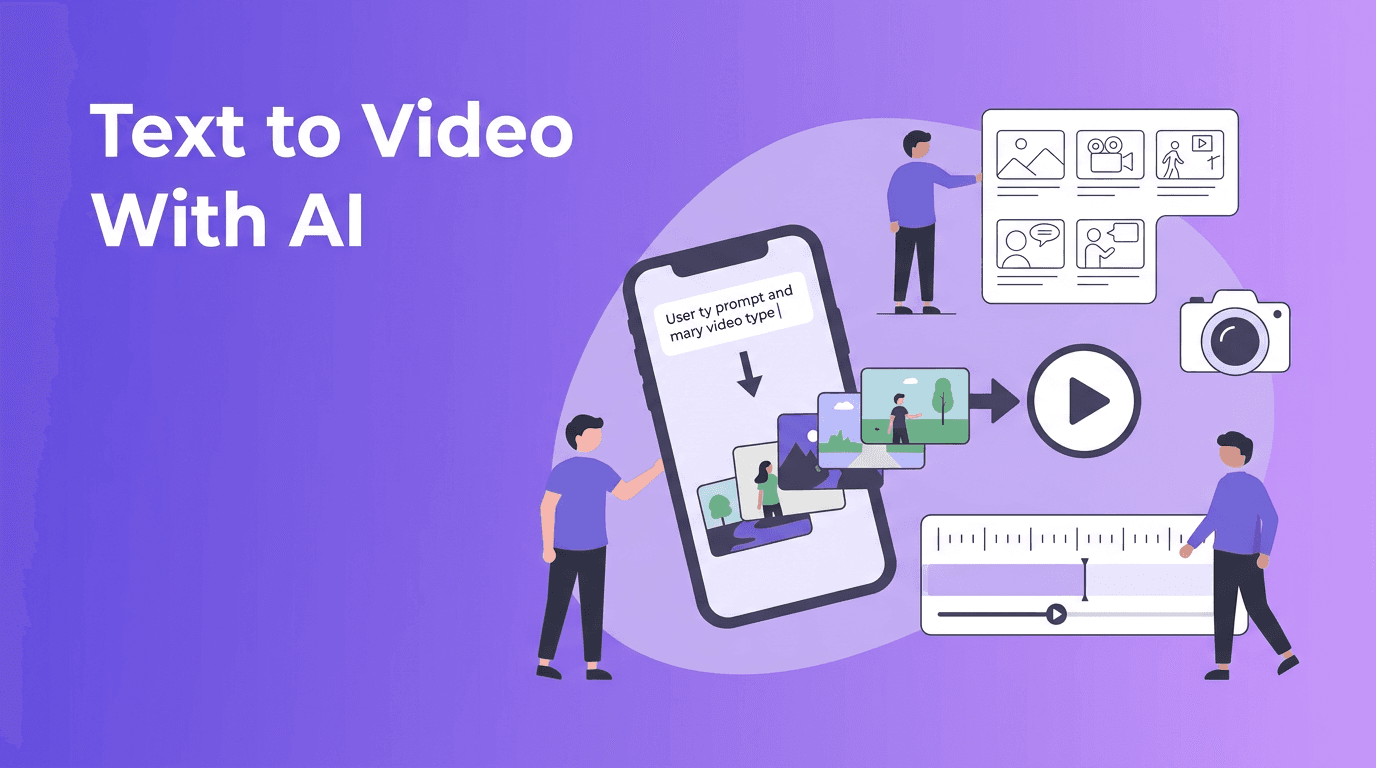
At its core, text to video turns written instructions into moving visuals. A model reads your prompt, interprets subjects, actions, camera behavior, lighting, and style, then predicts frames that match your description. Modern tools can also combine text with images, voice, or existing clips to make the result more controllable.
- You write a prompt such as 'a golden retriever running through a rainy city street at night, cinematic camera movement'
- The AI converts language into visual concepts like subject, setting, motion, mood, and composition
- The system generates frames and tries to keep them visually consistent over time
- You refine the output with better wording, aspect ratio choices, duration, and style instructions
How AI models convert text to video
To convert text to video, most systems follow a few core steps. First, the prompt is encoded into a mathematical representation. Then the model uses that representation to guide video generation. Finally, the output is refined for motion smoothness, detail, and temporal consistency, which means objects should stay recognizable from frame to frame.
The language step
The model starts by reading your prompt the way a language model reads text. It identifies key nouns, actions, adjectives, camera terms, and relationships. For example, 'a woman holding a red umbrella on a windy bridge' contains a subject, object, environment, and motion clue.
The visual generation step
After understanding the prompt, the system generates a sequence of frames. Some models build video directly, while others first generate key visual states and then interpolate motion between them. This is where prompt detail matters. Vague prompts often produce generic clips, while clear prompts create more usable results.
Why consistency is hard
One of the biggest scientific challenges in text to video ai is temporal consistency. A character might look correct in frame one, then subtly change in later frames. Hands, faces, text, and fast motion are especially difficult. That is why many tools limit clip length or offer quality settings that trade speed for stability.
"Good AI video prompts do not just describe what you want to see. They describe what should stay consistent while the scene moves."
Diffusion models vs transformer-based video models
Not every ai video from text prompt system works the same way. Two major approaches are diffusion models and transformer-based models. Many products also use hybrid systems that combine both.
Diffusion models
Diffusion models start with noise and gradually turn it into a coherent video guided by your prompt. They are known for strong visual quality and stylized output. In simple terms, the model repeatedly removes randomness until the scene matches the prompt more closely.
- Strengths: strong image quality, impressive style control, widely used in generative media
- Weaknesses: can be slower, may struggle with long coherent motion, often needs more sampling steps
- Best for: short cinematic clips, creative concepts, social content, mood-driven visuals
Transformer-based models
Transformer-based systems treat video more like a sequence problem. They are designed to model relationships across tokens, frames, or patches over time. This can help with planning motion and maintaining coherence across longer sequences, though implementation quality varies by platform.
- Strengths: better sequence modeling, promising for longer clips and more structured motion
- Weaknesses: can be computationally expensive, output quality depends heavily on training data and architecture
- Best for: narrative scenes, action sequences, and future systems aiming for longer-form generation
For beginners, the key takeaway is simple: different models interpret the same prompt differently. One tool may produce a painterly scene, another may aim for realism, and another may handle motion better than detail. That is why prompt testing matters.
Prompt engineering tips for better text to video results
If you want better text to video outputs, think like a director, not just a describer. A strong prompt gives the model clear instructions about subject, action, setting, camera movement, style, and output format.
Use this prompt formula
A practical formula is: subject + action + setting + camera + style + quality + duration/aspect ratio. You do not always need every part, but adding structure improves reliability.
- Subject: a young chef, a futuristic train, a paper airplane
- Action: chopping vegetables, gliding through snow, flying into the sky
- Setting: in a small cafe kitchen, across a mountain pass, above a city skyline
- Camera: close-up, wide shot, slow dolly in, overhead angle
- Style: cinematic, realistic, anime, documentary, vintage film
- Quality details: detailed lighting, natural motion, sharp focus, soft depth of field
- Format controls: 9:16 for Shorts, 16:9 for YouTube, 1:1 for feeds, 5 seconds or 10 seconds
Bad prompt vs good prompt
- Bad: 'dog in park'
- Why it fails: too vague, no motion, no camera direction, no visual style
- Good: 'a happy golden retriever sprinting across a sunny park, slow-motion wide shot, natural lighting, realistic detail, 16:9, 6 seconds'
Add constraints when you need control
When using a text to video app, constraints help reduce randomness. Try phrases like 'single subject,' 'consistent face,' 'no extra people,' 'smooth camera pan,' or 'minimal background motion.' These details can improve coherence, especially for product clips or character-focused scenes.
Match the prompt to the model
Some models respond well to short prompts, while others reward layered instructions. If one model ignores your camera language, shorten the prompt. If another creates generic visuals, add style words and environmental details. Learning how a tool interprets prompts is part of effective prompt engineering.
Settings that matter: length, aspect ratio, and quality
Creators often focus only on the prompt, but settings matter just as much when you convert text to video.
- Video length: shorter clips often look better because the model has fewer frames to keep consistent
- Aspect ratio: choose 9:16 for TikTok and Reels, 16:9 for YouTube, 1:1 for square social posts
- Quality mode: higher quality usually means slower generation but better texture and motion stability
- Style strength: some tools let you push realism or stylization harder
- Seed or variation controls: useful when you want multiple similar outputs to test different looks
If you are new to how to create video from text, start with a short duration, one clear subject, and one camera movement. Complexity can be added later.
Try a beginner-friendly text to video app
*Movi AI* makes it easy to turn prompts, images, and ideas into shareable videos. Test prompt variations, explore styles, and create faster without a complex editing workflow.
Download Movi AIPractical applications for creators and businesses
An ai text to video generator is useful far beyond entertainment. The real value is speed. You can sketch ideas visually before investing in full production.
- Social media content: create quick background loops, concept videos, teaser clips, and trend-based visuals
- Marketing: generate product mood videos, ad concepts, landing page visuals, and campaign mockups
- Education: explain abstract topics with animated scenes generated from scripts
- Storyboarding: test scenes before filming with actors or expensive equipment
- Small business content: make short promos, seasonal announcements, and branded posts faster
For many users searching text to video free, the best first step is experimenting with short concepts, then upgrading to more advanced workflows once they understand prompt structure and quality tradeoffs.
A simple workflow for beginners
- Start with one clear idea and describe it in one sentence
- Choose the right aspect ratio for where the video will be published
- Generate a short clip first, usually 4 to 6 seconds
- Review what failed: subject, motion, style, or framing
- Rewrite only one part of the prompt at a time
- Save winning prompts so you can build a repeatable system
This testing mindset is the fastest way to improve with text to video ai. Instead of hoping for the perfect result in one try, treat each generation like a draft.
Frequently Asked Questions
What is text to video AI?
Text to video AI is technology that generates video clips from written prompts. It uses machine learning models to interpret your words and turn them into moving visuals.
How do I create better AI video prompts?
Be specific about the subject, action, setting, camera angle, style, and duration. Short, clear prompts usually work better than vague or overloaded ones.
What is the best aspect ratio for text to video content?
Use 9:16 for vertical platforms like TikTok and Reels, 16:9 for YouTube, and 1:1 for square social posts. Match the ratio to where the video will be published.
Why do text to video clips sometimes look inconsistent?
AI models can struggle with temporal consistency, especially across longer clips. Complex motion, faces, hands, and multiple subjects increase the chance of visual drift.
Is Movi AI a good text to video app for beginners?
Yes. Movi AI offers a user-friendly way to create AI videos from text, images, and other inputs, making it a practical choice for beginners and creators who want faster workflows.
Movi AICreate stunning AI videos in seconds!
Turn your ideas into professional videos with the #1 AI video maker.
Download Movi AI


