Trending AI Video Filter Ideas Creators Can Use Smarter
Looking for the best AI video filter ideas for TikTok and Instagram? This guide breaks down trending effects, how they work, and how creators can use them to make scroll-stopping videos.

By Movi AI Team
Movi AI Editorial Team
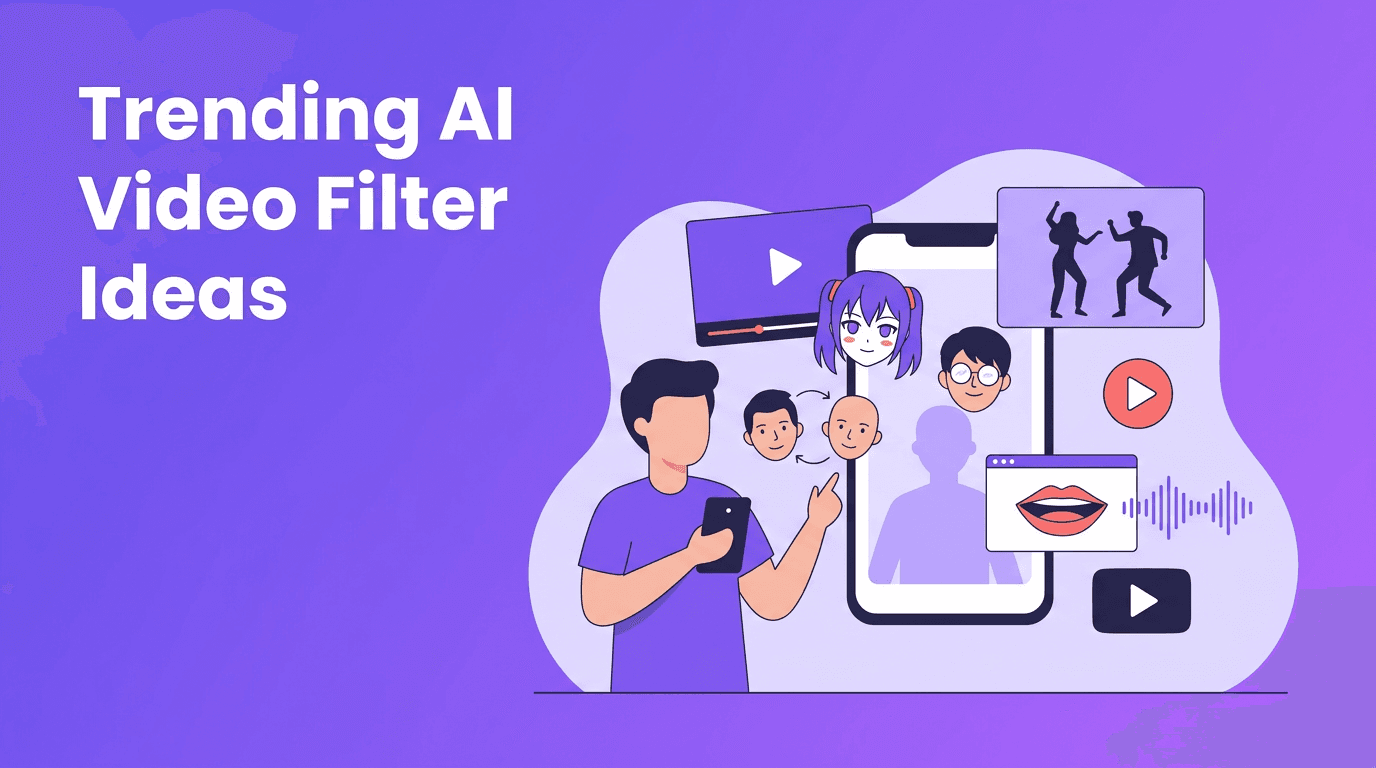
If you want more saves, shares, and replays, the right AI video filter can do a lot of heavy lifting. On TikTok and Instagram, creators are using AI-powered looks like anime transformations, lip sync avatars, face swaps, beauty retouching, and motion-based effects to turn simple clips into content that feels new instantly.
Why AI video effects keep going viral
Most viral effects succeed for one reason, they create an immediate pattern break. A strong AI video filter changes identity, style, or movement in the first second, which is exactly what keeps viewers watching. The best-performing trending AI effects also make people ask, "How did they do that?", which boosts comments and shares.
"The fastest way to stop the scroll is to show people something familiar transformed in an unexpected way."
- Transformation hooks work because viewers notice the before-and-after instantly.
- Identity effects like AI face swap and avatar filters trigger curiosity.
- Motion effects such as an AI dance effect add entertainment even to simple footage.
- Stylized looks like anime filter AI stand out in crowded feeds.
- Beauty and polish tools help creators look camera-ready with less editing time.
How an AI video filter works behind the scenes
Technically, most AI effects rely on a mix of computer vision, facial landmark detection, pose estimation, segmentation, and generative models. In simple terms, the software detects a face, body, background, or voice, then predicts how to alter those elements frame by frame so the effect stays attached naturally as you move.
Core technologies creators should know
- Facial tracking maps eyes, lips, jawline, and expression changes for face-aware filters.
- Pose estimation tracks arms, legs, and body joints, which powers many AI dance effect tools.
- Segmentation separates the subject from the background for cleaner overlays and style changes.
- Generative AI models create new visuals, such as animated hair, skin smoothing, or stylized scenes.
- Audio alignment helps lip sync AI match mouth movement to speech or music beats.
You do not need to master machine learning to use these tools well. What matters is understanding what each model needs, clear faces, good lighting, steady movement, and clean audio all improve results.
The hottest AI video effects on TikTok and Instagram right now
1. Anime filter AI
Anime filter AI turns real footage into animated-looking scenes by detecting facial features, edges, color regions, and motion, then re-rendering them with stylized textures and character-like proportions. This is popular because it lets creators become a character without needing manual animation.
- Use clips with clear front-facing light so the face is easy to map.
- Keep movements smooth and not too fast to avoid flicker.
- Pair the effect with dramatic audio or transformation trends for stronger retention.
- Use an anime look for glow-ups, cosplay reveals, intros, and storytime hooks.
2. AI face swap
AI face swap tools detect facial landmarks, align one face onto another, and blend skin tone, angle, and expression across frames. On social platforms, creators use this for comedy skits, character roleplay, reaction memes, and cinematic edits. It performs well because the result is instantly surprising.
- Choose source faces with similar angles for cleaner swaps.
- Avoid cluttered lighting changes in the same clip.
- Use face swap for harmless storytelling and parody, not deception.
- Always get consent before using another person's face.
3. AI beauty filter
An AI beauty filter usually combines skin smoothing, tone balancing, eye enhancement, face contour mapping, and blemish reduction. The best versions keep natural texture instead of making skin look plastic. These filters trend because they help creators shoot fast and still look polished on camera.
- Dial effects down to low or medium strength for a more believable result.
- Use beauty tools to enhance, not completely change, your features.
- Combine with good window light for the cleanest finish.
- For tutorials and talking-head videos, subtle polish usually beats heavy retouching.
4. Lip sync AI
Lip sync AI maps phonemes, the visual shapes of speech sounds, to mouth movement. Some tools animate an existing face, while others generate a full speaking avatar from audio. This is trending for multilingual content, meme edits, AI characters, and fast voiceover-based storytelling.
- Use clean audio with minimal background noise.
- Keep the speaker's face visible when possible.
- Short clips often look more convincing than long monologues.
- Match lip sync edits to humor, reactions, explainers, or character content.
5. AI dance effect
An AI dance effect uses pose tracking and motion transfer to apply dance movement patterns to a person, avatar, or image. This trend works because it combines performance and surprise, especially when a static image or casual portrait suddenly starts dancing to a popular sound.
- Start with a full-body shot if possible.
- Use a simple background so body tracking stays accurate.
- Sync the effect to beat drops for a stronger payoff.
- Great use cases include reaction content, memes, promos, and character animations.
6. Style transfer and creative looks
Style transfer applies the visual language of one aesthetic to another video. That can mean painterly textures, cyber looks, retro camcorder vibes, comic-book shading, clay-like rendering, or surreal dream scenes. Among ai video editing effects, this category is strong because it helps creators build a recognizable brand style.
- Pick one visual style and repeat it across a series for brand consistency.
- Use style transfer for music teasers, fashion edits, travel reels, and product storytelling.
- Test short clips first because some stylized looks work better on close-ups than wide shots.
- If the effect is intense, keep captions simple so the frame does not feel overloaded.
How to use AI video effects without making your content feel gimmicky
The smartest creators do not use every effect at once. They choose one main transformation and build the video around a clear idea, a reveal, a joke, a trend response, or a mini-story. That is the difference between random experimentation and strategic tiktok ai effects content.
- Open with the effect payoff in the first 1-2 seconds.
- Use text overlays that explain the transformation quickly.
- Match the effect to the content type, comedy, beauty, fandom, fashion, or storytelling.
- Keep edits short and purposeful so the filter supports the idea.
- Save your strongest visual switch for the beat drop or punchline.
Try these effects faster with Movi AI
*Movi AI* gives creators an easy way to test text-to-video, image-to-video, video-to-video, and speech-to-video workflows for standout social content.
Download Movi AIA simple workflow for testing trending AI effects
Step 1: Start with the hook
Choose the moment people should notice first, your face changing, a dance reveal, an anime transformation, or a voice-synced character. Build the first second around that visual.
Step 2: Pick one effect family
Choose one AI video filter category for each post. Mixing too many transformations can lower clarity and reduce watch time.
Step 3: Optimize the source clip
Use stable framing, clean light, and high-resolution footage. Better input usually means better output with ai video effects.
Step 4: Edit for retention
Trim pauses, add captions, and align the reveal to a sound cue. The effect gets attention, but pacing gets completion rate.
Step 5: Post and compare
Test the same concept with two versions, one subtle and one bold. Watch retention, shares, and comments to learn which trending ai effects fit your audience best.
Ethics creators should not ignore
AI creativity is exciting, but not every use is responsible. Effects like AI face swap and voice-based tools can cross into deception if used carelessly. The safest rule is simple, be transparent, get consent, and avoid making people appear to say or do things they never agreed to.
- Get clear permission before using someone else's face or likeness.
- Do not use AI tools to create misleading political, financial, or personal claims.
- Label heavily altered content when context matters.
- Respect platform rules around manipulated media and impersonation.
Why Movi AI is a strong all-in-one option for creators
Instead of juggling multiple apps, creators can use *Movi AI* to explore a wider range of effect workflows in one place. With text-to-video, image-to-video, video-to-video, and speech-to-video, it supports quick experimentation for short-form creators who want polished results without a complicated pipeline.
Frequently Asked Questions
What is the best AI video filter for TikTok right now?
It depends on your niche, but anime transformations, face swaps, lip sync avatars, and dance-based motion effects are among the strongest performers for attention and shares.
How do AI video effects work?
Most AI video effects use face tracking, body pose detection, segmentation, and generative models to analyze footage and apply changes consistently across frames.
Are AI face swap videos allowed on Instagram and TikTok?
They can be allowed, but creators should follow platform rules, avoid deception, and always get consent when using another person's face or likeness.
How can I make AI video filters look better?
Start with good lighting, clear audio, steady framing, and short clips. Clean source footage helps AI models produce more natural-looking results.
Which app can I use to create AI video effects quickly?
Movi AI is a practical option for creators who want to make AI videos from text, images, existing video, or speech in a simpler workflow.
Movi AICreate stunning AI videos in seconds!
Turn your ideas into professional videos with the #1 AI video maker.
Download Movi AI

