Video Content Audit: The AI Scorecard for Finding What to Remake, Refresh, or Retire
A video content audit helps teams decide what to remake, refresh, or retire. Learn a practical AI-backed system to improve output quality, save time, and publish smarter with Movi AI.

By Movi AI Team
Movi AI Editorial Team
A video content audit is one of the fastest ways to improve output without creating from zero. If your brand has dozens, or hundreds, of clips spread across platforms, an AI-assisted review can show what deserves a refresh, what should be repackaged, and what should be retired.
Why a video content audit matters before you create more
Many teams assume growth comes from making more videos every week. In practice, the better move is often to examine what already exists. A structured video content audit helps you reduce waste, protect brand consistency, and identify winning formats you can build on.
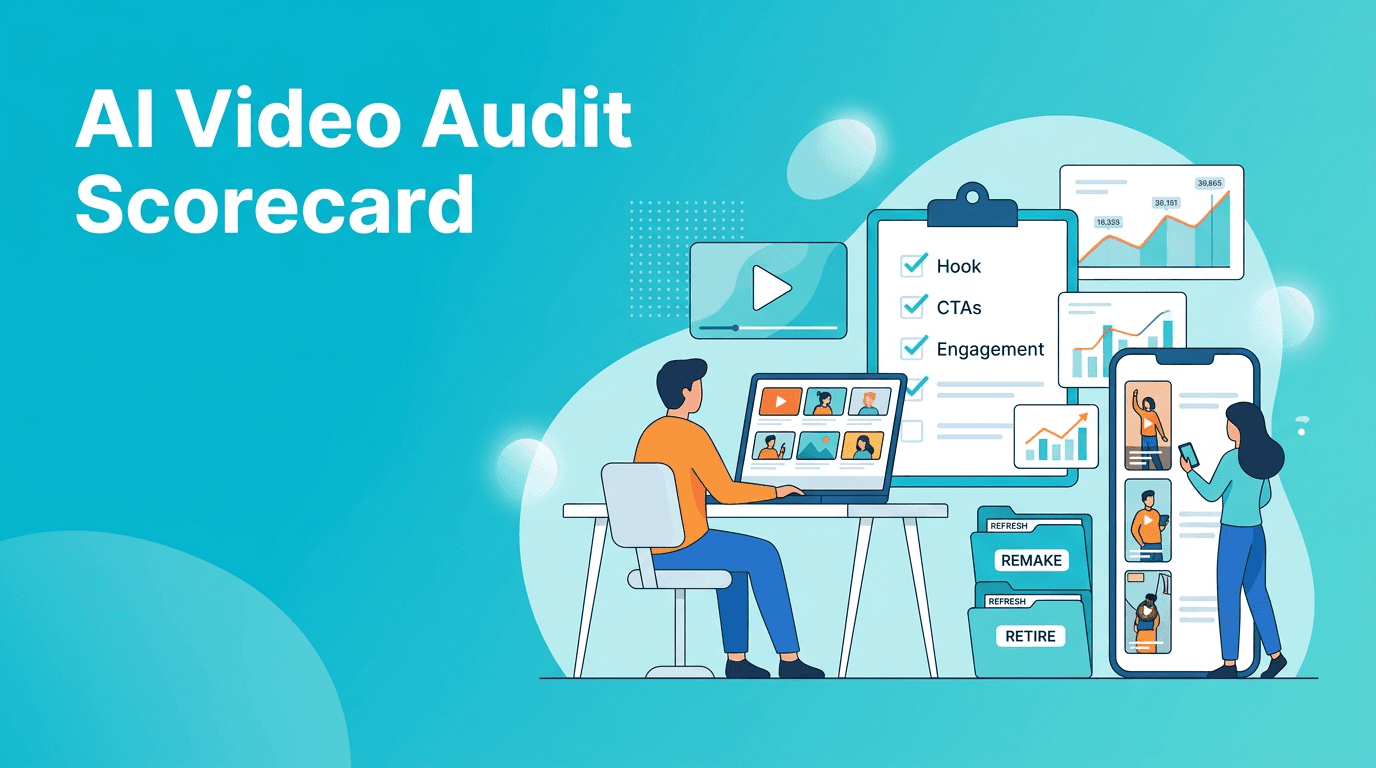
- Refresh videos with strong watch time but outdated hooks or visuals
- Remake videos with good topics but weak execution
- Retire videos that no longer fit your brand, offer, or audience
- Reuse themes that repeatedly attract clicks, saves, or conversions
"Scale does not start with more production. It starts with better decisions about what to produce next."
The 5-part AI scorecard for your video library
1. Performance signals
Review retention, completion rate, click-through rate, saves, shares, and conversion actions. As a rule of thumb, teams often see that a small percentage of assets drive the majority of results. A quick audit helps surface those patterns faster.
2. Topic relevance
Some videos underperform not because the idea is bad, but because the topic no longer matches current customer questions. Use AI to cluster old videos by topic and compare them with what your audience asks now.
3. Format fit
Check whether each asset matches the platform where it lives. A strong long-form idea may need a tighter vertical version for Reels or Shorts. This is where *Movi AI* becomes useful as part of your workflow, helping you create new video variations from prompts, images, or existing clips.
4. Brand alignment
Audit tone, visual consistency, messaging, and offer clarity. A scalable system is not just about volume. It is about making sure every published asset still sounds and looks like your brand.
5. Production value versus effort
Mark which videos took too much effort for too little return. This protects your future workflow. If simple formats performed almost as well as complex ones, AI can help you double down on the lighter process.
How to run a weekly video content audit in 30 minutes
- Pull your last 20 to 50 videos into a simple spreadsheet
- Tag each video by topic, format, platform, goal, and funnel stage
- Score every asset from 1 to 5 on performance, relevance, and brand fit
- Place each video into one of four buckets: keep, refresh, remake, retire
- Turn the top refresh and remake opportunities into next week's production list
Turn audit insights into new videos fast
Once you know what to refresh or remake, use *Movi AI* to turn winning ideas into fresh visuals and platform-ready edits without rebuilding everything manually.
Download Movi AIUsing AI to refresh winners instead of starting over
The biggest efficiency gain from a video content audit is not reporting. It is action. AI tools can help rewrite hooks, generate alternate scenes, create image-to-video assets, or turn one strong concept into multiple new executions. That lets content creators preserve the strategic core while improving speed.
- Use AI-assisted scripting to test three new openings for an old topic
- Create updated B-roll or animated visuals from text prompts
- Turn a high-performing static post into a new video concept
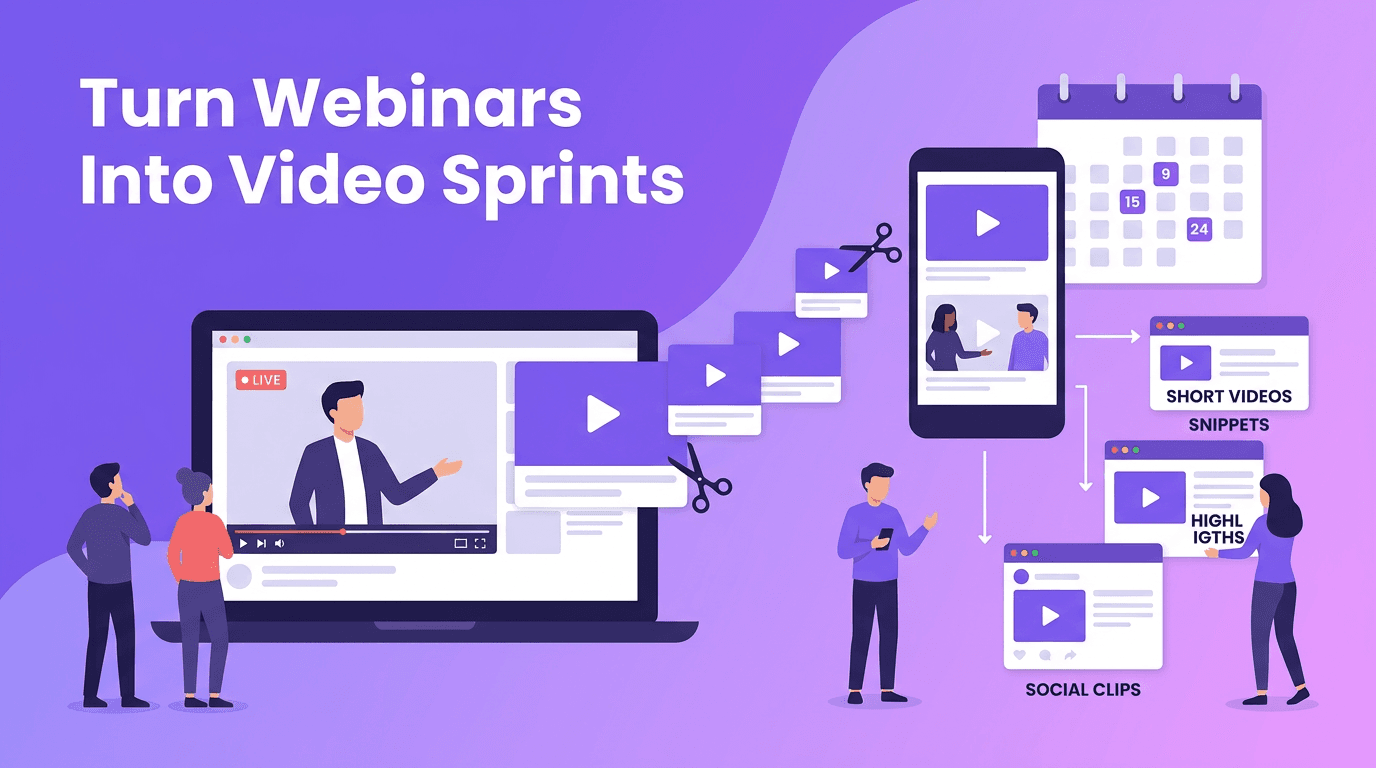
- Convert one educational clip into shorter versions for multiple channels
Quality control when scaling with AI
AI speeds production, but human judgment still decides what is worth publishing. Keep a simple review checklist for clarity, factual accuracy, pacing, visual consistency, and CTA strength. This balance between automation and creativity is what helps teams increase output without lowering standards.
What to track after the audit
After each video content audit, compare how refreshed or remade assets perform against newly created ones. Watch for metrics such as production time saved, cost per asset, retention lift, and output per week. Many teams find that auditing and updating proven ideas improves efficiency more than chasing endless new concepts.
Frequently Asked Questions
What is a video content audit?
A video content audit is a structured review of your existing video library to evaluate performance, relevance, quality, and brand fit. It helps you decide what to keep, refresh, remake, or retire.
How often should I do a video content audit?
For active brands, a light audit every week and a deeper audit every quarter works well. This keeps your library useful without creating extra overhead.
Can AI help with a video content audit?
Yes. AI can help tag assets, spot patterns in performance, suggest refresh ideas, and speed up scripting or re-editing for winning topics.
What should I do after a video content audit?
Build your next content queue from the best refresh and remake opportunities first. Then use AI tools like Movi AI to produce updated versions faster.
Movi AICreate stunning AI videos in seconds!
Turn your ideas into professional videos with the #1 AI video maker.
Download Movi AI