Video Content Scaling: Build an AI System to Plan, Produce, and Publish Faster
Video content scaling gets easier with a smart AI system for planning, scripting, batch production, distribution, and performance tracking across platforms.

By Movi AI Team
Movi AI Editorial Team
Video content scaling is no longer just for big media teams. With the right system, creators, marketers, and solopreneurs can plan, script, produce, and distribute more videos without sacrificing quality. The key is not posting more randomly. It is building a repeatable workflow powered by AI content tools and clear creative decisions.
Why video content scaling matters now
Most brands are no longer competing on whether they publish video. They are competing on consistency, speed, and relevance. Teams that create video regularly can test more hooks, reach more platforms, and learn faster from audience behavior. According to widely cited marketing reports, short-form video continues to be one of the highest-ROI content formats, while teams using AI often report significant time savings across ideation, scripting, editing, and publishing tasks.
"Scale does not come from doing everything manually. It comes from building a system where AI handles repetition and humans protect the message."
The 5-part framework for video content scaling
A reliable content creation workflow has five parts: planning, scripting, production, distribution, and measurement. When these steps are connected, your team can scale video content without chaos.
- Plan once, publish many times with a weekly or monthly content calendar.
- Use AI-assisted scripting to speed up outlines, hooks, and first drafts.
- Batch-produce related videos in one session to reduce setup time.
- Turn one core idea into multiple formats for each platform.
- Track performance weekly and feed the insights back into the next content cycle.
1. Plan with a content calendar that supports scale
Your calendar should not just list posting dates. It should organize content pillars, audience goals, formats, and repurposing paths. Start by choosing 3 to 5 recurring themes, such as education, product use cases, behind-the-scenes stories, customer proof, and trend-based reactions. Then assign each idea a primary platform and at least two secondary versions.
- Create a monthly theme tied to a campaign, launch, or audience pain point.
- Break that theme into weekly topics and then into short video concepts.
- Tag each concept by funnel stage: awareness, consideration, or conversion.
- Add a repurposing note like: long video -> 3 reels -> 1 carousel -> 1 email clip.
- Use AI to brainstorm headline variations, hooks, and topic clusters.
2. Speed up scripting with AI, but keep your voice
This is where many teams gain back hours. AI can generate hooks, outlines, talking points, scene directions, and alternate intros in minutes. But the goal is not to sound robotic. The goal is to use AI for structure and iteration, then apply human judgment for tone, storytelling, and brand fit. This balance is essential for video content at scale.
With *Movi AI*, creators can move from idea to draft faster by turning prompts, images, or existing footage into video concepts. That makes it easier to test multiple angles before committing to a final version.
- Ask AI for 10 hook variations for the same topic.
- Generate a 60-second script, then trim it into 30-second and 15-second cuts.
- Use AI to rewrite one script for TikTok, Instagram Reels, YouTube Shorts, and LinkedIn.
- Create a brand voice checklist so every script passes through human review.
- Store your best prompts in a shared document to standardize quality.
Build a batch production workflow that removes bottlenecks
Batching is one of the fastest ways to improve output. Instead of creating every video from scratch on different days, group similar tasks together. Research in productivity often shows that task switching reduces efficiency, while batching helps teams maintain focus and momentum. A simple batching model can cut production friction dramatically.
A practical weekly batch system
- Monday: research trends, review analytics, and finalize topics.
- Tuesday: generate AI outlines, write scripts, and approve creative briefs.
- Wednesday: record footage or generate visuals with AI.
- Thursday: edit master versions, captions, and platform cuts.
- Friday: schedule posts, prepare distribution assets, and log performance notes.
If you create with *Movi AI*, you can accelerate the production day by generating videos from text prompts, images, voice, or existing footage. That flexibility is especially useful when you need multiple variations quickly for testing or platform-specific edits.
Want a faster way to create more video?
Use *Movi AI* to turn ideas, images, and footage into polished AI videos faster, so your team can produce more without burning out.
Download Movi AIRepurpose every core idea across platforms
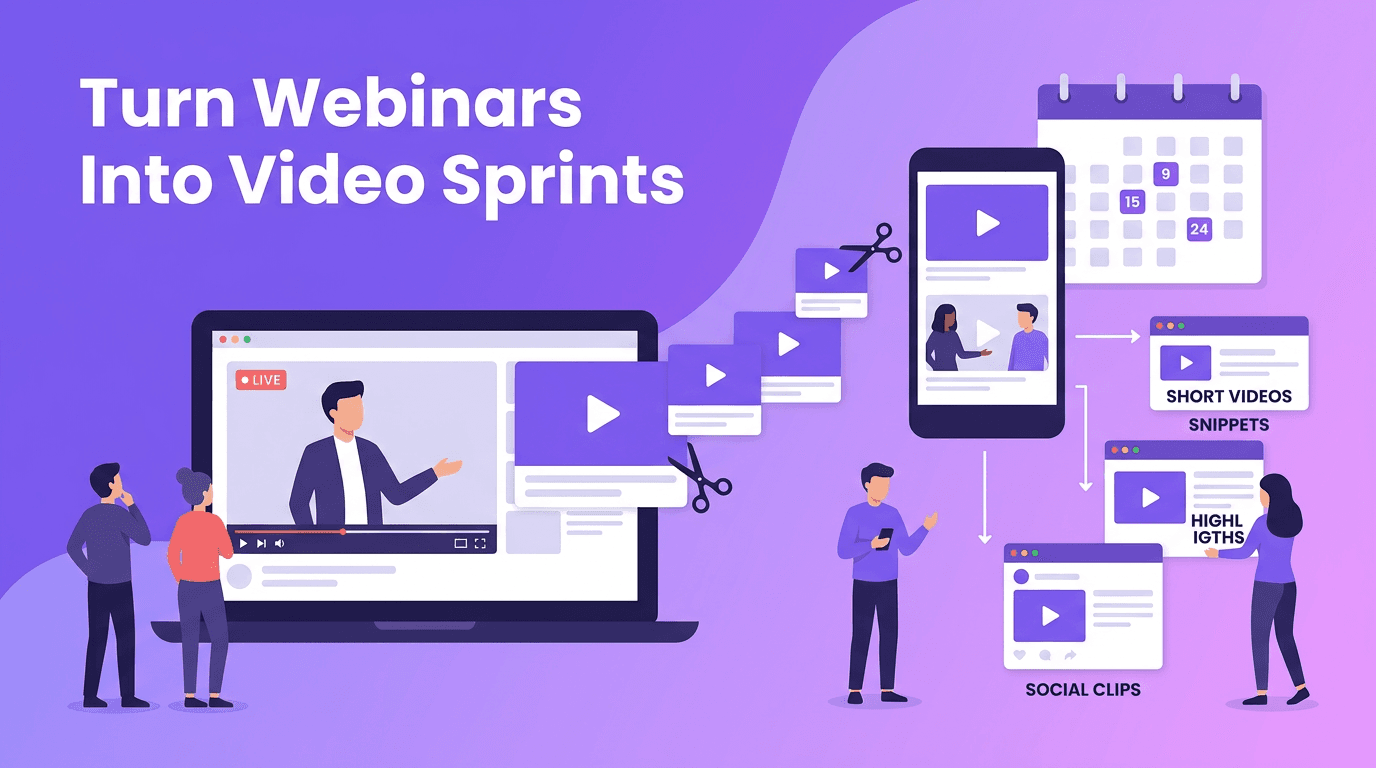
One of the biggest mistakes in video content scaling is treating every platform as a brand-new workload. Instead, build around a core asset. That could be a product demo, founder insight, customer story, tutorial, webinar clip, or trend response. From that single source, create multiple versions tailored to platform behavior.
- Turn a 2-minute explainer into three short clips with different hooks.
- Extract one strong quote and use it as a LinkedIn talking-head post.
- Convert a tutorial into a step-by-step carousel and an email teaser.
- Use AI to add subtitles, alternate captions, and resized formats quickly.
- Test different opening seconds to match the style of each platform.
A simple distribution map
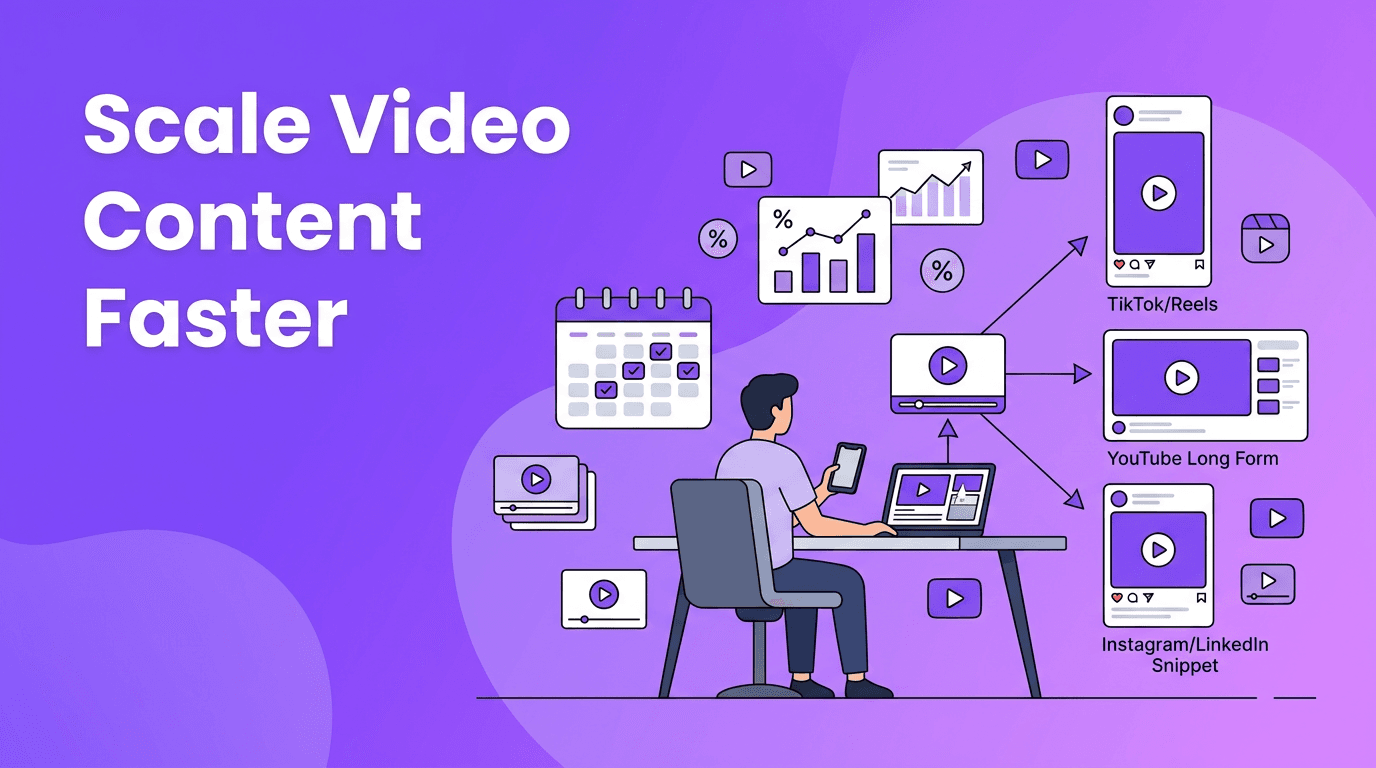
Here is a practical example. Publish the full educational video on YouTube or your website. Cut short vertical clips for Reels, Shorts, and TikTok. Pull one insight into LinkedIn. Turn the transcript into a blog outline. Then use your email list to drive viewers back to the main asset. This is how you automate content creation strategically, not mindlessly.
Measure what actually helps you scale video content
More output only matters if performance improves. That means tracking a small set of metrics consistently. Avoid vanity-only reporting. Focus on indicators that tell you whether the topic, hook, format, and call to action are working.
- Hook rate: Are people staying through the first 3 seconds?
- Watch time: Does the content hold attention?
- Completion rate: Are viewers finishing the video?
- Click-through rate: Does the CTA move people forward?
- Conversion rate: Does the video support leads, sales, or signups?
- Content efficiency: How many publishable assets came from one production session?
Review performance every week and every month. Weekly reviews help you adjust hooks, formats, and timing. Monthly reviews help you decide which content pillars deserve more volume. Over time, this feedback loop strengthens your ai content strategy without turning creation into guesswork.
Keep quality high while increasing output
Scaling does not mean flooding channels with low-value clips. To maintain quality, create a simple editorial standard. Define your voice, target audience, visual style, CTA rules, and publishing criteria. Then let AI handle the repetitive parts while your team focuses on positioning, storytelling, and final approval.
- Create a quality checklist for every video before publishing.
- Limit each video to one core message and one next step.
- Use AI for speed, but keep human review for facts, tone, and brand alignment.
- Build a swipe file of top-performing hooks, titles, and visual patterns.
- Document your workflow so anyone on the team can repeat it.
Final takeaway
The real advantage of video content scaling is not simply making more. It is building a system that makes better decisions faster. When you combine a clear calendar, AI-assisted scripting, batch production, smart distribution, and disciplined measurement, you create a repeatable engine for growth. Start simple, improve weekly, and use tools like *Movi AI* to turn momentum into consistent output.
Frequently Asked Questions
How can I scale video content without hiring a large team?
Use a repeatable workflow with planning templates, batch production, AI-assisted scripting, and content repurposing. AI tools can reduce manual work so a small team can publish consistently.
What is the best AI tool for video content scaling?
The best tool depends on your workflow, but Movi AI is useful for creating videos from prompts, images, voice, and existing footage, which helps speed up production and testing.
How often should I review video performance metrics?
Review key metrics weekly for fast adjustments and monthly for bigger strategy decisions. This helps you improve output without overreacting to one post.
Can AI help with content calendars and scripting?
Yes. AI can brainstorm topic clusters, generate hooks, outline scripts, and suggest repurposing ideas. Human review should still shape the final message and brand voice.
Movi AICreate stunning AI videos in seconds!
Turn your ideas into professional videos with the #1 AI video maker.
Download Movi AI