Video Repurposing Strategy: Scale Video Content With AI
A smart video repurposing strategy helps you scale video content with AI, streamline planning, production, and distribution, and turn one idea into weeks of platform-ready assets.


By Movi AI Team
Movi AI Editorial Team
If your team is stuck creating every post from scratch, a video repurposing strategy can change everything. Instead of chasing endless ideas, you build one strong content asset, then use AI content tools to plan, produce, adapt, and distribute it across channels with far less effort.
Why a video repurposing strategy wins
The biggest bottleneck in modern content marketing is not creativity, it is production capacity. Many brands already have enough ideas. What they lack is a repeatable system to turn those ideas into video content at scale without lowering quality. That is where a video repurposing strategy becomes a growth lever.
- One core idea can become a long video, short clips, quote videos, story posts, voiceover reels, and ads.
- Teams that use batch production workflows reduce setup time and context switching, which can cut production effort significantly.
- Content creation with AI helps speed up scripting, editing preparation, formatting, and variation testing across platforms.
- A strong content creation workflow keeps publishing consistent, which is often more important than chasing viral spikes.
"Scale does not come from making more from scratch. It comes from building smarter systems around your best ideas."
Build your AI content planning system
Start with a calendar built around themes, not random posts. A weekly or monthly framework gives your team a clear path from idea to distribution. For most creators and marketing teams, planning by content pillars makes decisions faster and keeps messaging focused.
Use a simple 4-part content calendar
- Pillar 1 - Education: tutorials, how-to videos, myth-busting clips, product explainers.
- Pillar 2 - Authority: opinion videos, trend reactions, industry insights, creator commentary.
- Pillar 3 - Conversion: demos, offers, testimonials, launch videos, before-and-after results.
- Pillar 4 - Community: behind-the-scenes clips, founder stories, Q&A videos, user-generated prompts.
With this setup, your calendar becomes easier to maintain. You are not asking, "What should we post today?" You are asking, "Which pillar are we activating this week, and how can AI help us turn it into multiple assets?" That shift is the foundation of a scalable ai content strategy.
Plan in batches, not one by one
Batching is one of the fastest ways to automate content creation without losing your brand voice. Research often shows that context switching can drain productivity, and content teams feel that cost every day. When you script five videos in one session and produce them in another, you reduce friction and increase output.
- Batch idea generation for the month.
- Batch AI-assisted scripting for each topic cluster.
- Batch recording or generation using templates and repeatable prompts.
- Batch editing and resizing for different platforms.
- Batch distribution and scheduling based on channel priorities.
A practical content creation workflow for scale
A scalable content creation workflow needs clear stages. The goal is not to automate taste or creativity. The goal is to let AI handle repetitive work so humans can focus on message, story, and quality control.
Step 1: Turn topics into script-ready briefs
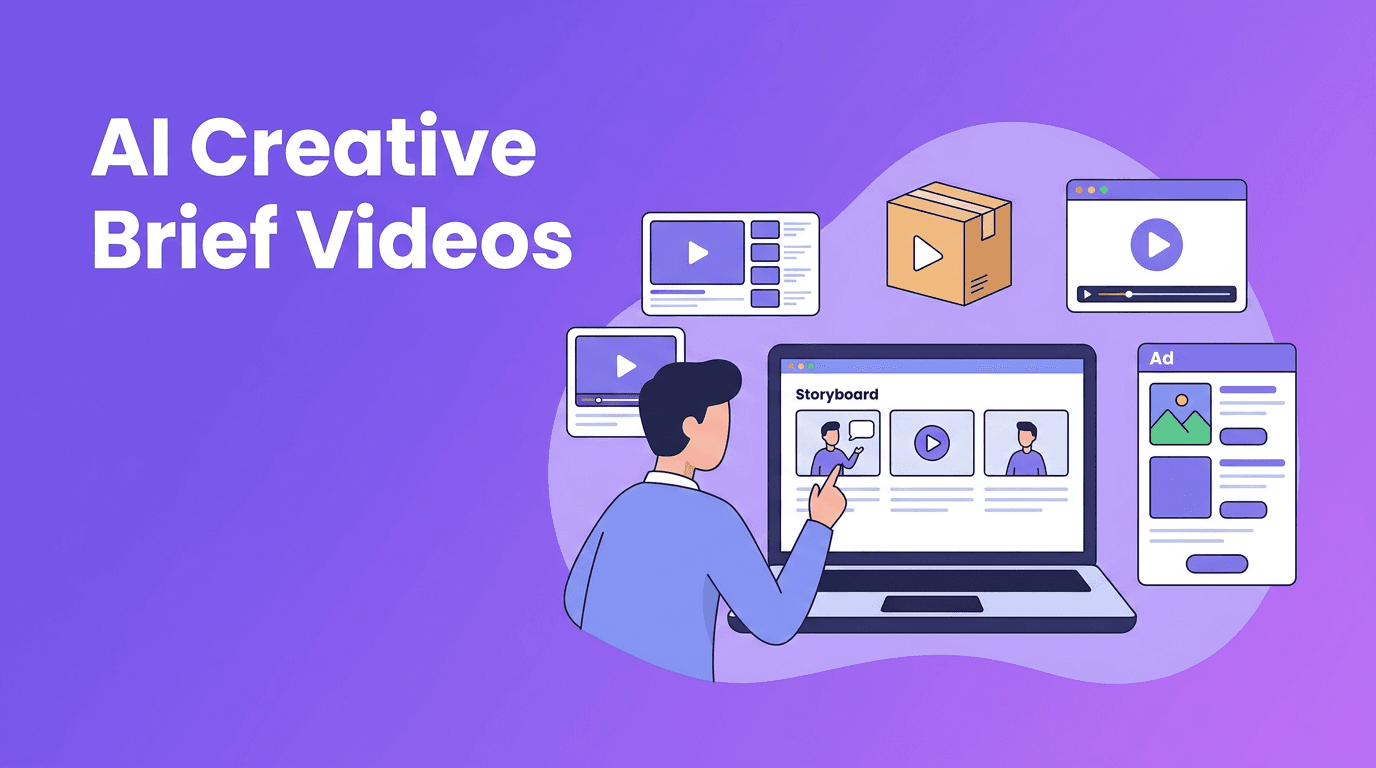
Use AI to transform rough ideas into structured briefs. Feed in your audience pain points, product angles, and target platforms. Then generate outlines, hooks, talking points, and CTA options. This speeds up content creation with AI while still giving your team editorial control.
Step 2: Produce one master asset
Create a single high-value source piece first. This could be a tutorial, founder talk, product walkthrough, or trend analysis. In *Movi AI*, you can create videos from text prompts, images, voice, or existing footage, which makes it easier to move from concept to polished visual content quickly.
Step 3: Repurpose for every platform
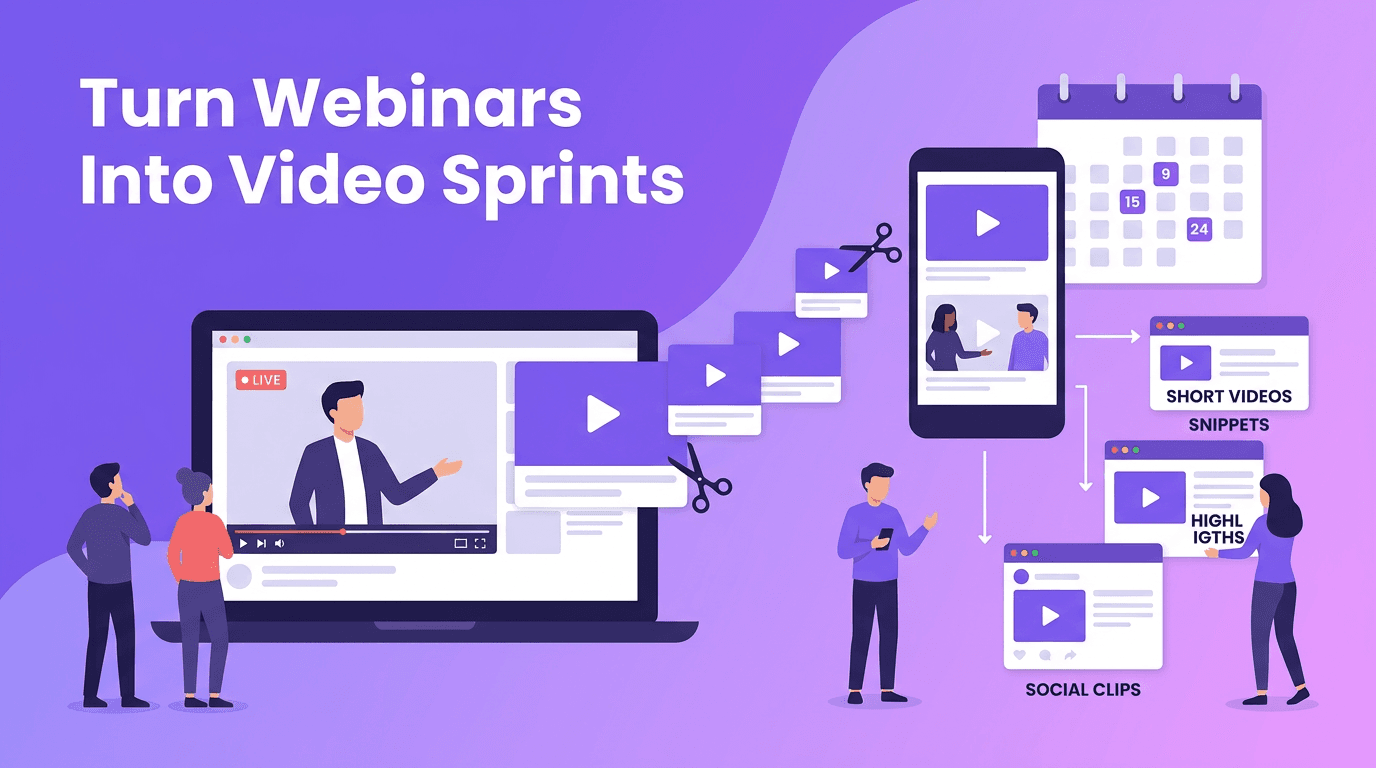
This is where your video repurposing strategy pays off. Pull short clips for TikTok and Reels, extract a concise educational cut for Shorts, turn key points into voice-led explainers, and adapt the same message into visual variations for paid and organic channels.
- YouTube: longer educational or authority-driven videos.
- Instagram Reels: fast hooks, visual transitions, short tips, story-driven clips.
- TikTok: trend-aware edits, punchy pacing, direct audience language.
- LinkedIn: insight-led videos, founder perspectives, B2B lessons, team expertise.
- X and Threads: micro video snippets paired with strong text hooks.
Step 4: Schedule distribution with intent
Publishing everywhere is not the same as distributing strategically. Match formats to channel goals. Use one platform for reach, another for authority, and another for conversion. A good ai content strategy aligns each asset with a purpose instead of posting blindly.
How to keep quality high while scaling output
More content only works if it still feels relevant, useful, and on-brand. The balance between automation and human creativity is critical. AI can generate options fast, but your team should still review hooks, tighten messaging, and ensure every video sounds human.
- Create brand voice rules for tone, vocabulary, and CTA style.
- Use prompt templates so outputs stay consistent across campaigns.
- Review the first 3 seconds of every video manually, because hooks drive retention.
- Track which repurposed formats actually perform, then double down on winners.
- Keep a content feedback loop between strategy, production, and analytics.
Speed up your video production stack
Use *Movi AI* to create videos from text, images, speech, or existing clips, then turn one idea into multiple platform-ready assets faster.
Download Movi AIMeasure performance like a scaling team
If you want to scale video content, measurement must go beyond views. Track performance by stage of the funnel and by asset type. This helps you see whether your workflow is producing attention, engagement, or conversion.
Metrics that matter most
- Hook rate: how many viewers stay after the first few seconds.
- Average watch time: whether the content structure holds attention.
- Completion rate: a strong signal of message clarity and pacing.
- Click-through rate: whether the CTA and offer are compelling.
- Repurposing efficiency: how many usable assets you create from one master piece.
- Output velocity: how many quality videos your team publishes each week or month.
A practical benchmark is to aim for one master asset to generate 5 to 15 derivative pieces. That is how teams create video content at scale without multiplying production costs at the same rate.
Your 30-day video repurposing sprint
- Week 1: define 3 content pillars, audience pain points, and channel goals.
- Week 2: batch 8 to 12 scripts with AI-assisted outlines and hook variations.
- Week 3: produce 2 to 4 master videos and generate multiple cuts from each.
- Week 4: distribute across platforms, review analytics, and update the next batch based on results.
This approach gives creators, marketers, and solopreneurs a realistic system to grow output without chaos. The secret is not making more random content. It is building a repeatable machine powered by strong ideas, smart repurposing, and efficient AI support.
Frequently Asked Questions
What is a video repurposing strategy?
A video repurposing strategy is a system for turning one core video into multiple versions for different platforms, audiences, and goals. It helps you publish more without creating every asset from scratch.
How can AI help scale video content?
AI can speed up ideation, scripting, visual generation, editing preparation, formatting, and content variation. This reduces manual workload and helps teams publish consistently.
What is the best content creation workflow for small teams?
A strong workflow includes planning by content pillars, batching scripts, creating one master asset, repurposing it into multiple formats, and tracking performance by channel.
How many videos can one piece of content become?
One strong source video can often become 5 to 15 derivative assets, depending on length, topic depth, and the number of platforms you target.
Which AI app can help create videos faster?
Movi AI helps creators make videos from text, images, speech, or existing footage, making it easier to produce and repurpose content efficiently.
Movi AICreate stunning AI videos in seconds!
Turn your ideas into professional videos with the #1 AI video maker.
Download Movi AI