AI Dance Effect Trends: How Creators Make Scroll-Stopping Reels and TikToks
AI dance effect videos are taking over TikTok and Instagram. Learn how these effects work, why they go viral, and how creators can use them to make standout short-form content.
By Movi AI Team
Movi AI Editorial Team
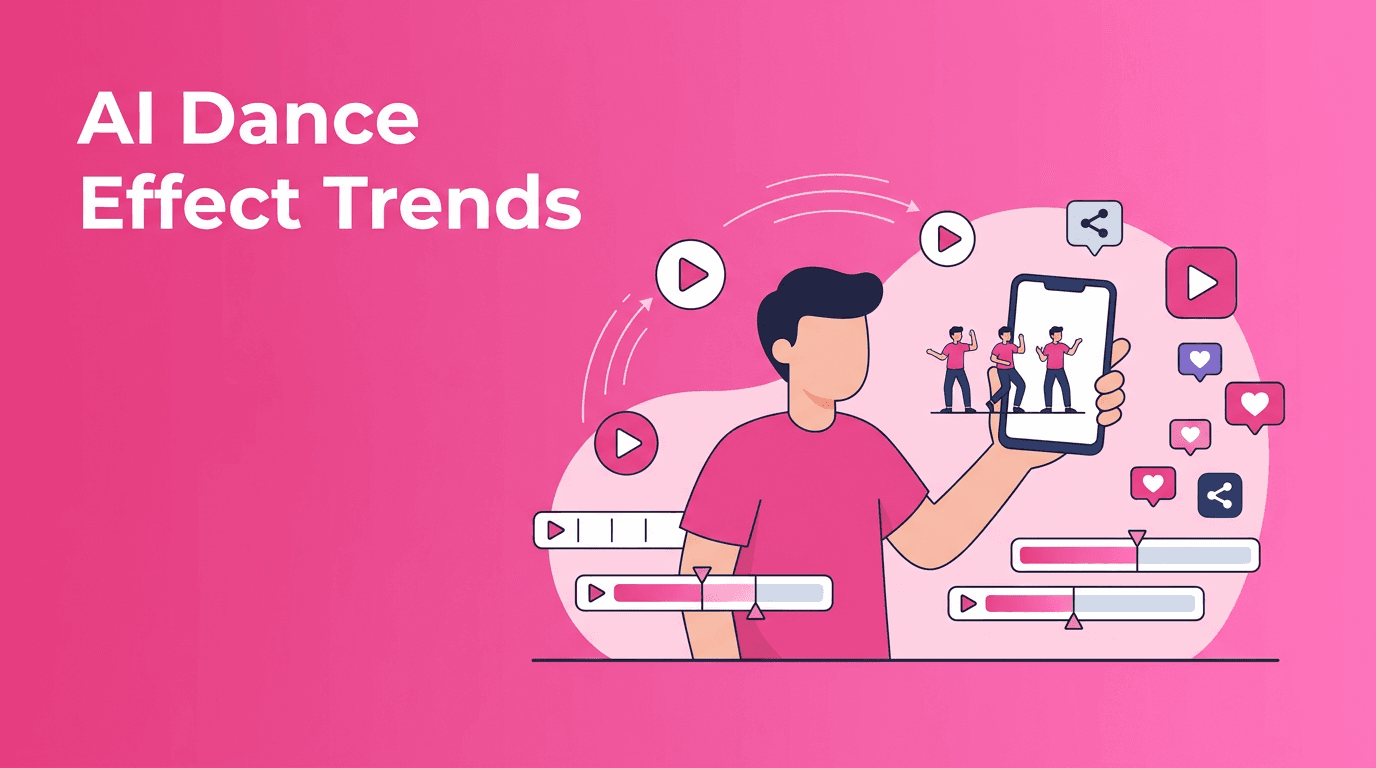
If your feed has been full of clone dancers, impossible transitions, and rhythm-perfect motion edits, you are watching the rise of the ai dance effect. This trend is exploding on TikTok and Instagram because it turns simple clips into high-energy performances that look complex, polished, and made for shares.
Why the ai dance effect is trending right now
Short-form platforms reward movement, surprise, and replay value. That is exactly why the ai dance effect performs so well. It can transform a basic selfie video, a still image, or an everyday clip into something that feels choreographed and cinematic in seconds.
- Movement grabs attention fast in the first one to two seconds
- Loop-friendly edits make viewers rewatch the clip
- Transformation moments increase shares and comments
- Music sync makes content feel more native to TikTok and Reels
- Low production effort, high visual payoff helps creators post more often
How AI dance video effects work in simple terms
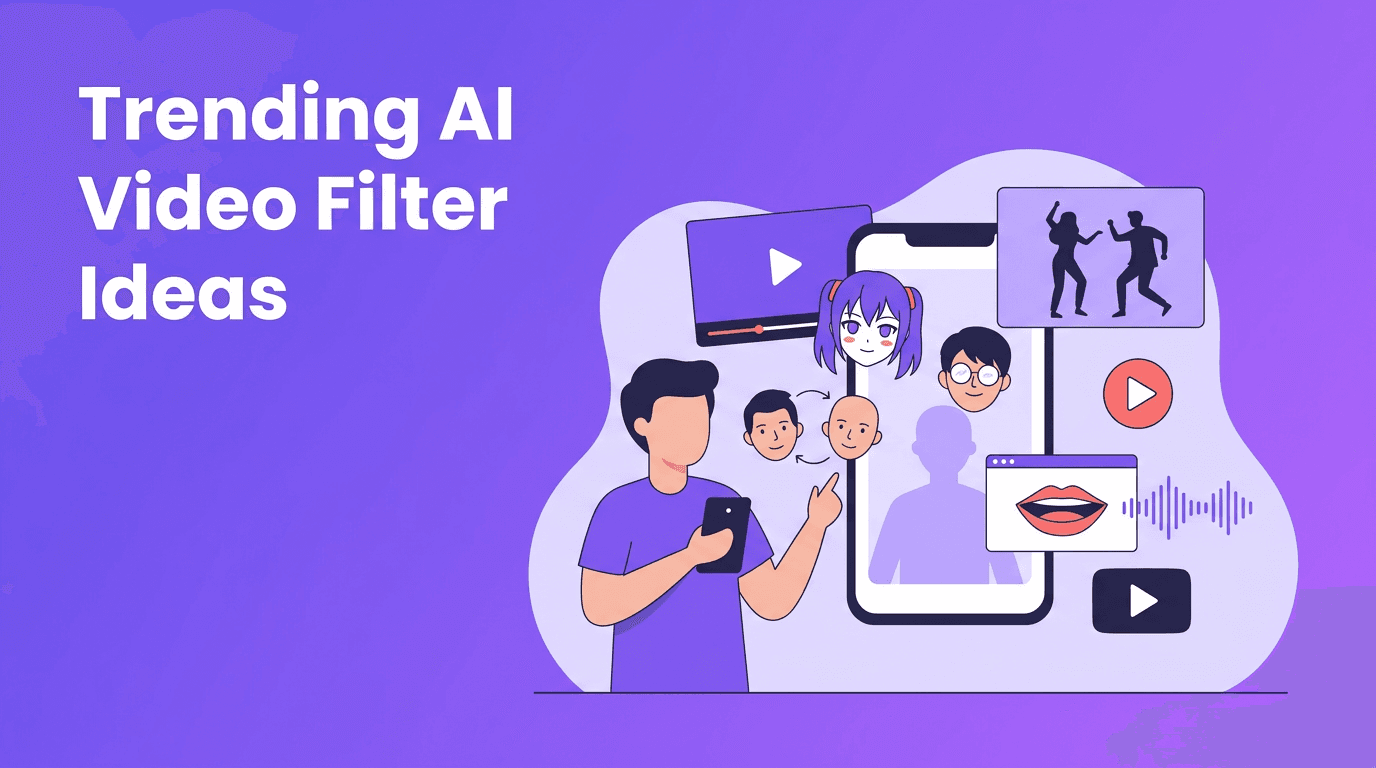
Most AI dance tools combine motion estimation, pose tracking, and generative video synthesis. In simple terms, the model studies body landmarks like shoulders, elbows, hips, and knees, maps them to a movement pattern, then recreates or transfers that motion onto a subject in the final video.
The core tech behind the effect
- Pose detection identifies body position frame by frame
- Motion transfer applies a dance pattern from one sequence to another subject
- Temporal consistency helps the motion stay smooth across frames
- Face preservation tries to keep identity recognizable during movement
- Audio timing analysis can align beats, transitions, or gesture changes to sound
"The best viral effect is not the one that looks the most complicated. It is the one people instantly understand and want to try themselves."
Best use cases for creators
The strongest creators are not using AI motion just for novelty. They use it as a format. An ai dance effect can help you make reaction memes, brand promos, character content, trend remixes, and music-driven reels without filming a full choreography setup every time.
What to create with it
- Turn a static photo into a dancing character for comedy content
- items? no
- Create before-and-after transformation reels with a beat drop
- Animate mascot characters or avatars for brand content
- Make duet-style clone performances from one recording
- Build meme edits around trending songs and dance formats
- Use speech-to-video or text-to-video prompts to prototype concepts quickly
Want to test viral AI dance ideas fast?
With *Movi AI*, you can create videos from text, images, and existing footage, then explore powerful AI effects for scroll-stopping short-form content.
Download Movi AITips to get better ai dance effect results
- Start with a clear subject and uncluttered framing so motion reads better
- Use strong front lighting if you are recording a source clip
- Pick music with obvious beat structure for more satisfying edits
- Keep clips short and punchy, usually 6 to 15 seconds for better retention
- Test one visual surprise per video instead of stacking too many effects
- Export multiple versions for TikTok and Reels because pacing can perform differently
Ethics, consent, and creator safety
Any motion-based AI tool can be used creatively, but it should also be used responsibly. If you are applying dance motion to another person's likeness, make sure you have clear consent. Avoid misleading viewers, impersonation, or edits that could embarrass or harm someone. Responsible use matters, especially as ai video editing effects become more realistic.
A simple creator checklist
- Get permission before using someone else's face or identity
- Label synthetic or altered content when needed
- Avoid deceptive deepfake-style uploads
- Use AI for entertainment, storytelling, and visual creativity, not manipulation
How Movi AI fits into the workflow
*Movi AI* gives creators a flexible way to build short-form videos with text-to-video, image-to-video, video-to-video, and speech-to-video tools. That means you can brainstorm a concept, generate visuals, remix source footage, and test different motion-driven formats in one workflow instead of jumping between multiple apps.
Final take
The reason the ai dance effect keeps winning is simple. It combines motion, music, and instant transformation, which are three things short-form audiences already love. If you use the trend with clear concepts, smart pacing, and ethical guardrails, you can turn a simple idea into a highly watchable Reel or TikTok.
Frequently Asked Questions
What is an ai dance effect?+
An ai dance effect uses AI to track or generate body movement, then apply choreographed motion to a person, character, or image in a video.
How do creators make TikTok AI dance videos?+
Creators usually start with a photo, selfie video, or short clip, then use an AI tool that supports motion transfer or generated animation synced to music.
Do AI dance videos perform well on Instagram Reels?+
Yes, especially when the video has a strong hook, recognizable music, and a fast transformation that encourages replays.
Can I create an ai dance effect from a still image?+
Yes. Many AI video tools can animate a still image by applying generated movement patterns or dance motion to the subject.
Create stunning AI videos in seconds!
Turn your ideas into professional videos with the #1 AI video maker.
Download Movi AI