AI Face Swap Trends: Viral Video Effects Creators Can Actually Use
AI face swap is one of the biggest short-form video trends right now. Learn how it works, which effects go viral on TikTok and Instagram, and how creators can use it safely and creatively.
By Movi AI Team
Movi AI Editorial Team
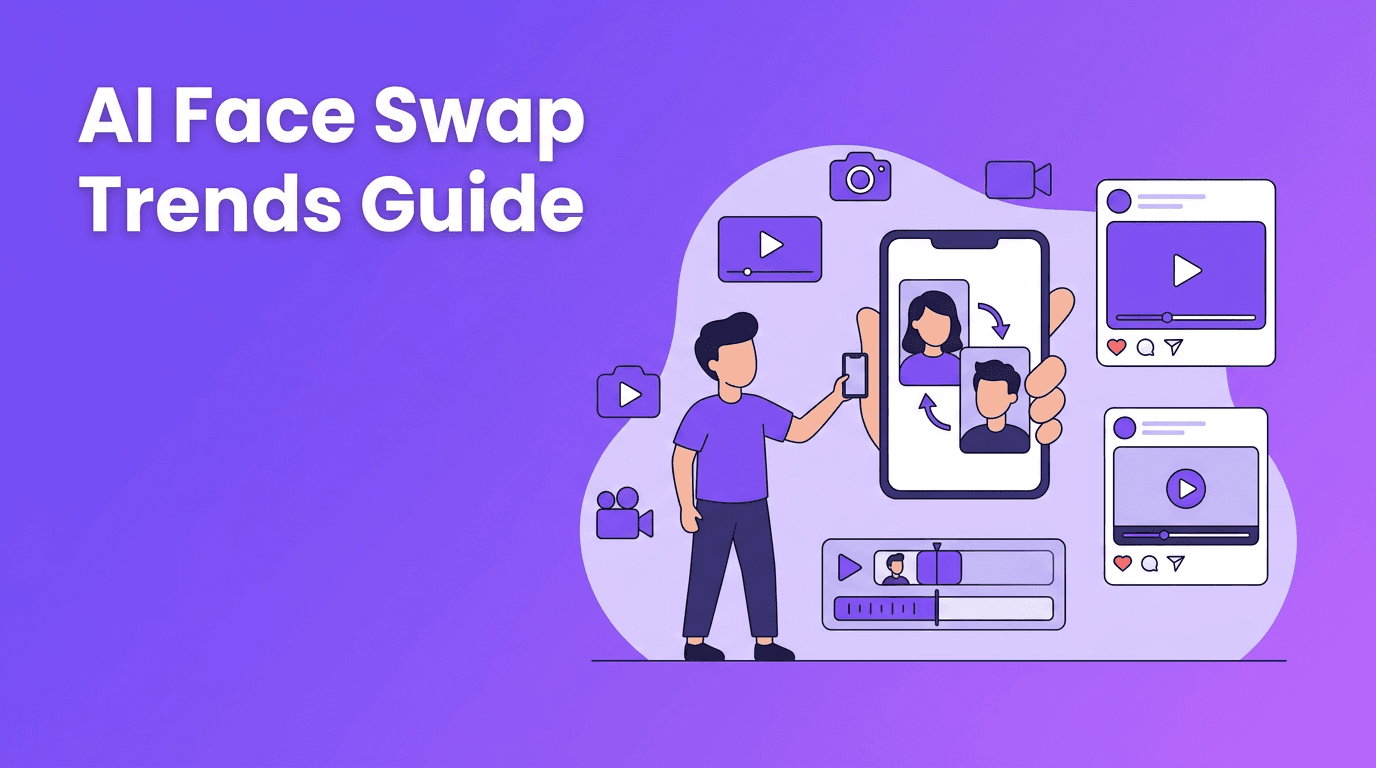
AI face swap is no longer just a gimmick. It is now one of the most watched short-form formats on TikTok and Instagram because it mixes surprise, humor, storytelling, and remix culture in one effect. If you want to understand which trending AI effects are actually worth using, this guide breaks down how face swap works, why it performs so well, and how creators can use it without crossing ethical lines.
Why AI face swap is everywhere right now
Short-form platforms reward content that makes people stop in the first second. AI face swap does that fast. Viewers instantly notice a familiar face on an unexpected character, body, or scene. That visual twist creates curiosity, which boosts watch time and replays. It also fits current creator behavior, where remixing trends is often more effective than building every video from scratch.
- Instant recognition - audiences spot the face change immediately
- Built-in storytelling - the effect suggests a joke, roleplay, or transformation without much setup
- Strong replay value - people watch twice to catch the transition
- Easy trend adaptation - creators can apply the same idea to movies, memes, dance clips, and reaction formats
How AI face swap works in simple terms
Technically, ai face swap tools detect facial landmarks such as the eyes, nose, jawline, and mouth shape. Then the model maps one face onto another while trying to preserve expressions, angle, lighting, and movement. Better systems also track the face frame by frame, so the swap stays stable during motion instead of flickering or stretching.
The core tech behind the effect
- Face detection finds the face in each frame of a video
- Landmark tracking identifies key facial points for alignment
- Expression transfer keeps smiles, blinks, and mouth movement believable
- Blending and color matching help the swapped face fit the original footage
- Temporal consistency reduces jitter across frames for smoother results
"The best AI effect is not the one with the most complexity. It is the one that makes people feel something in a second."
Where AI face swap fits among trending AI effects
Creators often talk about ai video effects as one big category, but not all effects perform the same. Right now, face swap works best when combined with broader ai video editing effects that support a clear hook. Think reaction clips, character transformation edits, parody scenes, or before-and-after concept videos.
Popular formats creators are testing
- Movie recasts - swapping yourself into iconic scenes
- Historical roleplay - placing a modern face into a past setting for comedy or education
- Meme remixes - using familiar viral templates with a personalized face
- POV content - making first-person skits feel more immersive
- Character crossovers - combining fan communities, gaming, film, and anime references
How to make AI face swap videos that do not look cheap
The biggest mistake is using low-quality source footage. Even strong AI models struggle when the face is blurry, blocked, turned too far away, or poorly lit. For better results, start with a clip where the subject is facing the camera clearly, movement is controlled, and lighting stays consistent. That gives the model more clean information to track.
- Use high-resolution source video whenever possible
- Keep the face visible for most of the clip
- Avoid heavy motion blur during fast movement
- Choose clips with consistent lighting
- Trim the video to the strongest 3 to 8 seconds for Reels and TikTok
- Pair the effect with a clear caption so viewers understand the joke or concept quickly
Try smarter AI video creation
Want more than a single filter? *Movi AI* helps you create videos from text, images, and clips with advanced AI tools for creators who want faster, more viral content workflows.
Download Movi AIBest use cases for TikTok and Instagram creators
If your goal is reach, treat ai face swap as a hook, not the whole video. The effect grabs attention, but the format still needs a payoff. That payoff could be a punchline, a reveal, a relatable reaction, or a niche reference your audience instantly gets.
Content ideas you can post this week
- 'Me in my favorite movie' edits for fandom audiences
- 'If I starred in this trend' parody clips
- Brand mascot swaps for playful marketing content
- Creator collab remixes with permission from both people
- Educational history shorts that visualize famous figures in a more engaging way
Ethics, consent, and why they matter
This is the part creators cannot ignore. AI face swap can be funny and creative, but it can also become deceptive or harmful when used without permission. Never use someone's face in a misleading, explicit, defamatory, or impersonation-based video. If a video could confuse viewers, label it clearly as edited or AI-generated.
- Get clear consent before using another person's likeness
- Avoid content that imitates a real person in a damaging way
- Disclose when the clip is AI-generated or AI-edited
- Stay away from misleading political, financial, or personal claims
- Use the effect for entertainment, education, or clearly framed parody
Why Movi AI is useful for creators exploring AI video effects
If you are experimenting with ai video effects, you need more than one viral gimmick. *Movi AI* gives creators a broader toolkit with text-to-video, image-to-video, video-to-video, and speech-to-video workflows. That means you can test face swaps, transformation concepts, style-driven edits, and other trending ai effects without rebuilding your content process every time a new trend appears.
Frequently Asked Questions
How does ai face swap work in videos?+
It detects facial landmarks, tracks expressions across frames, and blends a new face onto the original footage while matching motion and lighting.
Is ai face swap allowed on TikTok and Instagram?+
Yes, but creators should follow platform rules, avoid misleading impersonation, and get consent when using another person's face.
What makes ai face swap videos go viral?+
They combine surprise, familiarity, and humor, which helps boost watch time, replays, and shares on short-form platforms.
What kind of footage works best for ai face swap?+
Use clear, well-lit clips with a visible face, limited motion blur, and consistent angles for the cleanest results.
Create stunning AI videos in seconds!
Turn your ideas into professional videos with the #1 AI video maker.
Download Movi AI