Lip Sync AI Trends: Viral Video Effects Creators Should Try
Lip sync AI is reshaping short-form content with faster dubbing, character performances, and trend-ready edits. Learn how it works, what is trending, and how creators can use it better.
By Movi AI Team
Movi AI Editorial Team
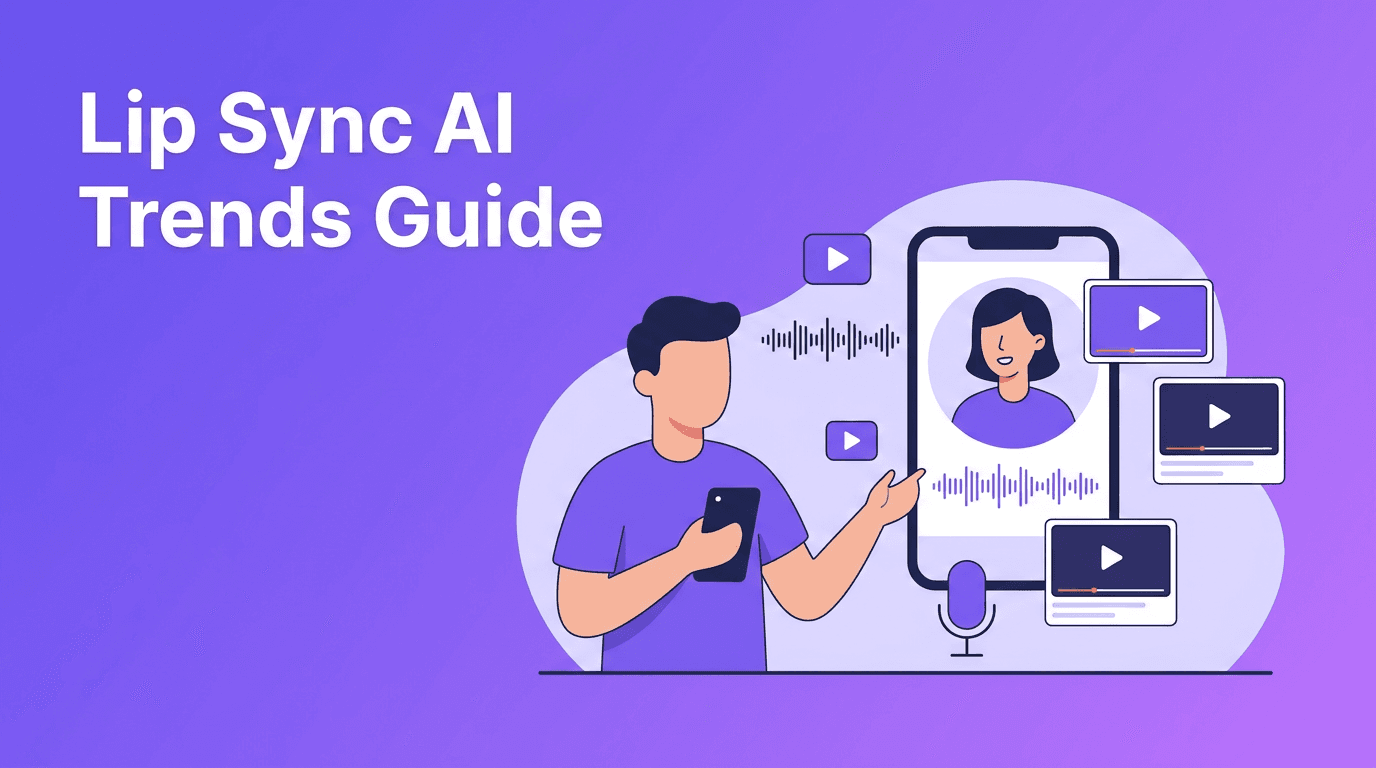
Lip sync AI is one of the fastest-rising tools in short-form video because it turns simple clips into expressive, trend-ready content. For TikTok creators and Instagram Reels makers, it opens up dubbing, character skits, talking avatars, and multilingual edits without a complicated production setup.
Why lip sync AI is trending right now
Creators want effects that feel instantly watchable in the first second. Lip sync AI works because it adds personality, humor, and story to videos that might otherwise feel static. It is especially popular in reaction videos, meme remixes, fake interviews, avatar content, product promos, and cinematic voiceover edits.
- Talking photo videos that animate still images with speech
- Character voiceovers for skits, fan edits, and parody content
- Multilingual dubbing for creators growing across regions
- Narrated product videos for brands that want a human feel without filming new takes
How lip sync AI works in simple terms
At a basic level, the system analyzes an audio track, detects phonemes, and maps mouth shapes to match spoken sounds frame by frame. More advanced models also track facial landmarks, head motion, blinking, and expression timing so the output feels more natural and less robotic.
The technical pieces behind the effect
- Audio analysis breaks speech into timing units and sound patterns
- Face detection identifies lips, jawline, and key facial points
- Motion prediction generates mouth movement that matches the voice
- Temporal smoothing keeps movement consistent across frames
- Style preservation tries to keep skin texture, lighting, and identity intact
"The best AI effect is not the one that looks the most artificial. It is the one that makes the story easier to watch."
Best ways creators use lip sync AI
1. Turn voiceovers into on-screen performances
If you already script hooks for your videos, lip sync AI can convert those lines into a visual performance. This works well for educational Reels, creator commentary, and storytelling clips where you want a stronger human connection without filming every new version.
2. Localize content for global audiences
A strong use case is translating your content and matching mouth movement to the new language. This helps creators reuse winning formats across multiple markets while keeping the video more native-looking.
3. Build recurring characters
Many viral accounts rely on repeatable characters. You can use the effect to create mascots, fictional presenters, or stylized personalities that speak in every episode, making your brand more recognizable.
Tips for getting better lip sync AI results
- Use clean audio with minimal background noise for more accurate mouth timing
- Start with clear front-facing footage when using real faces
- Keep clips short and punchy for social platforms
- Match the emotion of the voice to the expression in the source visual
- Avoid extreme motion blur or covered mouths, which can reduce sync quality
- Test multiple hooks because a strong opening line matters as much as the effect itself
Want to test lip sync AI faster?
Use *Movi AI* to turn prompts, images, and clips into engaging AI videos with creator-friendly tools built for short-form content.
Download Movi AIEthics creators should not ignore
Like face animation and dubbing tools, lip sync features should be used responsibly. Always get consent before animating someone else's likeness, avoid misleading edits that imitate real statements, and clearly label sponsored, fictional, or parody content when needed. Trust matters, especially when AI content becomes more realistic.
Where Movi AI fits into the workflow
*Movi AI* helps creators move from idea to publish-ready video faster with text-to-video, image-to-video, video-to-video, and speech-to-video workflows. That means you can build concept videos, stylized edits, and talking content in one creative app instead of patching together multiple tools.
Frequently Asked Questions
What is lip sync AI?+
Lip sync AI is technology that matches mouth movement in a video to spoken audio. It is used for dubbing, talking avatars, parody edits, and short-form social videos.
Is lip sync AI good for TikTok and Instagram Reels?+
Yes. It works especially well for short videos with strong hooks, character-led storytelling, dubbed clips, and meme-style formats.
How do I make lip sync AI look more realistic?+
Use clear audio, front-facing visuals, good lighting, and short clips. Avoid blocked mouths, heavy blur, and overly complex movement.
Can I use lip sync AI ethically?+
Yes, if you use it with consent and do not mislead viewers. Avoid impersonation and deceptive edits involving real people.
Create stunning AI videos in seconds!
Turn your ideas into professional videos with the #1 AI video maker.
Download Movi AI