Prompt-to-Video Models: How an AI Text Reel Is Built
Curious about AI text reel workflows? Learn how prompts become short videos, how models interpret scenes, and how to get better results with practical prompting tips.

By Movi AI Team
Movi AI Editorial Team
AI text reel tools turn written instructions into moving scenes, making video creation faster for beginners, creators, and brands. If you want to understand how prompts become clips, which model types matter, and how to improve results, this guide breaks it down in simple terms.
What is AI text reel technology?
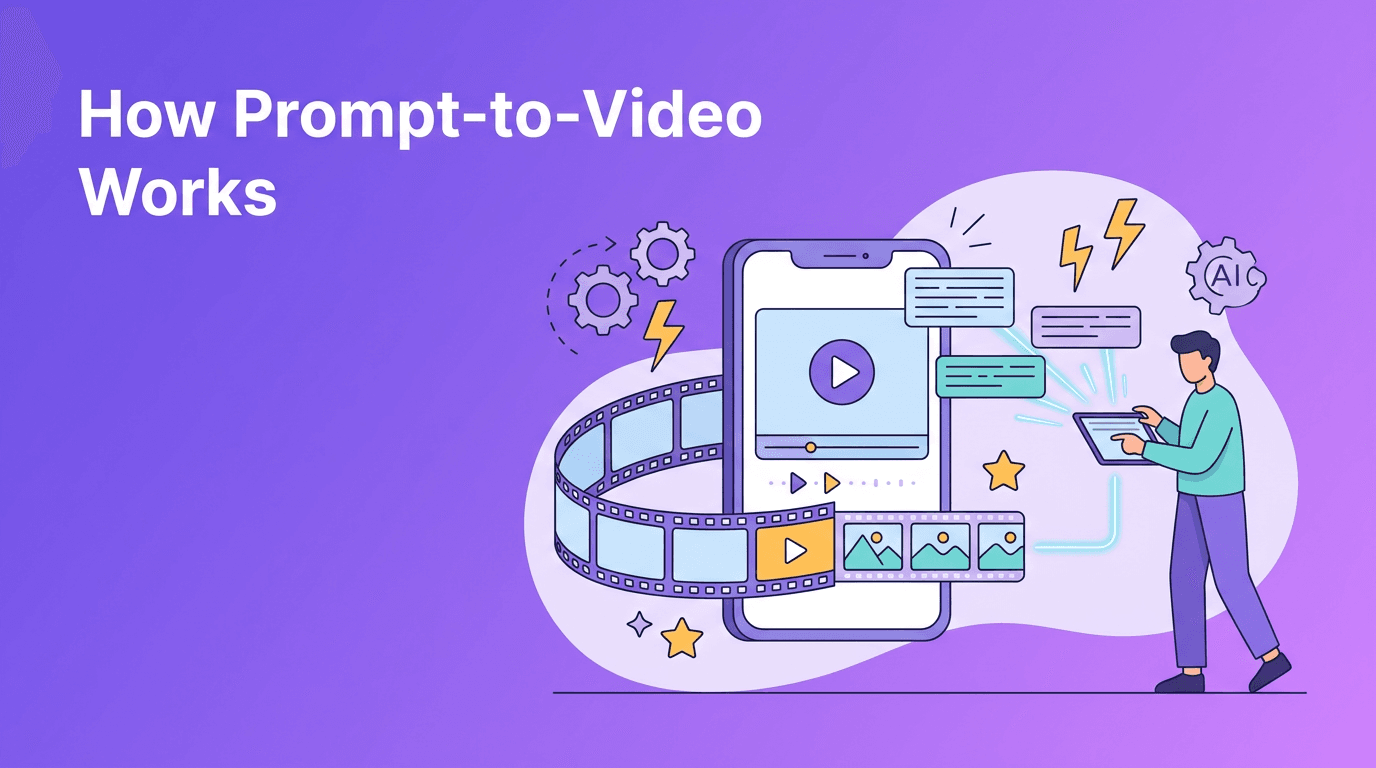
At a basic level, AI text reel systems analyze your prompt, predict what objects, actions, camera movement, lighting, and style should look like, then generate a sequence of frames that feels like a coherent video. Instead of editing every shot manually, you describe the outcome and the model does much of the visual construction for you.
- Prompt input: You describe the subject, action, setting, mood, and style.
- Scene planning: The model interprets key visual concepts and relationships.
- Frame generation: AI creates images or latent video frames over time.
- Motion consistency: The system tries to keep characters, objects, and camera movement stable across frames.
- Output refinement: Quality settings, duration, and aspect ratio shape the final result.
How prompts become video clips
When you enter a prompt, the model converts words into mathematical representations called embeddings. These embeddings help the system connect terms like 'city street', 'slow pan', or 'golden hour' to visual patterns learned during training. The model then generates frames that match those concepts while trying to preserve temporal consistency from one moment to the next.
Why wording matters
A vague prompt gives the model too much freedom. A precise prompt narrows the result. Good prompts usually define subject, action, environment, camera behavior, style, and length. That is why small wording changes can produce very different clips.
"The quality of an AI video often depends less on longer prompts and more on clearer intent."
Bad prompt vs good prompt
- Bad: 'Make a cool video of a dog in a park.'
- Better: 'A golden retriever runs through a sunny park, slow-motion splashes through a puddle, handheld camera feel, natural light, shallow depth of field, 6 seconds, vertical format.'
- Bad: 'Create a futuristic city.'
- Better: 'A drone shot flying between glass skyscrapers in a futuristic city at night, neon reflections on wet streets, light traffic, cinematic realism, 5 seconds, 16:9.'
Prompt engineering tips for better video results
If you want more usable outputs, think like a director. The best prompts are specific, visual, and structured. With AI text reel workflows, clarity beats complexity.
- Start with the main subject first, then add the action.
- Include camera language like close-up, tracking shot, overhead shot, or slow zoom.
- Define the setting clearly, such as beach at sunrise, modern office, or busy cafe.
- Add style keywords like cinematic, realistic, animated, documentary, or watercolor.
- Specify aspect ratio for the platform, such as 9:16 for Reels and Shorts, or 16:9 for YouTube.
- Keep duration practical. Short clips, such as 4 to 8 seconds, are often easier to control.
- Use one strong idea per prompt instead of stacking too many actions together.
- If the result is inconsistent, simplify the prompt and regenerate with fewer competing details.
A simple prompt formula
Try this formula: subject + action + setting + camera + style + duration + aspect ratio. Example: 'A barista pouring latte art in a cozy cafe, close-up shot, warm natural light, cinematic realism, 5 seconds, 9:16.'
The science behind video generation models
Most modern systems rely on large-scale training data and deep learning architectures that connect language understanding with visual generation. The difficult part is not just creating a beautiful frame. It is keeping motion believable across many frames while preserving the same subject and scene identity.
Diffusion-based approaches
Diffusion models usually start from visual noise and gradually denoise it into recognizable frames. In video tasks, they often work in latent space to improve efficiency. Their strength is image quality and rich detail, but they can struggle with long, complex motion if temporal consistency is weak.
Transformer-based approaches
Transformer-based systems are strong at modeling sequences, which makes them useful for understanding time, motion, and long-range relationships across frames. They can be effective for planning multi-frame coherence, though implementation quality varies and compute demands can be high.
Hybrid systems
Many real products combine approaches. A system may use transformers to understand language and sequence structure, then diffusion components to render detailed visuals. In practice, hybrid pipelines often deliver the best balance of prompt understanding, motion, and image quality.
How different models interpret the same prompt
Not every model reads prompts the same way. One may prioritize style, another may emphasize literal objects, and another may handle camera movement better. This is why the same prompt can create very different outputs across tools. Beginners should test one variable at a time, such as changing only the style keyword or only the shot type, to learn how a model responds.
Practical settings that shape results
- Aspect ratio: Use 9:16 for TikTok, Reels, and Shorts. Use 16:9 for YouTube and websites. Use 1:1 for feeds and ads.
- Video length: Shorter generations are usually more stable and faster to iterate.
- Quality settings: Higher quality can improve detail, but may increase render time.
- Motion strength: Too much motion can make scenes unstable. Moderate motion often looks cleaner.
- Style intensity: Strong styles are eye-catching, but can reduce realism if overused.
Try a simpler way to create AI videos
*Movi AI* helps you create videos from prompts, images, speech, or existing clips with a beginner-friendly workflow on mobile.
Download Movi AIPractical use cases for creators and businesses
- Social media intros for TikTok, Reels, and Shorts.
- Product promos that visualize a concept before a full shoot.
- Podcast trailers with animated scenes from episode themes.
- Storyboarding for agencies and video teams testing ideas quickly.
- Educational clips that explain concepts with stylized visuals.
- Small business ads created without a studio or full editing stack.
For beginners, *Movi AI* is a user-friendly option because it supports multiple creation modes, including prompt-based generation, image-based animation, video transformations, and speech-driven video workflows. That flexibility makes it easier to move from an idea to a finished post.
A beginner workflow you can use today
- Pick one goal, such as a product teaser or social clip.
- Write a short prompt using the formula above.
- Choose the right aspect ratio for your platform.
- Generate a short version first.
- Review motion, subject consistency, and style.
- Refine one element at a time, such as lighting or camera angle.
- Export the best version and add captions if needed.
The fastest way to improve is repetition. Test small prompt changes, compare outputs, and keep notes on what each model handles well. Over time, you build an instinct for writing prompts that produce cleaner, more useful videos.
Frequently Asked Questions
How do I turn text into a video with AI?
Write a clear prompt that includes the subject, action, setting, style, and duration, then generate and refine the output. Apps like Movi AI simplify this process for beginners.
What makes a good prompt for AI video generation?
A good prompt is specific, visual, and structured. Include the main subject, movement, environment, camera angle, style, and aspect ratio.
Are diffusion or transformer models better for AI video?
They solve different parts of the problem well. Diffusion models often excel at visual detail, while transformers are strong at sequence understanding and temporal structure.
What aspect ratio should I use for social media videos?
Use 9:16 for TikTok, Reels, and Shorts, 16:9 for YouTube, and 1:1 for square feed posts.
Movi AICreate stunning AI videos in seconds!
Turn your ideas into professional videos with the #1 AI video maker.
Download Movi AI


