AI Text to Video Generator: How Prompts Become Videos
Learn how an ai text to video generator turns prompts into clips, how models work, and how to write better prompts to create stronger videos faster.

By Movi AI Team
Movi AI Editorial Team
An ai text to video generator can turn a simple written idea into moving scenes, making it easier than ever to convert text to video without traditional editing skills. For beginners, this means faster content creation. For creators and marketers, it means testing more ideas in less time.
What text to video AI actually does
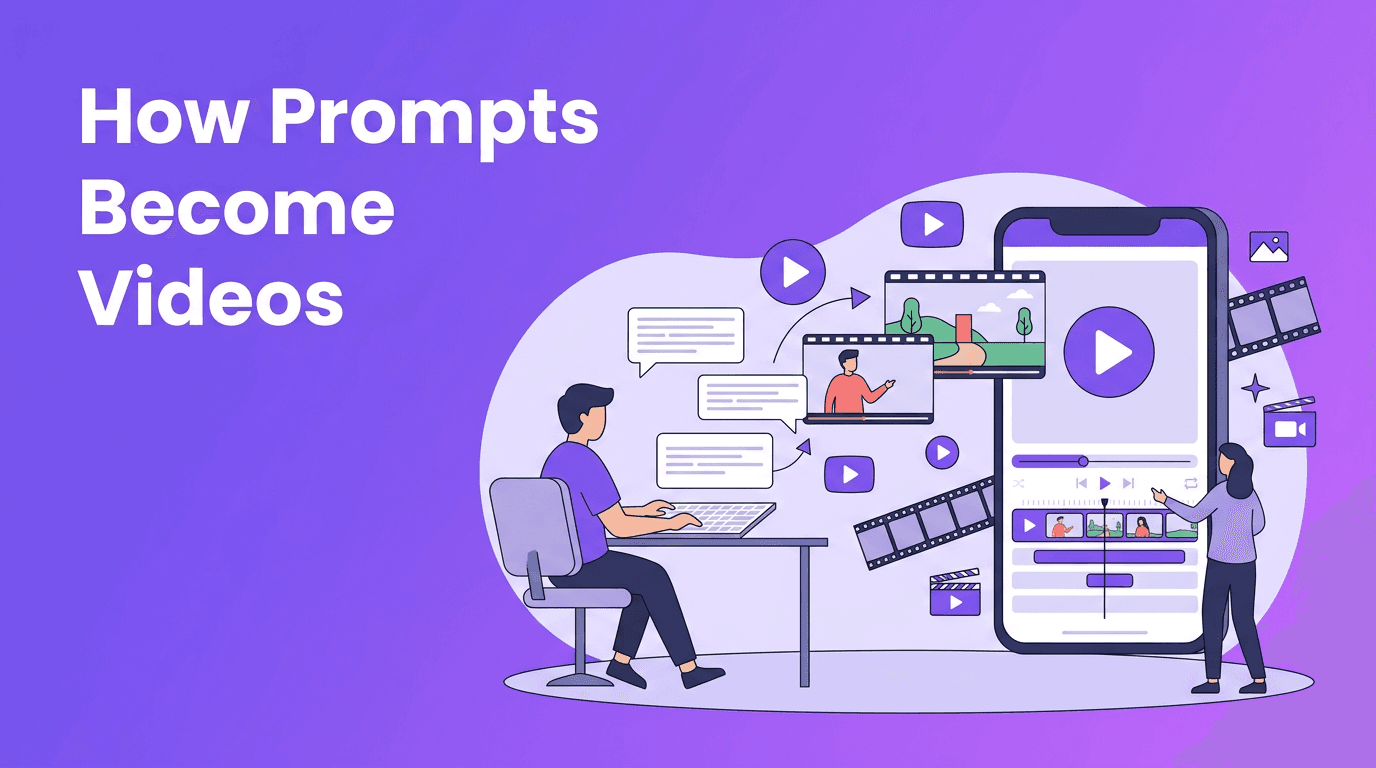
At a basic level, text to video AI reads your prompt, breaks it into visual concepts, predicts motion over time, and renders a sequence of frames that match your description. Instead of manually filming or animating every shot, you describe the scene in words and the model generates the video for you.
- It interprets subjects, such as a person, product, or animal.
- It maps actions, such as walking, pouring, opening, or flying.
- It applies style, such as cinematic, realistic, animated, or product-ad.
- It builds camera behavior, such as close-up, wide shot, slow pan, or tracking shot.
- It outputs a clip with a chosen aspect ratio, length, and quality setting.
How to create video from text in a simple workflow
If you want to know how to create video from text, think in layers. Start with the core subject, add action, define the setting, then refine the visual style and camera motion. This structure helps both beginners and advanced users get more predictable results from any text to video app.
A beginner-friendly prompt formula
Use this formula: subject + action + setting + style + camera + aspect ratio + duration. Example: A barista pouring latte art in a bright cafe, realistic, soft morning light, close-up shot, slow camera push-in, 9:16, 6 seconds.
Bad prompt vs good prompt
- Bad: make a cool coffee video
- Why it fails: too vague, no action, no setting, no style, no camera direction
- Good: A skilled barista pouring heart-shaped latte art into a ceramic cup, modern cafe interior, realistic detail, warm natural light, close-up, shallow depth of field, slow push-in camera, 9:16, 6 seconds
Better prompts do not need to be longer. They need to be clearer.
Prompt writing tips that improve results
- Be specific about the main subject. Say golden retriever running on a beach instead of dog outside.
- Describe one or two clear actions. Too many actions can confuse the model.
- Add a visible environment so the model has context.
- Use familiar style keywords like cinematic, realistic, anime, 3D render, or product commercial.
- Specify camera language such as overhead shot, tracking shot, wide shot, or handheld feel.
- Set the aspect ratio based on platform needs: 9:16 for Reels and TikTok, 16:9 for YouTube, 1:1 for feeds.
- Keep early tests short, usually 4 to 8 seconds, then iterate.
- If quality settings are available, start balanced for speed, then increase quality on the final render.
The science behind an ai video from text prompt
Under the hood, an ai video from text prompt depends on models trained on huge datasets of text, images, and video. The model learns associations between words and visual patterns. When you enter a prompt, the system converts language into internal representations, then generates frames that align with those representations over time.
Why time makes video harder than images
A single image only needs to look right in one moment. Video must remain consistent across many moments. The system has to preserve character appearance, object placement, lighting, and motion from frame to frame. This challenge is called temporal consistency, and it is one of the biggest reasons video generation is more complex than image generation.
Diffusion models vs transformer-based models
Many text to video systems rely on diffusion models, transformer-based models, or a hybrid of both. Each approach has strengths and trade-offs.
- Diffusion models start from noise and gradually denoise it into coherent frames. They are known for strong visual quality and detailed generation, but can be computationally expensive.
- Transformer-based models are excellent at modeling sequences and long-range relationships. In video, that can help with timing, structure, and consistency across frames.
- Hybrid approaches combine the strengths of both, often using transformers for sequence understanding and diffusion for high-quality visual synthesis.
This is also why different tools can interpret the same prompt differently. One model may emphasize cinematic texture, while another may prioritize motion smoothness or prompt accuracy. When using a text to video app, expect some variation and test prompts in small iterations.
How different models interpret prompts differently
Even when two platforms accept the same text, they may not produce the same clip. One model may understand moody cinematic lighting well, while another may respond better to direct instructions like night street with neon signs. Some models follow camera directions closely. Others are stronger at stylized motion or realistic subjects.
- If a model ignores style, move the style keyword closer to the beginning of the prompt.
- If motion looks weak, use explicit action verbs like sprinting, spinning, pouring, or drifting.
- If the subject changes too much, simplify the prompt and reduce the number of objects.
- If the result feels random, test one variable at a time: style, camera, duration, or setting.
Practical uses for text to video AI
Today, creators use text to video AI for social content, product promos, storyboards, ad concepts, explainers, and fast concept testing. Small businesses can create simple marketing assets without a full production team. Social media managers can turn campaign ideas into drafts quickly. Educators can visualize lessons, and entrepreneurs can prototype brand videos in minutes.
- Social media clips for TikTok, Reels, and Shorts
- Product teasers for ecommerce and app launches
- Storyboard previews before full production
- Ad concept testing with multiple prompt variations
- Educational visuals from lesson summaries or scripts
Try a simple text-to-video workflow
*Movi AI* is a user-friendly solution for creating videos from prompts, images, or existing footage. Start with a short prompt, test a few styles, and build your final video faster.
Download Movi AICan you find text to video free tools?
Many users search for text to video free options, and some platforms do offer free trials, limited credits, or watermark-based plans. Free access is useful for learning and testing prompts. But for better quality, longer clips, higher resolution, and commercial use, paid plans are often more practical.
What to optimize before your final render
- Choose the right aspect ratio for your platform.
- Keep your video length focused and intentional.
- Use style keywords that match your brand or audience.
- Increase quality settings only after the concept works.
- Generate multiple variations and pick the strongest output.
Frequently Asked Questions
What is an ai text to video generator?
It is a tool that converts written prompts into video clips using AI models trained on text, image, and video data.
How do I convert text to video with better results?
Write clear prompts with a subject, action, setting, style, camera direction, aspect ratio, and duration. Test short clips first, then refine.
Is text to video AI free?
Some tools offer free trials or limited credits, but advanced quality, longer clips, and commercial features often require a paid plan.
What is the best text to video app for beginners?
A beginner-friendly app should make prompting simple, offer fast iterations, and support multiple creation modes. *Movi AI* is designed to help users create AI videos quickly from text, images, or videos.
Movi AICreate stunning AI videos in seconds!
Turn your ideas into professional videos with the #1 AI video maker.
Download Movi AI


