AI Video Creator Workflow: How to Make Better Videos Faster
An AI video creator can turn prompts, images, and raw footage into polished content fast. Learn how it works, how it compares with editing tools, and how to create better videos with Movi AI.

By Movi AI Team
Movi AI Editorial Team
An AI video creator helps you generate videos from text, images, voice, or existing clips in minutes instead of hours. If you want to know *how to make AI videos* that look polished, the short answer is this: start with a clear input, choose the right generation mode, refine the result, and export for the platform you care about. For creators, marketers, and small businesses, tools like *Movi AI* make that workflow far more accessible.
1. What an AI video creator actually does
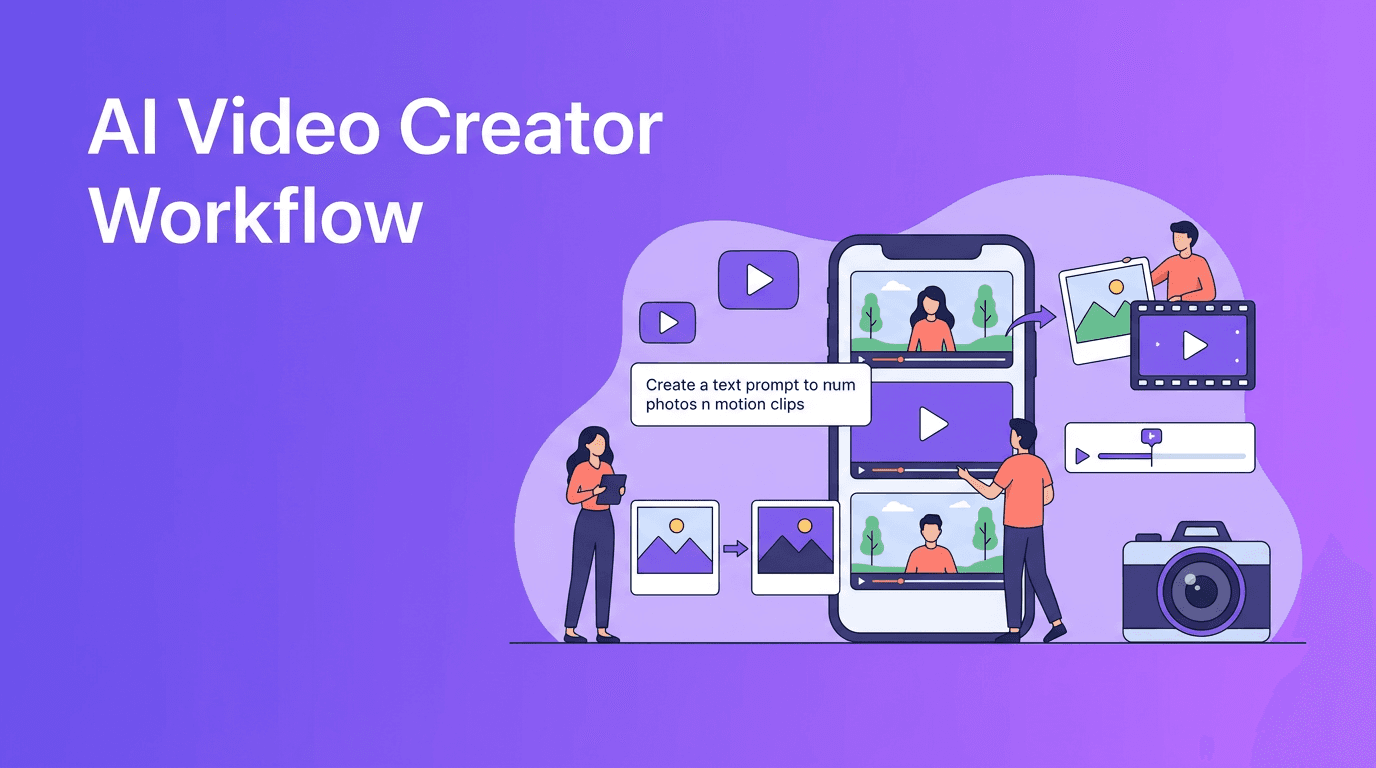
At its core, an AI video creator uses machine learning models to turn inputs into moving visuals. Depending on the tool, that may include text-to-video, image-to-video, video-to-video, or speech-to-video generation. Instead of manually animating every scene on a timeline, you describe the output you want and the system builds the first version for you.
- Text-to-video creates scenes from written prompts
- Image-to-video adds motion, camera movement, or transitions to still visuals
- Video-to-video restyles or transforms existing footage
- Speech-to-video syncs spoken audio with generated visual scenes
2. How AI video generation works step by step
Input comes first
Most platforms begin with a prompt, an uploaded image, or a source video. The better your input, the better the output. Be specific about subject, setting, camera angle, motion, lighting, and mood.
The model builds scenes
After processing your input, the model predicts frames that fit your request. This is why prompt quality matters so much. A vague prompt often produces generic results, while a structured prompt creates more usable footage.
You refine and export
Once the draft is generated, you review pacing, consistency, framing, and resolution. In *Movi AI*, users can iterate quickly from a text prompt, an image, or existing footage, which is ideal when you need fast content for social media or campaigns.
"AI video tools do not remove creativity. They compress the distance between idea and execution."
3. AI video creator vs traditional editing
Traditional editing gives you precise control over cuts, layers, effects, and audio, but it also takes more time and skill. An AI video creator speeds up ideation, first drafts, and content production. The smartest workflow is often a hybrid one: generate concepts with AI, then polish where needed.
- Speed: AI is much faster for first drafts and variations
- Control: Traditional editors still offer finer frame-level adjustments
- Cost: AI can reduce production costs for short-form and repeatable content
- Learning curve: AI tools are easier for beginners than complex editing suites
- Scalability: AI is better for producing multiple ad variants or social clips quickly
4. Best use cases for creators and small brands
- Product promos for ecommerce and local businesses
- Social media clips for TikTok, Instagram Reels, and YouTube Shorts
- Ad variations for testing different hooks and messages
- Explainer videos that turn ideas into simple visual stories
- Mood boards and concept videos before full production begins
5. 6 tips to make AI videos look more professional
- Write prompts with clear subjects and actions, not vague ideas
- Keep scenes short and focused to improve visual consistency
- Use reference images when available for better style direction
- Generate multiple versions, then choose the strongest take
- Match the output format to the platform, such as vertical for Reels and Shorts
- Polish with captions, branding, and sound before publishing
Want a faster way to create AI videos?
*Movi AI* lets you turn text, images, and videos into high-impact content with a simple mobile workflow. It is a practical option for creators, marketers, and small businesses that need speed without sacrificing quality.
Download Movi AI6. What to look for in an AI video creator app
Not every tool fits every workflow. If you are comparing options, look beyond the demo videos and focus on practical output.
- Generation modes: Does it support text, image, and video inputs?
- Video quality: Are motion, faces, and scene transitions believable?
- Rendering speed: Can you create drafts fast enough for daily content?
- Ease of use: Is the app simple enough for non-editors?
- Export options: Can you publish in the sizes your channels need?
- Iteration tools: Can you quickly regenerate and improve scenes?
7. A simple workflow you can use today
If you are learning *how to make AI videos*, start with one clear goal. For example, create a 15-second promo for a product, event, or service. Write a prompt, generate 2 to 4 versions, pick the best output, then add text overlays and a strong call to action. That repeatable process helps you create content faster and improve with each attempt.
For teams that need a practical AI video creator app, *Movi AI* is a strong option because it supports multiple input types and shortens the path from concept to publishable video.
Frequently Asked Questions
What is an AI video creator?
An AI video creator is a tool that generates videos from text prompts, images, voice, or source footage using machine learning models.
How do I make AI videos that look professional?
Use detailed prompts, keep scenes focused, generate multiple takes, and polish the final output with captions, branding, and sound.
Is AI video better than traditional editing?
AI is better for speed and rapid content production, while traditional editing is better for precise control and advanced post-production.
What is the best AI video creator app for beginners?
Beginners should look for an app with simple prompting, fast rendering, and multiple creation modes. Movi AI is a user-friendly option to start with.
Movi AICreate stunning AI videos in seconds!
Turn your ideas into professional videos with the #1 AI video maker.
Download Movi AI


