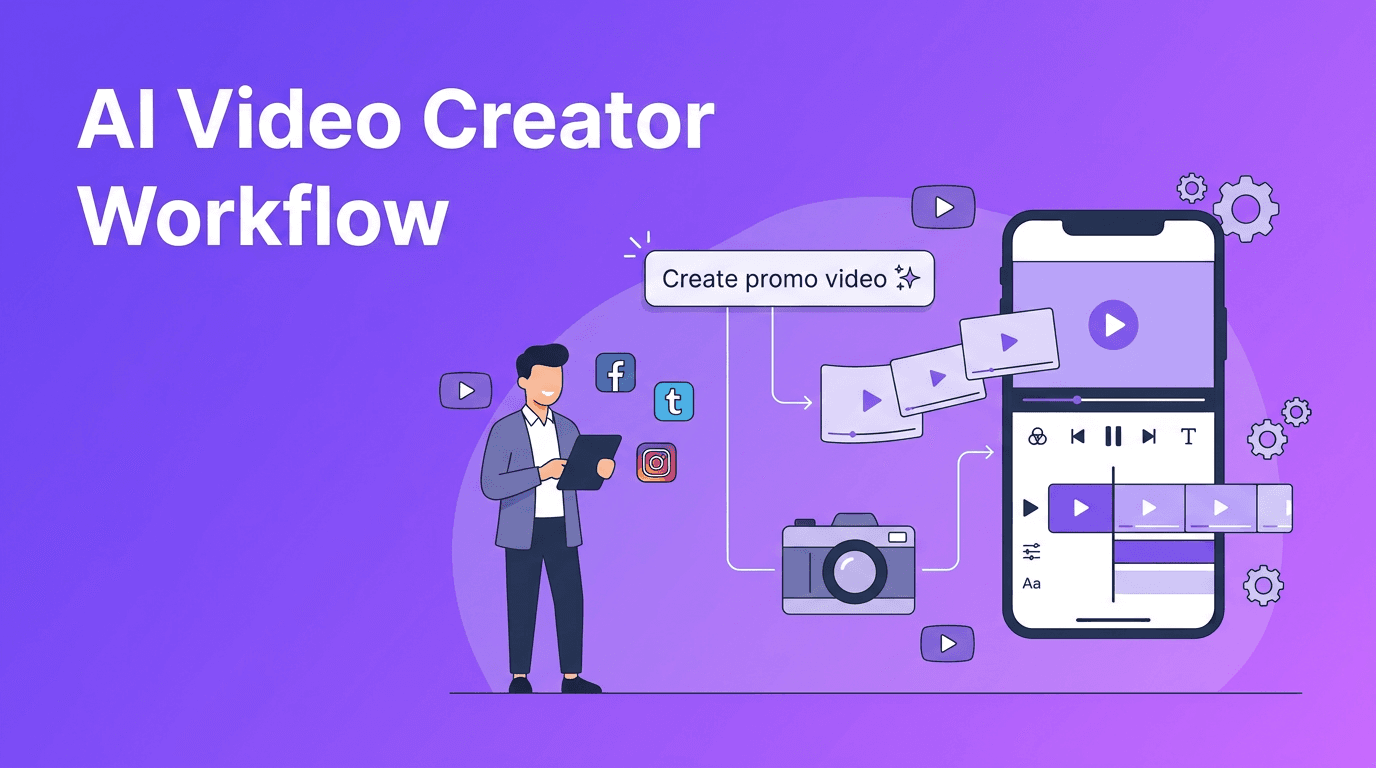
AI Video Creator Workflow: How to Make Professional Videos Faster
An AI video creator helps you turn prompts, images, and clips into polished content faster. Learn how it works, which tools matter, and how to make professional AI videos with better quality and speed.
By Movi AI Team
Movi AI Editorial Team
An AI video creator helps you generate videos from prompts, images, voice, or existing clips, often in minutes instead of hours. If you want to know how to make AI videos that look professional, the key is understanding the workflow, choosing the right tool, and guiding the AI with clear inputs.
1. What an AI video creator actually does
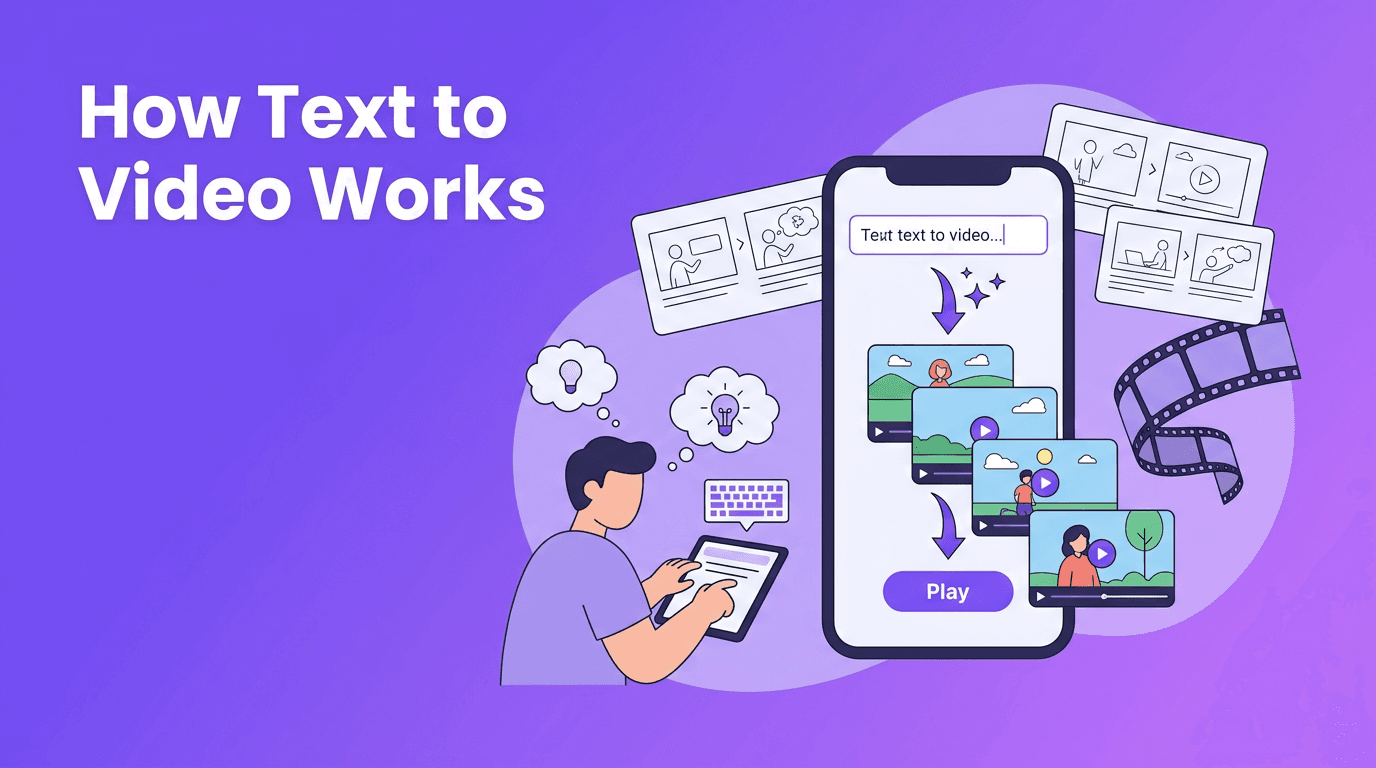
Modern tools use generative models to turn text, still images, audio, or source footage into moving visuals. Instead of building every scene manually on a timeline, you describe the result you want, upload assets if needed, and let the system generate motion, style, transitions, and sometimes even narration or lip sync.
- Text-to-video turns written prompts into short scenes or concept videos.
- Image-to-video animates still photos, product shots, or illustrations.
- Video-to-video restyles existing footage into a new look or format.
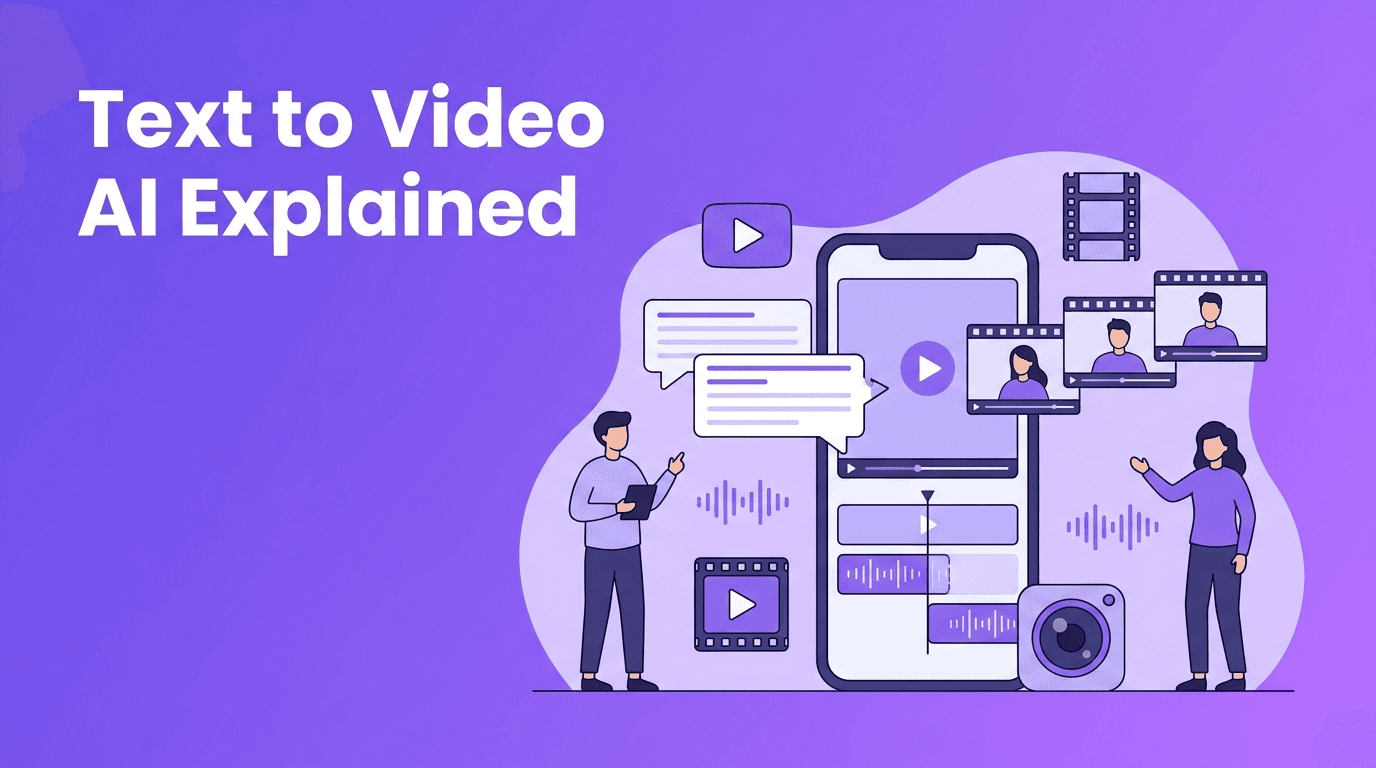
- Speech-to-video can match visuals to spoken audio or narration.
Why this matters for creators and marketers
For content creators, speed means testing more ideas. For marketers, it means producing more campaign assets without a full studio setup. For small businesses, an AI video creator lowers the barrier to making product demos, social ads, explainers, and local promotions.
2. How AI video generation works step by step
Most platforms follow a similar process. First, the model interprets your prompt or media input. Next, it predicts motion, scene composition, subject behavior, and style. Then it renders frames and refines them for consistency, quality, and timing. Some apps also add music, captions, voiceover, or format presets for social platforms.
- Start with a clear goal like a product teaser, tutorial, or ad variation.
- Choose an input method: text, image, video, or speech.
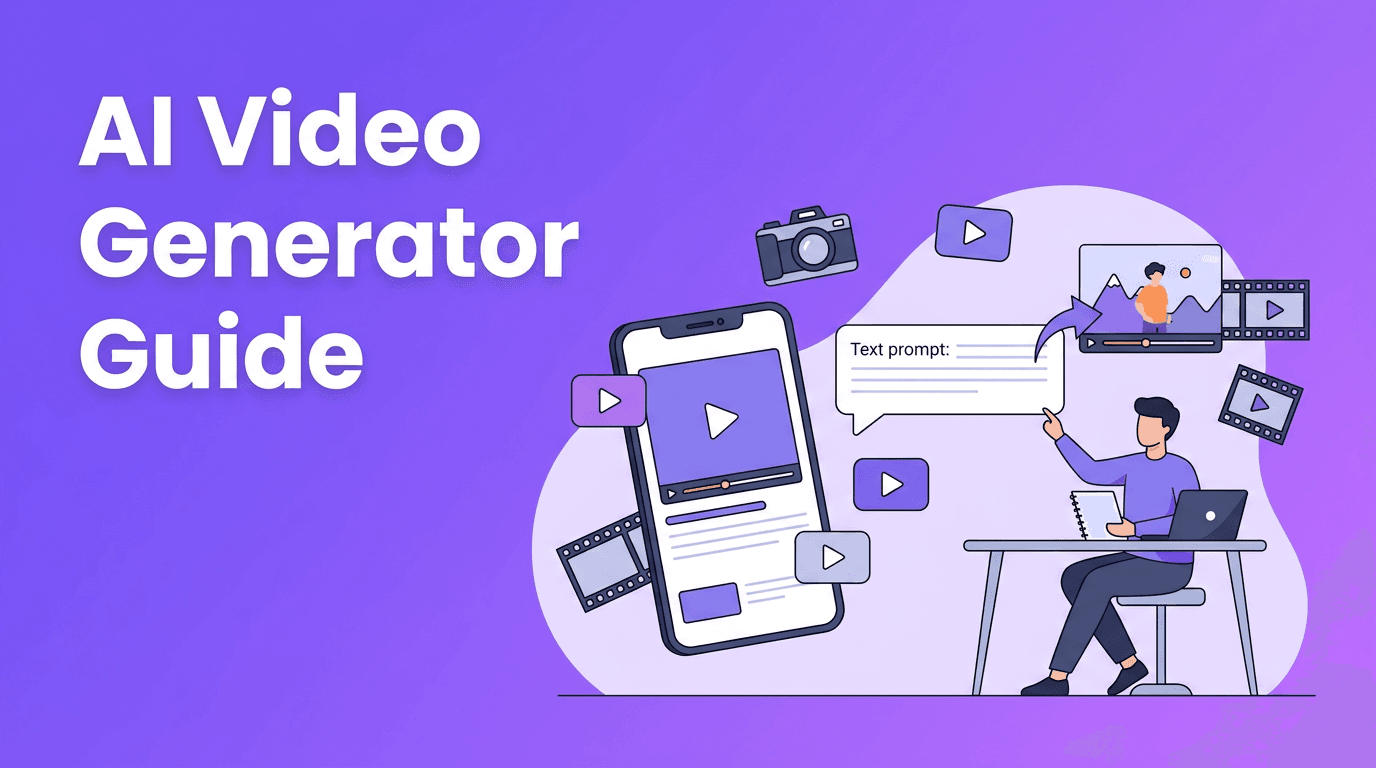
- Write a prompt with subject, action, camera angle, style, and duration.
- Generate a first draft and review motion, framing, and pacing.
- Refine with a second prompt or new asset uploads.
- Export in the right aspect ratio for TikTok, Reels, Shorts, or ads.
"AI speeds up video production, but the best results still come from clear creative direction."
3. AI video creator vs traditional video editing
Traditional editing gives you deep manual control over every cut, effect, and frame. AI generation gives you speed, automation, and rapid experimentation. In practice, the best workflow is often hybrid: generate concepts or scenes with AI, then polish the final version with editing choices, captions, branding, and sound design.
- Traditional editing is best for precise storytelling, complex timelines, and brand-critical projects.
- AI generation is best for fast ideation, short-form content, visual experimentation, and scalable content production.
- Hybrid workflows are ideal when you want speed first, then manual refinement for a polished finish.
Where AI still needs human input
AI can struggle with long scene consistency, exact brand details, and highly specific motion requests. That is why creators should review outputs carefully, regenerate weak shots, and combine AI speed with human judgment.
4. 5 tips to make professional AI videos
- Use specific prompts instead of vague ideas. Describe subject, action, environment, and camera movement.
- Keep clips short and focused. Shorter generations often look more stable and polished.
- Upload strong source assets for image-to-video or video-to-video projects.
- Match the format to the platform, like vertical video for Reels and TikTok.
- Add a final polish with captions, branding, music, and a clear CTA.
If you are learning how to make AI videos, prompt quality matters more than most people expect. Small changes like adding shot type, lighting context, or motion direction can improve results dramatically.
Try a faster AI video workflow
*Movi AI* helps you create videos from text, images, speech, or existing footage, making it easier to go from idea to publish-ready content.
Download Movi AI5. What to look for in the best AI video creator tools
Not every tool is built for the same job. Some focus on cinematic generation, while others prioritize social content, templates, or mobile speed. When comparing options, look at output quality, rendering speed, editing flexibility, aspect ratios, and how easy it is to iterate.
- Video quality: Are faces, hands, and motion believable?
- Rendering speed: Can you generate drafts quickly enough for real content workflows?
- Input options: Does it support text, image, video, and audio inputs?
- Mobile usability: Is there a practical AI video creator app for on-the-go production?
- Commercial use: Can brands and businesses use the output safely in marketing?
For many users, *Movi AI* stands out as a practical option because it brings multiple creation modes into one app, including text-to-video, image-to-video, video-to-video, and speech-to-video workflows.
6. Best use cases for creators, marketers, and small businesses
- Content creators can make hooks, B-roll, animated concepts, and fast content variations.
- Marketers can test multiple ad concepts without filming every version from scratch.
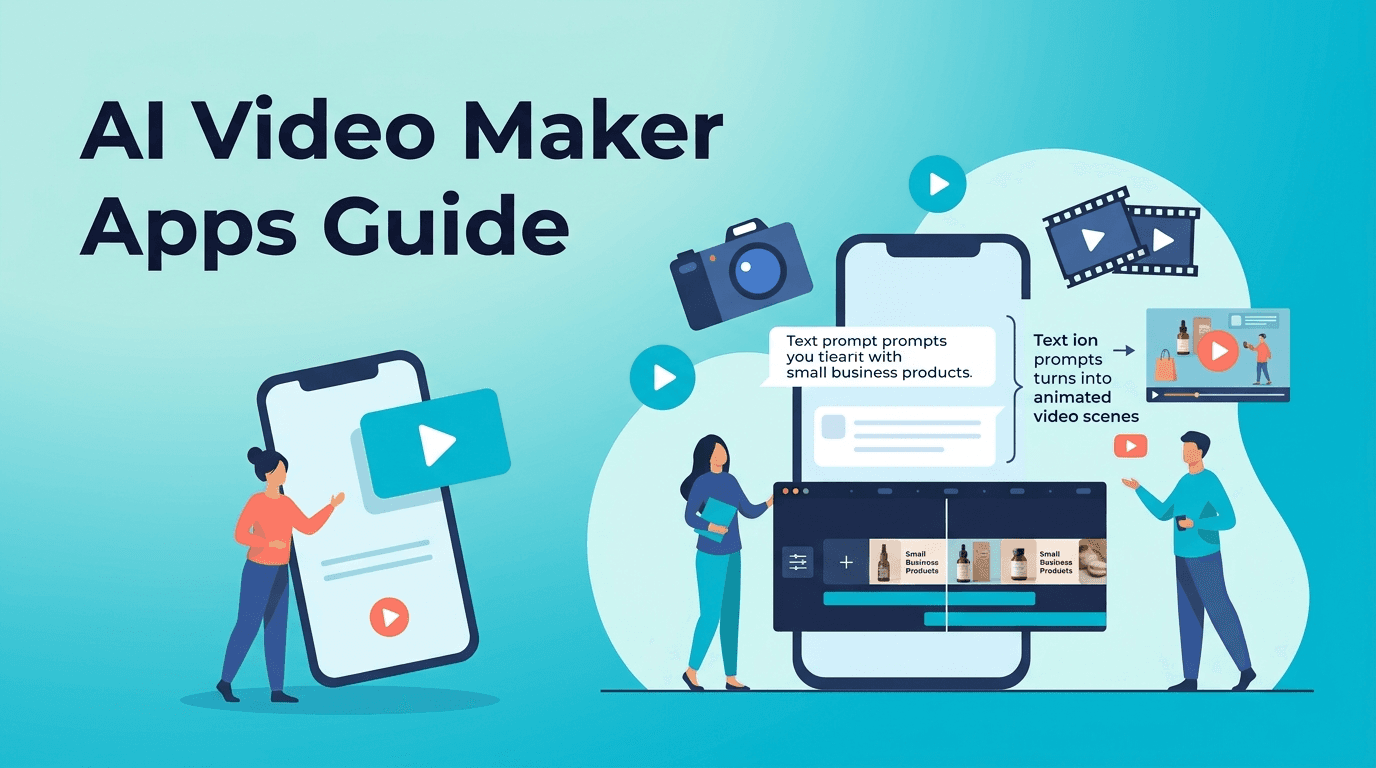
- Small businesses can create product demos, menu spotlights, local promos, and testimonial visuals.
- Educators and coaches can turn scripts or lesson summaries into visual explainers.
The strongest use cases are repeatable content needs where speed matters. An AI video creator is especially useful when you need more output with less production overhead.
7. A simple workflow you can use today
- Pick one goal, such as a 15-second product promo.
- Write a prompt that includes subject, action, setting, and tone.
- Generate 2-3 versions instead of relying on one result.
- Choose the best clip and add captions plus a branded ending.
- Publish, measure performance, and reuse the winning format.
This approach helps you learn faster and produce more content without getting stuck chasing a perfect first draft. That is where AI tools create the most value.
Frequently Asked Questions
What is an AI video creator?+
An AI video creator is a tool that generates or transforms video using text prompts, images, audio, or existing footage. It helps users create videos faster with less manual editing.
How do I make AI videos that look professional?+
Use clear prompts, start with strong source assets, keep clips short, and add final polish like captions, branding, and music. Reviewing and refining multiple versions also improves quality.
Is AI video better than traditional video editing?+
AI video is faster for ideation and short-form production, while traditional editing offers more precise control. Many creators get the best results by combining both.
What is the best AI video creator app for beginners?+
Beginners should look for an app with simple prompt-based generation, multiple input modes, and fast export options. *Movi AI* is a strong choice for creating videos from text, images, speech, or clips.
Create stunning AI videos in seconds!
Turn your ideas into professional videos with the #1 AI video maker.
Download Movi AI