Text to Video for Beginners: How AI Turns Prompts Into Short Videos
Curious about text to video? Learn how prompts become clips, how models work, and how to get better results with practical tips, examples, and beginner-friendly steps.
By Movi AI Team
Movi AI Editorial Team
Text to video is changing how beginners and creators make content. Instead of filming everything by hand, you can describe a scene in words and let AI generate motion, style, and atmosphere from your prompt. In this guide, you will learn how text to video works, how to improve results with smarter prompts, and how to use *Movi AI* to create videos faster.
What text to video actually means
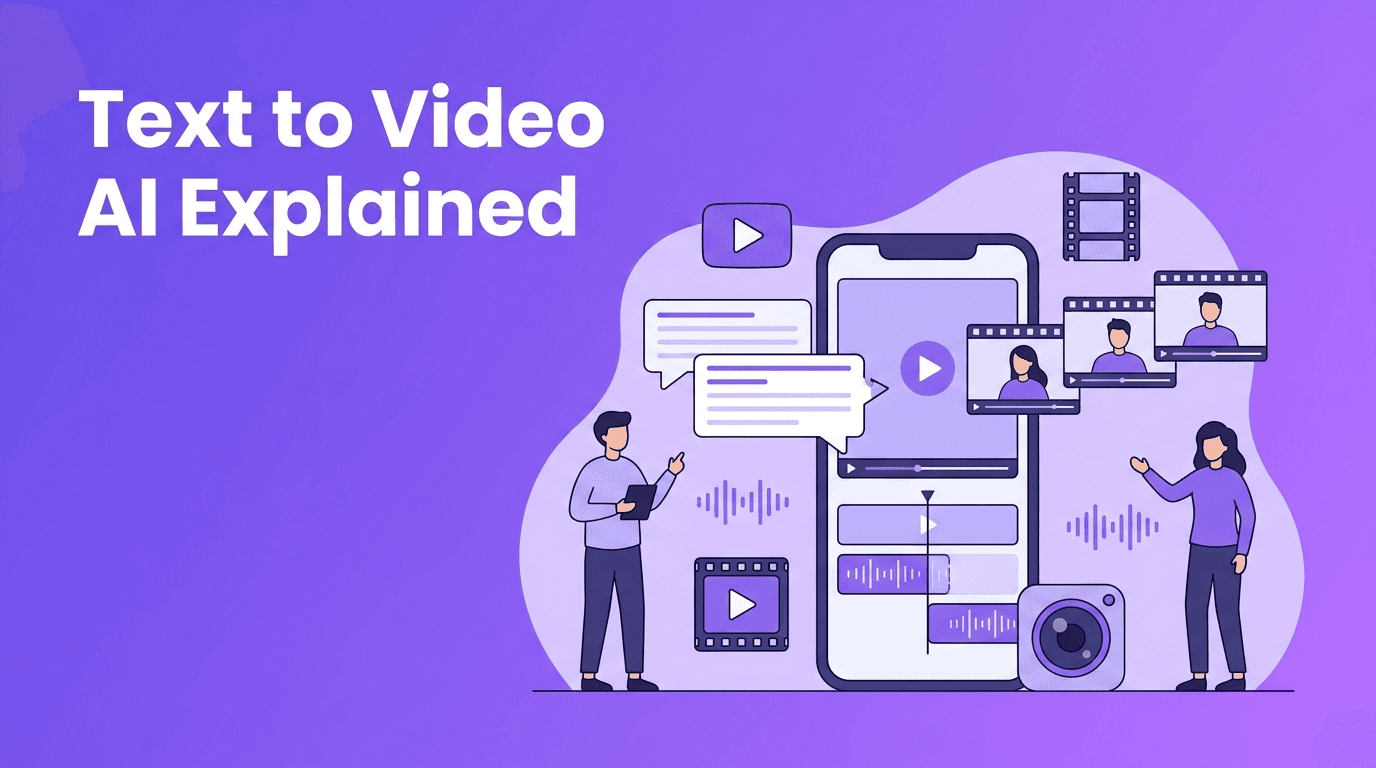
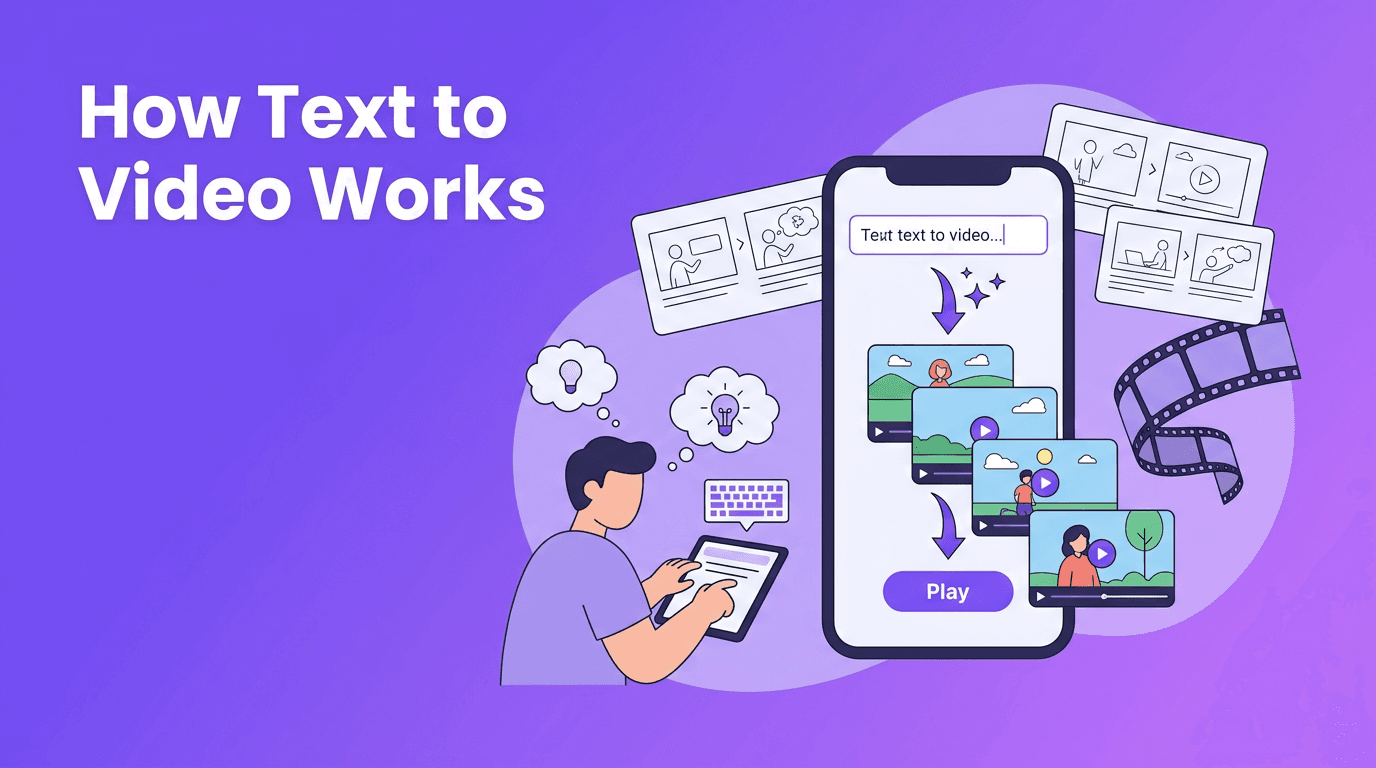
At its core, text to video is the process of turning written instructions into moving visual scenes. A user types a prompt such as "a golden retriever running across a beach at sunrise, cinematic camera move," and the model predicts what those frames should look like over time. A modern ai text to video generator does not simply stitch stock footage together. It generates new visuals based on patterns learned from massive datasets of images, video, and language.
- Input: a text prompt describing subject, action, setting, style, and camera motion
- Processing: the AI interprets the prompt, maps concepts to visuals, and generates a sequence of frames
- Output: a short video clip that can be refined with new prompts, settings, or edits
How AI models convert text into video
To convert text to video, models first transform your words into numerical representations called embeddings. These embeddings capture meaning, relationships, and context. The video model then uses those embeddings to guide the generation of frames that match the prompt. Unlike static image generation, video generation must also maintain consistency from one frame to the next, which is why motion, timing, and object permanence are so challenging.
Why video is harder than images
- Temporal consistency: characters, objects, and backgrounds need to remain stable across frames
- Motion realism: walking, turning, flowing water, and camera movement must feel believable
- Prompt alignment: the generated clip should reflect the actual wording of the prompt
- Length constraints: longer clips are harder to keep coherent and visually consistent
"A great AI video starts with clear thinking before it starts with a clear prompt."
Diffusion models vs transformer-based video models
Not every text to video ai system works the same way. Two major approaches dominate the conversation today: diffusion models and transformer-based models. Understanding the difference helps you write better prompts and choose the right tool.
Diffusion models
Diffusion models usually begin with noise and gradually refine it into meaningful frames. They are known for strong visual quality and impressive style control. In many systems, diffusion is applied across both image appearance and motion, helping the model generate detailed scenes from an ai video from text prompt.
- Strengths: strong image quality, rich textures, cinematic style potential
- Weaknesses: can be slower, may struggle with long coherent sequences, motion can become unstable
- Best for: short clips, visual concepts, mood shots, stylized content
Transformer-based models
Transformer-based systems process sequences efficiently and are excellent at modeling relationships over time. This makes them especially interesting for video, where order and continuity matter. Some newer systems combine transformers with diffusion components to improve both coherence and quality.
- Strengths: better sequence understanding, improved long-range consistency, strong text alignment
- Weaknesses: quality depends heavily on training and architecture choices
- Best for: scenes with multiple actions, narrative structure, and more controlled motion planning
In practice, many users do not need to know every technical detail, but it helps to remember this: different models interpret prompts differently. One model may prioritize style words like cinematic or anime, while another may respond more strongly to action phrases or camera directions. That is why the same prompt can produce very different results across tools.
Prompt engineering tips for better video results
If you want to know how to create video from text, prompt structure matters more than most beginners expect. Strong prompts reduce ambiguity and give the model a clear visual target.
A simple prompt formula
- Subject: who or what is in the scene
- Action: what is happening
- Setting: where it happens
- Camera: close-up, wide shot, tracking shot, aerial view
- Style: realistic, cinematic, clay animation, watercolor, 3D
- Lighting and mood: soft morning light, dramatic shadows, cozy indoor glow
- Length and format: vertical short clip, landscape ad, looping background
Bad prompt vs good prompt
- Bad: "dog in park"
- Better: "a happy golden retriever chasing a red ball through a sunny city park, low-angle tracking shot, shallow depth of field, realistic motion, 5-second clip"
- Bad: "make a cool sci-fi video"
- Better: "a futuristic city street at night with neon signs and light rain, a woman in a reflective jacket walking toward the camera, cinematic slow push-in, detailed reflections, 16:9"
When you convert text to video, try changing only one variable at a time. For example, keep the subject and action constant, but test different style keywords or camera movements. This makes it much easier to learn what the model is responding to.
Prompt tips that improve results
- Use specific nouns instead of vague words like "thing" or "nice scene"
- Add clear actions such as walking, spinning, opening, flying, pouring, or smiling
- Mention camera language like pan, dolly, close-up, overhead, or tracking shot
- Include aspect ratio goals, such as 9:16 for Reels and TikTok or 16:9 for YouTube
- Choose a video length that fits the idea, since shorter clips are often more stable
- Use style keywords carefully, because too many can confuse the model
- Test quality settings when available, especially if you need better detail or smoother motion
How settings affect your text to video output
A good text to video app gives you more than a prompt box. Settings often shape the final result just as much as your words do.
- Aspect ratio: vertical for social stories, square for feeds, landscape for presentations and YouTube
- Duration: 3-8 seconds is often ideal for first generations, then expand from there
- Motion strength: higher motion can feel dynamic, but too much may reduce consistency
- Quality mode: higher quality may take longer, but can improve detail and stability
- Seed or variation controls: useful when you want to reproduce or refine a result
If you are searching for text to video free options, remember that free generations may come with shorter lengths, watermarks, or limited quality. That can still be enough for testing prompts before moving to a more polished workflow.
Practical ways creators use text to video
The most exciting part of text to video ai is not just the technology. It is what people can actually make with it.
- Social content: create attention-grabbing intros, loops, and concept visuals for TikTok, Instagram, and Shorts
- Marketing: draft product teasers, mood videos, and ad concepts before full production
- Education: visualize historical scenes, scientific ideas, or abstract concepts from simple prompts
- Storyboarding: turn scripts into rough video sequences for pitching and planning
- Small business content: make promo clips without a camera crew or studio
Try a beginner-friendly text to video app
Want a simple way to test prompts, styles, and formats? *Movi AI* helps you create videos from text, images, and more, without a complicated workflow.
Download Movi AIUsing Movi AI to create video from text
*Movi AI* is a user-friendly text to video app designed for creators who want fast results without a steep learning curve. You can generate videos from text prompts, images, existing videos, or speech, which makes it flexible for beginners and busy content teams alike.
- Start with a simple prompt and one clear subject
- Pick the right format for your platform, such as 9:16 for mobile content
- Choose a style that matches your goal, like realistic, animated, or cinematic
- Generate a first version, review motion and composition, then refine your prompt
- Reuse strong prompt structures to build a faster creative workflow
Final thoughts on text to video
Learning text to video is part creativity and part experimentation. The science behind the models matters, but your results often improve fastest when you write clearer prompts, choose smarter settings, and iterate with purpose. Whether you are exploring an ai text to video generator for fun, content creation, or business use, the key is to start small, test often, and learn how each model responds to language.
Frequently Asked Questions
What is text to video?+
Text to video is AI technology that turns written prompts into short video clips by generating scenes, motion, and style from your description.
How do I create video from text prompts?+
Start with a clear prompt that includes subject, action, setting, camera angle, and style. Then generate a short clip, review it, and refine one element at a time.
What is the best prompt for an AI video from text prompt?+
The best prompts are specific and visual. Include who or what appears, what happens, where it happens, the camera movement, the style, and the desired aspect ratio.
Is there a text to video free option?+
Yes, some tools offer free trials or limited free generations. These plans may limit clip length, quality, or exports, but they are useful for testing ideas.
Which is better for text to video, diffusion or transformer models?+
It depends on the use case. Diffusion models often shine in visual detail and style, while transformer-based approaches can be stronger at sequence understanding and consistency.
Create stunning AI videos in seconds!
Turn your ideas into professional videos with the #1 AI video maker.
Download Movi AI