AI Video Generator App Guide: 7 Practical Ways to Create Better Videos Faster
An AI video generator app can turn prompts, images, and ideas into polished content fast. Learn how AI video generation works, what to compare, and how to make better videos with Movi AI.

By Movi AI Team
Movi AI Editorial Team
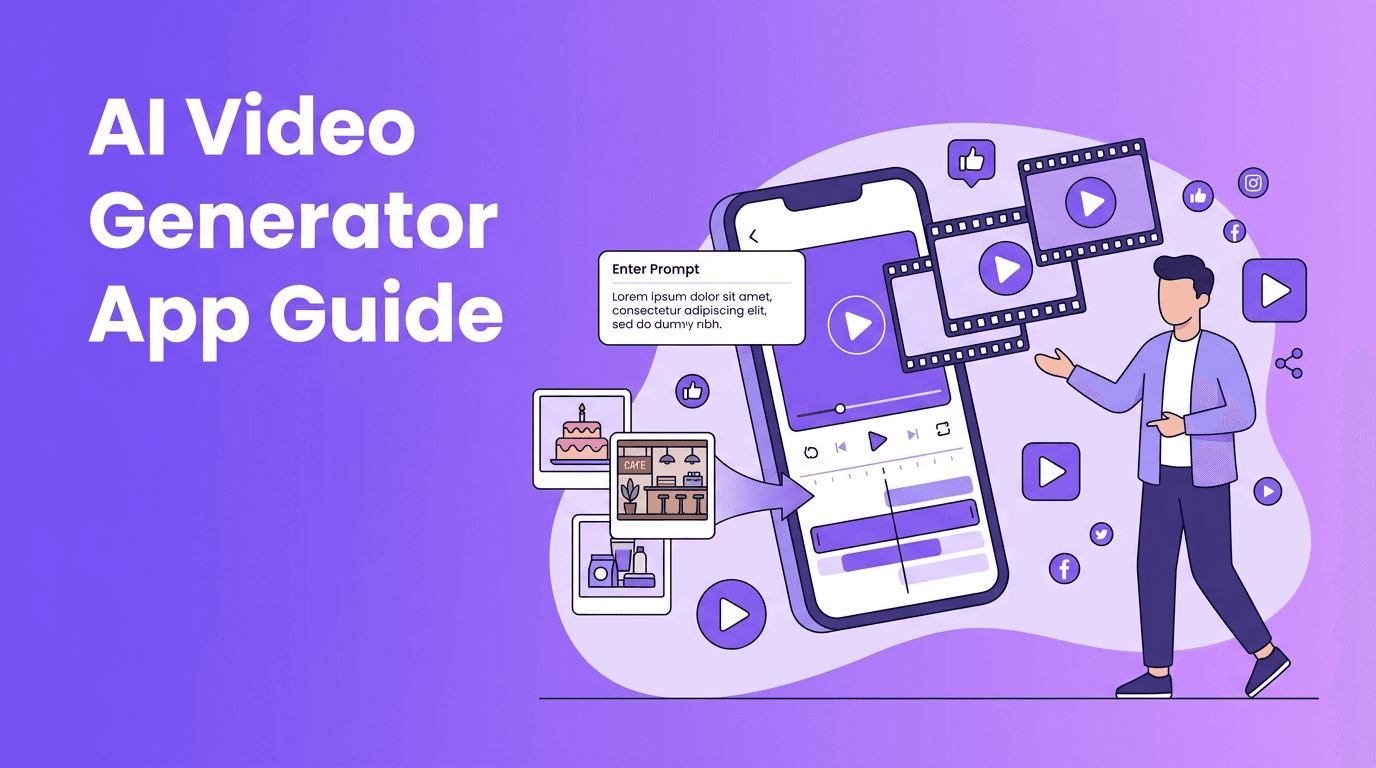
An AI video generator app helps you create videos from text prompts, images, voice, or existing clips with far less manual editing than traditional workflows. For creators, marketers, and small businesses, that means faster production, easier testing, and more content without needing advanced editing skills.
Why an AI video generator app matters now
Video demand keeps rising across TikTok, Instagram Reels, YouTube Shorts, product pages, and ads. A strong AI video maker can shorten the path from idea to publishable video, especially when you need multiple versions for different platforms. Instead of building every scene by hand, you can use AI to generate motion, style, pacing, and visual concepts in minutes.
- Content creators can turn scripts and concepts into quick social videos
- Marketers can produce ad variations faster for testing
- Small businesses can create promos without a full production team
- Social media managers can repurpose one idea into multiple formats
How AI video generation works in 4 simple steps
1. Input: text, image, video, or voice
Most platforms begin with an input source. This might be a prompt for text to video AI, a product photo for image-to-video, a recorded clip for style transformation, or spoken audio for speech-driven video. The better your input, the better your result.
2. Generation: models predict motion and scenes
The system analyzes your prompt or media, then predicts frames, motion paths, transitions, and visual consistency. This is the core difference between a classic editor and an AI video creator. Traditional tools wait for you to make every decision, while AI generates a first version for you.
3. Refinement: edit the output
Once the draft is generated, you refine it by adjusting prompt details, scene order, duration, aspect ratio, style, or motion intensity. This is where experienced users get better results. They treat AI as a fast first draft, not the final step.
4. Export: render for your platform
After revisions, export in the right format for your channel. Vertical video works best for short-form social. Horizontal formats are often better for YouTube, websites, and presentations. A good AI video generator app should make this fast and flexible.
"AI does not replace creative direction. It compresses the distance between an idea and a finished video."
5 features to compare before choosing the best AI video generator
- Input options - Look for text-to-video, image-to-video, video-to-video, and speech-driven creation
- Video quality - Check motion realism, subject consistency, and how well scenes follow your prompt
- Rendering speed - Faster generation helps when testing multiple hooks or ad variants
- Editing control - You still need tools to trim, revise, and improve the draft
- Mobile usability - An AI video generator app should work well on the go, not just on desktop
If you are comparing the best AI video generator options, avoid choosing based on hype alone. Test the same prompt across several tools and compare realism, prompt accuracy, speed, and ease of revision. For many users, the right tool is the one that fits their workflow, not the one with the flashiest demo.
AI video generation vs traditional video editing
Where AI wins
- Speed - Generate concepts and draft scenes much faster
- Volume - Create more variations for A/B testing
- Accessibility - Less technical skill required to get started
- Ideation - Useful when you need fresh visual directions quickly
Where traditional editing still wins
- Precision - Frame-level control is still stronger in classic editors
- Consistency - Brand-sensitive projects may need manual polishing
- Complex storytelling - Long-form videos often benefit from human editing judgment
- Advanced finishing - Sound design, color work, and exact timing are often easier in dedicated editing software
The smartest workflow is often hybrid. Use an AI video maker to generate concepts, scenes, and fast variations, then polish the best output with traditional editing techniques when needed.
How to make AI videos that look professional
1. Write prompts like a creative brief
If you want better results, describe the subject, action, setting, camera feel, and goal. Instead of writing "make a coffee ad," try "close-up product video of iced coffee on a cafe table, slow camera movement, energetic commercial tone, vertical format for Reels." This improves how to make AI videos that feel intentional.
2. Start with short scenes
Shorter clips usually produce stronger motion and fewer visual errors. Build a final video from several concise generated scenes instead of asking for one long perfect sequence.
3. Use strong source images
For image-to-video, clear and well-composed visuals matter. Product shots, portraits, and branded graphics can become more compelling when motion is added with the right AI settings.
4. Match the format to the platform
Create vertical videos for Shorts and Reels, square videos for some social placements, and horizontal videos for YouTube or websites. Professional-looking videos usually feel native to the platform where they appear.
5. Generate multiple variations
One of the biggest advantages of a free AI video generator or premium tool is iteration speed. Test different hooks, scenes, and prompts quickly, then keep the top performer.
Want a faster way to create AI videos?
*Movi AI* helps you generate videos from text prompts, images, existing videos, and speech, all in one streamlined mobile workflow.
Download Movi AIPractical use cases for creators, marketers, and small businesses
- Social content - Turn post ideas into short videos for daily publishing
- Product marketing - Animate product photos into scroll-stopping promos
- Local businesses - Create event announcements, offers, and service explainers
- UGC-style ads - Test multiple concepts before investing in full production
- Educational content - Build visual explainers from scripts and voiceovers
This is where tools like *Movi AI* stand out. If you need an ai video generator workflow that supports text, image, video, and speech inputs, a mobile-first app can help you create and publish faster without a complicated setup.
A simple 6-step workflow with Movi AI
- Choose your input: text prompt, image, video, or speech
- Define your goal: ad, social clip, explainer, or promo
- Pick the correct aspect ratio for the platform
- Generate 2 to 4 variations instead of one
- Review motion, clarity, branding, and pacing
- Export the best version and publish or refine further
Final thoughts on choosing the right AI video tool
The right solution depends on your workflow. If you value fast ideation, multi-format creation, and mobile convenience, an AI video generator app can be a major advantage. If you need frame-perfect control for long-form productions, pair AI generation with traditional editing. For many modern teams, that combination delivers the best balance of speed and quality.
Frequently Asked Questions
What is the best AI video generator for beginners?
The best option for beginners is usually a tool with simple prompts, fast rendering, and easy editing controls. Movi AI is a strong choice if you want to create videos from text, images, speech, or existing clips on mobile.
Is there a free AI video generator I can try?
Some tools offer free trials or limited free plans. A free AI video generator can be useful for testing quality and workflow before upgrading.
How do I make AI videos look more professional?
Use detailed prompts, start with short scenes, choose the right aspect ratio, and generate multiple variations. Then refine the strongest version for your platform and audience.
Can an AI video maker replace traditional video editing?
Not completely. AI is excellent for speed, ideation, and rapid content production, while traditional editing still offers more precision and control for advanced projects.
Movi AICreate stunning AI videos in seconds!
Turn your ideas into professional videos with the #1 AI video maker.
Download Movi AI


