AI Video Generator for Beginners: How It Works and What to Use
An AI video generator helps you create videos from text, images, or clips in minutes. Learn how AI video generator tools work, which features matter, and how to make better videos faster.

By Movi AI Team
Movi AI Editorial Team
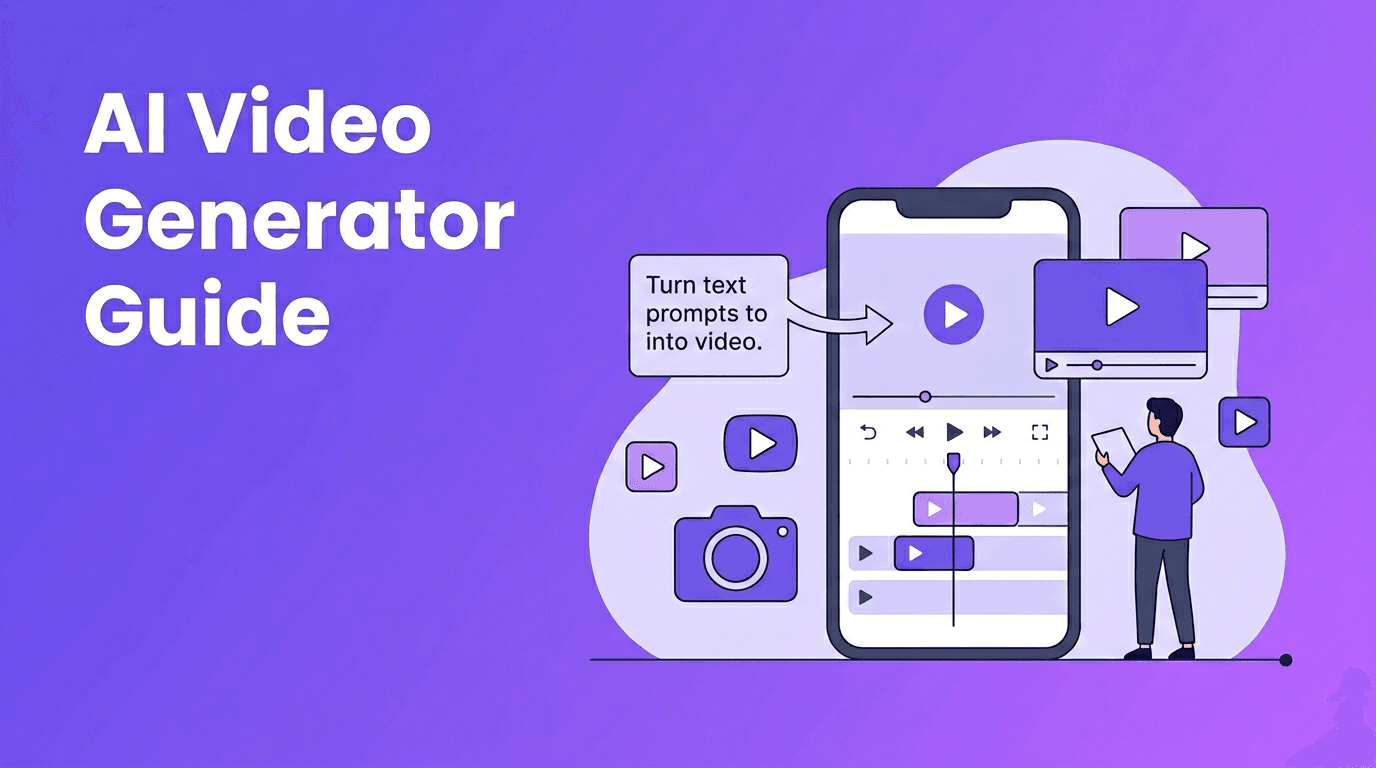
An AI video generator creates videos from text prompts, images, voice, or existing footage using machine learning models. For creators, marketers, and small businesses, an AI video generator can cut production time, simplify editing, and make professional-looking content far more accessible.
1. What an AI video generator actually does
At a basic level, AI video tools turn inputs into moving visuals. You can start with a script, a photo, a product image, a short video clip, or even spoken audio. The system then predicts motion, scenes, transitions, and visual style based on your input and the model it uses.
- Text-to-video turns written prompts into scenes, animations, or short clips.
- Image-to-video adds motion to still images, making product shots, portraits, or illustrations feel alive.
- Video-to-video transforms existing footage with a new look, style, or motion treatment.
- Speech-to-video can match visuals to narration, making explainers and social content faster to produce.
Why this matters for modern content teams
Instead of building every scene manually on a timeline, an AI video maker helps you generate drafts quickly, test multiple creative directions, and shorten revision cycles. This is especially useful when you need frequent content for TikTok, Reels, Shorts, ads, and product updates.
2. How AI video generation works step by step
Most platforms follow a similar process. First, you provide the source material. Second, the model interprets your prompt or media. Third, it generates scenes and motion. Fourth, you refine the result with edits, style adjustments, aspect ratios, captions, or music.
- Write a clear prompt with subject, action, setting, camera angle, and mood.
- Upload supporting assets like product photos, brand images, logos, or clips.
- Choose output settings such as duration, platform format, and visual style.
- Generate a first version, review weak moments, and regenerate specific parts.
- Export and polish with captions, voiceover, sound, and branding.
"The fastest way to improve AI video output is to give the model clearer creative direction."
3. Text-to-video vs image-to-video vs traditional editing
If you are comparing a best AI video generator with standard editing software, the main difference is where the work happens. Traditional tools expect you to build the video manually. AI tools generate much of the raw visual material for you.
Text-to-video AI
Text to video AI is ideal when you only have an idea or script. It is great for concept videos, ad variations, storyboards, and fast social content. The tradeoff is that results depend heavily on prompt quality and model consistency.
Image-to-video workflows
When you already have strong visuals, image-driven generation often gives you more control. Product launches, real estate promotions, fashion lookbooks, and educational explainers can all benefit from turning still images into motion-based clips.
Traditional video editing
Traditional editing is still better for frame-perfect control, detailed compositing, advanced color work, and long-form storytelling. But it is slower and usually requires more technical skill. Many creators now combine both approaches, using AI for ideation and draft generation, then refining in an editor when needed.
4. What to look for in the best AI video generator
- Output quality - Look for natural motion, consistent subjects, readable text, and clean scene transitions.
- Rendering speed - Fast generation matters when you are testing multiple versions for ads or social posts.
- Input flexibility - The most useful tools support text, images, voice, and existing videos.
- Editing controls - You want easy trimming, aspect ratio changes, captions, and regeneration options.
- Platform access - A good AI video generator app helps you create on mobile, not just desktop.
- Ease of use - A friendly workflow matters more than dozens of confusing settings for most users.
*Movi AI* stands out as a practical option because it supports multiple creation paths, including text-to-video, image-to-video, video-to-video, and speech-to-video. That makes it useful for both quick experiments and repeatable content production.
Want an easier way to make AI videos?
Try *Movi AI* to turn text prompts, photos, or existing clips into polished videos right from your phone.
Download Movi AI5. How to make AI videos that look more professional
- Start with a specific prompt. Include subject, movement, setting, shot type, and tone.
- Use short scenes. Several strong 3 to 5 second clips often look better than one long generation.
- Match the format to the platform. Vertical for Reels and TikTok, square for some ads, landscape for YouTube.
- Add brand consistency with logos, fonts, repeated colors, and a clear call to action.
- Layer in captions and voiceover to improve retention and accessibility.
- Generate multiple versions and compare hooks, pacing, and visuals before publishing.
A simple prompt formula
Try this structure: subject + action + setting + camera angle + style + duration. Example: "A coffee shop owner arranging pastries in a bright bakery, slow camera push-in, realistic commercial style, 5 seconds." This gives your AI video creator much better direction than a vague one-line idea.
6. Practical use cases for creators, marketers, and small businesses
- Content creators can make intros, visual stories, faceless clips, and experimental concept videos faster.
- Marketers can test multiple ad concepts, landing page videos, and product teasers without full shoots.
- Small businesses can create promotions, menu highlights, service explainers, and local awareness campaigns on a budget.
- Agencies and freelancers can build quick mockups for clients before investing in more expensive production.
This is where a free AI video generator can be useful for testing ideas, but paid tools often provide better output quality, faster rendering, and more reliable controls. If video quality affects your brand perception, choosing a more capable platform is usually worth it.
7. Common limitations to keep in mind
- Motion can still look unnatural in complex scenes.
- Characters and objects may change slightly between shots.
- Generated text inside scenes may appear distorted.
- Long videos often require more manual cleanup and editing.
- Results can vary from prompt to prompt, even with similar inputs.
The best workflow is not to expect perfection in one click. Use AI to speed up ideation, draft visuals, and content variations, then refine the strongest outputs. That approach gives you the biggest time savings without sacrificing quality.
8. Final take on choosing an AI video maker
If you want to publish more video content without expanding production time, an AI video generator is one of the most practical tools you can add to your workflow. Start with clear prompts, keep scenes short, test different inputs, and use a flexible app like *Movi AI* to move from idea to finished video faster.
Frequently Asked Questions
What is the best AI video generator for beginners?
The best option for beginners is a tool with simple prompting, fast rendering, and support for text, image, and video inputs. *Movi AI* is a strong choice for easy mobile video creation.
How do I make AI videos look professional?
Use specific prompts, generate short scenes, add captions and voiceover, and keep branding consistent. Review multiple versions and refine the strongest result.
Is there a free AI video generator available?
Yes, some platforms offer free plans or trials. Free tools are useful for testing, but paid options often deliver better video quality, more features, and faster exports.
Can an AI video maker replace traditional video editing?
Not completely. AI video tools are excellent for speed and idea generation, while traditional editing still offers more precise control for advanced projects.
Movi AICreate stunning AI videos in seconds!
Turn your ideas into professional videos with the #1 AI video maker.
Download Movi AI


