AI Video Generator Guide: 7 Smart Ways to Create Better Videos Faster
An AI video generator helps creators turn ideas into videos faster with text-to-video, image-to-video, and simple editing workflows. Learn what matters most before you choose a tool.

By Movi AI Team
Movi AI Editorial Team
An AI video generator helps you turn prompts, images, or existing clips into polished videos much faster than traditional editing. If you want to understand how these tools work, which features matter most, and how to create stronger results, this guide breaks it down in a practical way for creators, marketers, and small businesses.
What an AI Video Generator Actually Does
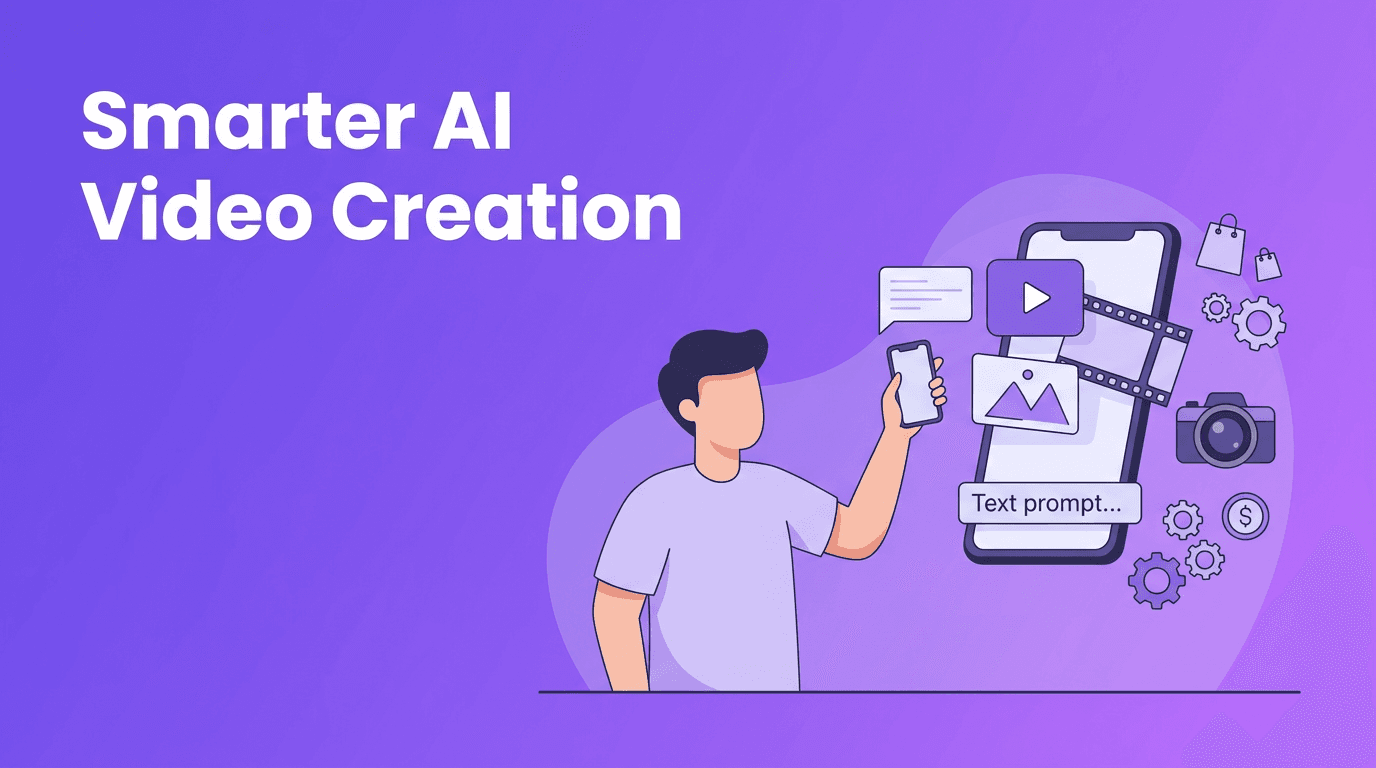
At a basic level, an AI video generator uses machine learning models to interpret your input and produce video scenes, motion, style, voice, or transitions. Depending on the platform, you can start with text-to-video, image-to-video, video-to-video, or even speech-driven workflows. Instead of building every scene manually on a timeline, you guide the system with prompts and creative choices.
- Text-to-video turns written prompts into short video scenes or animated sequences.
- Image-to-video adds motion, camera movement, or effects to still images.
- Video-to-video transforms existing footage into a new visual style or format.
- Speech-to-video can sync spoken audio with generated visuals or avatars.
7 Things to Check Before Choosing a Tool
1. Input options
The best tools support multiple starting points. If you create social content often, you may need both text-to-video AI and image-based generation. If you already have clips, video-to-video support can save even more time.
2. Output quality
Look at motion consistency, facial detail, lighting, text handling, and scene coherence. A flashy demo does not always reflect real-world performance. Test with your own prompts and brand assets.
3. Rendering speed
Fast generation matters when you need to publish quickly. For daily content teams and small businesses, speed can be just as important as visual quality.
4. Ease of use
A strong AI video maker should reduce complexity, not create more of it. Clear prompt controls, simple exports, and mobile-friendly workflows are especially helpful for busy creators.
5. Editing flexibility
You may still want to trim scenes, swap styles, regenerate a shot, or adjust pacing. The best AI video creator tools make revision easy instead of forcing you to restart from scratch.
6. Platform fit
Make sure the tool supports the formats you actually need, such as vertical videos for Reels and TikTok, square videos for ads, or landscape clips for YouTube and websites.
7. Pricing and access
Many people search for a free AI video generator, but free plans usually come with limits on quality, length, speed, or watermarking. Use free tiers for testing, then upgrade when the workflow proves useful.
How AI Video Generation Compares With Traditional Editing
Traditional video editing gives you precise control over every frame, cut, transition, and layer. That control is powerful, but it also takes time, software skill, and often a larger production budget. AI tools speed up ideation, first drafts, and repetitive content production.
- AI video generation is usually faster for concept videos, social posts, product promos, and visual experiments.
- Traditional editing is often better for high-control commercial shoots, detailed storytelling, and frame-perfect revisions.
- AI workflows help smaller teams publish more consistently without needing advanced editing expertise.
- Hybrid workflows often work best, generate the base video with AI, then refine it with manual edits if needed.
"The fastest video workflow is not always the one with the most features. It is the one that helps you go from idea to publish without losing quality."
Best Use Cases for Content Creators and Businesses
- Social media creators can turn script ideas into short-form videos quickly.
- Marketers can test multiple ad concepts without filming every version.
- Small businesses can create product explainers, promotions, and seasonal campaigns on a budget.
- Agencies can build draft concepts faster before moving into full production.
- Educators and coaches can convert lessons, tips, and voiceovers into visual content.
5 Tips to Make AI Videos Look More Professional
- Start with a specific prompt. Include subject, setting, camera angle, movement, and mood.
- Use short scenes instead of trying to generate one long, complicated sequence.
- Keep your brand elements consistent, such as tone, colors, and message structure.
- Regenerate weak shots and compare versions before exporting the final cut.
- Match the format to the platform, especially when using an AI video generator app for vertical content.
Try Movi AI for faster video creation
*Movi AI* helps you create videos from text, images, speech, or existing clips, making it a practical choice for creators and businesses that want faster production.
Download Movi AIHow to Make AI Videos in 4 Simple Steps
- Choose your input, prompt, photo, voice, or source video.
- Set the format, style, and length based on where the video will be published.
- Generate multiple versions and review quality, pacing, and clarity.
- Export the best result and make final edits for captions, branding, and calls to action.
If you are learning how to make AI videos, start with one clear goal per video. A product teaser, tutorial snippet, or testimonial-style promo is easier to generate well than a complex multi-scene brand film.
Why Movi AI Is a Strong Option
*Movi AI* is an AI video maker designed for people who want fast, practical creation on mobile. You can generate videos from text prompts, images, speech, or existing footage, which makes it useful for everything from quick social posts to marketing content. For teams that need speed and flexibility, it offers an accessible way to create more without adding a heavy editing workflow.
Frequently Asked Questions
What is the best AI video generator for beginners?
The best option for beginners is usually one with simple prompting, fast rendering, and multiple input types. Movi AI is a good choice if you want an easy mobile workflow.
Is there a free AI video generator?
Yes, some tools offer free plans or trials, but they often limit quality, exports, or video length. Free access is useful for testing before committing to a paid plan.
How does text to video AI work?
Text to video AI uses machine learning models to interpret written prompts and generate scenes, motion, and visual style based on your instructions.
Can an AI video maker replace traditional editing?
Not completely. AI video tools are excellent for speed and ideation, while traditional editing is still better for precise control and complex post-production.
Movi AICreate stunning AI videos in seconds!
Turn your ideas into professional videos with the #1 AI video maker.
Download Movi AI


