AI Video Generator Workflow: 6 Smart Ways to Create Better Videos Faster
An AI video generator can turn prompts, images, and ideas into polished content fast. Learn how AI video generation works, which tools matter, and how to create better videos with practical tips.

By Movi AI Team
Movi AI Editorial Team
An AI video generator uses machine learning to turn text prompts, images, audio, or existing clips into new video content. For creators, marketers, and small businesses, it offers a faster way to make social videos, ads, explainers, and product content without a traditional production setup.
1. How an AI video generator actually works
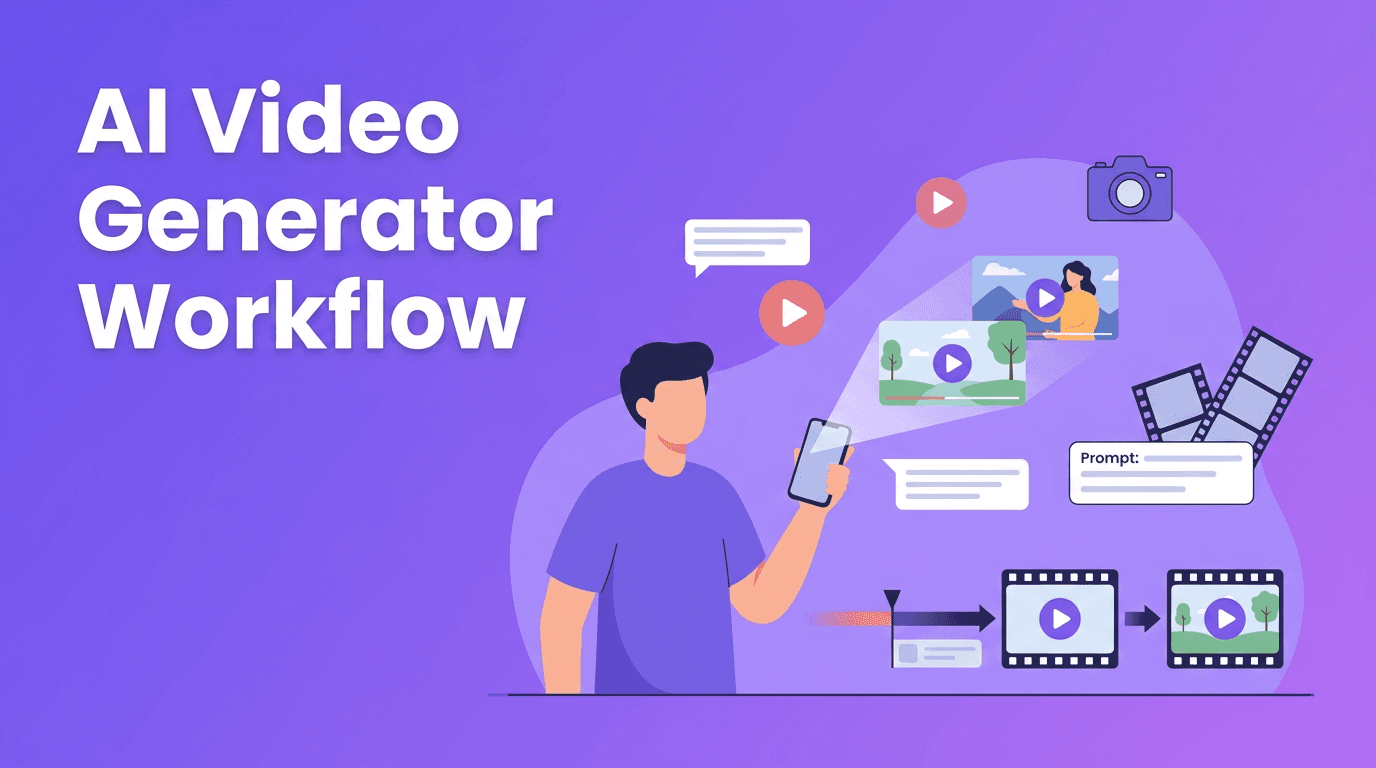
Most AI video tools follow a simple pipeline. You give the system an input, such as a script, prompt, image, voiceover, or reference video. The model interprets that input, predicts motion and scene details, and renders frames into a finished clip. Modern platforms can support text-to-video, image-to-video, video-to-video, and even speech-to-video workflows.
- Text-to-video turns written prompts into animated scenes or cinematic sequences.
- Image-to-video adds motion, camera movement, or environmental effects to a still image.
- Video-to-video transforms an existing clip into a different visual style or concept.
- Speech-to-video uses spoken audio or narration to guide scenes, timing, and pacing.
What affects output quality
Video quality depends on the model, prompt clarity, source assets, aspect ratio, and render settings. A strong AI video generator can produce impressive results quickly, but the best outputs usually come from detailed prompts, clean visuals, and clear creative direction.
2. Best tools to consider for different AI video needs
The best AI video generator for one person may not be the best for another. Some tools are stronger for cinematic clips, while others focus on speed, mobile creation, or social media workflows. If you want an all-in-one mobile-first option, *Movi AI* is a practical choice for creating videos from prompts, images, or existing footage on iOS and Android.
- Choose a tool with text-to-video if you start from ideas or scripts.
- Pick image-to-video if you want to animate product photos, portraits, or brand visuals.
- Look for fast rendering speed if you publish often on TikTok, Reels, or Shorts.
- Prioritize editing controls if you need to refine scenes after generation.
- Use an AI video generator app if you want to create content on the go.
"The best creative workflow is not the one with the most features, it is the one that helps you publish great work consistently."
Want a faster way to create AI videos?
Try *Movi AI* to generate videos from text, images, speech, or existing footage, all from your phone.
Download Movi AI3. AI video generator vs traditional video editing
Traditional editing gives you precise control over every cut, transition, and layer. AI video generation gives you speed, automation, and a lower barrier to entry. In practice, many creators combine both. They use AI to generate scenes or draft concepts, then polish the result with light editing.
- Traditional editing is ideal for frame-level control and complex post-production.
- AI video maker tools are ideal for fast drafts, concept videos, social content, and rapid testing.
- Traditional workflows often require cameras, actors, editing software, and more time.
- AI workflows can reduce production effort for short-form marketing and content creation.
When AI is the better choice
Use AI when speed matters, when you need multiple variations, or when you lack filming resources. It is especially useful for product promos, ad testing, educational clips, explainer videos, and repurposed social content.
4. 5 tips to create more professional AI videos
- Start with a specific prompt. Include subject, setting, camera angle, motion, lighting, and mood.
- Use strong source assets. Clear images and well-shot reference clips lead to better outputs.
- Keep clips short and focused. Short generations are often more stable and easier to edit.
- Generate multiple versions, then compare. Iteration is one of the biggest advantages of an AI video generator.
- Add a final polish step. Even a great AI draft improves with captions, brand text, music, and trimming.
A simple workflow for beginners
If you are learning how to make AI videos, start with one clear goal. Write a short prompt, choose the right format, generate a few options, and refine the best result. In *Movi AI*, you can move from idea to output quickly by testing text-to-video, image-to-video, or video-to-video inside one app.
5. Practical use cases for creators, marketers, and small businesses
- Content creators can turn ideas into short visual stories for TikTok, Reels, and YouTube Shorts.
- Marketers can test multiple ad concepts without filming every version from scratch.
- Small businesses can create product demos, promotions, seasonal offers, and social posts faster.
- Agencies and freelancers can prototype concepts before investing in full production.
- Educators and coaches can transform scripts or slides into engaging visual explainers.
For teams with limited time, an AI video creator can speed up production while expanding the number of concepts you can test each week. That makes AI especially useful for campaign iteration and always-on content.
6. What to look for in a free AI video generator
A free AI video generator can be a good starting point, but free plans often limit video length, export quality, speed, or access to premium models. Test usability first, then upgrade only if the workflow saves you real time.
- Check export quality and watermark rules.
- Measure rendering speed during busy times.
- See whether the app supports mobile creation.
- Test prompt control and scene consistency.
- Compare how easily you can turn drafts into publish-ready videos.
Frequently Asked Questions
What is the best AI video generator for beginners?
The best option for beginners is usually the one with a simple workflow, fast rendering, and support for text-to-video and image-to-video. Movi AI is a strong choice for mobile-first creators who want an easy start.
How do I make AI videos look professional?
Use detailed prompts, high-quality source images, short scene lengths, and a final polish step with captions, music, and trimming. Generating several versions and choosing the best one also improves quality.
Is an AI video generator better than traditional video editing?
It depends on the goal. AI is better for speed and rapid content creation, while traditional editing is better for precise control and complex post-production.
Can I use a free AI video generator for business content?
Yes, but check usage rights, export quality, and watermarks first. Many free plans are fine for testing, but paid plans are often better for client or brand content.
What can an AI video generator app create?
An AI video generator app can create social videos, product promos, ad concepts, explainers, animated visuals, and short marketing clips from text, images, audio, or existing footage.
Movi AICreate stunning AI videos in seconds!
Turn your ideas into professional videos with the #1 AI video maker.
Download Movi AI


