AI Video Maker for Small Business: 7 Practical Ways to Create Faster Marketing Videos
An AI video maker helps small businesses turn ideas, images, and scripts into polished marketing content faster. Learn how it works, compare it with traditional editing, and discover practical tips for better results.

By Movi AI Team
Movi AI Editorial Team
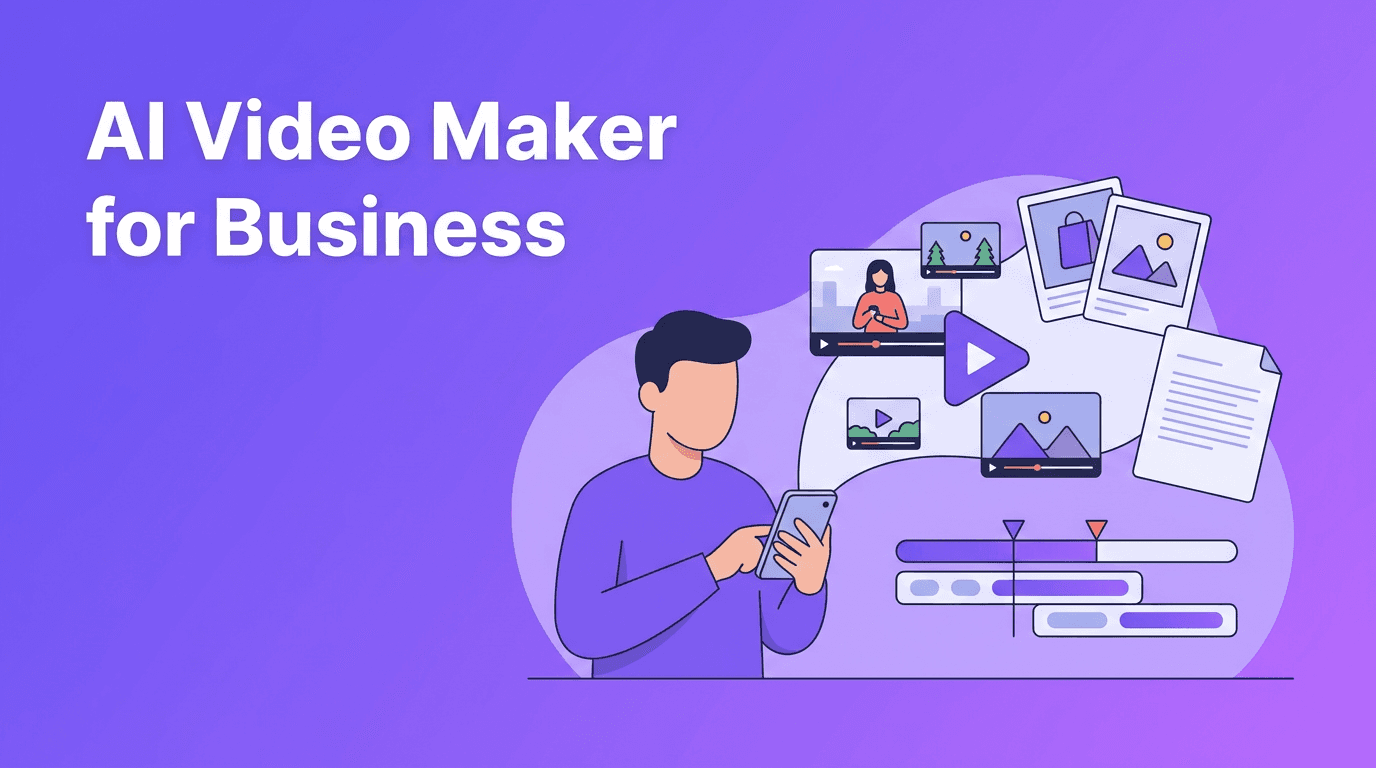
An AI video maker uses machine learning models to turn prompts, images, voice, or existing footage into new video clips. For small businesses, this means faster production, lower editing effort, and more ways to create product demos, social ads, explainers, and short-form content without a full studio setup.
Why an AI video maker matters for small businesses
Traditional video production often requires planning, filming, editing, motion graphics, and multiple rounds of revisions. An AI video maker shortens that process by generating visuals from text, animating still images, restyling footage, and matching scenes to voiceovers. This makes video creation more accessible for founders, marketers, and busy teams with limited time.
- Launch campaigns faster with shorter production cycles
- Repurpose existing assets like product photos, blog posts, and testimonials
- Create more variations for ads, reels, stories, and landing pages
- Reduce editing bottlenecks when you need quick content updates
- Test ideas cheaply before investing in full traditional production
How AI video generation works in simple terms
Most AI video workflows start with an input and a goal. The input can be a prompt, photo set, voice recording, or source video. The goal might be a product teaser, social clip, tutorial, or branded ad. The system then uses trained models to generate scenes, motion, transitions, and timing based on your instructions.
1. Text-to-video from prompts
With text to video AI, you describe the scene, tone, subject, camera feel, and output format. The model converts that prompt into moving visuals. This is useful for concept videos, storytelling, ad mockups, and quick social media drafts.
2. Image-to-video from still assets
Image-to-video tools animate product photos, portraits, illustrations, or brand graphics. Small businesses can use this to turn catalog images into short promos, create motion from testimonials, or add movement to static posts.
3. Video-to-video for style or format changes
Video-to-video workflows use existing clips as the base and apply new styles, scene transformations, or motion changes. This helps when you already have footage but want a fresh visual direction without rebuilding the entire edit.
4. Speech-to-video for narrated content
Some tools align generated visuals with spoken audio. That is useful for explainers, product walkthroughs, and founder-led marketing videos where narration drives the structure.
"AI does not replace creative direction. It gives creators a faster way to test, refine, and publish strong video ideas."
AI video maker vs traditional video editing
The biggest difference is speed and starting point. Traditional editing begins with filmed footage and manual timeline work. AI generation starts with ideas and assets, then creates draft visuals automatically. Each approach has strengths.
- AI video maker: best for speed, experimentation, content volume, and quick iteration
- Traditional editing: best for precise control, advanced storytelling, and footage-heavy brand films
- AI workflows: strong for social content, promos, explainers, and concept testing
- Manual editing: strong when you need frame-level polish, custom motion design, or complex audio finishing
In practice, many teams combine both. They use AI to generate scenes, hooks, and rough cuts, then polish the final version with editing tools. This hybrid workflow often delivers the best balance of speed and quality.
What to look for in the best AI video generator
If you are comparing options, focus on quality, control, and workflow fit rather than hype alone. The best ai video generator for one creator may not be the right fit for a local business or social media team.
- Output quality - Check motion consistency, facial detail, text rendering, and scene coherence
- Rendering speed - Fast generation matters when you are producing multiple versions
- Input options - Look for text, image, video, and voice support
- Editing flexibility - You should be able to refine prompts, trim outputs, and regenerate sections
- Mobile access - An ai video generator app is useful for creators who publish on the go
- Ease of use - A clean workflow matters more than a long feature list
- Commercial usability - Review terms if you plan to use videos for business marketing
7 tips to create professional AI videos
1. Start with one clear objective
Decide whether the video should sell, explain, entertain, or build awareness. A focused goal improves prompts and makes results more consistent.
2. Write prompts like a creative brief
Include the subject, setting, action, shot type, mood, and format. Instead of vague instructions, specify what should happen in the scene and who it is for. This is one of the best answers to how to make ai videos that feel intentional.
3. Use strong source images
If you are using image-to-video, start with sharp, well-lit visuals. Better inputs usually lead to better motion and cleaner results.
4. Keep clips short and purposeful
Short scenes are easier to control. Generate multiple short clips, then assemble the best ones into a final sequence.
5. Add branding in the final pass
Use logos, captions, brand colors, and calls to action after generation. This keeps the AI output flexible while ensuring the finished piece feels on-brand.
6. Test different hooks
Create multiple openings for ads or reels. AI makes it easier to produce variations, which is valuable for marketers running performance campaigns.
7. Combine AI speed with human review
Always review pacing, text accuracy, visual consistency, and brand fit before publishing. AI can move fast, but quality improves when a person makes the final call.
Want a simpler way to create videos with AI?
*Movi AI* lets you create videos from text prompts, images, voice, or existing footage, making it a practical **ai video creator** for creators, marketers, and small businesses.
Download Movi AIPractical use cases for creators, marketers, and local brands
- Content creators can turn ideas into reels, story videos, and visual experiments faster
- Marketers can produce ad variants, product teasers, and campaign explainers at scale
- Small businesses can create menu highlights, service intros, seasonal promos, and customer testimonial videos
- Agencies can build quick concepts before investing in full production
- Ecommerce brands can animate product images into short conversion-focused clips
For many users, a free ai video generator is a good starting point for testing ideas. Once you know the workflow you like, upgrading to a tool with better controls, faster rendering, and stronger output quality often saves time.
Why Movi AI is a strong mobile-first option
*Movi AI* is built for people who want to generate videos directly from a phone. You can create content from prompts, images, existing clips, or speech, which makes it useful when you need an ai video generator app that supports real-world content workflows. For creators and businesses managing social channels quickly, that convenience matters.
Frequently Asked Questions
What is an AI video maker?
An AI video maker is a tool that creates or edits videos using prompts, images, voice, or source footage. It speeds up production by automating scene generation, motion, and visual styling.
How do I make AI videos that look professional?
Start with a clear goal, use detailed prompts, choose strong source assets, keep clips short, and review the final output carefully. Adding branding and captions in the last step also helps.
What is the difference between an AI video maker and traditional video editing?
AI video tools generate visuals automatically from inputs like text or images, while traditional editing relies on manual timeline work and filmed footage. AI is faster for drafts and variations, while traditional editing offers deeper control.
Is there a free AI video generator for beginners?
Yes, some tools offer free plans or trials so beginners can test workflows before paying. Free options are useful for learning, but paid plans often provide better quality, speed, and controls.
Movi AICreate stunning AI videos in seconds!
Turn your ideas into professional videos with the #1 AI video maker.
Download Movi AI


